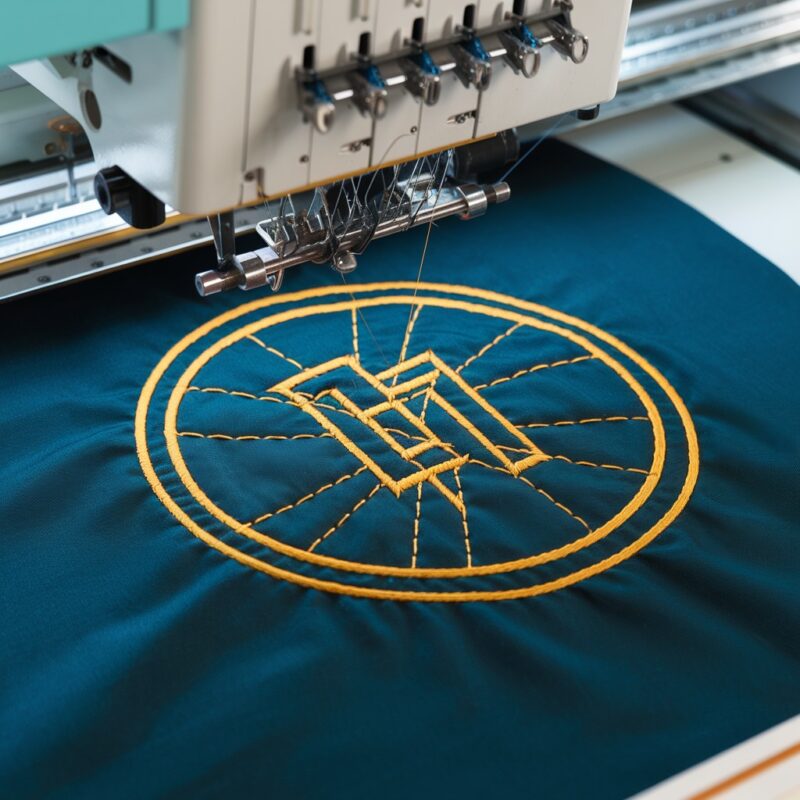
Tackling Puckering or Distorted Designs on Tajima TMAR-KC Series Embroidery Machines

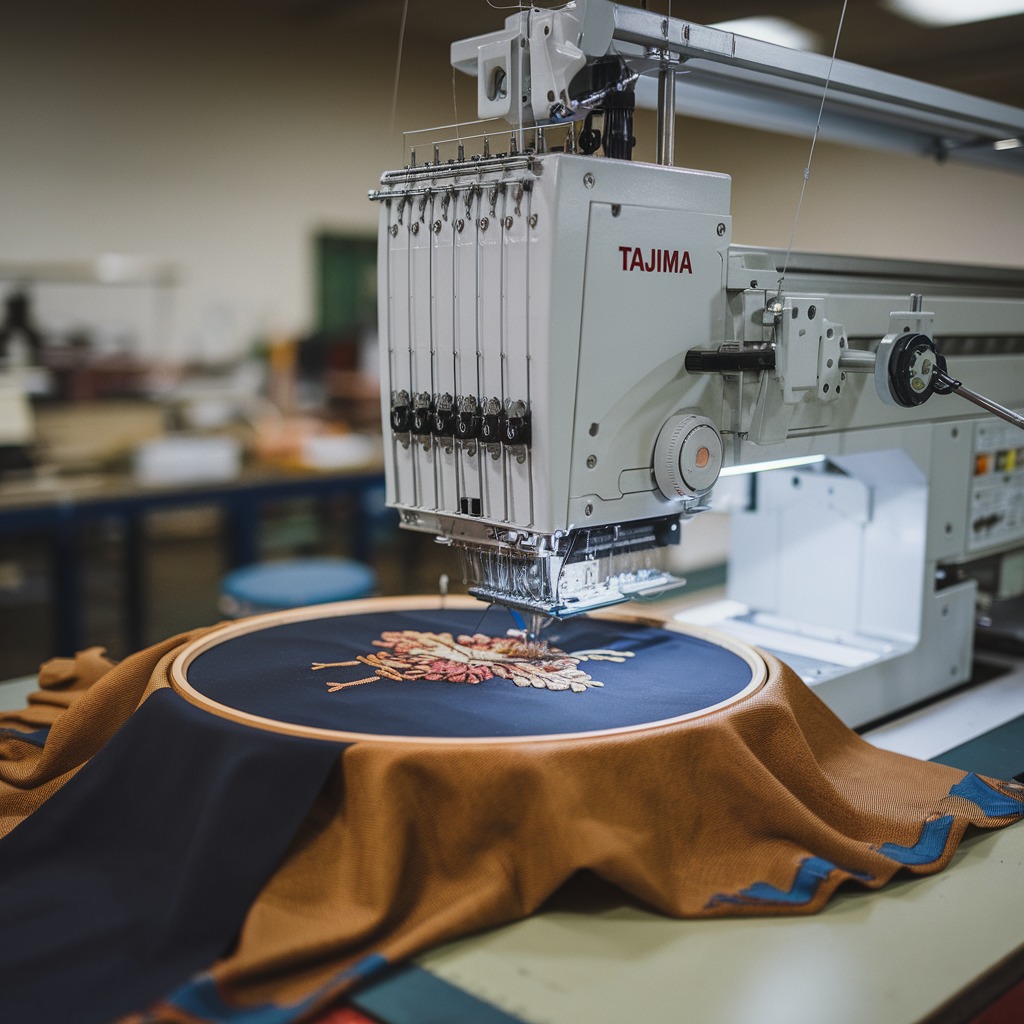
Tackling Puckering or Distorted Designs on Tajima TMAR-KC Series Embroidery Machines
Puckering or distorted designs are frustrating issues that can compromise the quality of your embroidery projects. These problems are particularly common with complex multi-embroidery designs, where fabric handling and stitch density play a critical role. In this blog, we’ll explore the common causes of puckering or design distortion on the Tajima TMAR-KC Series and provide actionable solutions.
Understanding Puckering and Distorted Designs
Puckering refers to the wrinkling or bunching of fabric around embroidery stitches. Design distortion happens when the final embroidery output doesn’t align with the original design file, appearing stretched, skewed, or uneven. These errors can result from issues related to fabric tension, hooping, or stitching parameters.
Causes and Solutions for Puckering or Distorted Designs
1. Incorrect Hooping
Improper hooping can lead to fabric movement during stitching, causing puckering or design misalignment.
Solution:
- Rehoop the Fabric: Ensure the fabric is tightly and evenly secured in the hoop without wrinkles. Use the appropriate hoop size and fabric type for your design.
- Use Hooping Aids: Silicone or rubber hoop inserts can help secure slippery fabrics and prevent movement during embroidery.
2. Fabric Instability
Delicate or stretchy fabrics are more prone to puckering, especially when stitching dense designs.
Solution:
- Apply Stabilizers: Use a high-quality stabilizer suitable for your fabric type. For lightweight or stretchy fabrics, a combination of cut-away and tear-away stabilizers can provide optimal support.
- Test Stabilizer Placement: Test the design on scrap fabric with the stabilizer to ensure adequate support and minimal puckering.
3. Excessive Stitch Density
Dense embroidery designs can cause the fabric to bunch up as the needle penetrates too frequently in a small area.
Solution:
- Adjust Stitch Density: Use embroidery software to lower the stitch density in overly populated sections of the design.
- Simplify Design: Remove unnecessary details or break the design into smaller sections to reduce stitch crowding.
PROMOTIONAL SECTION
The All-in-One Solution For All Your Embroidery Business!
Enjoy $0.90 / 1000 Stitches Logo Digitizing
Monthly Cash Back, Free Delivery on Store-wide Products, Dedicated Account Manager, Exclusive Client Dashboard Panel, Bonus Credit & much more.
SIGN UP TODAY & GET FIRST 3 ORDER ABSOLUTELY FREE

Unlock game-changing benefits: expert digitizing services, technical embroidery guidance, seamless management of your business essentials, and free delivery on storewide products—all just for signing up with us. Don’t let these exclusive perks pass you by!

No Credit Card Required
Stay secure with no need to share your credit or debit card details! Experience 100% safe payment methods, including the option to purchase credits for your future orders. Plus, enjoy free credit as a bonus with every credit purchase and more exclusive benefits.

A Game-Changing Advantage
Imagine having a dedicated account manager by your side, ready to handle all your embroidery needs with precision and care. Whether it’s managing your digitizing orders, delivering essential embroidery supplies based on your every embroidery order, or sourcing those hard-to-find spare parts like motors, circuit boards, or sensors, we’ve got you covered. This incredible service ensures your business runs seamlessly, all at no extra cost or monthly fee.
It’s not just support—it’s the ultimate embroidery partnership you didn’t know you were missing for a $0 charge!
Exclusive Client Dashboard Panel
Get Free Account Setup (T&C Applied) and enjoy exclusive benefits: unlimited free estimate requests, streamlined order management, complimentary edit requests, 24/7 access to our ticket system, fast 6-12 hour turnaround times, round-the-clock email and live chat support, and 1-year free design file backup and more.

Recurring Monthly Cashback
Experience out of the box services with Cashback on monthly basis along with discount vouchers on Shop for Registered customers up to 60% on supplies, accessories, spare parts & sensors & Circuit boards and add extra value to your embroidery business.

Free Delivery on all Shop Products
Enjoy free delivery on embroidery supplies, accessories, spare parts, sensors & circuit boards, and store-products, delivered straight to your doorstep! Unlock this exclusive benefits by registering with us for all your digitizing needs. (Embroidery Machine Not Included)
4. Uneven Fabric Tension
Imbalanced tension across the fabric can cause it to pull in different directions during stitching, leading to distortions.
Solution:
- Check Hooping Tension: Ensure the fabric is evenly stretched in the hoop. Avoid over-tightening, as it can distort the fabric.
- Use Pre-Stretched Fabric: If possible, lightly stretch the fabric before hooping to accommodate natural stretching during embroidery.
5. Inadequate Thread or Needle Choice
The wrong thread or needle type can affect stitch quality, especially on intricate designs.
Solution:
- Use Quality Thread: Choose high-quality embroidery thread that is compatible with your fabric and design type. Polyester or rayon threads work well for most embroidery projects.
- Select the Correct Needle: Match the needle size and type to your fabric. For lightweight fabrics, use smaller needles, while heavy-duty fabrics require larger needles.
6. Machine Speed Settings
Running the machine at high speeds can exacerbate puckering, particularly on lightweight or sensitive fabrics.
Solution:
- Lower the Machine Speed: Reduce the embroidery speed to allow the needle and fabric to interact more smoothly. This helps avoid unnecessary fabric movement or distortion.
- Use Automatic Speed Settings: The Tajima TMAR-KC Series features speed adjustment settings that can be optimized for different fabric types and designs.
7. Fabric Type and Thread Interaction
Some fabrics, like satin or silk, are more prone to puckering due to their slippery nature and sensitivity to thread tension.
Solution:
- Test Before Embroidering: Conduct a small test run on the fabric to observe how it interacts with the thread and adjust tension settings accordingly.
- Use Temporary Adhesives: A fabric-safe spray adhesive can help hold the stabilizer and fabric together, reducing the chance of puckering during stitching.
8. Design Not Optimized for Fabric
Embroidery designs that are too intricate or dense for the fabric type can lead to distortions.
Solution:
- Customize the Design: Use embroidery software to adapt the design for your specific fabric. Reduce complexity and ensure proper alignment.
- Consult Digitizing Experts: If you’re unsure how to adjust a design, seek professional assistance to optimize it for your chosen fabric.
9. Thread Tension Imbalances
Imbalanced thread tension can pull the fabric unevenly, leading to puckering or distorted stitches.
Solution:
- Calibrate Thread Tension: Check both upper and bobbin thread tensions regularly. Adjust the settings to achieve a balanced stitch where the threads meet at the fabric’s center.
- Use Test Runs: Run a tension test on scrap fabric before starting. The TMAR-KC Series allows for precise tension adjustments, so use this feature to your advantage.
10. Poor Quality or Inappropriate Stabilizers
Stabilizers that are too thin, inappropriate for the fabric, or of poor quality can fail to provide sufficient support.
Solution:
- Upgrade to Premium Stabilizers: Choose stabilizers from reputable brands that offer consistent thickness and quality.
- Double Stabilization: For challenging fabrics like knits or silks, consider layering two stabilizers (e.g., tear-away and cut-away) for extra support.
11. Inaccurate Fabric Preparation
Fabric that hasn’t been prepped properly can shrink or wrinkle during embroidery, causing distortion.
Solution:
- Pre-Wash Fabric: Washing and ironing the fabric before embroidery can help prevent shrinkage or unexpected movement during stitching.
- Apply Temporary Adhesives: Fabric-safe adhesive sprays or tapes can help secure the stabilizer to the fabric, preventing movement.
12. Environmental Factors
Humidity and temperature can impact fabric and thread behavior, leading to puckering.
Solution:
- Control the Environment: Keep your embroidery space at a consistent temperature and humidity level to ensure the fabric and thread perform optimally.
- Store Materials Properly: Keep threads and fabrics in airtight containers or controlled environments to prevent them from becoming overly dry or moist.
13. Uneven Hooping Surface
If the fabric is hooped on a non-level surface, it can result in inconsistent tension and distortion.
Solution:
- Hoop on Flat Surfaces: Always ensure the hooping station or surface is level and stable to prevent uneven tension during setup.
- Check Hoop Alignment: Verify that both hoop parts are aligned perfectly before securing.
14. Excessive Pull Compensation in Design
Pull compensation adjustments that are too aggressive can cause designs to stretch unnaturally, leading to puckering.
Solution:
- Moderate Pull Compensation: Use embroidery software to fine-tune pull compensation settings. Ensure they’re appropriate for the fabric type and thread being used.
- Consult Design Specifications: Check the design’s original specifications to avoid excessive adjustments.
15. Faulty Machine Components
Worn-out or misaligned components, such as the presser foot or feed dogs, can interfere with fabric movement and contribute to distortion.
Solution:
- Inspect the Machine: Regularly inspect and maintain machine parts, especially the presser foot and feed dogs, to ensure they function smoothly.
- Replace Worn Parts: Replace worn-out parts immediately to avoid long-term embroidery issues.
16. Operator Handling During Stitching
Improper handling of the fabric or hoop during stitching can lead to uneven designs.
Solution:
- Avoid Manual Pulling: Do not manually adjust or pull the fabric while the machine runs. Let the machine handle the fabric movement.
- Monitor Closely: Pay attention to the fabric and hoop position throughout the stitching process to catch and correct any movement early.
Advanced Solutions for Puckering with the Tajima TMAR-KC Series
Utilize Built-In Features
The TMAR-KC Series is equipped with advanced features, such as multi-embroidery capabilities and precise speed controls. Use these settings to tailor the embroidery process for specific designs and fabrics.
Professional Digitizing
Complex multi-embroidery designs often require professional digitizing. Collaborate with a digitizing expert to ensure the design is optimized for your specific machine and fabric type.
Preventive Maintenance for Long-Term Success
Addressing puckering and distortion issues is not just about solving them as they arise but also about implementing preventive measures to avoid them entirely. Regular maintenance, proper training, and utilizing the machine’s full range of capabilities can make a significant difference.
Pro Tips:
- Create a checklist for pre-embroidery setup, including fabric, stabilizer, and thread inspections.
- Invest in professional training for the TMAR-KC Series to ensure you’re using all its advanced features effectively.
- Document successful setups for specific fabrics and designs to replicate them efficiently.
Conclusion
By addressing the factors that contribute to puckering and distorted embroidery designs, you can elevate the quality of your embroidery projects on the Tajima TMAR-KC Series. From proper hooping techniques to leveraging advanced machine settings, these solutions will help you achieve flawless results, even with complex multi-embroidery designs.