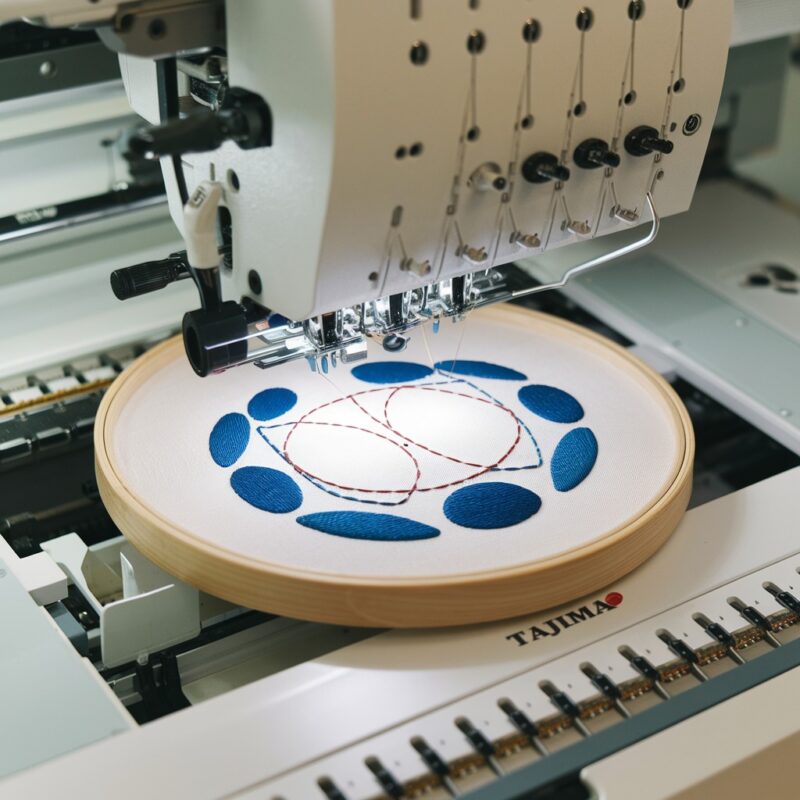
Design Misalignment or Shifting on the Singer Futura XL-550: Causes and Solutions

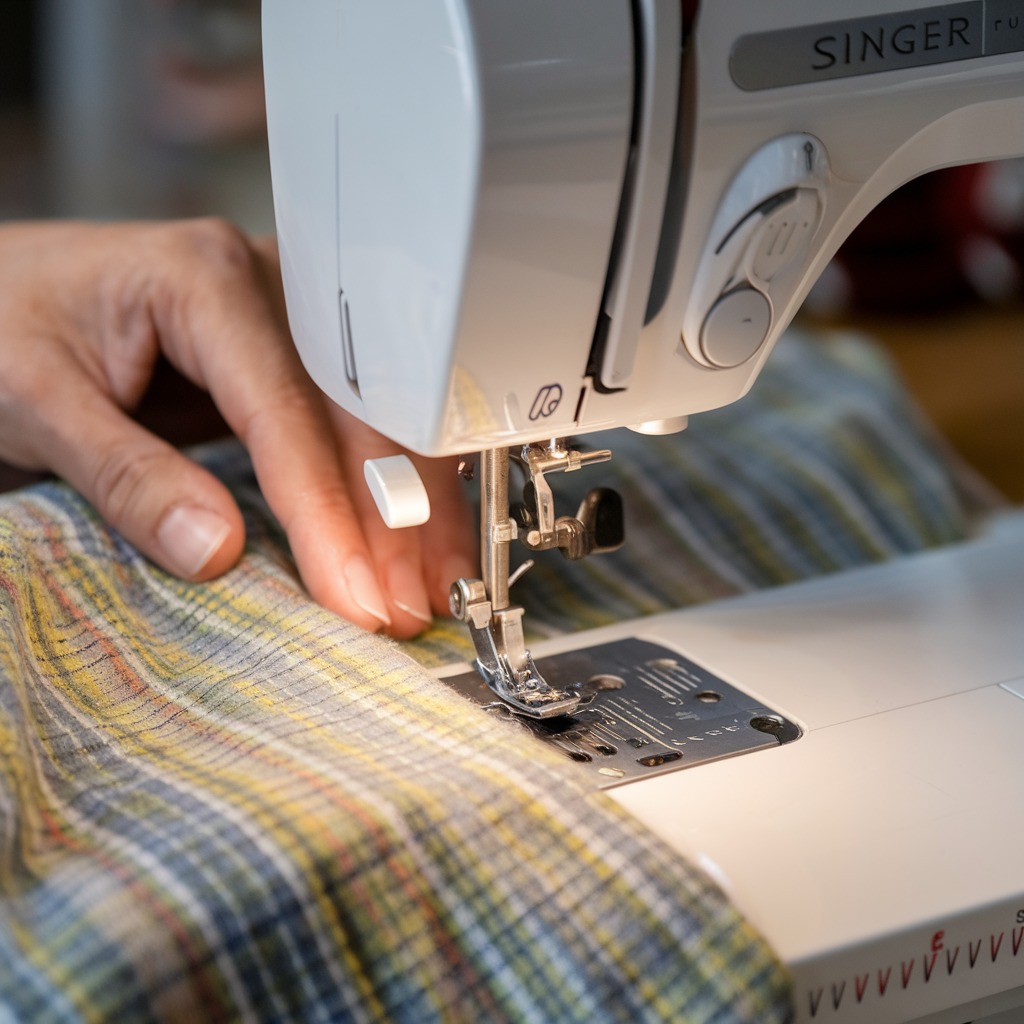
Troubleshooting Design Misalignment or Shifting on the Singer Futura XL-550: Causes and Solutions
Design misalignment or shifting is a common error that can disrupt embroidery projects on the Singer Futura XL-550. This issue usually occurs when the embroidered design shifts from its intended position on the fabric, resulting in uneven patterns or distorted designs. Identifying the causes and applying the correct solutions can help prevent this frustrating problem.
Common Causes of Design Misalignment or Shifting
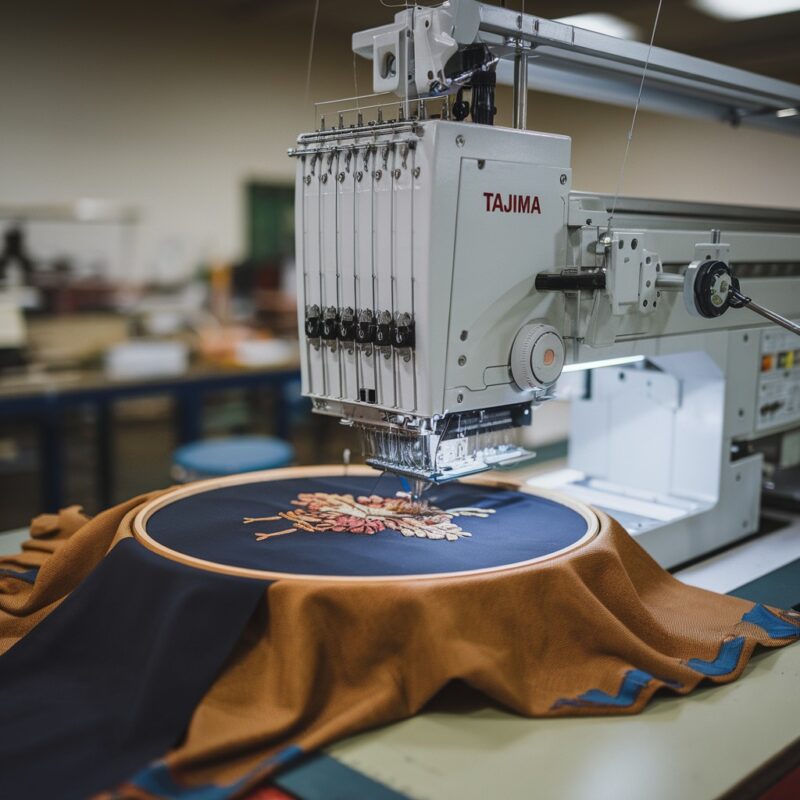
- Hoop Not Properly Secured: One of the most common causes of design misalignment is improperly secured. If the fabric isn’t tightly secured in the embroidery hoop, it can shift during the stitching process.
Solution:- Always ensure the fabric is tightly hooped, with no wrinkles or slack.
- Double-check the hoop’s tension and make sure it’s securely fastened before starting the embroidery process.
- Fabric Slippage: Certain fabrics, particularly delicate or slippery materials, can move within the hoop during embroidery, causing the design to shift or become misaligned.
Solution:- Use appropriate stabilizers for the fabric type. Stabilizers add firmness to the fabric, reducing the likelihood of slippage.
- Consider using a double-sided adhesive stabilizer to keep the fabric firmly in place throughout the stitching process.
- Incorrect Hoop Size: Using the wrong hoop size can result in fabric movement and cause design misalignment. Larger hoops may not provide the stability required for smaller designs, increasing the risk of shifting.
Solution: - Machine Calibration Issues: Sometimes, the embroidery machine’s internal calibration may be off, leading to alignment issues during the stitching process. This can happen after extended use or if the machine has been moved or transported.
Solution:- Recalibrate your machine as per the Singer Futura XL-550’s instructions. Some machines have an auto-calibration feature, while others may require manual adjustment.
- Regular maintenance and recalibration can help avoid long-term issues with design alignment.
- Fabric Stretching: Overstretching fabric in the hoop can cause it to shift during embroidery, particularly with stretchable or knit fabrics. Stretching the fabric beyond its natural state may cause the design to appear misaligned after the hoop is released.
Solution:- Avoid overstretching fabric when hooping. It should be taut but not distorted. For stretchable fabrics, use a cut-away stabilizer to prevent movement.
- Thread Tension Issues: Improper thread tension can cause the fabric to bunch up or shift slightly, resulting in misaligned designs. Uneven tension between the upper and bobbin threads can affect stitch quality and positioning.
Solution:- Check both the top thread and bobbin thread tension before starting the embroidery process.
- Make necessary adjustments to balance the tension, following the machine’s manual guidelines.
- Improper Fabric Stabilization: Insufficient or incorrect stabilizer usage can lead to fabric movement during embroidery, causing the design to shift. This issue is more common with lightweight or stretchy fabrics.
Solution:- Choose the right stabilizer based on fabric type and design density. Heavier designs may require multiple layers of stabilizer or stronger options like cut-away stabilizers.
- Secure the stabilizer firmly with adhesive spray or pins to ensure it doesn’t shift.
- Software or Design File Issues: Misaligned designs can sometimes result from corrupted or improperly formatted embroidery design files. If the file is not correctly digitized or transferred, it may not stitch out as intended.
Solution:- Always use high-quality design files and ensure they are compatible with your Singer Futura XL-550.
- If a particular file is causing misalignment, try re-digitizing it or downloading the design from a trusted source.
- Check for Hoop Slippage: Even if your fabric is hooped correctly, the embroidery hoop itself may slip during the stitching process, leading to design shifting. This is often caused by worn-out hoop clamps or improper handling of the machine while embroidering.
Solution: - Verify Machine Speed Settings: Embroidering at very high speeds can cause subtle shifts in fabric positioning, particularly with lightweight fabrics. This can lead to design misalignment, especially in more intricate patterns.
Solution:
- Reduce the machine’s embroidery speed, especially when working on delicate fabrics or highly detailed designs. Slower stitching speeds provide better control and reduce the risk of fabric movement during embroidery.
- Use the machine’s speed control settings to find an optimal balance between speed and precision.
- Perform Regular Machine Maintenance: Dust, lint buildup, or mechanical issues can cause your Singer Futura XL-550 to function improperly, leading to design misalignment or shifting. If parts of the machine aren’t moving smoothly, the fabric and design might shift during embroidery.
Solution:- Clean your machine regularly, focusing on the needle area, bobbin case, and any moving parts where lint might accumulate.
- Schedule regular maintenance checks with a professional to ensure the machine’s internal components are functioning correctly.
- Keep your machine lubricated according to the manufacturer’s instructions to avoid mechanical sluggishness that could impact design alignment.
- Stabilizer Choices for Different Fabrics: Different fabrics require different stabilizers to prevent shifting during embroidery. For example, thin fabrics may benefit from a tear-away stabilizer, while stretchy fabrics need a cut-away stabilizer to prevent movement.
Solution:- Match your stabilizer to the fabric. Lightweight fabrics may require a light tear-away stabilizer, while heavy or stretchy fabrics may need a heavier cut-away or adhesive-backed stabilizer.
- Consider using a water-soluble stabilizer on top of the fabric for materials like velvet or terry cloth, which can prevent the design from sinking into the fabric and help with alignment.
- Test Your Design Before Final Stitching: Sometimes design misalignment happens because the design is not properly digitized or isn’t a good fit for the fabric. A test stitch can help you identify potential alignment issues before they occur in your final project.
Solution:- Always do a test stitch on a similar fabric and stabilizer before embroidering on your final piece. This allows you to check the design alignment and make necessary adjustments.
- If the design shifts or misaligns during the test, review your settings, stabilizer, and fabric choice before moving forward with the final project.
- Check for Software and Firmware Updates: If your machine’s firmware or the design software is outdated, it may cause issues with stitching accuracy and design alignment. Manufacturers often release updates that fix bugs or improve performance.Solution:
- Regularly check for updates to your Singer Futura XL-550’s firmware and ensure that your embroidery software is up to date.
- Follow the manufacturer’s instructions for downloading and installing updates to maintain optimal performance and reduce the risk of misaligned designs.
- Use Multi-Hooping Techniques for Large Designs: When working with large designs that require multiple hooping, improper alignment between sections can lead to misalignment. Multi-hooping requires precise planning to ensure each section aligns correctly with the others.Solution:
- Use alignment tools provided in the embroidery software to accurately plan multi-hooping projects.
- Mark your fabric and hoop with alignment points to ensure consistency across hooping.

Conclusion
Preventing design misalignment or shifting on the Singer Futura XL-550 requires a combination of proper hooping techniques, machine maintenance, and thoughtful fabric and stabilizer choices. By implementing these advanced strategies, you can reduce the risk of misalignment and create high-quality, professional-looking embroidery projects.
Regularly maintaining your machine, using the appropriate stabilizer for each fabric, and reducing embroidery speed are some of the most effective ways to ensure your designs stay perfectly aligned throughout the stitching process.