Causes and Solutions for Machine Stops or Won’t Sew on Tajima TMAR-KC Series


Causes and Solutions for Machine Stops or Won’t Sew on Tajima TMAR-KC Series
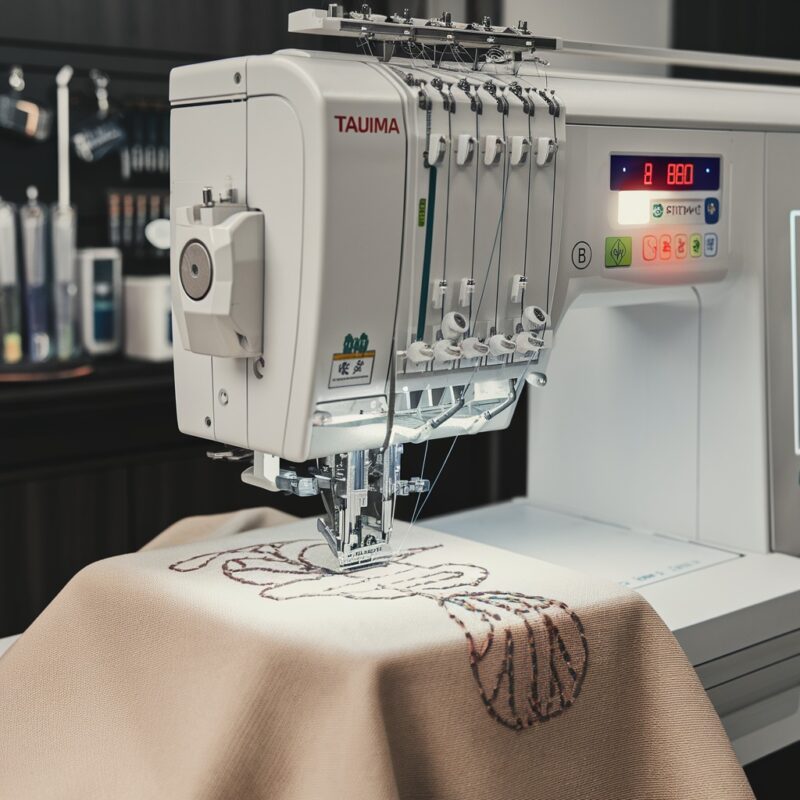
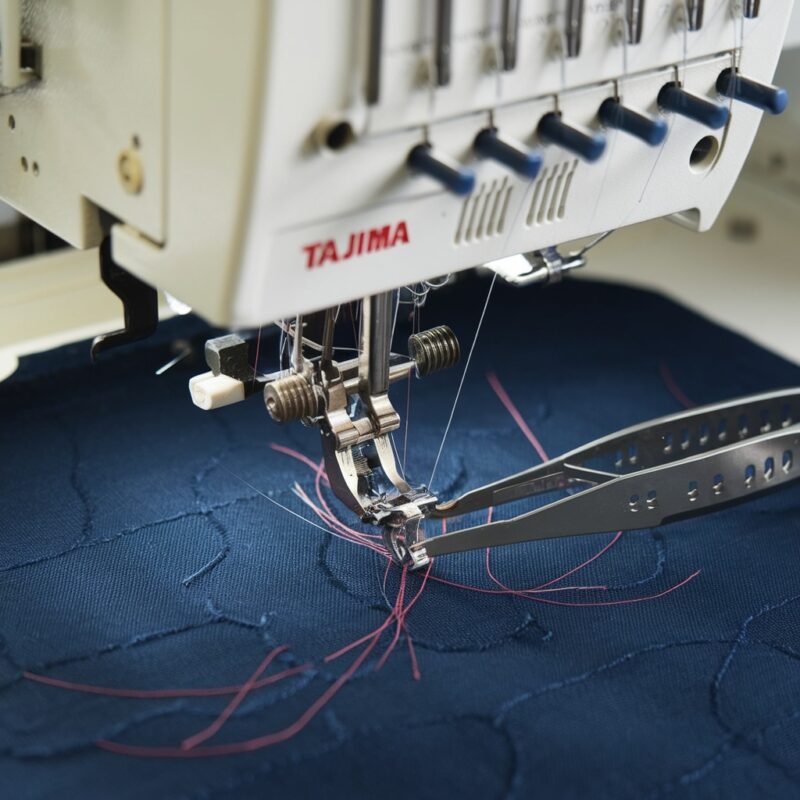
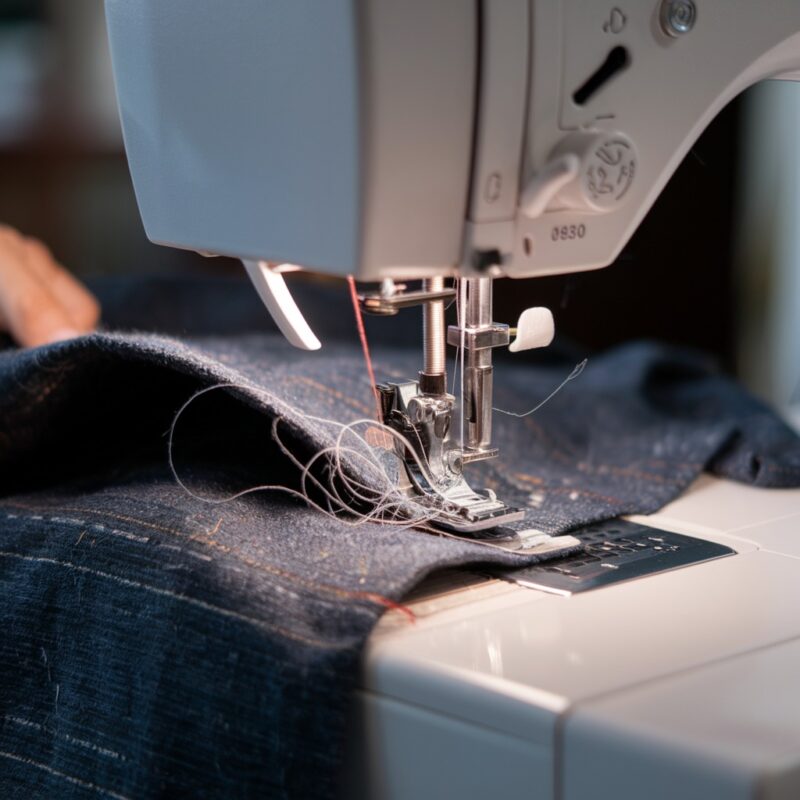
When working with the Tajima TMAR-KC Series, a top-tier single-head embroidery machine designed for multi-embroidery projects, encountering sudden machine stops or the machine refusing to sew can be frustrating. This guide covers the most common causes for this issue and provides solutions to help you get back to embroidery smoothly.
1. Thread Sensor Activation
The TMAR-KC Series has built-in thread sensors to detect when the thread breaks or runs out. However, in some cases, even a slight issue with the threading can trigger the sensor, causing the machine to stop unexpectedly.
Solution:
- Recheck Threading: Ensure that the machine is threaded properly, following the correct path through all thread guides and tension discs. Even a small mistake in threading can activate the sensor. Re-thread the machine if necessary.
- Check for Thread Breaks: Inspect the thread closely to make sure there are no breaks or weak points. If you’re using metallic or specialty threads, consider switching to higher-quality threads that are less prone to breaking.
2. Bobbin Thread Depletion or Misplacement
If the bobbin thread runs out or the bobbin case is incorrectly positioned, the machine will stop sewing. In multi-embroidery designs, frequent color changes and stitching can cause the bobbin to run out faster than expected.
Solution:
- Replace Bobbin Thread: Check the bobbin and replace it with a new, fully wound bobbin if it has run out. Make sure the bobbin is placed correctly in the bobbin case and that the thread is feeding smoothly from the bobbin.
- Rewind Bobbins Carefully: Ensure the bobbin is wound evenly to prevent thread bunching or improper tension. Always check for any loose or tangled bobbin threads that could interrupt sewing.
3. Presser Foot Height Issues
The Tajima TMAR-KC Series comes with advanced presser foot settings for multi-embroidery work, but if the presser foot height is too low or too high, it can prevent the fabric from moving freely, causing the machine to stop.
Solution:
- Adjust Presser Foot Height: Ensure that the presser foot height is set appropriately for the type of fabric you’re working on. For thicker materials like caps, raise the presser foot slightly to allow for smooth movement. For thinner fabrics, lower the presser foot to prevent fabric slippage.
- Use Digital Presser Foot Control: If your machine includes a digitally controlled presser foot, verify that the settings match the fabric and design. Incorrect presser foot settings can cause the machine to stop sewing.
4. Thread Tension Problems
Improper thread tension is a common cause of machine stoppages, especially when working on intricate designs with varying stitch densities. If the upper thread tension is too tight or too loose, the machine may stop to prevent thread breakage or poor stitch quality.
Solution:
- Adjust Thread Tension: Check both the upper thread and bobbin thread tension. For fine or delicate fabrics, lower the tension slightly to prevent excessive pull on the thread. For thicker fabrics, increase the tension to ensure proper stitch formation.
- Test Tension on Scrap Fabric: Always test thread tension on a small scrap of fabric before starting your actual project. Adjust until the tension is balanced, with even stitches on both sides of the fabric.
5. Motor Overload Protection
The Tajima TMAR-KC Series is equipped with a motor overload protection feature to prevent damage during heavy embroidery jobs. If the machine has been running for an extended period or working on dense fabrics, it may automatically stop to protect the motor.
Solution:
- Turn Off the Machine: If the machine stops due to overload, turn it off and let it rest for a few minutes before restarting. This will allow the motor to cool down.
- Reduce Sewing Speed: To prevent future overloads, consider reducing the sewing speed, especially when working with thick fabrics, caps, or high-density designs.
- Check for Obstructions: Ensure there are no obstructions, such as excess fabric or tangled thread, that could be causing extra strain on the motor.
6. Needle or Hook Timing Issues
If the needle and hook are out of sync, the machine may stop to prevent further damage. Timing issues can arise after a needle break or if the machine has been in use for a long period without maintenance.
Solution:
- Check for Timing Errors: If you suspect the needle and hook timing is off, stop the machine and manually rotate the handwheel to see if the hook catches the needle thread properly. If not, the machine may need professional timing adjustment.
- Professional Servicing: For timing adjustments, it’s best to consult a professional technician or refer to the machine‘s manual for precise instructions on how to correct the needle-hook timing.
7. Machine Requires Regular Maintenance
Regular use, especially on multi-embroidery projects, requires consistent machine maintenance. Dust, lint, and thread debris can accumulate in the bobbin area, needle bar, and other machine parts, which can cause the machine to stop.
Solution:
- Clean the Machine Regularly: Clean the bobbin area, tension discs, and needle plate frequently to remove lint and debris. Oiling the machine at recommended intervals will also help ensure smooth operation.
- Check the Machine Manual for Maintenance Tips: Follow the manufacturer’s maintenance schedule to ensure your machine continues to run efficiently. Regular cleaning and lubrication can prevent unnecessary stops.
8. Loose or Damaged Needles
A bent or loose needle can prevent the machine from sewing. Even slight damage to the needle can cause problems, especially when working on delicate fabrics or multi-embroidery designs.
Solution:
- Inspect the Needle: Check the needle for bends, cracks, or any other visible damage. A damaged needle can affect the stitch quality and cause the machine to stop.
- Replace the Needle: If the needle is bent or damaged, replace it with a new, appropriate needle for the fabric type. Make sure the needle is installed securely and at the correct height.
9. Thread Tangles in the Bobbin Case
Thread tangling inside the bobbin case is a frequent cause of machine stoppages. This is especially common in dense embroidery designs, where the bobbin thread can twist or jam.
Solution:
- Clear Bobbin Case: Remove the bobbin and check the case for any tangles or thread clumps. Gently pull out any tangled threads, clean the case, and reinsert the bobbin properly.
- Use High-Quality Thread: To avoid frequent tangles, use a high-quality bobbin thread that is compatible with your fabric and project. Specialty threads can sometimes be prone to tangling, so choose the right thread for the job.
10. Fabric Not Properly Hooped
If the fabric is not hooped correctly, it can lead to uneven tension, causing the machine to stop. Improper hooping can also result in fabric bunching, misaligned designs, or poor stitch quality.
Solution:
- Rehoop the Fabric: Make sure the fabric is taut and evenly hooped. The material should be smooth with no wrinkles or loose areas. Proper hooping ensures even stitch tension and prevents the machine from stopping unexpectedly.
- Use the Correct Hoop Size: Select the appropriate hoop size for your design and fabric. Using a hoop that is too small or too large can impact fabric stability, especially on complex or large designs.
11. Overloaded Design or Too Many Color Changes
The TMAR-KC Series is designed to handle multi-embroidery tasks, but if the design is too complex, with many thread color changes or dense stitching, it can overload the machine.
Solution:
- Simplify the Design: Break down your design into smaller sections or reduce the number of thread color changes to avoid overloading the machine.
- Optimize Design File: Check the digitized embroidery file for excessive stitch counts or unnecessary details that could cause the machine to stop. Simplify intricate areas and ensure the file is optimized for the machine’s capabilities.
12. Tension Spring Malfunction
The tension spring ensures that the upper thread feeds through at the correct tension. If the spring is broken or not functioning properly, the thread may not feed evenly, causing the machine to stop sewing.
Solution:
- Check Tension Spring: Inspect the upper tension spring for signs of wear, damage, or incorrect installation. If the spring appears faulty, it may need to be replaced.
- Adjust Tension Settings: Sometimes, the tension spring may simply need to be adjusted rather than replaced. Make sure the tension settings are correct for your thread and fabric type.
13. Electrical or Software Glitches
Occasionally, machine stoppages can be caused by electrical issues or glitches in the machine’s software. These can range from momentary power losses to issues with the machine’s internal programming.
Solution:
- Restart the Machine: Turn off the machine and unplug it for a few minutes before turning it back on. This can reset any temporary glitches and allow the machine to resume normal operation.
- Update Machine Software: Check for firmware or software updates for your Tajima TMAR-KC machine. Keeping the machine’s software up to date can prevent stoppages caused by outdated or buggy programming.
14. Incorrect Bobbin Tension
Bobbin tension plays a key role in ensuring that the embroidery machine sews correctly. If the bobbin tension is too tight or too loose, the machine may stop to avoid stitching errors or thread breakage.
Solution:
- Adjust Bobbin Tension: Use a bobbin tension gauge or manually adjust the bobbin case screw to achieve the correct tension. A properly tensioned bobbin will allow the machine to sew smoothly without stopping unexpectedly.
- Test Bobbin Tension: Test the bobbin tension on scrap fabric before continuing with your project. The bobbin thread should pull easily without excessive resistance, but also without too much slack.
15. Thread Cutter Malfunction
The TMAR-KC Series features an automatic thread cutter that trims threads between color changes or design sections. If the thread cutter malfunctions, the machine may stop, especially during multi-embroidery projects.
Solution:
- Check Thread Cutter: Inspect the thread cutter for any stuck threads, lint, or debris. Clean it carefully to ensure smooth operation.
- Turn Off Auto Cutter Temporarily: If the thread cutter is not functioning properly, you can turn off the automatic thread cutting feature in the machine’s settings and manually trim threads until the issue is resolved.
Conclusion
Machine stops or sewing interruptions on the Tajima TMAR-KC Series can occur for a variety of reasons, from simple threading issues to more complex mechanical or software problems. By addressing the potential causes—whether it’s a bobbin case issue, electrical glitch, or tension problem—you can keep your machine running smoothly, minimize downtime, and achieve high-quality embroidery results. Regular maintenance and attention to proper setup will go a long way in preventing most stoppages.