Singer Futura XL-550 Common Errors: Machine Stops or Won’t Sew – Causes and Solutions

Singer Futura XL-550 Common Errors: Machine Stops or Won’t Sew – Causes and Solutions
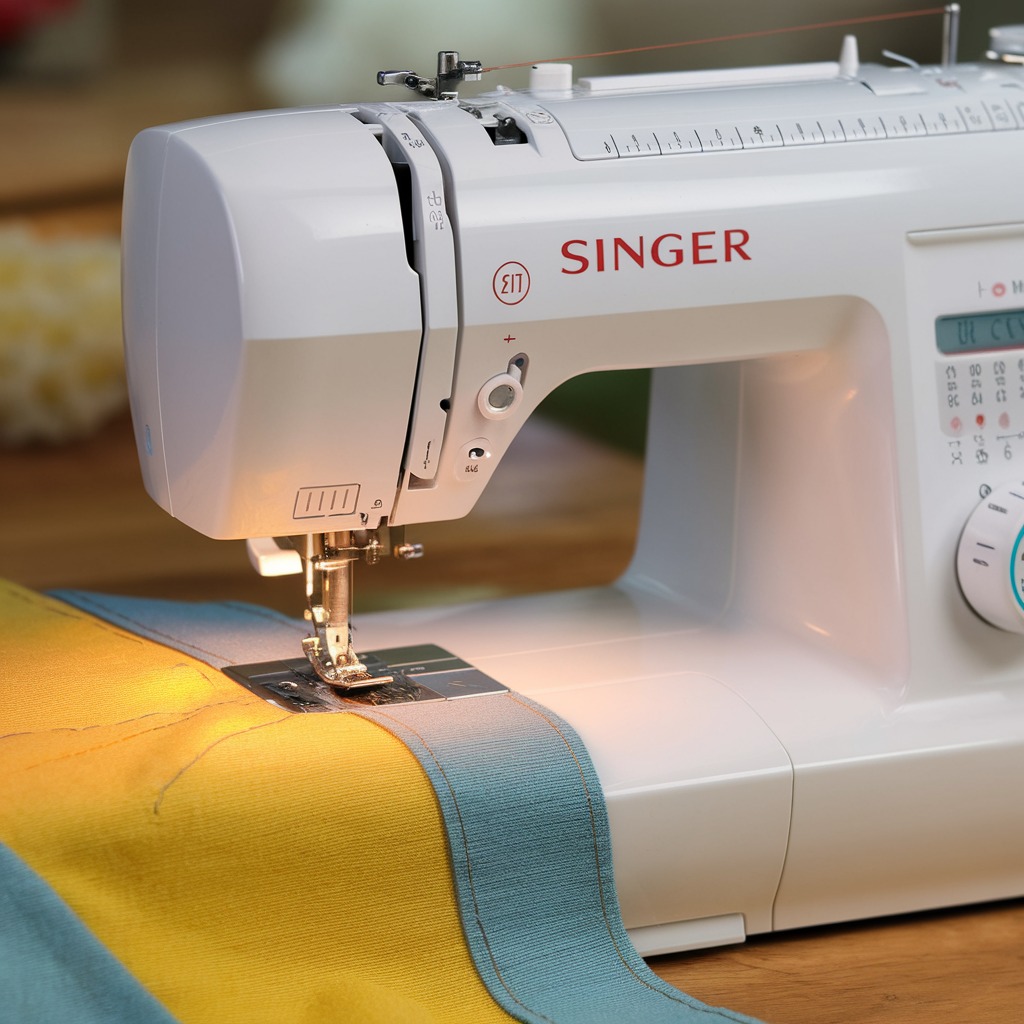
The Singer Futura XL-550 embroidery machine is well-known for its advanced features, but like any machine, it can occasionally face issues where it stops mid-project or won’t sew at all. These problems can be frustrating, especially if you’re in the middle of an important project. Let’s explore some of the common causes and solutions to these issues to get your machine back in action.
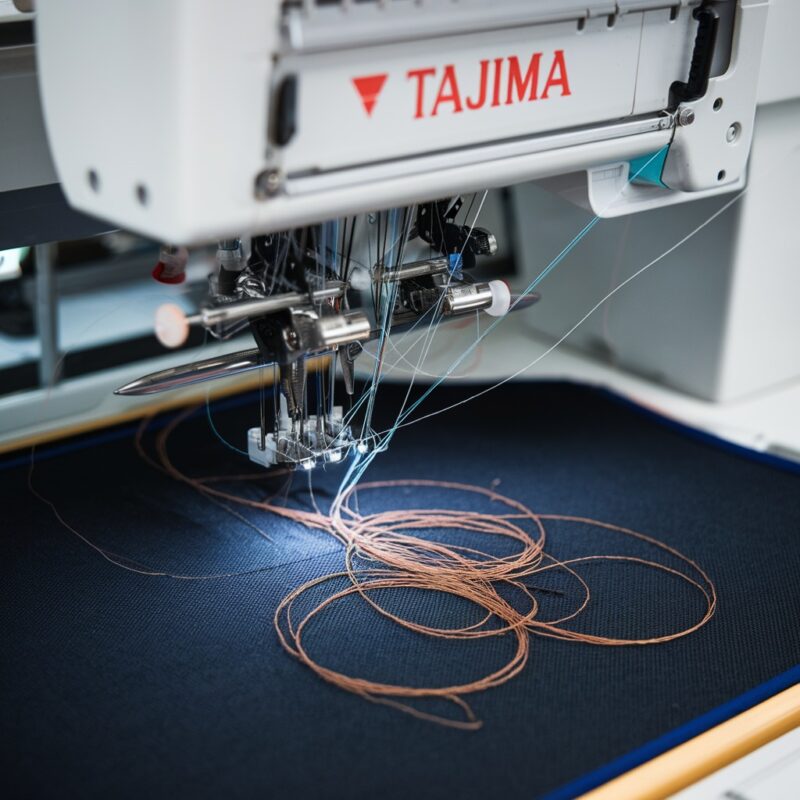
1. Thread Jam or Tangle
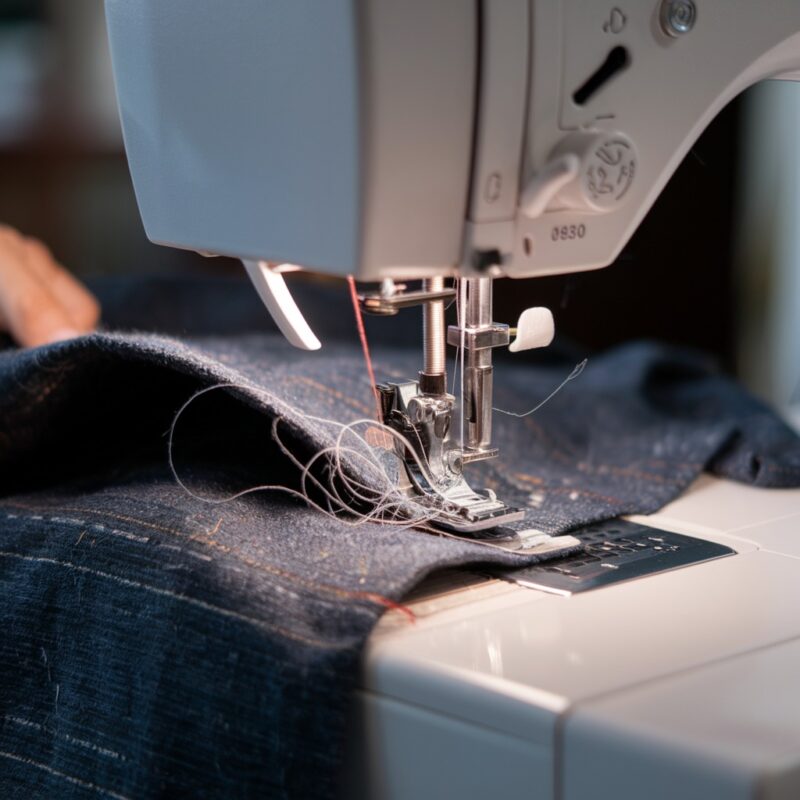
One of the most frequent causes of the machine stopping is a thread jam or tangle. If the upper or bobbin thread becomes caught, the machine will stop to avoid further damage.
Solution:
- Turn off the machine and carefully remove the fabric.
- Check for any tangles in the thread path and bobbin case.
- Remove all thread pieces and re-thread the machine from scratch, ensuring that both the upper thread and bobbin are properly aligned.
- Check for proper tension settings as incorrect tension can cause thread tangles.
2. Needle Problems
A bent, broken, or improperly inserted needle can cause the Singer Futura XL-550 to stop during sewing. If the needle isn’t working correctly, the machine‘s sensors may prevent operation.
Solution:
- Turn off the machine and replace the needle with a new one.
- Make sure the needle is inserted correctly, with the flat side facing the correct direction according to the manual.
- Choose a needle size appropriate for the fabric you’re working with.
3. Incorrect Bobbin Insertion
If the bobbin is not inserted correctly, or if there’s an issue with the bobbin winding, the machine may stop.
Solution:
- Check if the bobbin is wound evenly and inserted properly in the bobbin case.
- Ensure that the bobbin thread is correctly threaded through the tension spring on the bobbin case.
- If you notice any damage to the bobbin or bobbin case, replace them.
PROMOTIONAL SECTION
The All-in-One Solution For All Your Embroidery Business!
Enjoy $0.90 / 1000 Stitches Logo Digitizing
Monthly Cash Back, Free Delivery on Store-wide Products, Dedicated Account Manager, Exclusive Client Dashboard Panel, Bonus Credit & much more.
SIGN UP TODAY & GET FIRST 3 ORDER ABSOLUTELY FREE

Unlock game-changing benefits: expert digitizing services, technical embroidery guidance, seamless management of your business essentials, and free delivery on storewide products—all just for signing up with us. Don’t let these exclusive perks pass you by!

No Credit Card Required
Stay secure with no need to share your credit or debit card details! Experience 100% safe payment methods, including the option to purchase credits for your future orders. Plus, enjoy free credit as a bonus with every credit purchase and more exclusive benefits.

A Game-Changing Advantage
Imagine having a dedicated account manager by your side, ready to handle all your embroidery needs with precision and care. Whether it’s managing your digitizing orders, delivering essential embroidery supplies based on your every embroidery order, or sourcing those hard-to-find spare parts like motors, circuit boards, or sensors, we’ve got you covered. This incredible service ensures your business runs seamlessly, all at no extra cost or monthly fee.
It’s not just support—it’s the ultimate embroidery partnership you didn’t know you were missing for a $0 charge!
Exclusive Client Dashboard Panel
Get Free Account Setup (T&C Applied) and enjoy exclusive benefits: unlimited free estimate requests, streamlined order management, complimentary edit requests, 24/7 access to our ticket system, fast 6-12 hour turnaround times, round-the-clock email and live chat support, and 1-year free design file backup and more.

Recurring Monthly Cashback
Experience out of the box services with Cashback on monthly basis along with discount vouchers on Shop for Registered customers up to 60% on supplies, accessories, spare parts & sensors & Circuit boards and add extra value to your embroidery business.

Free Delivery on all Shop Products
Enjoy free delivery on embroidery supplies, accessories, spare parts, sensors & circuit boards, and store-products, delivered straight to your doorstep! Unlock this exclusive benefits by registering with us for all your digitizing needs. (Embroidery Machine Not Included)
4. Power Supply Issues
Sometimes, the problem is as simple as a power issue. If the power supply is unstable or the machine is not getting enough electricity, it may stop or refuse to start.
Solution:
- Check the power cord and ensure that it is properly plugged in.
- Test the outlet with another device to verify that it’s working.
- If the problem persists, you may need to consult an electrician to check for any underlying power issues in your workspace.
5. Overheating
If you’ve been using the machine continuously for an extended period, it may overheat. Modern embroidery machines like the Singer Futura XL-550 come with automatic shut-off features to prevent damage from overheating.
Solution:
- Turn off the machine and let it rest for at least 30 minutes before restarting.
- Consider breaking up your projects into smaller segments to give the machine time to cool down.
- Keep the machine in a well-ventilated area to avoid overheating.
6. Software or Firmware Issues
The Futura XL-550 uses software for its embroidery functions, and sometimes a glitch or outdated firmware can cause the machine to stop unexpectedly.
Solution:
- Check the Singer website or the software for any available updates.
- Update the firmware or software as needed.
- Restart the machine and computer to clear any temporary software issues.
7. Foot Pedal or Start/Stop Button Problems
If the foot pedal or the start/stop button isn’t functioning properly, the machine may stop or fail to sew.
Solution:
- Ensure that the foot pedal is securely connected and functioning correctly.
- Test the start/stop button and foot pedal to see if they work as expected.
- If either is malfunctioning, you may need to replace the foot pedal or have the machine serviced.
8. Tension Settings Too High or Low
Incorrect tension settings can cause your machine to stop sewing, particularly if the upper thread tension is too tight.
Solution:
- Double-check the upper and bobbin thread tension.
- Adjust the tension settings according to the type of fabric and thread you are using.
9. Obstruction in the Needle Area
An obstruction in the needle area or around the feed dogs can also cause the machine to stop working.
Solution:
- Turn off the machine and inspect the needle plate area for any trapped threads, lint, or debris.
- Clean the area thoroughly and ensure the feed dogs are in the correct position.
10. Lint Buildup
Over time, lint and dust can accumulate in the bobbin area, feed dogs, and other key parts of the machine, causing it to stop sewing. Regular cleaning is essential to ensure the machine runs smoothly.
Solution:
- Remove the needle plate and thoroughly clean the feed dogs using a soft brush or compressed air.
- Clean the bobbin area and remove any accumulated lint or debris.
- Clean the machine after each project, especially when working with lint-producing fabrics like fleece or denim.
11. Incorrect Presser Foot
Using the wrong presser foot for your project can result in sewing problems, including the machine stopping or jamming.
Solution:
- Make sure you’re using the correct presser foot for the type of stitch or embroidery design you’re working on.
- Refer to the machine’s manual to choose the appropriate foot for embroidery, regular sewing, or decorative stitches.
12. Thread Quality Issues
Low-quality thread can cause frequent thread breakage or tension issues, which may lead to the machine stopping. It’s essential to use high-quality thread designed for embroidery machines.
Solution:
- Replace low-quality or damaged thread with high-quality, embroidery-specific thread.
- Make sure the thread is wound properly on the spool to avoid tangling or breakage during sewing.
13. Bobbin Winding Errors
If the bobbin is wound too loosely, unevenly, or incorrectly, it can cause the machine to stop unexpectedly. Uneven bobbin winding can also lead to inconsistent stitching.
Solution:
- Rewind the bobbin and ensure that the thread is evenly distributed across the bobbin.
- Avoid overfilling the bobbin, as this can cause tension problems or jamming.
- Make sure the bobbin thread is fed correctly through the tension spring before starting the sewing process.
14. Hoop Not Properly Attached
In embroidery mode, if the hoop is not securely attached, the machine may stop to prevent damage. Ensure the hoop is properly aligned and locked in place before beginning the embroidery project.
Solution:
- Double-check that the embroidery hoop is securely attached and properly aligned with the machine’s sensors.
- Avoid pulling or adjusting the fabric too tightly, as this can misalign the hoop.
15. Embroidery Design Too Complex
The Singer Futura XL-550 may stop or slow down if the embroidery design is too complex for the machine to handle in a single pass. Large, intricate designs with many color changes or tight stitching areas can overwhelm the machine’s processing capability.
Solution:
- Break down complex designs into smaller sections, especially for very detailed projects.
- Optimize the design using embroidery software to reduce unnecessary stitches or adjust density.
16. Incompatible Needle and Thread Combination
Using the wrong needle size for the type of thread or fabric being used can cause the machine to stop due to excessive stress on the needle or thread.
Solution:
- Ensure that the needle size matches the thread type and fabric. For example, use a heavier needle for thicker thread and fabric.
- Use embroidery needles specifically designed to handle the unique demands of embroidery thread and fabrics.
17. Mechanical or Motor Issues
If the machine’s internal mechanics are strained or the motor is malfunctioning, the machine may stop sewing entirely. While uncommon, prolonged use without regular maintenance can cause wear and tear on the motor and other moving parts.
Solution:
- If you suspect a mechanical issue, it’s best to consult a professional technician or Singer-authorized service center.
- Regular machine servicing and lubrication can help prevent motor and mechanical problems in the future.
Conclusion:
The Singer Futura XL-550 is a powerful machine that can handle a wide range of sewing and embroidery tasks, but occasional stoppages are inevitable. You can keep your machine running smoothly and minimize downtime by identifying and addressing these common issues—whether it’s thread quality, bobbin winding errors, or mechanical problems. Regular maintenance, proper usage, and attention to details like thread tension and needle selection will ensure you get the most out of your Singer Futura XL-550.