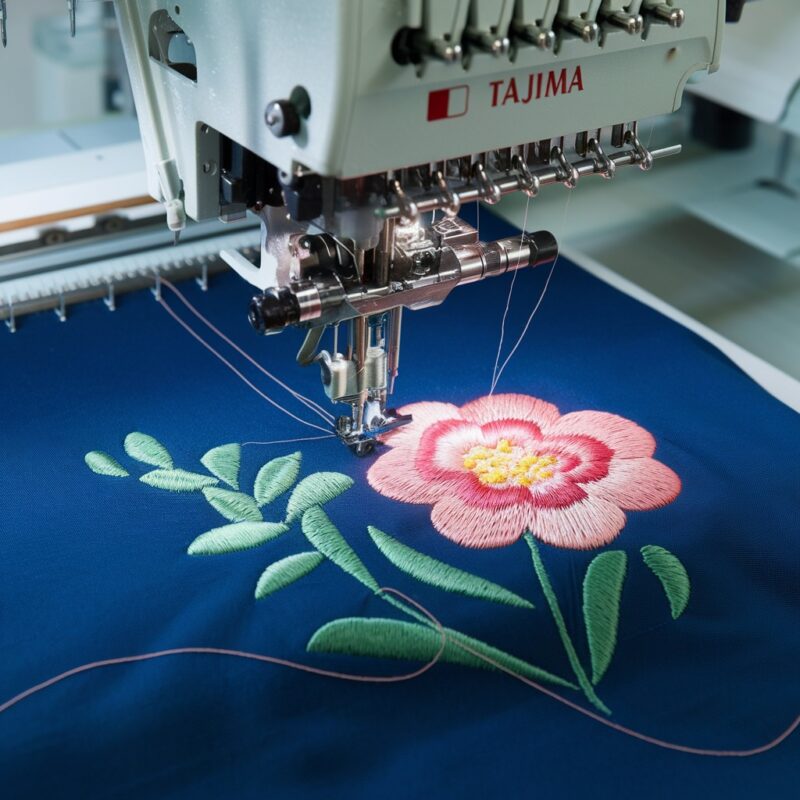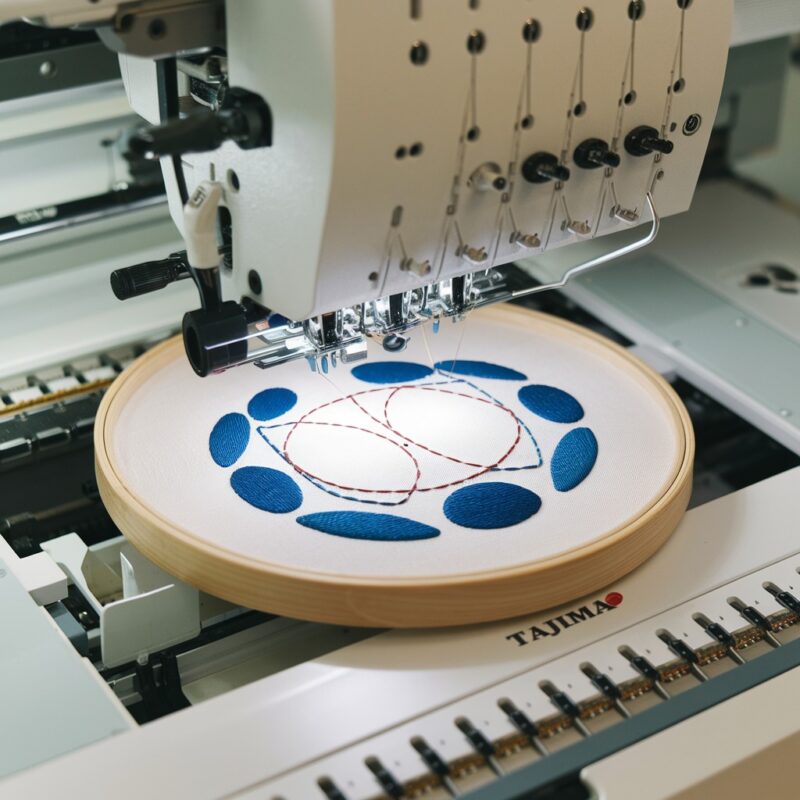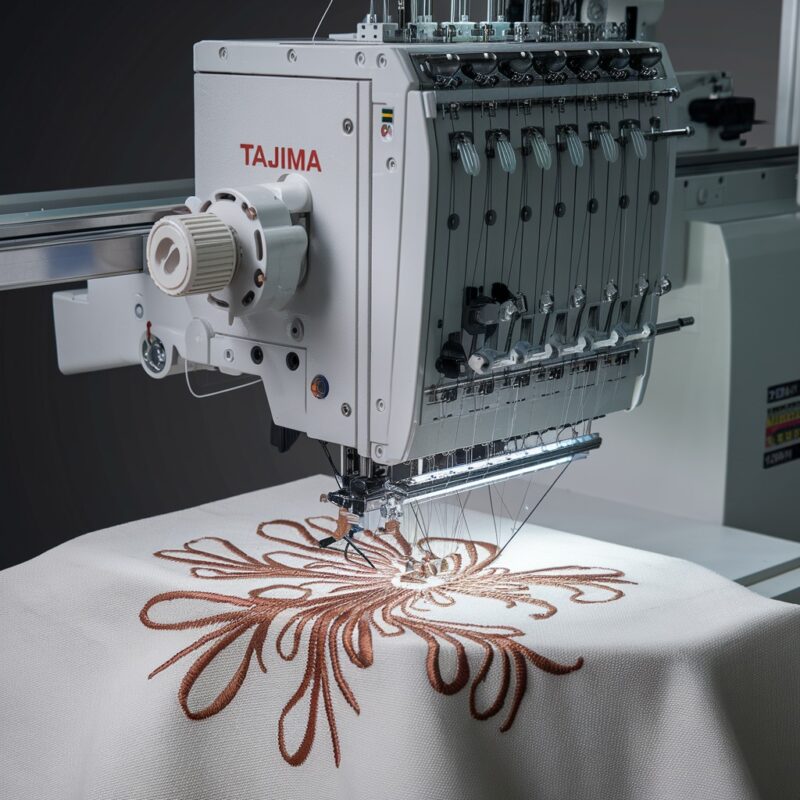
Causes of Machine Stops or Fails to Sew in Tajima TFMX-C Series

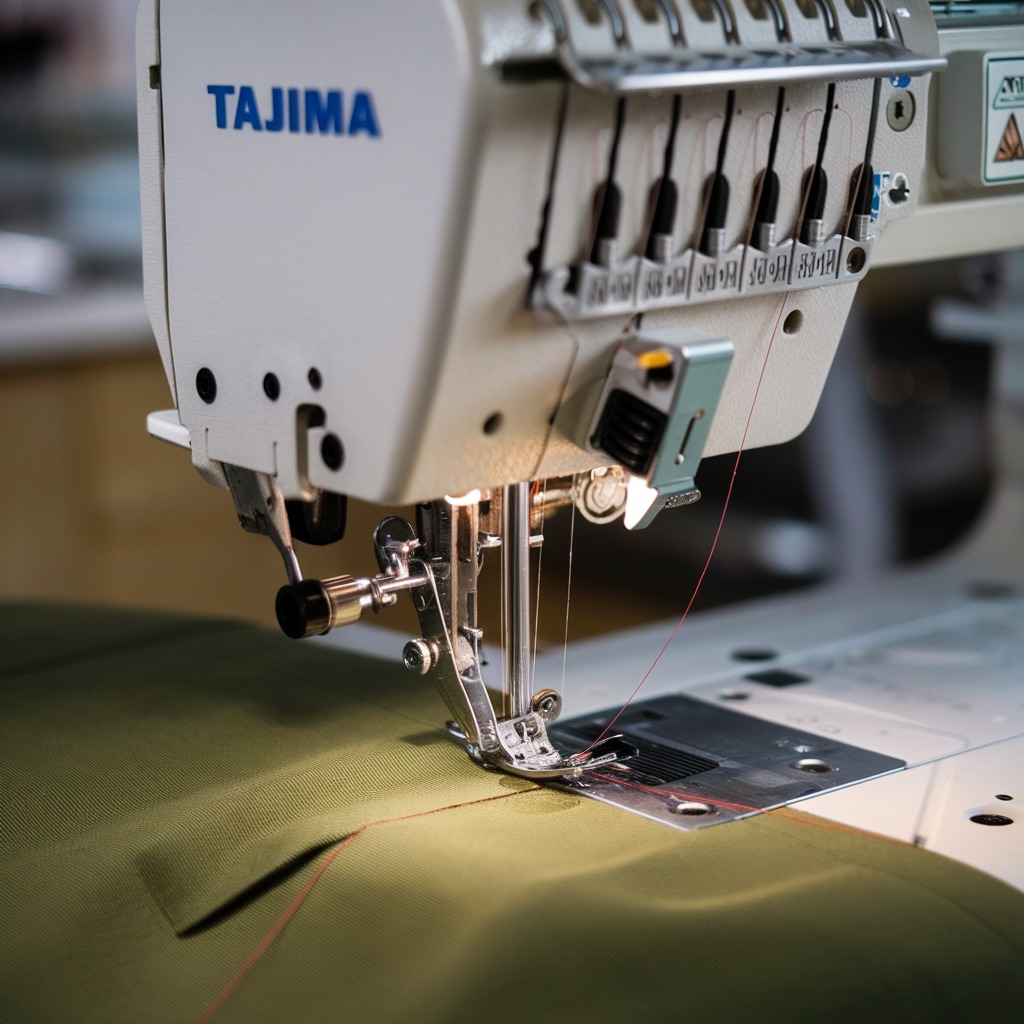
Troubleshooting Machine Stops or Fails to Sew in Tajima TFMX-C Series
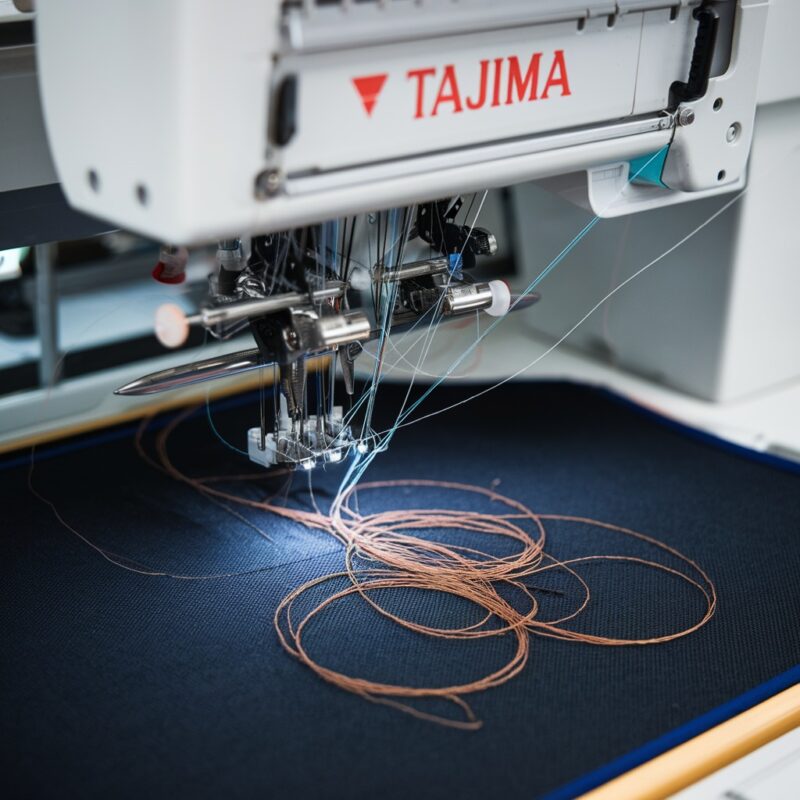
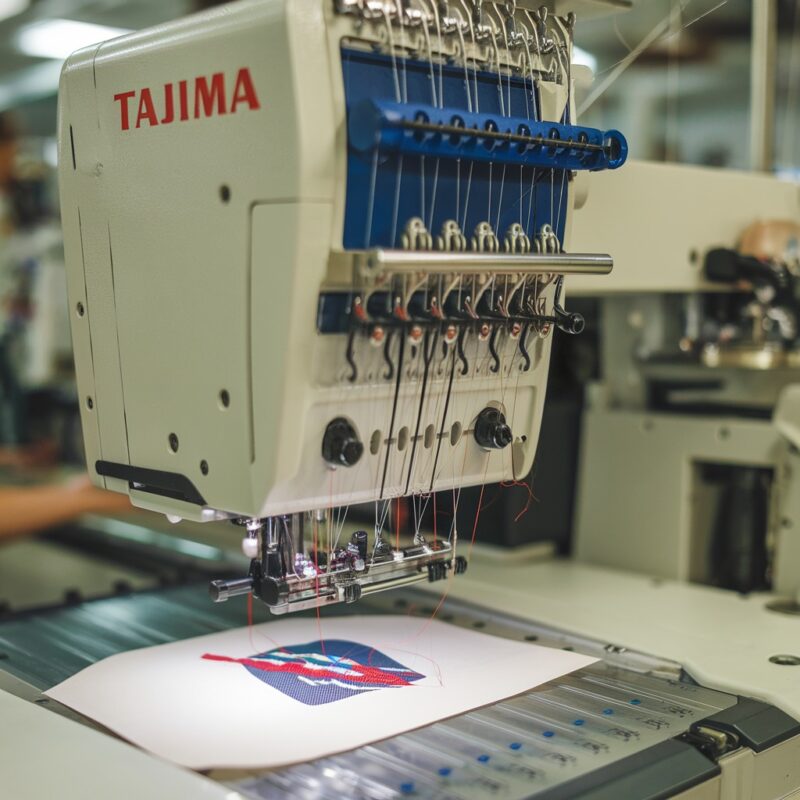
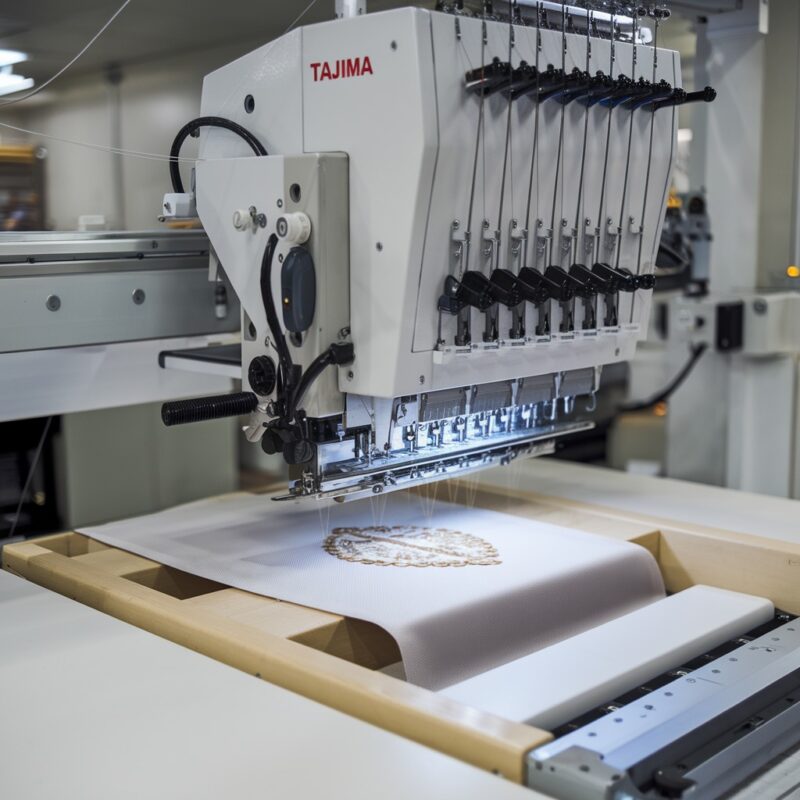
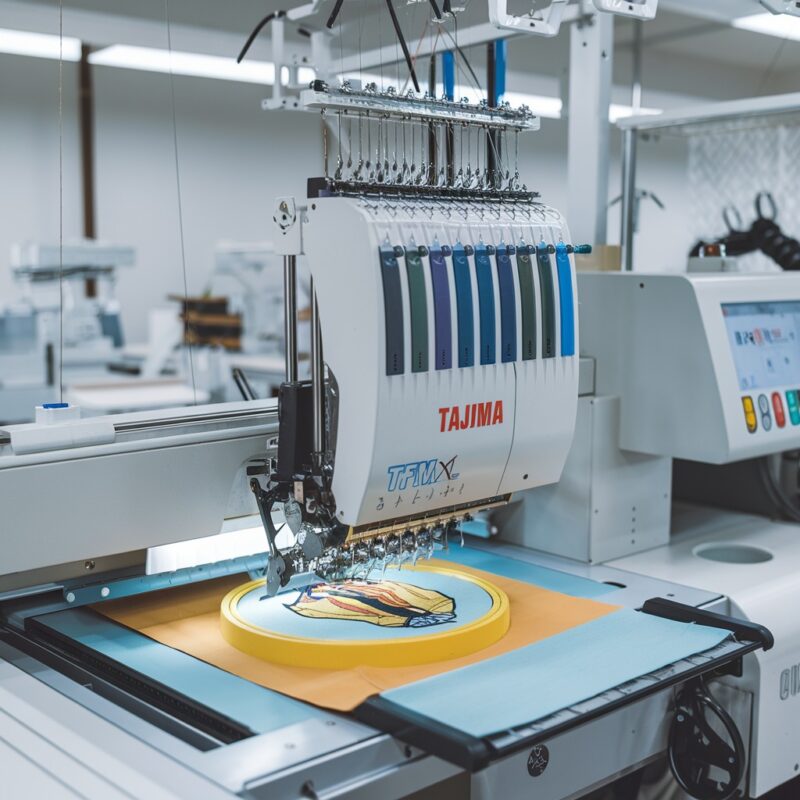
The Tajima TFMX-C Series, a high-speed single-head embroidery machine, is known for its reliability. However, occasional issues like the machine stopping mid-process or failing to sew can disrupt workflow. Understanding the common causes and implementing effective solutions will ensure smooth operations.
Common Causes and Solutions for Machine Stops or Fails to Sew
1. Thread Breakage or Tangling
A sudden thread break or tangle can cause the machine to stop automatically. This safety mechanism prevents damage but interrupts production.

Solution:
- Re-thread the machine, ensuring the thread path is correct and tension is adjusted.
- Use high-quality threads designed for high-speed embroidery.
- Regularly clean lint and debris from the thread path and bobbin area.
2. Bobbin Thread Issues
An improperly wound or poorly placed bobbin can cause stitching problems, leading to a machine stop.
Solution:
- Check the bobbin case for proper threading and alignment.
- Use only bobbins compatible with the Tajima TFMX-C Series.
- Ensure the bobbin thread tension is balanced.
3. Sensor Malfunctions
The TFMX-C Series is equipped with sensors to monitor thread, bobbin, and machine movements. Faulty sensors may mistakenly signal an error.
Solution:
- Inspect sensors for dirt or misalignment.
- Clean sensors gently with a soft, dry cloth.
- Consult a technician if the issue persists to recalibrate or replace faulty sensors.
4. Needle Issues
A bent or improperly installed needle can disrupt sewing and cause the machine to stop.
Solution:
- Replace the needle with a new one compatible with the fabric and thread.
- Ensure the needle is securely installed at the correct angle.
5. Motor Overload
The high-speed motor in the TFMX-C Series may stop if overloaded by dense designs or prolonged use without rest.
Solution:
- Break dense designs into smaller sections to reduce motor strain.
- Allow the machine to cool down after extended use.
- Ensure the design is properly digitized for efficient stitching.
6. Power Supply Problems
Voltage fluctuations or an unstable power supply can cause the machine to halt unexpectedly.
Solution:
- Use a voltage stabilizer or uninterrupted power supply (UPS).
- Inspect power cords and plugs for wear and tear.
- Avoid connecting the machine to overloaded circuits.
7. Software or Firmware Errors
Outdated or corrupted software may fail to execute designs correctly, causing stoppages.
Solution:
- Update the machine‘s firmware regularly from Tajima’s official support.
- Ensure the embroidery designs are in a compatible format.
- Perform a factory reset if software glitches persist.
8. Improper Hooping
Loose fabric or incorrect hoop placement can lead to sewing failures.
Solution:
- Re-hoop the fabric tightly without stretching it.
- Use the correct hoop size for the design.
- Check that the hoop is securely attached to the machine.
9. Thread Path Obstructions
Thread blockages in the machine’s threading path can lead to stoppages by interrupting the flow of the upper thread.
Solution:
- Inspect the entire threading path for kinks, knots, or blockages.
- Ensure that the thread is unwinding smoothly from the cone or spool.
- Replace damaged or overly frayed threads to prevent them from tangling during operation.
10. Improper Presser Foot Settings
If the presser foot is not adjusted correctly for the fabric thickness, it can hinder fabric movement and cause the machine to stop.
Solution:
- Adjust the presser foot height to match the fabric’s thickness.
- Ensure that the fabric moves freely under the presser foot without excessive tension.
- Use the digitally controlled presser foot (if applicable) to fine-tune settings for precise operation.
11. Overloaded Memory or Incorrect Design File
When the design file is too large or incompatible, the machine might fail to execute commands and halt mid-operation.
Solution:
- Check the design size and format compatibility with the TFMX-C Series.
- Reduce the design file size by optimizing or segmenting dense areas.
- Clear unnecessary files from the machine’s memory to free up space.
12. Loose or Misaligned Drive Belts
Drive belts that are loose or misaligned can cause erratic machine behavior, leading to unexpected stops.
Solution:
- Inspect drive belts for looseness or wear.
- Tighten or replace belts as needed.
- Consult a technician for proper alignment to avoid future disruptions.
13. Thread Tension Imbalance
An imbalance between the upper and bobbin thread tension can cause stitching problems, triggering a machine stop.
Solution:
- Adjust the tension knobs to balance the upper and bobbin threads.
- Test stitch on a scrap fabric to ensure proper thread tension before beginning the design.
- Clean tension disks regularly to prevent thread buildup.
14. Embroidery Hoop Interference
If the hoop is too large or improperly installed, it can obstruct machine movements, causing it to halt.
Solution:
- Use an appropriately sized hoop that fits snugly with the fabric.
- Double-check hoop installation to ensure it doesn’t interfere with the embroidery head’s movement.
- Avoid over-tightening the hoop, which can warp its shape and affect fabric stability.
15. Environmental Factors
High humidity, dust, or extreme temperatures can affect machine performance, causing it to slow down or stop unexpectedly.
Solution:
- Operate the machine in a clean, temperature-controlled environment.
- Avoid placing the machine near direct sunlight, vents, or areas prone to dust accumulation.
- Cover the machine when not in use to protect it from environmental elements.
Additional Maintenance Tips for Reliable Performance
- Check for Updates: Always ensure the machine’s software is up-to-date to avoid glitches or compatibility issues.
- Organize Tools and Supplies: Keeping thread spools, needles, and accessories well-organized reduces the risk of operator errors.
- Conduct Pre-Run Inspections: Before starting a design, inspect the machine for potential issues like loose screws, worn needles, or clogged thread paths.