Blog
Tajima TMBR-SC: Machine Freezing or Slowing Down Troubleshooting

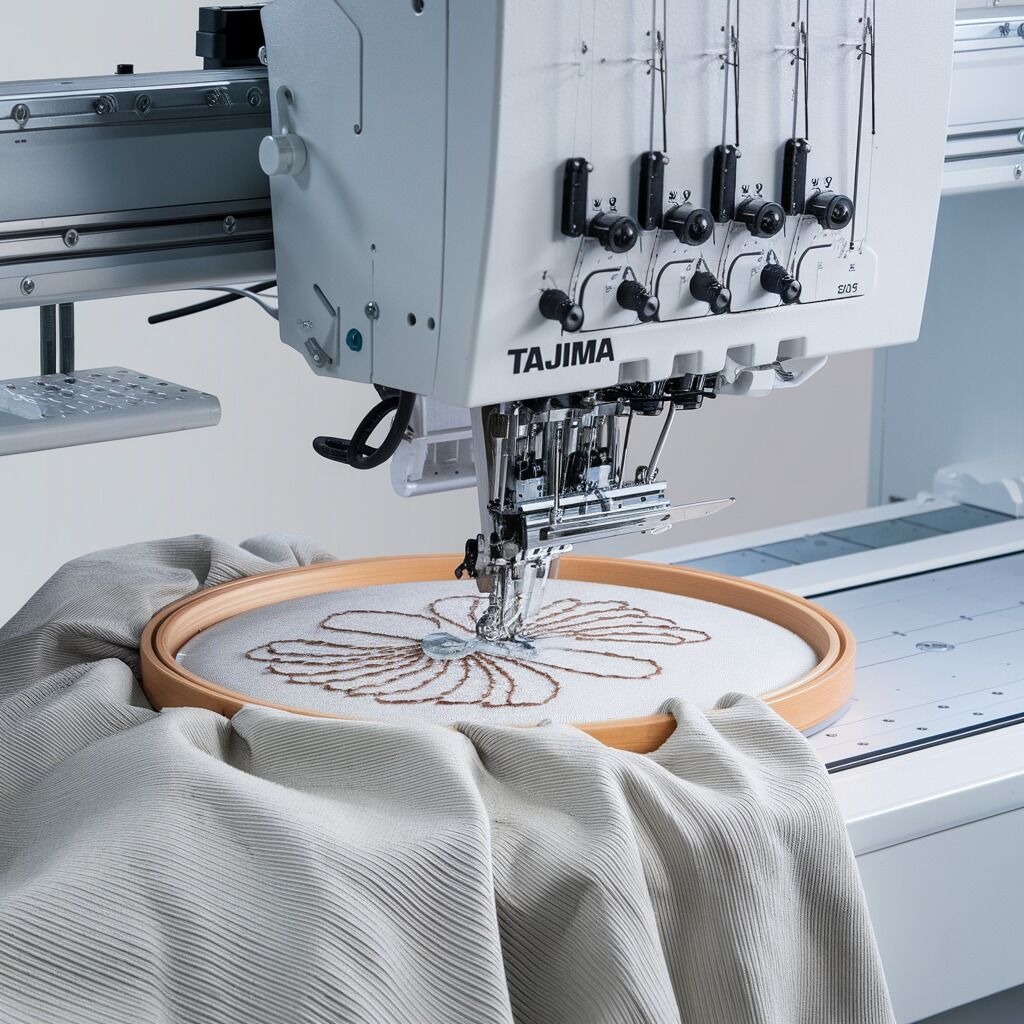
Quick answer: If your Tajima TMBR-SC embroidery machine is freezing or slowing down, first check for common issues like thread path obstructions, proper bobbin winding, correct thread tension, and general cleanliness. Ensure the machine is not overheating and that its power supply is stable. Regular maintenance is key to preventing these problems.
The Tajima TMBR-SC series is a robust embroidery machine, but like any precision equipment, it can occasionally experience slowdowns or freezing. These issues can disrupt production and affect embroidery quality. This guide provides practical, step-by-step troubleshooting for common causes, helping you diagnose and resolve performance problems directly at your machine.
Two-minute checks before you open anything
- Check the entire thread path for any obstructions, lint, or tangled thread.
- Verify the bobbin is correctly wound, not overfilled, and properly seated in the bobbin case.
- Confirm both upper and bobbin thread tensions are set correctly for your material and design.
- Inspect the machine for excessive lint and dust, especially around the needle bar, bobbin area, and tension discs.
- Ensure the machine is in a well-ventilated area and not overheating.
- Verify the machine is connected to a stable power outlet, preferably with a surge protector.
1. Lack of Routine Maintenance (Dust, Lint, Lubrication) high likelihood
How to tell
Machine feels sluggish, makes unusual noises, or shows visible accumulation of lint and dust in moving parts. Parts may feel stiff or gritty when moved manually.
Fix
- Turn off and unplug the machine.
- Using a small brush, vacuum, or compressed air, thoroughly clean all areas where lint and dust accumulate: around the needle bar, presser foot, needle plate, bobbin case, rotary hook area, and thread tension discs.
- Following your machine's maintenance manual, apply lubrication to designated points using the recommended oil. Pay attention to the rotary hook, needle bar drive, and other moving shafts.
- Manually rotate the handwheel to distribute lubricant and check for smoother movement.
Regular cleaning supplies and appropriate machine oil are essential.
Parts involved: Lubrication & maintenance → Screws, springs & small parts →
2. Obstructions in the Thread Path high likelihood
How to tell
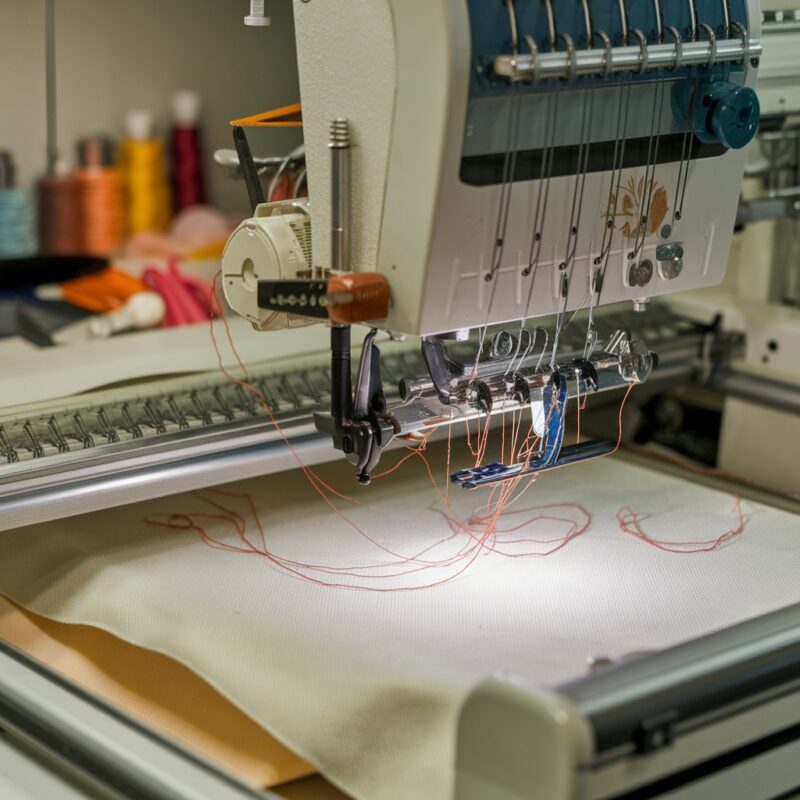
Thread breaks frequently, tension is inconsistent, or the machine struggles to feed thread smoothly. Visible lint, thread bits, or knots may be present in thread guides or tension discs.
Fix
- Turn off and unplug the machine.
- Completely unthread the machine.
- Inspect every thread guide, the take-up lever, and especially the tension discs for any trapped lint, thread fragments, or debris. Use a thin, stiff piece of paper or a dental pick to clear tension discs.
- Check the thread path from the spool pin to the needle eye for any rough spots or burrs that could snag the thread.
- Rethread the machine carefully, ensuring the thread is seated correctly in all guides and tension discs.
Parts involved: Thread path & tension →
Parts you may need for Tajima TMBR
In stock, tested before dispatch, Buyer Protection on every order. Part types for this problem: Lubrication & maintenance, Screws, springs & small parts, Thread path & tension, Rotary hooks & bobbin cases.
 TAJIMA SWF KN/GN Presser Foot 93MM 97MM 100MM for High-Speed Embroi...$ 3.99View part →
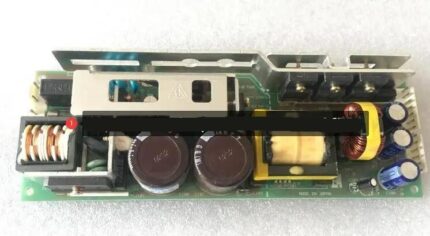 Tajima PB0025A1PW00 Power Supply 150W 24V for TEHX-C1501, TMEZ, TMA...$ 140.99View part →
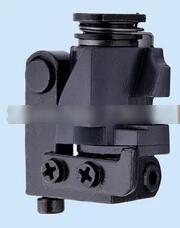 Tajima EF053202S000 Needle Bar Reciprocator Assembly for TMFX, TFMX...$ 18.49View part →
 W20-S5M0950/G Timing Belt for Tajima TFMX TMAR TMEZ TMBR TEJT Series$ 72.99View part →
 Tajima TU10 W25-170/E Timing Belt 626400260000 BPT102517000 for TMA...$ 567.29View part →
 Tajima 501454040S13 W25-20 Timing Pulley for TFMX, TFMX-IIC, TFMX-C...$ 553.49View part →
All Tajima TMBR parts → Lubrication & Maintenance → Screws, Springs & Small Parts → Thread Path & Tension →
3. Incorrect Thread Tension high likelihood
How to tell
Stitches appear unbalanced (loops on top or bottom), thread breaks, or the machine sounds strained. The fabric may pucker or pull.
Fix
- Perform a tension test on a scrap piece of fabric similar to your project material.
- Adjust the upper thread tension dial incrementally. Turn clockwise to increase tension, counter-clockwise to decrease.
- Remove the bobbin case and check the bobbin thread tension. The bobbin should unspool smoothly with slight resistance when pulled. Adjust the small screw on the bobbin case if necessary (refer to your manual for specific tension check methods, e.g., drop test).
- Ensure the thread is correctly seated in the upper tension discs and the bobbin case spring.
Parts involved: Thread path & tension → Rotary hooks & bobbin cases →
4. Overloaded or Improperly Wound Bobbin high likelihood
How to tell
Bobbin thread snags, jams, or breaks. The machine may make a grinding noise from the bobbin area. Bobbin appears visibly overfilled or unevenly wound.
Fix
- Remove the bobbin from the bobbin case.
- Inspect the bobbin: it should be wound evenly, without bulging or loose loops, and not filled past the bobbin flange.
- If overfilled or uneven, discard the bobbin and wind a new one. Ensure the bobbin winder tension is correct and the thread winds smoothly and evenly.
- Reinsert the bobbin into the bobbin case, ensuring the thread feeds in the correct direction and is properly seated under the tension spring.
Parts involved: Rotary hooks & bobbin cases → Threads & supplies →
5. Overheating of the Machine medium likelihood
How to tell
The machine feels excessively hot to the touch, especially around the motor or control panel. Performance degrades after extended use, or the machine may display a temperature warning (if equipped).
Fix
- Turn off the machine and allow it to cool down completely for at least 30-60 minutes.
- Ensure the machine is placed in a well-ventilated area, away from direct sunlight or other heat sources.
- Check all ventilation grilles and cooling fans (if accessible) for dust and lint buildup. Clean them carefully with a brush or compressed air.
- Consider shorter operating sessions with periodic breaks during long embroidery runs.
Parts involved: Motors & drivers → Lubrication & maintenance →
6. Worn or Damaged Needle Plate or Bobbin Case medium likelihood
How to tell
Thread snags or breaks frequently, especially around the needle area. Visible nicks, burrs, scratches, or grooves on the needle plate or bobbin case. The needle may strike the needle plate.
Fix
- Turn off and unplug the machine.
- Remove the needle plate and inspect its surface, particularly around the needle hole, for any damage. Feel for rough edges.
- Inspect the bobbin case for any nicks, burrs, or scratches on its surface or the thread path. Pay close attention to the bobbin case tension spring.
- If damage is found, replace the needle plate or bobbin case. Minor burrs on the needle plate might be carefully smoothed with very fine sandpaper, but replacement is usually best.
- Ensure the needle is correctly inserted and not bent, as a bent needle can cause damage.
A new needle plate or bobbin case may be required.
Parts involved: Presser feet & sewing parts → Rotary hooks & bobbin cases → Needles & needle bars →
7. Mechanical Component Wear (Belts, Gears, Bearings) medium likelihood
How to tell
Machine makes unusual grinding, squealing, or knocking noises. Movement feels stiff or jerky. Visible wear on belts (cracks, fraying), gears (worn teeth), or excessive play in shafts.
Fix
- Turn off and unplug the machine.
- Carefully inspect visible belts for cracks, fraying, or looseness. Check gear teeth for wear or damage.
- Gently try to wiggle shafts and components to check for excessive play in bearings or bushings.
- If worn parts are identified, they will need replacement. This often requires disassembly and should be performed by a technician if you are not comfortable with internal machine mechanics.
Replacement belts, gears, or bearings may be needed. Consult your machine's parts diagram.
Parts involved: Belts, pulleys & gears → Shafts, bearings & bushings → Head & mechanical parts →
8. Heavy or Complex Embroidery Designs low likelihood
How to tell
Machine slows down or freezes specifically when stitching very dense areas, high stitch counts, or intricate patterns. Performance is normal on simpler designs.
Fix
- Reduce the machine's stitching speed, especially for dense areas or intricate details.
- If possible, simplify the design by reducing stitch density in your digitizing software.
- Break very large or complex designs into smaller, manageable sections to be stitched separately.
- Ensure you are using high-quality thread appropriate for the design density, as low-quality thread can cause more friction.
Parts involved: Threads & supplies →
9. Power Supply Issues low likelihood
How to tell
Machine performance is inconsistent, randomly slows down, or freezes. Other appliances on the same circuit may flicker or dim. Problems occur regardless of design complexity or maintenance status.
Fix
- Ensure the machine is plugged directly into a dedicated wall outlet, not into an extension cord or power strip shared with other high-power appliances.
- Use a high-quality surge protector to safeguard against voltage fluctuations.
- If possible, try plugging the machine into a different circuit to rule out issues with the original outlet or circuit.
- If issues persist, consult a qualified electrician to inspect your power supply and wiring.
Parts involved: Cables & wiring → Circuit boards & electronics →
10. Software or Firmware Glitches / Memory Issues low likelihood
How to tell
Machine freezes or behaves erratically, often displaying error messages related to software or memory. Problems are not mechanical and persist after basic checks. Large designs may fail to load or cause slowdowns.
Fix
- Restart the machine: Turn it off, unplug it for a few minutes, then plug it back in and power on.
- Check the Tajima website for any available firmware updates for your TMBR-SC model. Follow manufacturer instructions carefully for updating.
- Clear unnecessary or old designs from the machine's internal memory to free up space.
- For very large designs, use a USB drive to load them directly rather than relying solely on internal memory.
- If problems persist and are software-related, a factory reset might be necessary (consult your manual and back up all custom settings and designs first).
Parts involved: Control panels & displays → Floppy, USB & memory → Circuit boards & electronics →
Stop and call a technician if
- If the machine continues to freeze or slow down after performing all troubleshooting steps.
- If you suspect internal mechanical damage (e.g., broken gears, motor issues) that requires specialized tools or expertise.
- If the issue appears to be related to the machine's main circuit board or control system and simple resets do not resolve it.
- If you are uncomfortable performing any of the more complex inspection or replacement steps.
Prevent it coming back
- Adhere strictly to the manufacturer's recommended cleaning and lubrication schedule.
- Regularly inspect the thread path, needle plate, and bobbin case for wear or damage.
- Use high-quality threads and bobbins, ensuring bobbins are wound evenly and not overfilled.
- Operate the machine in a clean, well-ventilated environment, away from direct heat sources.
- Keep machine firmware updated to the latest version, if available, from Tajima's official resources.
- Avoid overloading the machine's memory with excessive or overly complex designs; utilize external storage when necessary.
- Ensure the machine is connected to a stable, dedicated power supply, ideally with surge protection.
Frequently asked questions
Why does my Tajima TMBR-SC slow down only on certain parts of a design?
This often indicates that those specific parts of the design are very dense or complex. The machine naturally slows down to handle the increased stitch count and detail. Ensure your machine is well-maintained, and consider reducing the stitching speed for those sections.
Can a dull needle cause my machine to slow down or freeze?
Yes, a dull, bent, or incorrect needle can increase resistance, cause thread breaks, and put extra strain on the machine, leading to slowdowns or jams. Always use sharp, correct-sized needles for your fabric and thread.
How often should I clean and lubricate my Tajima TMBR-SC?
The frequency depends on usage, but generally, a light cleaning should be done daily or after every few hours of operation. Lubrication points should be oiled weekly or every 40-60 hours of operation. Always refer to your Tajima TMBR-SC operator's manual for specific maintenance schedules.
My machine freezes randomly, but only for a few seconds, then resumes. What could cause this?
Intermittent freezing can be due to minor thread path obstructions, slight tension imbalances, or momentary power fluctuations. Check your thread path thoroughly, verify tension, and ensure a stable power supply. If it persists, it could indicate a minor software glitch or a sensor issue.
Did this guide fix your machine?
Rate it - it helps other operators find the right fix.
Not sure which part is failing?
Need the logo stitched too?
Get your logo digitized by the people who know this machine
Upload the artwork, see the stitch count and the exact price in 10 seconds, then order with a free sew-out preview. $1 per 1,000 stitches, $10 minimum, 24-hour delivery. Vector conversion from $12.
After the fix
Fixed it? Keep the rest of the shop moving.
OS 360 is the shop software from the team behind this parts store. Every job keeps its status, deadline and owner while a TMBR-SC head is down, restock alerts fire for needles, hooks and bobbins before you run dry, and quotes, invoices and payment live in one place.
- Jobs with status, deadline and owner - nothing slips during downtime
- Inventory with restock alerts, this store one click away
- Instant quotes, invoices and one place to collect payment