Troubleshooting Machine Slowing Down on Tajima TMAR-V1512 Series


Troubleshooting Machine Slowing Down on Tajima TMAR-V1512 Series
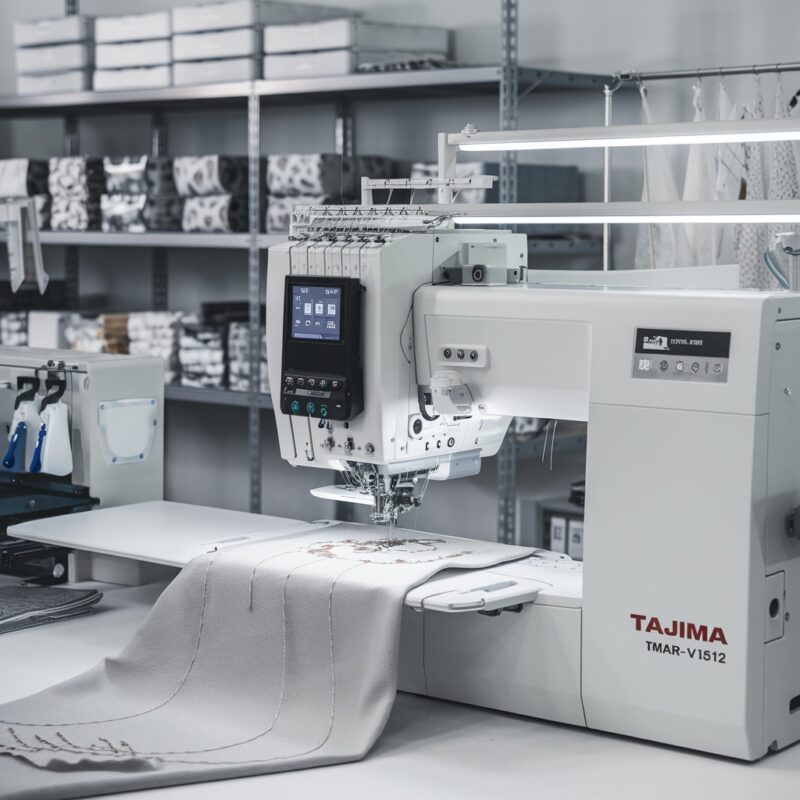
The Tajima TMAR-V1512 Series embroidery machine is designed for high performance and precision. However, like any advanced equipment, you may encounter issues such as the machine slowing down during operation. This issue can be frustrating and impact productivity. In this blog, we’ll explore the common causes and practical solutions for addressing machine slowdowns in the TMAR-V1512 Series.

Common Causes and Solutions for Machine Slowing Down
1. Overloaded Design Files
Complex or overly dense embroidery designs can strain the machine’s processor, leading to slower performance.
Solution:
- Optimize embroidery designs using professional digitizing software to reduce unnecessary complexity.
- Break down large designs into smaller sections to process them efficiently.
2. Lack of Regular Maintenance
Dust, lint, and debris buildup in the moving parts can hinder the machine’s speed and performance.
Solution:
- Clean the machine regularly, focusing on thread paths, bobbin cases, and needle bars.
- Use a soft brush and compressed air to remove debris.
3. Threading Issues
Incorrect threading or knots in the thread path can increase tension and slow down the machine.
Solution:
- Re-thread the machine carefully, ensuring all threads are correctly aligned and tensioned.
- Check for tangles or obstructions in the thread spools and paths.
4. Insufficient Lubrication
Lack of proper lubrication can cause friction in moving parts, reducing the machine‘s speed.
Solution:
- Follow the manufacturer’s guidelines for oiling key components.
- Use only the recommended oil to avoid damage or residue buildup.
5. Software Glitches or Firmware Issues
Outdated or malfunctioning software can cause delays in machine operation.
Solution:
- Update the machine’s firmware to the latest version provided by Tajima.
- Reset the system if performance issues persist, and reload the design.
6. Power Supply Problems
An unstable or insufficient power supply can cause the machine to operate slower than expected.
Solution:
- Ensure the machine is connected to a stable power source with a consistent voltage.
- Use a surge protector to safeguard against voltage fluctuations.
7. Needle and Presser Foot Adjustments
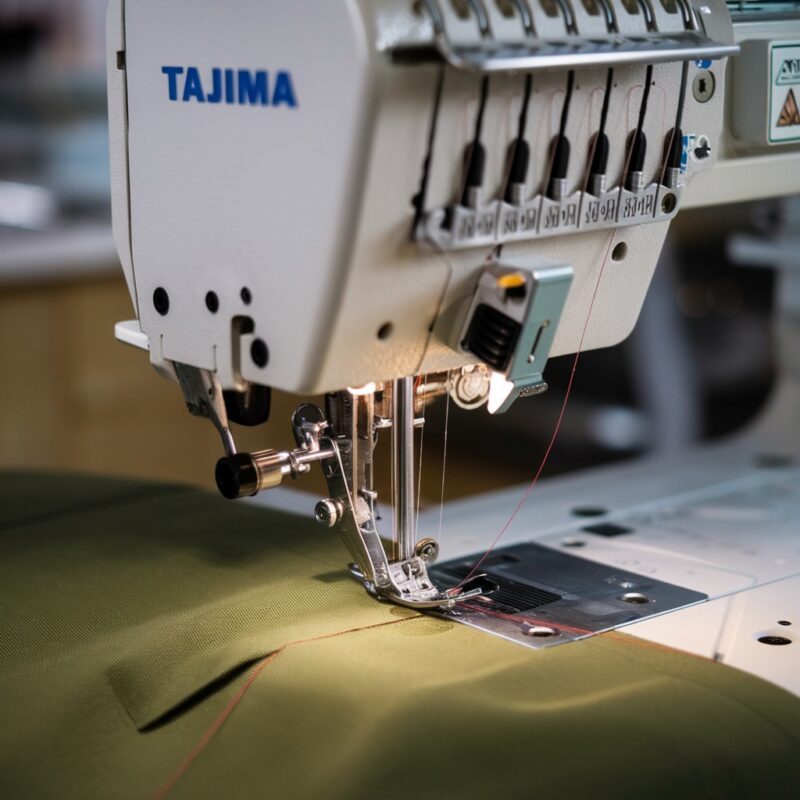
Improper adjustments to the needle and digitally controlled presser foot can slow down stitching.
Solution:
- Adjust the presser foot height to suit the fabric thickness.
- Replace bent or dull needles, as they can cause drag on the fabric.
8. Incorrect Presser Foot Settings
The digitally controlled presser foot is a hallmark feature of the TMAR-V1512, but improper settings can cause drag and hinder performance.
Solution:
- Use the machine’s digital controls to set the presser foot height accurately for the fabric and thread being used.
- Avoid overly tight settings that may increase friction during embroidery.
9. Improper Bobbin Installation
An incorrectly wound or inserted bobbin can disrupt the machine‘s rhythm and slow down stitching.
Solution:
- Verify that the bobbin is wound evenly and installed correctly in its case.
- Remove lint or debris from the bobbin case area to ensure smooth operation.
10. Overheating of Machine Components
Prolonged use without breaks can cause the machine’s motor and electronic components to overheat, leading to slower performance.
Solution:
- Allow the machine to rest between long embroidery sessions to cool down.
- Place the machine in a well-ventilated area to prevent heat buildup.
11. Misaligned Belts or Drive Mechanism
Worn or misaligned belts can cause inconsistencies in machine speed.
Solution:
- Inspect the machine’s belts and gears for signs of wear or damage.
- Consult a certified technician to realign or replace worn components.
12. Fabric Dragging Issues
Heavy or stiff fabrics not properly supported can create drag, affecting the machine’s speed.
Solution:
- Use an embroidery table or hooping system to stabilize the fabric.
- Ensure the fabric is taut but not overly stretched within the hoop.
13. Obsolete Accessories or Tools
Using old or incompatible tools, such as hoops or thread cones, can strain the machine and slow down operations.
Solution:
- Invest in updated and machine-compatible accessories for smoother operation.
- Replace outdated tools, such as warped hoops or deteriorated thread spools.
14. Inconsistent Thread Tension Across Heads
Uneven tension in a multi-head setup can result in varying speeds between heads.
Solution:
- Adjust thread tension uniformly across all heads to maintain consistent operation.
- Run a test design to ensure synchronization before starting large projects.
Proactive Steps to Prevent Slowing Down
- Scheduled Professional Servicing:
Have your machine professionally serviced annually to keep all parts in optimal condition. - Employee Training:
Ensure operators are trained to use the digitally controlled presser foot and other advanced features to avoid misuse. - Backup Your Designs:
Store embroidery files securely and clear old designs from the machine’s memory to avoid software lag.
Maximizing the TMAR-V1512’s Capabilities
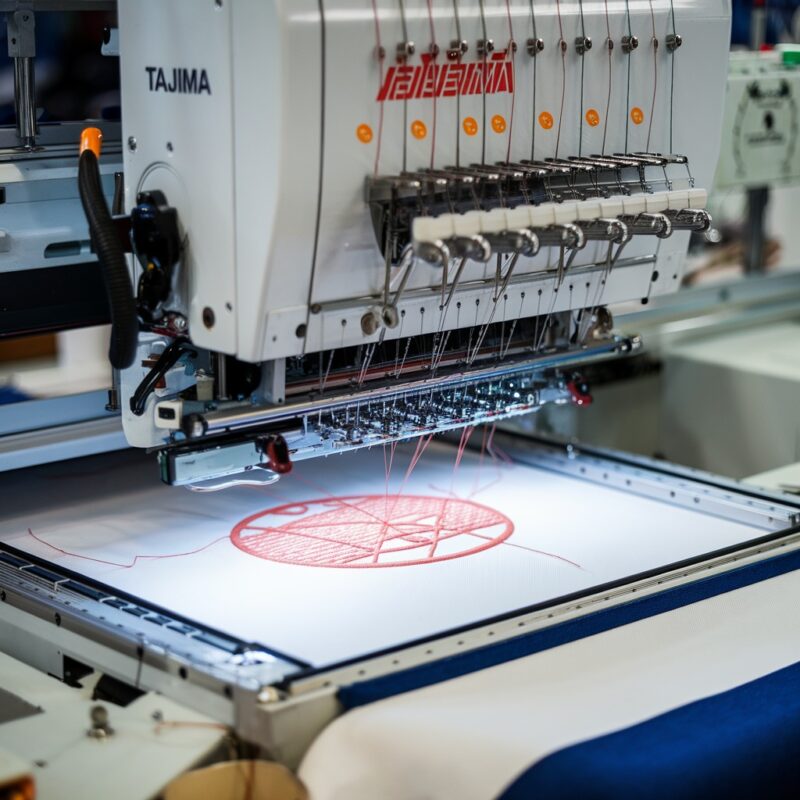
The TMAR-V1512 Series is designed for high-speed performance in complex, multi-head embroidery tasks. Utilize its features, like the digitally controlled presser foot, to handle diverse projects efficiently. Regular training for your team on advanced settings can ensure the machine runs at its intended speed and quality.
Conclusion
Machine slowing down can stem from several causes, from design file overloads to maintenance lapses. By identifying these issues and applying the solutions provided, you can enhance your Tajima TMAR-V1512 Series performance. Regular care, accurate settings, and a deep understanding of its features will help you make the most of this advanced embroidery machine.
With a proactive approach, you can minimize disruptions and maintain smooth, high-speed embroidery operations, ensuring the TMAR-V1512 delivers consistent and reliable results.