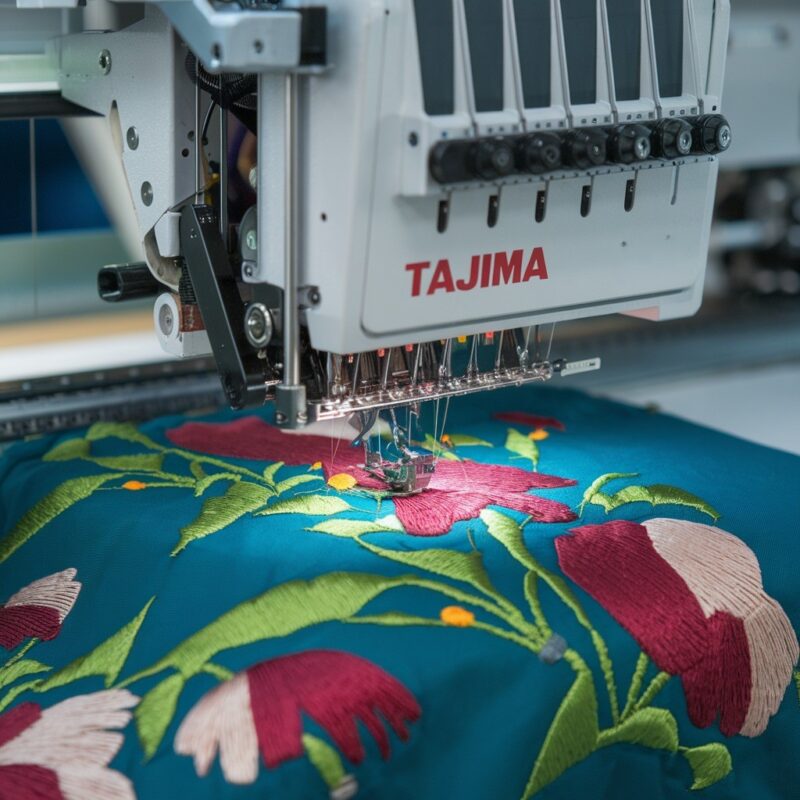
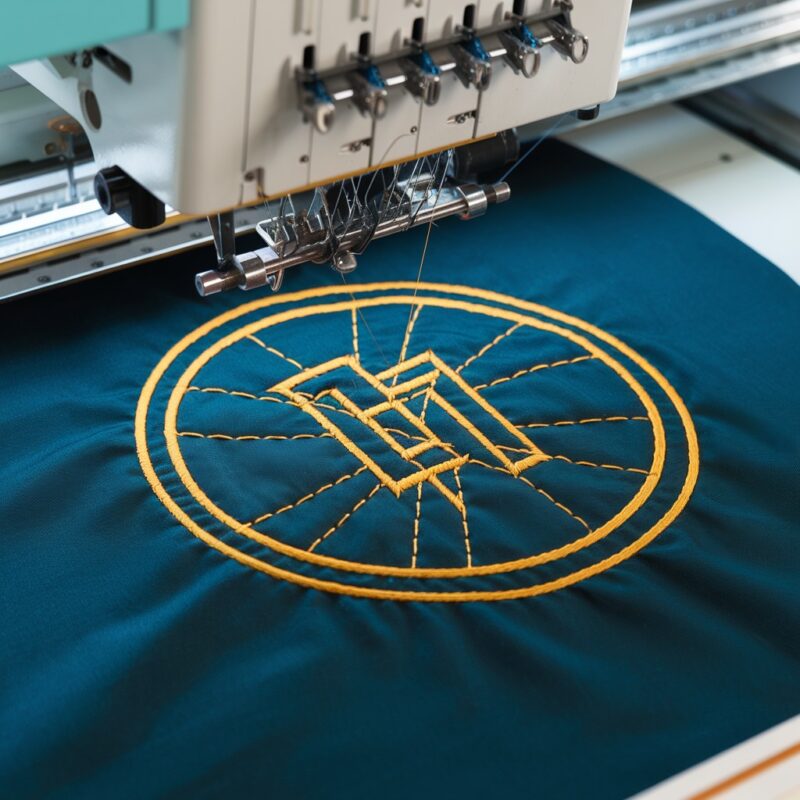
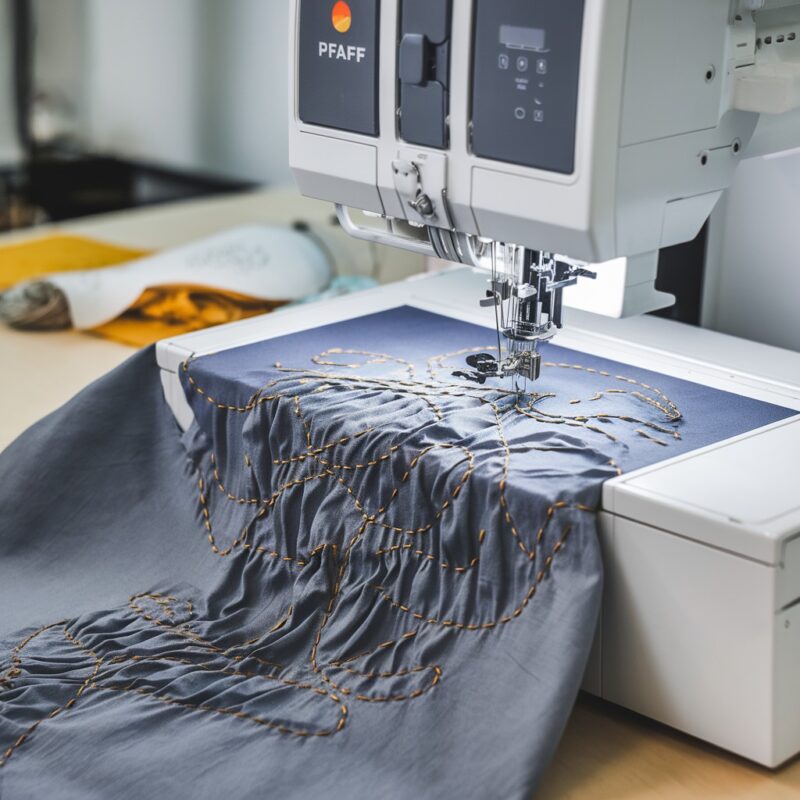
Tajima Embroidery Machine: Common Errors in Puckering or Distorted Embroidery Designs and Solutions

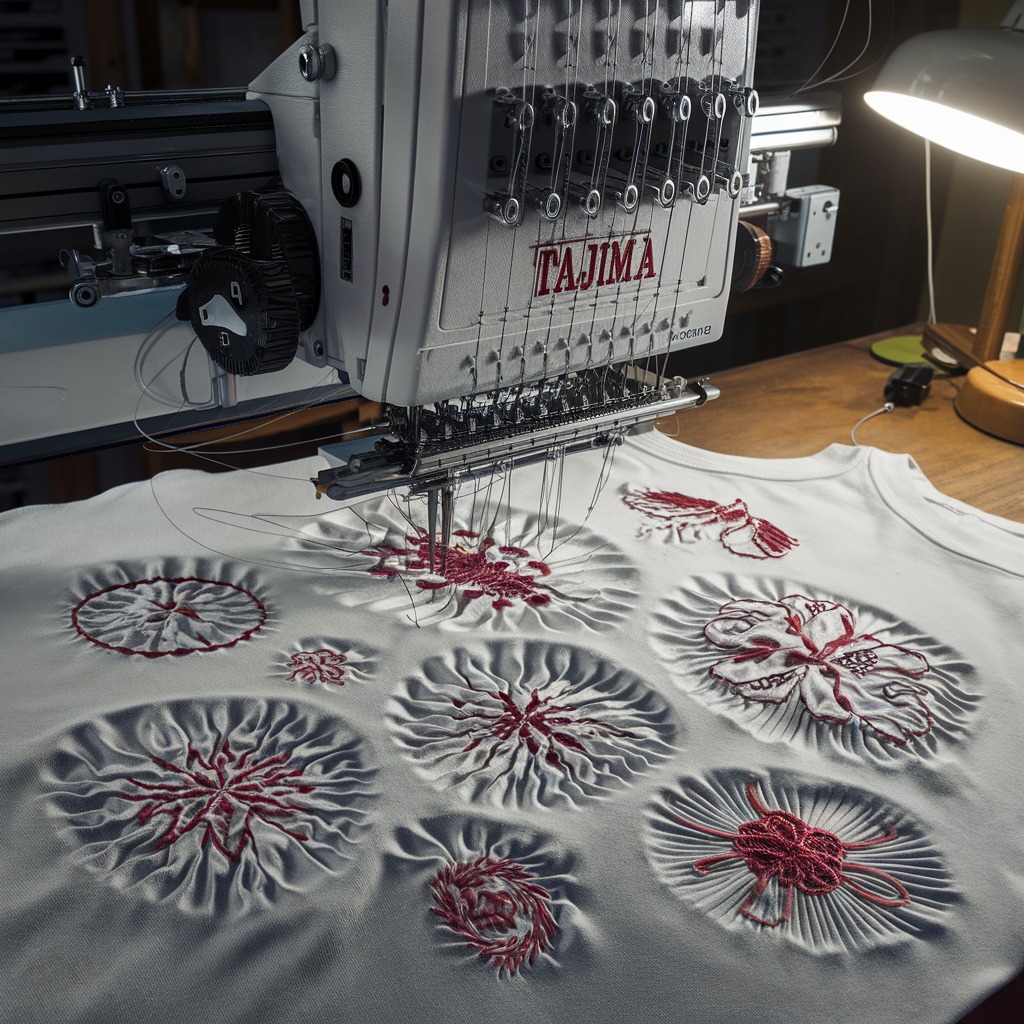
Tajima Embroidery Machine: Common Errors in Puckering or Distorted Embroidery Designs and Solutions
Puckering or distorted embroidery designs can be frustrating for any embroidery project, especially when using a Tajima embroidery machine. These issues can cause the fabric to wrinkle around the design or make the stitches appear uneven and stretched. In this blog, we will discuss the common causes of puckering and distorted embroidery designs on Tajima machines and provide effective solutions to fix and prevent these problems.
Common Causes and Solutions for Puckering or Distorted Embroidery Designs
- Incorrect Fabric Stabilization
Cause: Inadequate or incorrect stabilizer use can lead to fabric movement during embroidery, resulting in puckering or distortion.
Solution:
- Use the appropriate stabilizer based on the fabric type. For lightweight or stretchy fabrics, consider using a cut-away or fusible stabilizer for better support. Always ensure the stabilizer is securely adhered to the fabric to prevent any shifting during stitching.
- Hooping Issues
Cause: If the fabric is not hooped tightly enough or there is too much slack, it can cause the fabric to shift, leading to puckering around the embroidery design.
Solution: - Inconsistent Thread Tension
Cause: Incorrect upper thread or bobbin tension can cause the stitches to pull too tightly on the fabric, leading to puckering or distortion in the embroidery design.
Solution: - Incompatible Needle and Thread
Cause: Using the wrong needle size or type for the fabric, or using low-quality or incompatible threads, can affect the stitch quality and cause distortion.
Solution:- Choose the right needle size and type for the fabric being embroidered. For delicate or lightweight fabrics, use a smaller needle (e.g., size 75/11). Also, ensure you are using high-quality embroidery threads compatible with the fabric.
- Design Density Issues
Cause: Embroidery designs with excessive stitch density can cause the fabric to bunch up or pucker due to the large number of stitches in a small area.
Solution:- Reduce the stitch density in the design file, especially in areas with complex or dense stitching. You may also consider resizing the design to ensure the stitch count is suitable for the fabric being used.
- Improper Machine Speed
Cause: Embroidering at high speeds may cause the fabric to shift or stretch, resulting in puckering or distorted designs.
Solution: - Fabric Stretching During Embroidery
Cause: Stretchy fabrics like knits or spandex can stretch during embroidery, leading to puckering or distortion around the design.
Solution:- Use a no-stretch stabilizer, and ensure the fabric is hooped properly without excessive stretching. A ballpoint needle can also help when embroidering on stretchy fabrics, as it prevents needle damage and reduces fabric distortion.
- Improper Bobbin Thread Winding
Cause: Unevenly wound bobbin threads can cause irregular stitch tension, which in turn leads to puckering or distorted embroidery.
Solution: - Fabric Shrinkage
Cause: Some fabrics can shrink during the embroidery process, particularly after being exposed to moisture or heat, causing puckering around the stitches.
Solution:- Pre-wash and pre-shrink the fabric before starting the embroidery to minimize shrinkage. This step ensures that the fabric remains stable and doesn’t cause distortion after stitching.
Proactive Tips to Prevent Puckering or Distortion in Embroidery
- Use the Right Stabilizer: Always match the stabilizer to the fabric type and design density.
- Check Hoop Tension: Ensure the fabric is hooped tightly and securely without being overstretched.
- Test Stitch: Run a test stitch on a similar fabric to check thread tension, design density, and overall machine settings.
- Adjust Design Density: If necessary, modify the stitch density of your design to suit the fabric.
- Monitor Machine Speed: Lower the machine speed for intricate designs or delicate fabrics.
Conclusion
Puckering and distortion in Tajima embroidery designs are often caused by improper hooping, incorrect thread tension, or unsuitable stabilizers. By addressing these factors and following the solutions outlined above, you can prevent fabric distortion and ensure smooth, high-quality embroidery. Proper machine settings, fabric handling, and design adjustments play a crucial role in achieving perfect embroidery results.