Barudan Embroidery Machine Uneven Stitch Quality: Common Errors and Solutions

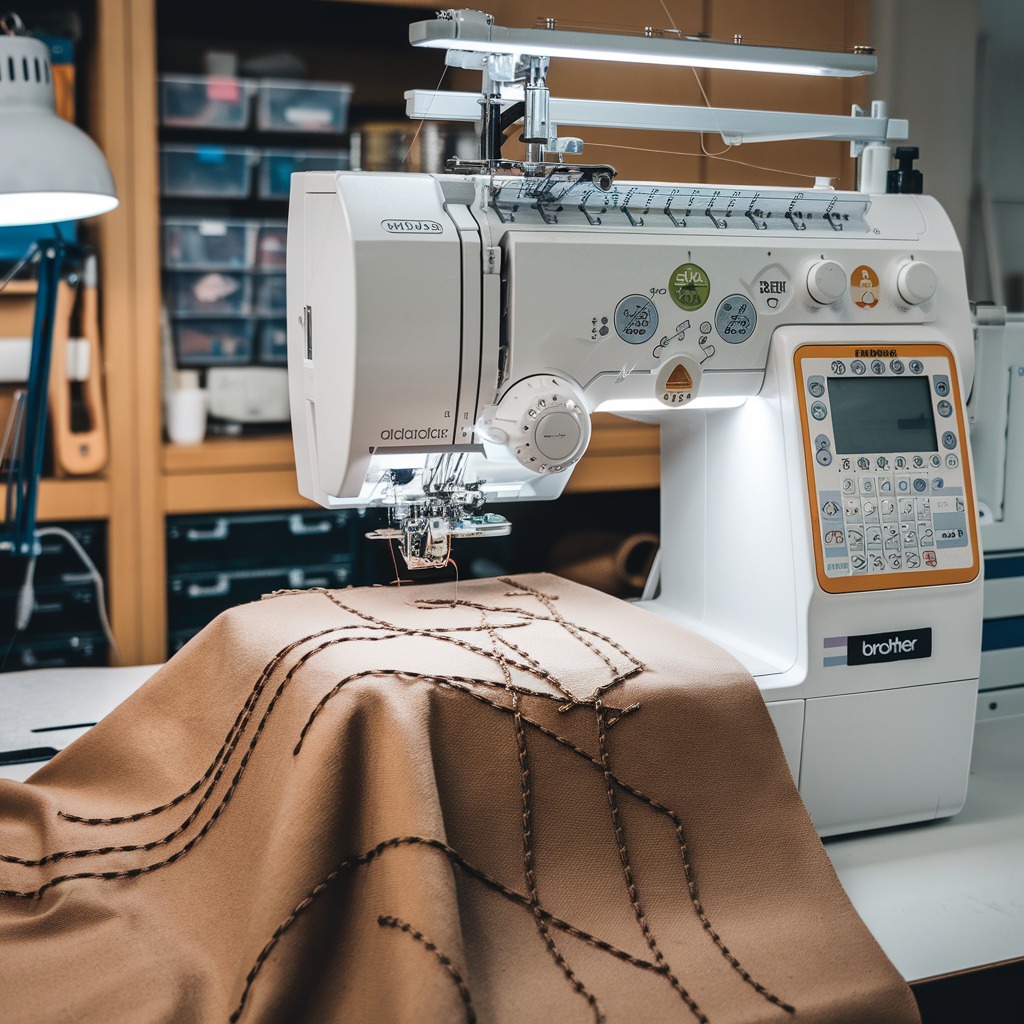
Barudan Embroidery Machine Uneven Stitch Quality: Common Errors and Solutions
Achieving consistent, high-quality stitches is essential for professional embroidery, but sometimes even the most reliable machines, like Barudan, can experience issues with uneven stitch quality. Uneven stitches can range from inconsistent thread tension to missed stitches, affecting the final look of your embroidery. In this blog, we will cover the most common causes of uneven stitch quality and provide effective solutions to ensure your Barudan machine delivers top-notch results every time.
1. Incorrect Thread Tension
Error: Uneven stitch quality is often caused by improper thread tension, either too tight or too loose, leading to irregular stitch formation.

Solution:
- Adjust the upper thread tension using the machine’s tension dial. Test the tension on a scrap piece of fabric to find the right balance.
- Make sure the bobbin thread is evenly wound and properly inserted into the bobbin case.
- Clean the tension discs and ensure the thread is properly seated to avoid inconsistencies in stitch quality.
2. Worn or Incorrect Needle
Error: A worn-out, dull, or incorrect needle can cause skipped stitches, uneven thread loops, or inconsistent stitch length.
Solution:
- Replace the needle regularly, especially after long embroidery sessions or when working with tough materials. Ensure you’re using the correct needle size and type for your fabric and thread.
- Use ballpoint needles for stretchy fabrics and sharp needles for woven materials to avoid damaging the fabric and affecting stitch quality.
3. Threading Problems
Error: Incorrect threading of the machine can lead to loose, tight, or uneven stitches, as the thread may not move smoothly through the tension discs.
Solution:
- Re-thread both the upper thread and bobbin, ensuring they are properly routed through all guides, tension discs, and needle eye.
- Check for any knots, tangles, or frays in the thread that could disrupt its flow.
- Use high-quality embroidery thread to minimize breakage or tangling, which can result in uneven stitches.
4. Hooping Errors
Error: Incorrect or loose hooping can cause the fabric to shift during embroidery, leading to irregular stitches and inconsistent patterns.
Solution:
- Make sure the fabric is tightly secured in the hoop, without overstretching it, to prevent it from moving during stitching.
- Use the correct hoop size for your fabric and design. Overly large hoops may not provide the needed stability for smaller designs, causing uneven stitch quality.
- If working with stretchy or delicate fabrics, use a stabilizer to prevent shifting and puckering.
5. Inconsistent Bobbin Winding
Error: If the bobbin thread is not wound evenly, it can lead to inconsistent tension and uneven stitching during embroidery.
Solution:
- Ensure the bobbin is wound evenly and tightly, without any overlapping or loose spots.
- Use a high-quality bobbin thread, and avoid mixing different thread types or weights in the same project, as this can cause tension inconsistencies.
- Regularly clean the bobbin case and area to prevent lint buildup, which can affect thread tension and stitch quality.
6. Dirty Machine Components
Error: Lint, dust, or thread buildup in the machine’s internal parts can disrupt the stitching process and lead to uneven stitches.
Solution:
- Clean the machine regularly, focusing on the bobbin case, needle area, and tension discs to remove lint and debris.
- Keep the machine well-oiled as per the manufacturer’s instructions to ensure smooth operation and even stitch formation.
- Perform routine maintenance checks to ensure all parts are functioning properly and replace any worn-out components.
7. Fabric Not Properly Stabilized
Error: Using an inappropriate or insufficient stabilizer can cause fabric shifting or puckering, leading to uneven stitching.
Solution:
- Choose the correct stabilizer for the fabric type and design. For stretchy or delicate fabrics, use a cutaway stabilizer to provide extra support.
- Ensure the stabilizer is securely attached to the fabric, either by hooping it together or using adhesive sprays for additional hold.
- For complex designs or larger projects, consider using a double layer of stabilizer to improve fabric stability.
8. Machine Speed Too Fast
Error: Operating the machine at a very high speed can cause the thread and needle to behave inconsistently, leading to uneven stitch quality.
Solution:
- Slow down the machine speed, especially for intricate designs or when working with delicate fabrics. Slower speeds allow for better stitch control and more even thread tension.
- Test different speed settings on scrap fabric to find the optimal speed for your project, minimizing the risk of stitch inconsistencies.
9. Software or Design File Issues
Error: Errors in the embroidery design file or software settings can cause the machine to produce uneven stitches, especially with complex or highly detailed patterns.
Solution:
- Check the design file for errors or excessive stitch density, which can cause the machine to struggle with even stitching.
- If the problem persists, try loading a different design to see if the issue is related to the file.
- Ensure your machine’s software is up to date with the latest firmware to avoid glitches that can affect stitch quality.
Advanced Troubleshooting for Uneven Stitch Quality on Barudan Embroidery Machines
If you’ve tried the basic solutions for uneven stitch quality but are still encountering issues, here are some advanced troubleshooting techniques:
1. Calibrate the Thread Tension Disks
Sometimes, the tension disks might need recalibration for precise control over the thread flow.
Solution:
- Remove and clean the tension disks to eliminate any hidden lint or debris.
- Check if the tension mechanism is functioning correctly and recalibrate if necessary.
2. Upgrade to Specialized Threads
For intricate designs or challenging fabrics, standard threads might not suffice.
Solution:
- Invest in specialized embroidery threads designed for high-speed machines.
- Opt for threads with consistent dye quality and tensile strength to avoid snapping and uneven feeding.
3. Check the Presser Foot Pressure
Incorrect presser foot pressure can lead to uneven feeding of fabric, causing stitch inconsistencies.
Solution:
- Adjust the presser foot pressure to match the thickness of the fabric.
- Ensure that the foot holds the material firmly without restricting its movement.
4. Inspect the Feed Dogs
The feed dogs play a critical role in moving the fabric evenly during stitching. If they’re worn or misaligned, uneven stitches can result.
Solution:
- Inspect the feed dogs for wear or damage.
- Align or replace them as needed to ensure smooth fabric movement.
5. Stabilizer Placement Techniques
Even with stabilizers, incorrect placement or layering can affect stitch quality.
Solution:
- For lightweight fabrics, double-layer stabilizers or a combination of tear-away and cut-away stabilizers are used.
- Ensure that the stabilizer covers the entire embroidery area to prevent shifting.
6. Upgrade Firmware or Software
Sometimes, uneven stitching results from outdated machine software that doesn’t handle complex designs effectively.
Solution:
- Check for firmware or software updates for your Barudan embroidery machine.
- Install the latest updates to improve machine performance and address known bugs.
7. Check for Bobbin Case Damage
A damaged bobbin case can cause irregular tension and disrupt stitch quality.
Solution:
- Inspect the bobbin case for scratches, nicks, or bends.
- Replace the bobbin case if necessary to ensure smooth thread delivery.
8. Analyze the Embroidery Design File
Sometimes the issue lies not with the machine but with the embroidery design file itself.
Solution:
- Open the design file in embroidery software to check for errors in stitch placement or density.
- Simplify overly dense areas or correct overlaps that could cause uneven stitches.
Pro Tips for Optimized Stitch Quality
- Schedule Regular Machine Servicing: Routine professional maintenance ensures all components are calibrated and in optimal condition.
- Test Before You Start: Always test a new design or fabric combination on a sample piece to identify potential issues early.
- Keep a Log: Record recurring issues and solutions to troubleshoot similar problems quickly in the future.
By implementing these advanced solutions and preventive practices, you can achieve consistent, professional-grade embroidery results with your Barudan machine. Uneven stitch quality doesn’t have to be a roadblock—with a little extra care and attention, your machine can perform at its best.
Conclusion
Uneven stitch quality on your Barudan embroidery machine can result from a variety of factors, including thread tension, needle wear, or improper hooping. By addressing these common issues and performing regular maintenance, you can significantly improve the consistency and appearance of your embroidery. Remember, careful setup and attention to detail are essential for achieving professional-quality results.