Blog
Barudan Embroidery Machine: Troubleshooting Uneven Stitch Quality

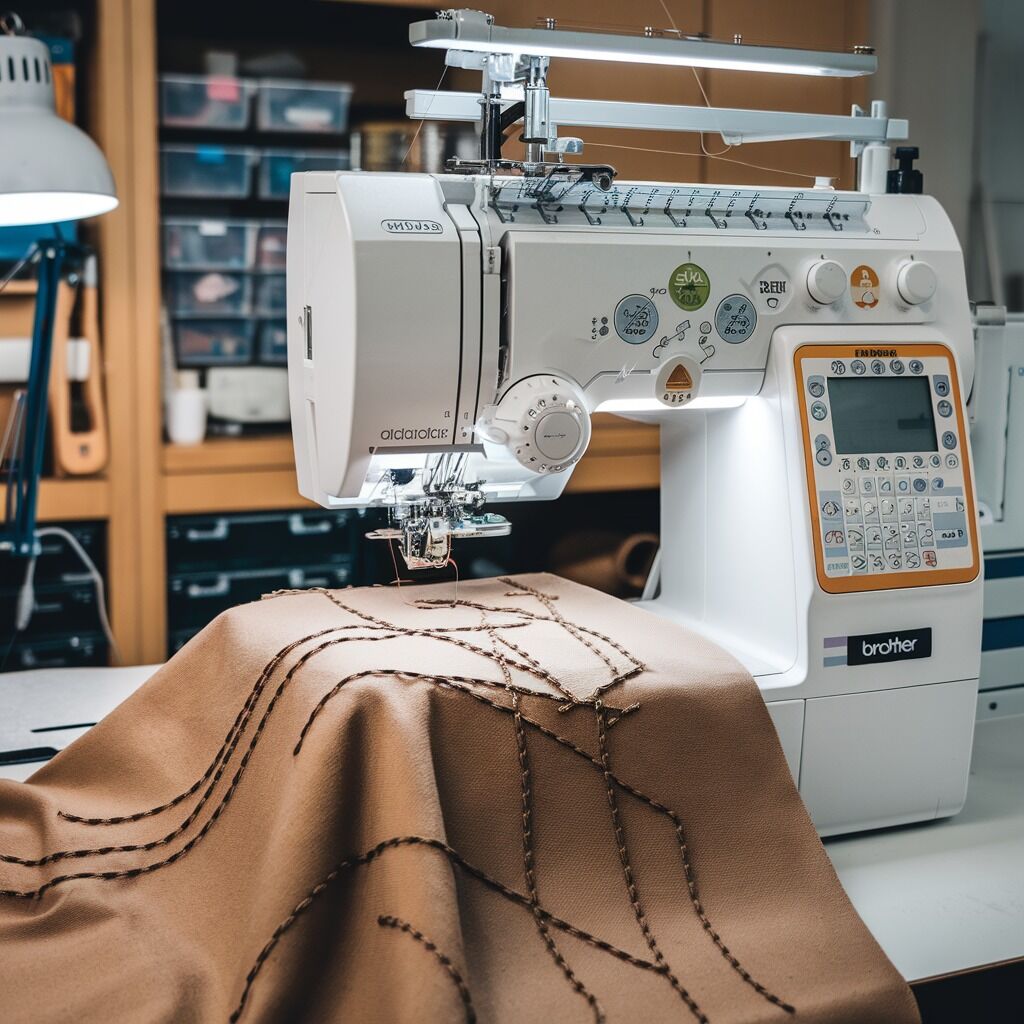
Quick answer: Uneven stitch quality on a Barudan machine is most often caused by incorrect thread tension, a worn needle, or improper threading. Systematically check and adjust these components first.
Achieving consistent, high-quality embroidery is crucial. If your Barudan machine is producing uneven stitches, it can be frustrating. This guide provides practical, step-by-step troubleshooting to diagnose and resolve common causes of inconsistent stitch quality, helping you restore your machine's performance.
Two-minute checks before you open anything
- Is the upper thread correctly routed through all guides and tension discs?
- Is the bobbin correctly wound and inserted into the bobbin case?
- Is the needle new, sharp, and the correct type/size for your fabric and thread?
- Is the fabric hooped securely without being overstretched?
1. Incorrect Thread Tension (Upper or Bobbin) high likelihood
How to tell
Stitches appear too loose or too tight on the top or bottom of the fabric. You may see loops on the fabric surface, puckering, or thread breakage. A balanced stitch shows equal thread pull from top and bottom.
Fix
- For upper thread: Turn the main upper thread tension dial (usually numbered) incrementally. Turn clockwise to increase tension (tighter) and counter-clockwise to decrease tension (looser). Test on scrap fabric until the stitch balance is correct.
- For bobbin thread: Remove the bobbin case. Check for lint or debris inside. If adjustment is needed, use a small screwdriver to turn the tension screw on the bobbin case. A quarter-turn adjustment is often sufficient. Test on scrap fabric. The bobbin thread should pull smoothly but with slight resistance.
- Ensure the upper thread is seated correctly between the tension discs. Floss the discs with a piece of scrap fabric or dental floss to remove any hidden lint.
Upper tension assembly is typically part of the '06 Thread guide' section. The bobbin case is part of the '01A Head Bed A' or '01B Head Bed B' assembly.
Parts involved: Thread path & tension → Rotary hooks & bobbin cases →
2. Worn, Bent, or Incorrect Needle high likelihood
How to tell
Skipped stitches, thread shredding or breakage, fabric damage (holes, snags), or inconsistent stitch formation. A dull needle can't penetrate fabric cleanly, and a bent needle affects loop formation.
Fix
- Replace the needle. Always use a fresh needle when troubleshooting stitch quality issues.
- Ensure the needle is inserted correctly: the scarf (groove) should face the rotary hook, and the long groove should face the last thread guide. Tighten the needle clamp screw securely.
- Verify you are using the correct needle type and size for your fabric and thread. Use sharp-point needles for woven fabrics and ballpoint (BP) needles for knits or stretchy materials. Match needle size to thread weight (e.g., a larger eye for thicker thread).
Needles are installed in the needle bar assembly, e.g., '04A-1 Needle bar A(Z12)'.
Parts involved: Needles & needle bars →
Parts you may need for Barudan
In stock, tested before dispatch, Buyer Protection on every order. Part types for this problem: Thread path & tension, Rotary hooks & bobbin cases, Needles & needle bars, Threads & supplies.
 Groz Beckert RG DBXK5 Embroidery Needles Nm 65/9, 70/10, 75/11, 80/...$ 36.29View part →
 Hirose HSH-7.94ATR(MTQ) KHS12-RYP Rotary Hook for Tajima, Barudan, ...$ 12.09View part →
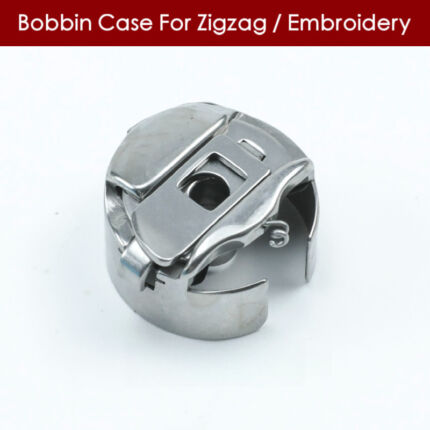 Industrial BC-DBZ(1)-NBL6 Bobbin Case for Barudan TZ1 LE2, Brother ...$ 7.49View part →
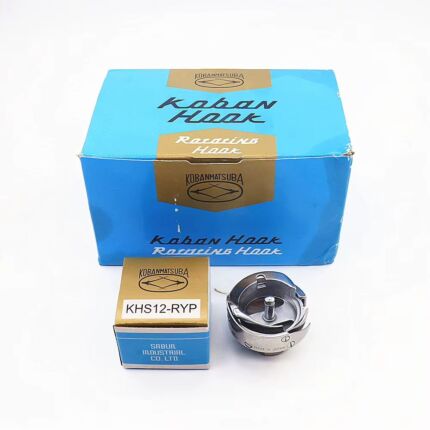 Koban KHS12-RYP Rotary Hook with Trimmer for Tajima, Barudan, SWF, ...$ 22.29View part →
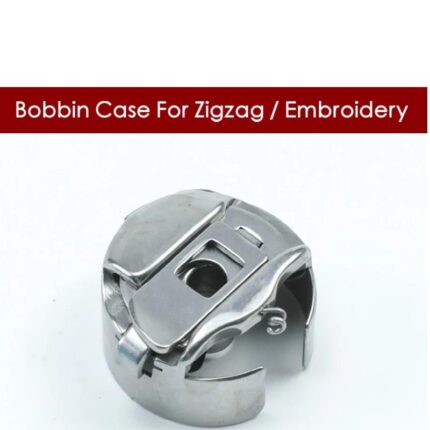 BC-DBZ(1)-NBL6 Bobbin Case for Barudan TZ1, Brother BAS-400, JUKI L...$ 7.49View part →
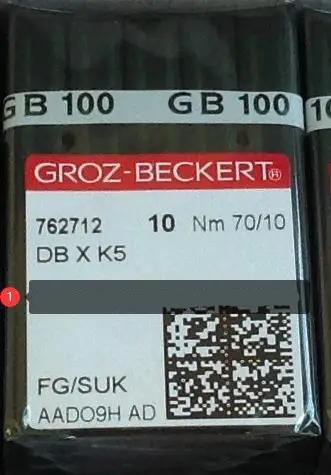 Groz-Beckert DBXK5 FG/SUK Embroidery Needles (100 Pcs) for Tajima, ...$ 23.09View part →
All Barudan parts → Thread Path & Tension → Rotary Hooks & Bobbin Cases → Needles & Needle Bars →
3. Improper Thread Path high likelihood
How to tell
Thread snags, inconsistent tension, loops on the fabric, or frequent thread breaks. The thread may not be passing through all guides or tension discs smoothly.
Fix
- Completely re-thread the upper thread path from the spool to the needle eye. Ensure the thread passes through every guide, pre-tensioner, main tension disc, take-up lever, and needle bar guide.
- Remove the bobbin and re-insert it into the bobbin case, ensuring the thread feeds correctly through the tension spring slot.
- Inspect the thread for knots, tangles, or frayed sections. Use high-quality embroidery thread to minimize these issues.
Parts involved: Thread path & tension → Threads & supplies →
4. Hooping Errors or Insufficient Stabilization medium likelihood
How to tell
Fabric shifts during embroidery, leading to distorted designs, uneven stitch length, puckering, or gaps in the embroidery. The fabric may feel loose in the hoop or show signs of movement.
Fix
- Ensure the fabric is taut and secure in the hoop, but not overstretched. The fabric should feel like a drum skin.
- Use the correct hoop size for the design. Smaller designs in overly large hoops can lack stability.
- Select an appropriate stabilizer for your fabric type and design density. For stretchy fabrics, use a cutaway stabilizer. For delicate fabrics, consider a temporary adhesive spray to secure the fabric to the stabilizer.
- Ensure the stabilizer covers the entire embroidery area and is hooped with the fabric, or adhered securely.
Parts involved: Hoops & frames → Threads & supplies →
5. Inconsistent Bobbin Winding medium likelihood
How to tell
Bobbin thread tension varies during stitching, leading to inconsistent stitch quality on the underside of the fabric, or loops/breaks. The bobbin may appear unevenly wound with loose or overlapping sections.
Fix
- Rewind the bobbin. Ensure the thread winds evenly and tightly onto the bobbin, without any overlapping or loose areas. Check the bobbin winder tension.
- Use high-quality bobbin thread. Avoid mixing different types or weights of bobbin thread within the same project.
- Clean the bobbin case and the bobbin area regularly to prevent lint buildup, which can interfere with smooth thread delivery.
Parts involved: Rotary hooks & bobbin cases → Threads & supplies → Lubrication & maintenance →
6. Dirty Machine Components medium likelihood
How to tell
General stitch inconsistencies, thread breaks, or machine sluggishness. Lint, dust, or thread bits can accumulate in critical areas, disrupting thread flow or component movement.
Fix
- Thoroughly clean the bobbin case area, under the needle plate, around the rotary hook, and the upper thread tension discs. Use a small brush, tweezers, or compressed air (use cautiously to avoid pushing debris further into the machine).
- Regularly oil the machine according to the Barudan operator's manual. Pay attention to the rotary hook area and other specified lubrication points to ensure smooth operation.
Refer to your machine's manual for specific oiling points and frequency. The rotary hook is part of '01A Head Bed A' or '01B Head Bed B'.
Parts involved: Lubrication & maintenance → Rotary hooks & bobbin cases → Thread path & tension →
7. Incorrect Presser Foot Pressure low likelihood
How to tell
Fabric may not feed smoothly or evenly, leading to inconsistent stitch length or puckering. If the pressure is too high, fabric can drag; too low, it can slip.
Fix
- Adjust the presser foot pressure. Refer to your Barudan machine's manual for the location and method of adjustment (often a screw or dial on the head).
- Test the pressure on a scrap piece of your project fabric. The presser foot should hold the fabric firmly against the needle plate without impeding its movement.
The presser foot assembly is part of the '04A-1 Needle bar A(Z12)' or similar needle bar section.
Parts involved: Presser feet & sewing parts → Head & mechanical parts →
8. Damaged Bobbin Case or Rotary Hook low likelihood
How to tell
Persistent irregular bobbin tension, thread shredding, or looping even after cleaning and adjustment. Inspect the bobbin case and rotary hook for nicks, burrs, or scratches.
Fix
- Carefully remove the bobbin case and inspect it under good light for any damage (scratches, nicks, bends) that could snag the thread. Replace if damaged.
- Inspect the rotary hook for any burrs or damage, especially on the hook point or the thread path within the hook. If damaged, the rotary hook may need replacement or professional polishing.
The bobbin case and rotary hook are critical components within the '01A Head Bed A' or '01B Head Bed B' assembly.
Parts involved: Rotary hooks & bobbin cases →
9. Software or Design File Issues low likelihood
How to tell
Uneven stitches occur only with specific designs, or the machine struggles with complex patterns. The issue might not be mechanical but related to how the machine interprets the design data.
Fix
- Check the embroidery design file for errors, excessive stitch density, or overlapping stitches using your embroidery software. Simplify overly dense areas if possible.
- Test a known good, simple design. If the problem disappears, the issue is with the original design file.
- Ensure your Barudan machine's firmware is up to date. Consult your machine's manual or Barudan support for firmware update procedures.
Parts involved: Control panels & displays → Circuit boards & electronics →
Stop and call a technician if
- If you suspect internal mechanical damage (e.g., bent needle bar, damaged take-up lever, timing issues).
- If the issue persists after performing all troubleshooting steps, especially if it affects multiple heads or designs.
- If you need to replace major components like the rotary hook body or complex electronic parts.
- For any issues requiring specialized tools or calibration beyond basic operator adjustments.
Prevent it coming back
- Perform daily cleaning of the bobbin area, under the needle plate, and around tension discs.
- Oil your machine regularly according to the Barudan manufacturer's schedule and specified points.
- Always use fresh, sharp needles of the correct type and size for your project.
- Use high-quality embroidery thread and bobbin thread.
- Ensure proper hooping and stabilization for every project.
- Regularly check for and install firmware updates for your machine.
- Schedule routine professional maintenance to keep all components calibrated and in optimal condition.
Frequently asked questions
Why are my Barudan stitches looping on top?
Loops on top usually indicate that the bobbin thread tension is too loose, or the upper thread tension is too tight. Check your bobbin case tension first, then adjust the upper thread tension dial.
Why are my Barudan stitches looping on the bottom?
Loops on the bottom typically mean the upper thread tension is too loose, or the bobbin thread tension is too tight. Ensure the upper thread is correctly seated in the tension discs and adjust the upper tension dial first.
How often should I change the needle on my Barudan machine?
Change your needle regularly, ideally after every 6-8 hours of continuous embroidery, or sooner if you notice any stitch quality issues, thread breaks, or if you're working with dense designs or tough materials.
Can machine speed affect stitch quality?
Yes, operating the machine at excessively high speeds, especially for intricate designs or delicate fabrics, can lead to inconsistent thread behavior and uneven stitch quality. Slow down the machine speed for better control.
From the Barudan BEVT-Z1501CII parts book
The assemblies involved in this problem, as the manufacturer lists them. Open a section to see every part number, which ones we stock, and get a price on the rest.
- 01a Head Bed A36 parts · 4 in stock
- Head Bed A30 parts · 4 in stock
- 01 A Head Bed A30 parts · 4 in stock
- 02c Thread Cut C22 parts · 4 in stock
- 04b Needle Bar B35 parts · 3 in stock
- 02a Thread Cut A36 parts · 1 in stock
Reference book: Barudan BEVT-Z1501CII. Part numbers differ by model - search yours below and we will confirm fit.
Did this guide fix your machine?
Rate it - it helps other operators find the right fix.
Not sure which part is failing?
Need the logo stitched too?
Get your logo digitized by the people who know this machine
Upload the artwork, see the stitch count and the exact price in 10 seconds, then order with a free sew-out preview. $1 per 1,000 stitches, $10 minimum, 24-hour delivery. Vector conversion from $12.
After the fix
Fixed it? Keep the rest of the shop moving.
OS 360 is the shop software from the team behind this parts store. Every job keeps its status, deadline and owner while a Barudan head is down, restock alerts fire for needles, hooks and bobbins before you run dry, and quotes, invoices and payment live in one place.
- Jobs with status, deadline and owner - nothing slips during downtime
- Inventory with restock alerts, this store one click away
- Instant quotes, invoices and one place to collect payment