Common Errors in Singer’s Futura XL-400: Design Misalignment or Shifting and Solutions


Common Errors in Singer’s Futura XL-400: Design Misalignment or Shifting and Solutions
The Singer Futura XL-400 is a powerful embroidery machine, but even advanced models can encounter problems, such as design misalignment or shifting during embroidery. This issue can ruin an otherwise perfect design, leading to frustration. Below, we will explore the common causes of this problem and provide practical solutions to fix it.
Common Causes of Design Misalignment or Shifting
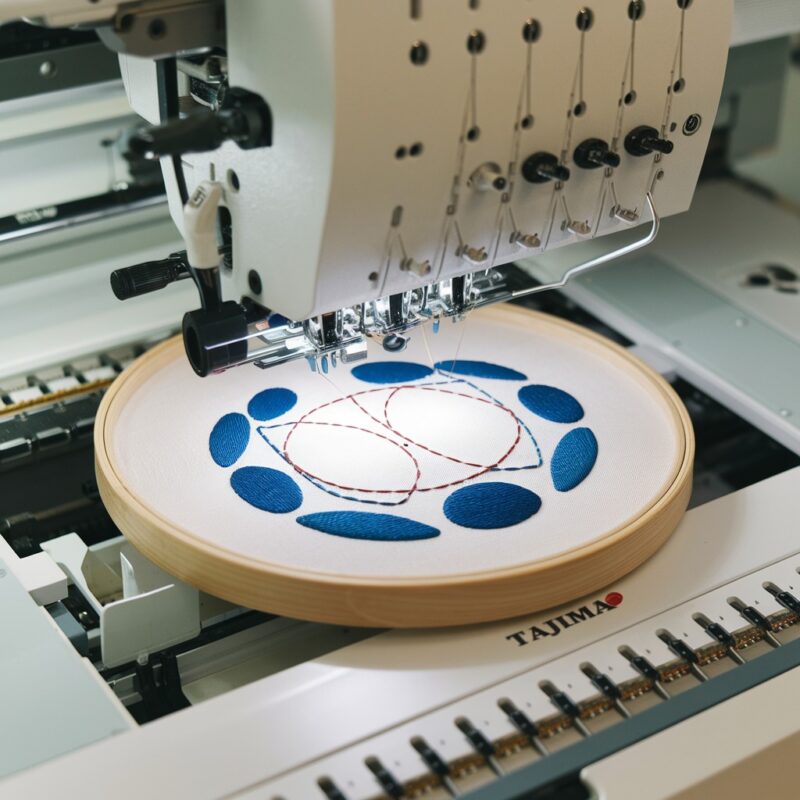
- Hoop Not Securely Attached: If the embroidery hoop is not properly secured, it can cause the fabric to shift during the embroidery process, leading to design misalignment.
- Fabric Tension Issues: Improper fabric tension, either too tight or too loose, can lead to the fabric moving unexpectedly, resulting in a shifted design.
- Incorrect Hoop Size: Using a hoop that is too large or small for your design can cause uneven stitching, which in turn results in design misalignment.
- Thread Tension Problems: Uneven or incorrect thread tension can cause the thread to pull the fabric in different directions, misaligning the design.
- Machine Speed: Sewing at an excessively high speed can sometimes cause the fabric or thread to shift, resulting in design distortion.
- Fabric Type: Some fabrics, especially stretchable or slippery materials, can cause the embroidery design to shift if they are not properly stabilized.
Solutions to Fix Design Misalignment or Shifting
- Secure the Hoop Properly:
- Solution: Always ensure the embroidery hoop is tightly secured to prevent any movement during the embroidery process. Double-check the hoop before starting your design to ensure it’s locked in place.
- Adjust Fabric Tension:
- Use the Right Hoop Size:
- Check Thread Tension:
- Reduce Machine Speed:
- Solution: If you’re noticing design shifting at higher speeds, try reducing the embroidery machine’s speed. A slower pace can help prevent fabric movement and ensure accurate stitching.
- Use Stabilizers:
- Solution: Use the appropriate stabilizer for the fabric type. For slippery or stretchy materials, a strong stabilizer is essential to prevent the fabric from shifting during stitching.
- Regularly Recheck the Fabric Position:
- Clean and Maintain the Machine:
- Solution: Regularly clean your Singer Futura XL-400 to prevent any build-up of lint or debris that may affect the machine‘s performance and lead to design misalignment.
- Properly Prepare the Fabric:
- Solution: Pre-wash and iron your fabric before starting your embroidery project. This helps to eliminate any shrinkage or warping that can lead to misalignment after the design is stitched.
- Choose the Right Needle:
- Check for Software Updates:
- Solution: Keep your machine’s software up to date. Manufacturer updates can include fixes for bugs or improvements in functionality that may help prevent issues like misalignment.
- Use a Template for Large Designs:
- Solution: For larger embroidery designs, consider using a template to mark the fabric’s starting point. This can guide you in aligning the fabric properly before you begin stitching.
- Test on Scrap Fabric:
- Monitor Your Machine‘s Performance:
- Educate Yourself:
- Solution: Familiarize yourself with the specific features and settings of the Singer Futura XL-400. Understanding how your machine operates will enable you to troubleshoot issues more effectively and make informed adjustments.
- Consult Online Resources or Forums:
- Solution: Engage with online communities or forums focused on embroidery. Other users often share tips and solutions for common problems, which can help you find quick fixes or preventative measures.
Conclusion
By implementing these additional strategies, you can significantly reduce the likelihood of design misalignment or shifting on your Singer Futura XL-400. Taking the time to prepare your fabric, using the right tools, and staying informed about your machine‘s capabilities will lead to smoother embroidery experiences and more successful projects.