Blog
Husqvarna Viking Embroidery Machine: Freezing or Slowing Down Troubleshooting

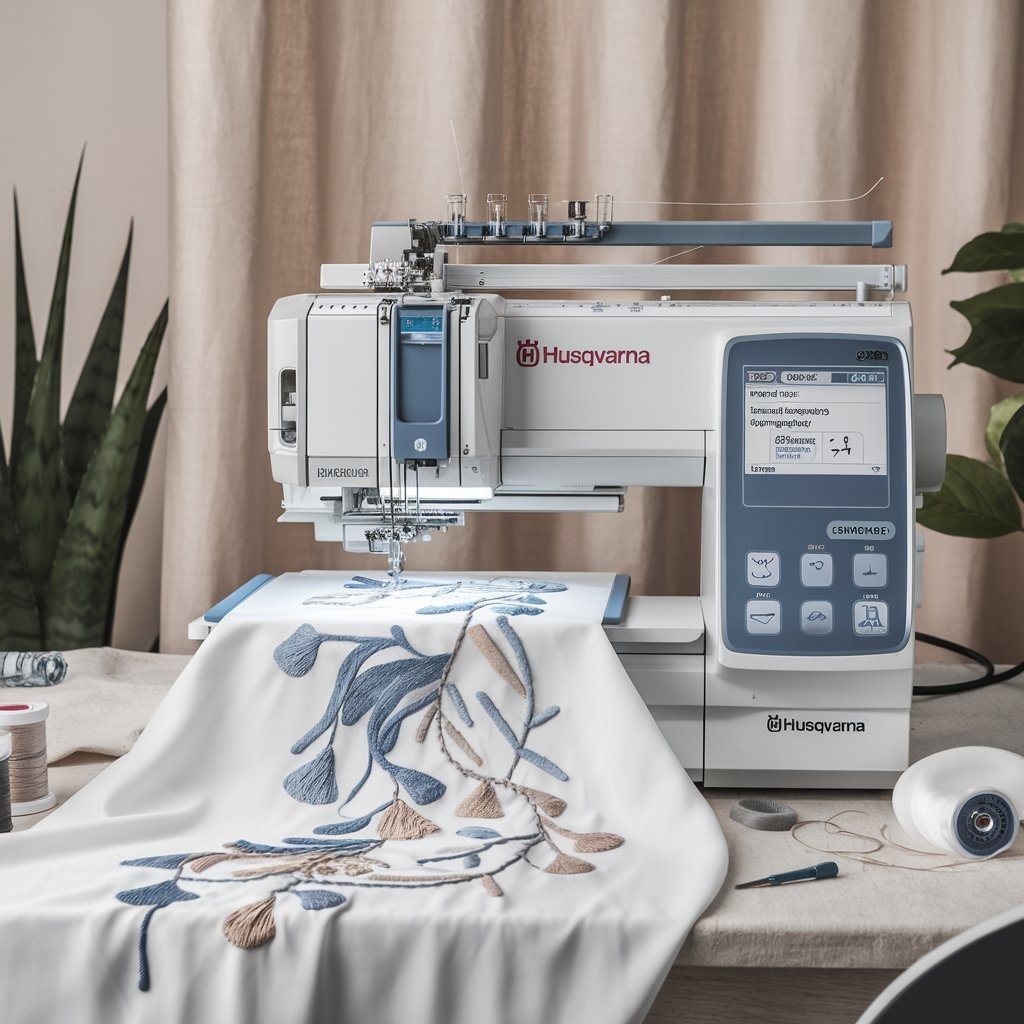
Quick answer: Most freezing or slowing issues on your Husqvarna Viking embroidery machine are caused by accumulated lint and thread in the bobbin area, incorrect thread tension, or an overloaded machine memory. Begin by thoroughly cleaning the bobbin case and needle plate, then check and adjust your thread tension.
Experiencing your Husqvarna Viking embroidery machine freeze or slow down can halt your creative flow. As a technician, I've seen these issues frequently, and most can be resolved with practical, hands-on troubleshooting. This guide will walk you through the most common causes and provide concrete steps to get your machine running smoothly again, focusing on what you can check and fix right at your workstation.
Two-minute checks before you open anything
- Is the bobbin area and needle plate clean and free of lint and thread nests?
- Is the thread tension correctly set for your current project and materials?
- Are all cables, especially the embroidery unit cable, securely connected?
- Is the machine placed in a well-ventilated area, and has it been running continuously for a long period?
- Have you recently loaded a very large or complex design file?
1. Dirty or Jammed Machine Components high likelihood
How to tell
The machine may make grinding or struggling noises, stitch quality degrades, or it stops abruptly. Visible lint, thread nests, or debris can be seen in the bobbin area, under the needle plate, or in the thread path.
Fix
- Turn off and unplug the machine.
- Remove the needle plate, bobbin case, and bobbin.
- Use a small brush and vacuum to thoroughly remove all lint, dust, and thread fragments from the bobbin area, feed dogs, and under the needle plate.
- Clean the tension discs in the upper thread path by flossing with a piece of strong thread or dental floss.
- Inspect the rotary hook for any trapped threads or damage.
- Apply a small drop of machine oil to the designated lubrication points, as indicated in your Husqvarna Viking machine manual.
- Reassemble the machine components, ensuring they are correctly seated.
Regular cleaning prevents wear on many moving parts and ensures smooth operation of the rotary hook and thread path.
Parts involved: Lubrication & maintenance → Rotary hooks & bobbin cases → Thread path & tension → Presser feet & sewing parts → Head & mechanical parts → Screws, springs & small parts →
2. Thread Tension Issues high likelihood
How to tell
Stitches appear loose, looped, or puckered on the top or bottom of the fabric. The machine may sound strained or struggle to form stitches, leading to slow operation or stops.
Fix
- Check that the upper thread is correctly seated in all guides and tension discs.
- Ensure the bobbin is wound evenly and inserted correctly into the bobbin case.
- Perform a test stitch on a scrap piece of fabric similar to your project material.
- Adjust the upper thread tension dial incrementally, typically starting with a lower number for looser tension or a higher number for tighter tension, until stitches are balanced.
- If the issue persists, check the bobbin tension. Refer to your machine's manual for specific bobbin tension adjustment procedures, as this often requires a small screwdriver.
Parts involved: Thread path & tension → Rotary hooks & bobbin cases → Threads & supplies →
Parts you may need for Husqvarna Viking
In stock, tested before dispatch, Buyer Protection on every order. Part types for this problem: Rotary hooks & bobbin cases, Needles & needle bars, Thread path & tension, Presser feet & sewing parts.
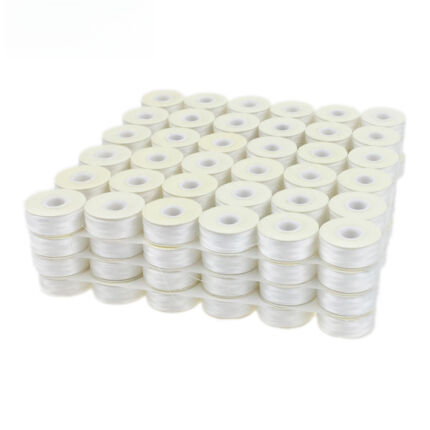 Sanbest Prewound Bobbins 70D/2 75D/2 Size L TH00017 White Black for...$ 47.99View part →
 Husqvarna Viking Bobbins (50 Clear Green) P/N: 4125615-45, 4131825-...$ 35.99View part →eversnice 4125615-45, 4131825-45, 4123078-G, 4125615-45-SP-B, 41256...$ 35.99View part →
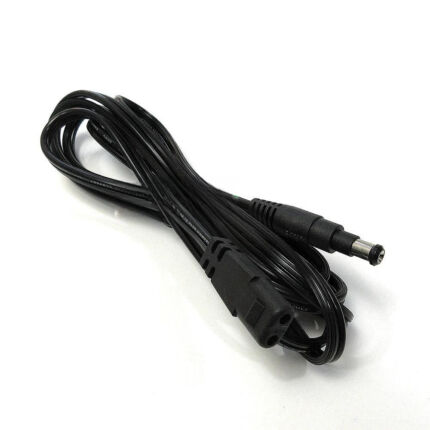 Unbranded Foot Pedal Power Cord for Viking Eden Rose 250C, Epic 95Q...$ 31.29View part →
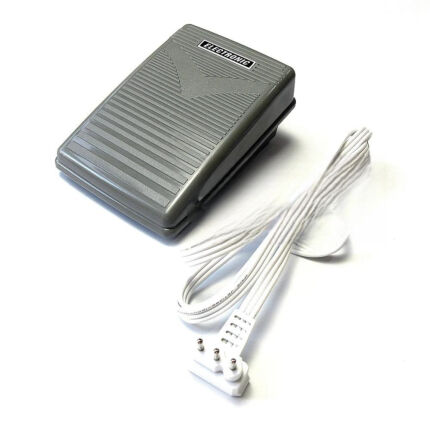 3-Prong Foot Pedal for Husqvarna Viking Eden Rose 250M, 118, 122 Em...$ 43.09View part →
 evernice Needle Threader 416190401 P3A0295000 for Singer 2010, 3229...$ 36.99View part →
All Husqvarna Viking parts → Rotary Hooks & Bobbin Cases → Needles & Needle Bars → Thread Path & Tension →
3. Overloaded Memory or Complex Design Files medium likelihood
How to tell
The machine slows down significantly or freezes when loading or stitching a specific design, especially large or highly detailed ones. Performance improves with simpler designs.
Fix
- Delete unnecessary design files from the machine's internal memory. Transfer them to a USB stick or computer if you wish to keep them.
- If using a complex design, try simplifying it using embroidery software (e.g., reduce stitch density, break into smaller sections).
- Ensure the design file format is fully compatible with your Husqvarna Viking machine. If unsure, re-save the design in a compatible format using embroidery software.
- If the design file is suspected to be corrupt, try using a different design file or re-downloading/re-saving the original file.
While not a physical part replacement, memory management and file integrity directly impact the machine's processing capabilities.
Parts involved: Floppy, USB & memory → Control panels & displays → Circuit boards & electronics →
4. Outdated Software or Firmware medium likelihood
How to tell
The machine exhibits general sluggishness, freezes intermittently, or has issues with newer design files or features. This is often a general performance issue rather than specific to one task.
Fix
- Check the Husqvarna Viking support website for your specific machine model to see if there are any available software or firmware updates.
- Follow the manufacturer's instructions precisely for downloading and installing any updates. This typically involves using a USB stick.
- Ensure the machine remains powered on and connected during the entire update process to prevent corruption.
Firmware updates are critical for the main circuit board's functionality and compatibility.
Parts involved: Circuit boards & electronics → Control panels & displays → Floppy, USB & memory →
5. Overheating low likelihood
How to tell
The machine becomes noticeably warm to the touch, especially after extended periods of continuous operation. Performance degrades over time during a long session, or the machine may display a warning (if equipped) or shut down.
Fix
- Turn off the machine and allow it to cool down completely for at least 30-60 minutes.
- Ensure the machine is placed in a well-ventilated area, away from direct sunlight or heat sources.
- Avoid covering ventilation openings on the machine.
- Consider taking short breaks during very long embroidery projects to allow the machine to dissipate heat.
Overheating can stress electronic components and motors, leading to premature failure.
Parts involved: Motors & drivers → Circuit boards & electronics →
6. Loose or Damaged Cables low likelihood
How to tell
Intermittent freezing or slowing, especially when the machine or cables are moved. The machine may lose connection to the embroidery unit or power. Visually inspect cables for fraying, cuts, or bent pins.
Fix
- Turn off and unplug the machine.
- Carefully check all external cables, including the power cord and the cable connecting the embroidery unit to the main machine.
- Ensure all connectors are firmly seated and not loose.
- Inspect the cables for any visible damage, such as cuts, kinks, or exposed wires. If any damage is found, the cable must be replaced.
- Test with a different power outlet if suspecting power cable issues.
Parts involved: Cables & wiring →
7. Insufficient or Unstable Power Supply low likelihood
How to tell
The machine's performance is erratic, it freezes randomly, or struggles to power on. This might be more noticeable during peak electrical usage in your home or workshop.
Fix
- Ensure the machine is plugged directly into a wall outlet, not into a power strip or extension cord, if possible.
- If using a power strip, ensure it is a high-quality surge protector and not overloaded with other devices.
- Test the machine in a different wall outlet to rule out issues with the original outlet.
- Consider using an Uninterruptible Power Supply (UPS) if your area experiences frequent power fluctuations.
Stable power is crucial for the internal electronics and motor drivers.
Parts involved: Cables & wiring → Circuit boards & electronics →
8. Mechanical Wear and Tear low likelihood
How to tell
Persistent grinding, squeaking, or stiff movement that doesn't resolve with cleaning and lubrication. This is usually a gradual onset over many years of heavy use.
Fix
- Regularly lubricate the machine's moving parts as specified in your Husqvarna Viking manual.
- Inspect for visibly worn or damaged gears, belts, or shafts. This often requires partial disassembly.
- If wear is suspected, professional servicing is recommended to identify and replace specific worn components.
Worn gears, belts, or bearings can cause friction and strain on the motor, leading to slowdowns or freezing.
Parts involved: Belts, pulleys & gears → Shafts, bearings & bushings → Head & mechanical parts → Motors & drivers → Lubrication & maintenance →
Stop and call a technician if
- If the machine continues to freeze or slow down after performing all troubleshooting steps.
- If you suspect internal mechanical damage (e.g., broken gears, bent shafts) that requires disassembly beyond basic cleaning.
- If the machine displays an error code that cannot be resolved with manual instructions.
- If you are uncomfortable performing any of the advanced inspection or repair steps.
Prevent it coming back
- Regularly clean the bobbin area, needle plate, and thread path to prevent lint buildup.
- Keep your machine's software and firmware updated to ensure optimal performance and compatibility.
- Manage your machine's memory by deleting old or unused design files.
- Break down very complex or high-stitch-count designs into smaller, manageable sections.
- Ensure proper thread tension for your fabric and design by performing test stitches.
- Allow the machine to cool down during long embroidery sessions and ensure good ventilation.
- Use a stable power source and inspect cables periodically for damage.
Frequently asked questions
Why does my Husqvarna Viking machine freeze only on certain designs?
This often indicates an issue with the design file itself. It might be too complex, have too many stitches, be corrupt, or be in an incompatible format. Try simplifying the design, re-saving it, or using a different file.
How often should I clean my Husqvarna Viking embroidery machine?
It's recommended to clean the bobbin area and under the needle plate after every 8-10 hours of use, or after completing a large project. More frequent cleaning may be necessary if you use fluffy threads or work in a dusty environment.
Can I use any oil for my embroidery machine?
No, only use high-quality, clear sewing machine oil specifically designed for embroidery machines. Using incorrect oils can gum up internal mechanisms and cause damage.
My machine is hot to the touch, is this normal?
Some warmth is normal during operation, especially after extended use. However, if the machine feels excessively hot, it could be overheating. Turn it off, let it cool, and ensure it has adequate ventilation.
Where can I find firmware updates for my Husqvarna Viking machine?
Firmware updates are typically found on the official Husqvarna Viking support website for your specific machine model. Always follow their instructions carefully for installation.
Did this guide fix your machine?
Rate it - it helps other operators find the right fix.
Not sure which part is failing?
Need the logo stitched too?
Get your logo digitized by the people who know this machine
Upload the artwork, see the stitch count and the exact price in 10 seconds, then order with a free sew-out preview. $1 per 1,000 stitches, $10 minimum, 24-hour delivery. Vector conversion from $12.
After the fix
Fixed it? Keep the rest of the shop moving.
OS 360 is the shop software from the team behind this parts store. Every job keeps its status, deadline and owner while a Husqvarna Viking head is down, restock alerts fire for needles, hooks and bobbins before you run dry, and quotes, invoices and payment live in one place.
- Jobs with status, deadline and owner - nothing slips during downtime
- Inventory with restock alerts, this store one click away
- Instant quotes, invoices and one place to collect payment