Blog
Tajima TMBP-SC Freezing or Slowing Down: Troubleshooting Guide

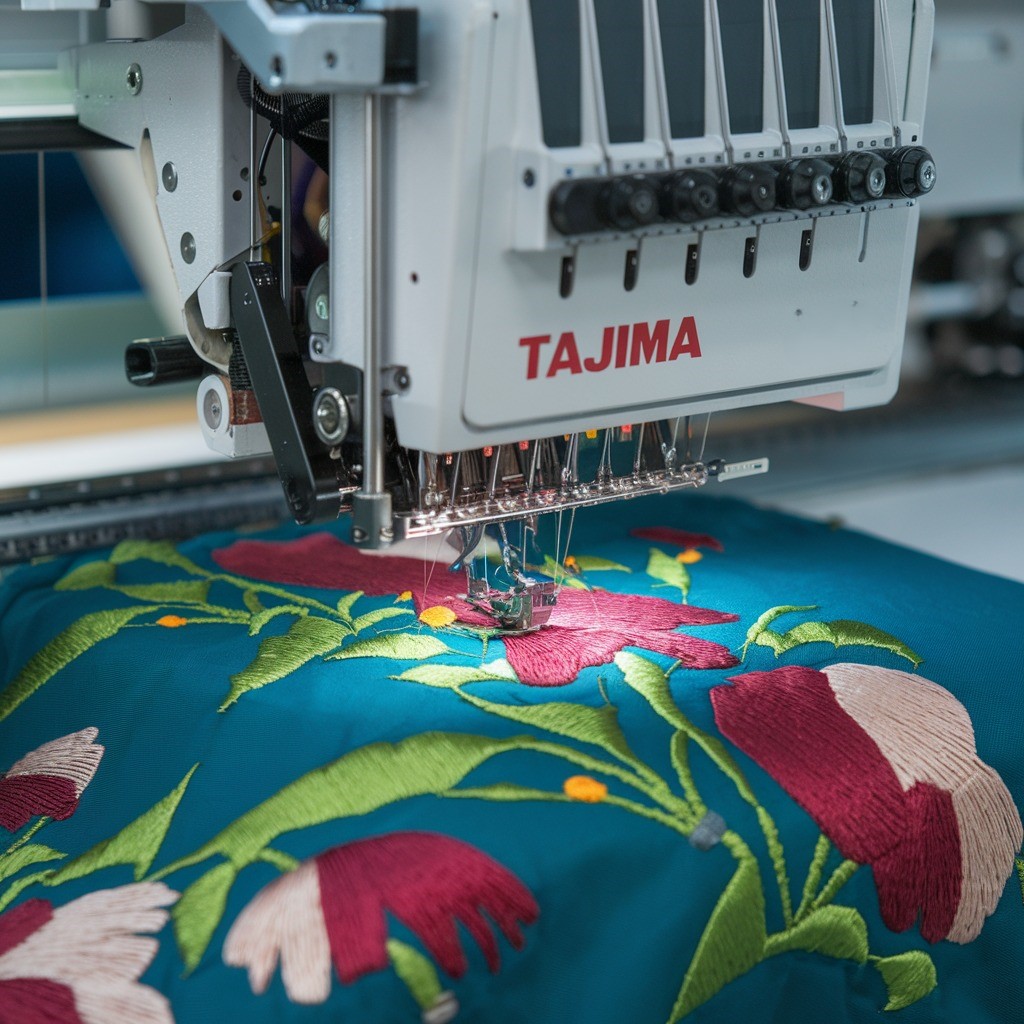
Quick answer: A Tajima TMBP-SC machine freezing or slowing down is often due to an overloaded design file, insufficient maintenance, or outdated firmware. Start by simplifying your design, cleaning and lubricating the machine, and checking for firmware updates. Other common causes include threading issues, tension imbalance, or overheating.
Encountering a Tajima TMBP-SC embroidery machine that freezes or slows down can significantly disrupt production. These issues can stem from various factors, from design file complexity to mechanical wear. This guide provides practical, step-by-step troubleshooting to diagnose and resolve common causes, helping you restore your machine's optimal performance.
Two-minute checks before you open anything
- Is the design file overly complex or large? Try a simpler design.
- When was the last time the machine was cleaned and lubricated?
- Is the machine's firmware up to date?
- Is the machine threaded correctly, both upper and bobbin?
- Are the tension settings correct for your thread and fabric?
- Is the machine overheating? Check ventilation and give it a break.
- Are you using high-quality, compatible thread?
1. Overloaded Design File high likelihood
How to tell
The machine freezes or slows down specifically when processing large designs, designs with many stitches, high densities, or excessive color changes. You may observe poor quality designs or the machine struggling to process the file.
Fix
- Simplify the design by reducing the number of stitches or using fewer colors.
- Optimize dense designs using your embroidery software.
- Use embroidery software to break down larger designs into smaller, manageable sections.
- Ensure the design file is in a compatible format (e.g., DST, DSB) and appropriately digitized for your Tajima TMBP-SC machine.
2. Insufficient Maintenance or Lubrication high likelihood
How to tell
Moving parts feel stiff or jammed. The machine slows down or freezes during operation. Visible dust, lint, or thread buildup in critical areas like the needle bar or bobbin case. The machine continues to slow down despite regular cleaning.
Fix
- Regularly clean the machine according to the user manual. Pay close attention to dust, lint, or thread buildup in the needle bar area, bobbin case, and thread path.
- Lubricate the machine as recommended in the user manual to ensure smooth movement of mechanical parts and reduce friction. Use only approved machine oil.
- If slowing persists after cleaning and lubrication, inspect for worn or damaged mechanical parts that may need replacement.
Regular cleaning and lubrication are crucial. Worn mechanical parts may require replacement.
Parts involved: Lubrication & maintenance → Rotary hooks & bobbin cases → Needles & needle bars → Head & mechanical parts →
Parts you may need for Tajima TMBP
In stock, tested before dispatch, Buyer Protection on every order. Part types for this problem: Lubrication & maintenance, Rotary hooks & bobbin cases, Needles & needle bars, Head & mechanical parts.
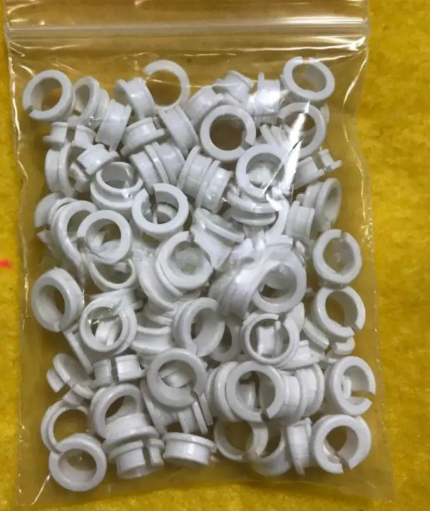 Tajima EF0613220000 EF0613210000 090460040020 090460040031 Presser ...$ 18.09View part →
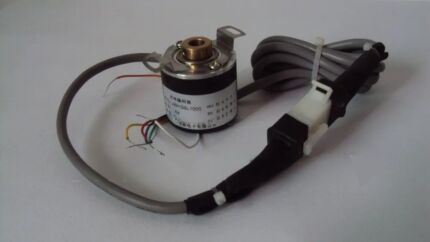 EF6600000000 JHX-G8L1000 1000P/R Rotary Encoder for Chinese Tajima ...$ 92.49View part →
 Tajima W20-16 Timing Belt Pulley CX0170000000 501440030000 S5M 20mm...$ 32.99View part →
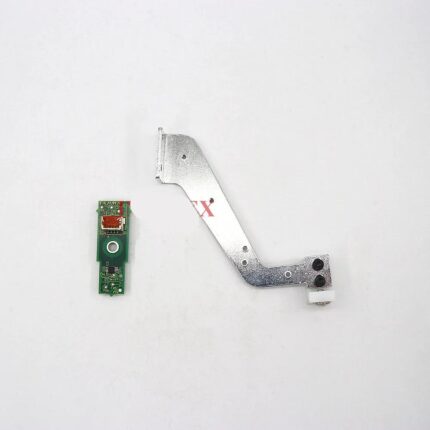 Tajima ICS131 0J2603200000 Thread Break Sensor & Bracket for TFMX, ...$ 97.09View part →
 Tajima 16 Tooth 15 Axis 2cm Pulley for TFMX, TMBP, TMEZ, TMAR Serie...$ 69.09View part →
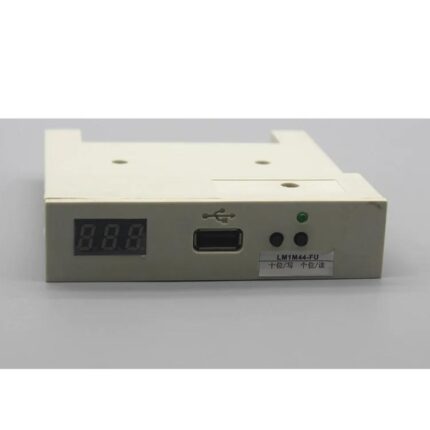 Tajima Card Reader Display Belt for TFMX, TMAR, TFGN, TMBP, TEJT Se...$ 102.49View part →
All Tajima TMBP parts → Lubrication & Maintenance → Rotary Hooks & Bobbin Cases → Needles & Needle Bars →
3. Threading Issues medium likelihood
How to tell
The machine struggles during operation, slows down, or stops suddenly. You may observe tangled upper thread, an incorrectly threaded bobbin, or thread breaks. The machine may display error messages related to thread detection.
Fix
- Re-thread the machine carefully, ensuring the upper thread follows the correct path through all tension disks, thread guides, and the needle bar. Refer to your machine's threading diagram in the user manual.
- Check the bobbin area for any loose threads, lint, or debris that might interfere with thread movement. Ensure the bobbin is wound correctly and inserted with the thread feeding in the correct direction.
- Use high-quality threads to reduce the risk of tangling or snapping.
Ensure all thread guides are clear and undamaged.
Parts involved: Thread path & tension → Rotary hooks & bobbin cases → Threads & supplies →
4. Tension Imbalance medium likelihood
How to tell
The machine works harder than usual, leading to slower operation or freezing. Stitches may appear uneven on the top or bottom of the fabric, or there may be looping or puckering. Thread breaks can also indicate tension issues.
Fix
- Adjust the upper thread tension and bobbin tension to ensure they are balanced. Refer to your user manual for recommended settings.
- Perform a test run on a scrap piece of fabric to verify tension. Stitches should look even on both the top and bottom, with the bobbin thread showing about 1/3 of the way up on the underside.
- Regularly check tension settings, especially when switching between different thread types, needle sizes, or fabrics, as each may require different tension levels.
Tension disks and bobbin case spring can wear over time, affecting tension.
Parts involved: Thread path & tension → Rotary hooks & bobbin cases →
5. Outdated Firmware or Software Issues medium likelihood
How to tell
The machine freezes or lags, especially when working with newer design files or settings. Performance issues may arise after loading new designs or attempting advanced functions. The machine may display generic software errors.
Fix
- Check for firmware updates from Tajima for your TMBP-SC Series model. Manufacturers often release updates to fix bugs and improve performance.
- Update your embroidery machine’s firmware and software to the latest version. Always use the correct update files specific to your model to avoid potential issues.
- Perform a soft reset or restart the machine if you encounter freezing or lag. This can clear temporary software glitches.
Ensure you have the correct firmware file for your specific TMBP-SC model.
Parts involved: Control panels & displays → Circuit boards & electronics → Floppy, USB & memory →
6. Overheating low likelihood
How to tell
The machine slows down or freezes after continuous, extended periods of operation. The machine's exterior may feel warm to the touch. Performance degrades during long embroidery sessions.
Fix
- Give your machine regular breaks during long embroidery sessions to allow components to cool down. This is especially important for large or complex projects.
- Ensure the machine is placed in a well-ventilated area with adequate airflow around it. Avoid placing it in hot environments or confined spaces.
- Clean the ventilation areas and cooling fins of the machine to prevent dust buildup, which can block airflow and cause overheating.
Blocked vents can lead to motor or circuit board damage over time.
Parts involved: Motors & drivers → Circuit boards & electronics →
7. Poor Quality or Incompatible Thread low likelihood
How to tell
Frequent thread breaks, tangling, or excessive lint buildup. The machine may stop or slow down due to these issues. Stitches may appear inconsistent or of poor quality.
Fix
- Always use high-quality embroidery thread that is suitable for your Tajima TMBP-SC machine. Low-quality thread may break easily or create excessive lint.
- Check thread compatibility with your needle size and machine before starting a project. If the thread is too thick or thin for the needle, it can cause operational issues.
- Regularly clean the bobbin case and tension disks to remove lint buildup, which is often exacerbated by poor-quality thread.
Using the correct thread type and weight for your project is crucial.
Parts involved: Threads & supplies → Thread path & tension → Rotary hooks & bobbin cases →
8. Mechanical Issues low likelihood
How to tell
Unusual noises (grinding, squealing), skipped stitches, or difficulty in needle movement. The machine struggles to complete stitches. Visible wear on belts, gears, or other moving parts. The machine may feel 'stuck' or hesitant.
Fix
- Regularly inspect your machine for any signs of mechanical wear, especially after extended use. Look for worn belts, damaged gears, or loose components.
- If you suspect a mechanical problem, a professional technician should inspect and replace any damaged parts, such as belts, gears, or the main motor.
- Avoid overloading the machine with large or dense projects if it shows signs of mechanical strain, as this can exacerbate existing issues.
Worn belts, gears, or a failing motor can significantly impact machine performance.
Parts involved: Belts, pulleys & gears → Motors & drivers → Shafts, bearings & bushings → Head & mechanical parts →
9. Power Supply Issues low likelihood
How to tell
The machine freezes or operates slowly intermittently. Performance issues coincide with power fluctuations or outages in your facility. Machine may reset unexpectedly.
Fix
- Ensure your machine is connected to a stable power source. Avoid sharing outlets with other high-power equipment.
- If your power supply is inconsistent, consider using a surge protector or an uninterruptible power supply (UPS) to safeguard the machine and provide stable power.
- If the problem persists, have a qualified electrician inspect the power outlet and supply, or a technician inspect the machine's internal electrical components.
A stable power supply is critical for sensitive electronics.
Parts involved: Circuit boards & electronics → Cables & wiring →
10. Incorrect Machine Settings low likelihood
How to tell
The machine freezes or slows down when specific settings are applied, such as a high stitch speed for dense designs. Performance issues are directly tied to changes in machine parameters.
Fix
- Adjust the machine settings to match the project’s requirements. Reduce the stitch speed for dense designs or intricate work to allow the machine to process the design more efficiently.
- Review stitch length, density, and thread trimming settings to ensure they are appropriate for the design and fabric type.
- Consult the user manual for recommended parameters for different projects and fabric types if you are unsure about optimal settings.
Parts involved: Control panels & displays →
11. Overloaded Memory low likelihood
How to tell
The machine's processing speed slows down or it freezes, especially when handling large or complex designs. This occurs even with designs that are not excessively complex but the machine's internal memory is nearly full.
Fix
- Delete any unnecessary files or designs stored in the machine's internal memory to free up space. Regularly clear old designs.
- If possible, use external storage (e.g., USB) for designs and only load what is actively needed onto the machine's internal memory.
Internal memory chips can be damaged by frequent power fluctuations.
Parts involved: Floppy, USB & memory → Circuit boards & electronics →
Stop and call a technician if
- If the machine exhibits unusual noises, grinding, or persistent mechanical issues after basic troubleshooting.
- If you suspect internal electrical component failure or power supply issues beyond the outlet.
- If firmware updates fail or cause new problems.
- If worn or damaged mechanical parts (belts, gears, motor) are identified and you are not comfortable replacing them.
- If the problem persists after attempting all recommended troubleshooting steps.
Prevent it coming back
- Optimize embroidery designs to reduce stitch count, density, and color changes, especially for complex patterns.
- Perform regular cleaning and lubrication according to the Tajima TMBP-SC user manual.
- Keep machine firmware and software updated to the latest versions.
- Ensure correct threading of both upper and bobbin threads before each project.
- Maintain balanced upper and bobbin thread tension, adjusting as needed for different materials and threads.
- Provide adequate ventilation for the machine and allow breaks during long operating sessions to prevent overheating.
- Use only high-quality, compatible embroidery threads.
- Connect the machine to a stable power source, using a surge protector or UPS if power fluctuations are common.
- Regularly delete unnecessary design files from the machine's internal memory.
Frequently asked questions
Why does my Tajima TMBP-SC slow down only on certain designs?
This is typically caused by an 'Overloaded Design File'. The design may have too many stitches, high densities, or excessive color changes that strain the machine's processor. Try simplifying the design or breaking it into smaller sections using your embroidery software.
My machine is clean and lubricated, but still slow. What else could it be?
If maintenance is up-to-date, check for 'Threading Issues' or 'Tension Imbalance'. Re-thread the machine carefully and verify both upper and bobbin tension. Also, ensure your 'Firmware' is updated, as older software can cause performance issues.
How often should I clean and lubricate my Tajima TMBP-SC?
Refer to your Tajima TMBP-SC user manual for specific cleaning and lubrication schedules. Generally, daily cleaning of lint and thread debris, and weekly or bi-weekly lubrication of key moving parts, is recommended for optimal performance and longevity.
Did this guide fix your machine?
Rate it - it helps other operators find the right fix.
Not sure which part is failing?
Need the logo stitched too?
Get your logo digitized by the people who know this machine
Upload the artwork, see the stitch count and the exact price in 10 seconds, then order with a free sew-out preview. $1 per 1,000 stitches, $10 minimum, 24-hour delivery. Vector conversion from $12.
After the fix
Fixed it? Keep the rest of the shop moving.
OS 360 is the shop software from the team behind this parts store. Every job keeps its status, deadline and owner while a TMBP-SC head is down, restock alerts fire for needles, hooks and bobbins before you run dry, and quotes, invoices and payment live in one place.
- Jobs with status, deadline and owner - nothing slips during downtime
- Inventory with restock alerts, this store one click away
- Instant quotes, invoices and one place to collect payment