Blog
Husqvarna Viking Embroidery Machine: Design Misalignment or Shifting Troubleshooting

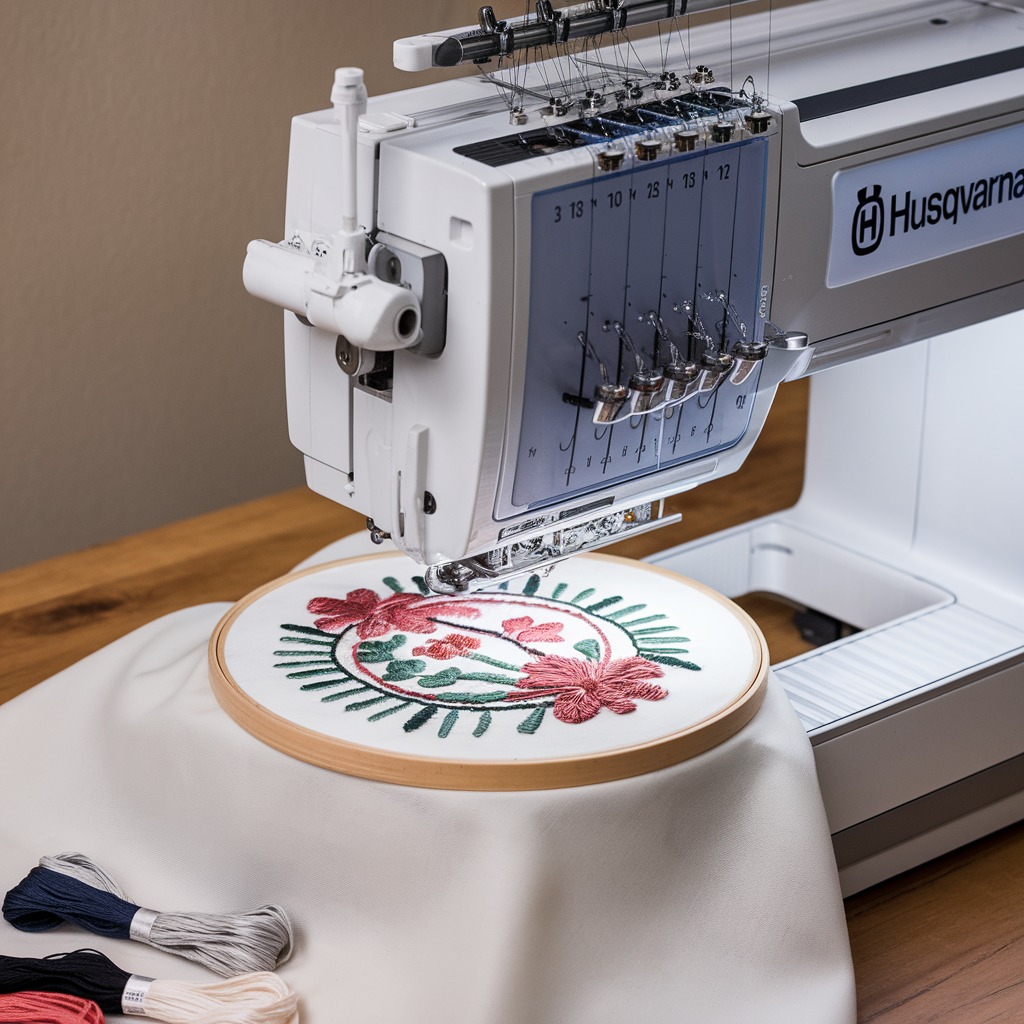
Quick answer: Design misalignment or shifting on a Husqvarna Viking embroidery machine is typically caused by improper hooping, incorrect stabilizer, or incorrect thread/fabric tension. Systematically check these areas first.
Design misalignment or shifting on your Husqvarna Viking embroidery machine can be frustrating, leading to wasted materials and time. This guide provides practical steps to diagnose and resolve common causes, ensuring your embroidery designs stitch accurately on your fabric.
Two-minute checks before you open anything
- Is the fabric hooped securely and taut, without wrinkles?
- Is the correct type and weight of stabilizer being used for the fabric and design?
- Does the embroidery design fit entirely within the selected hoop's stitching area?
- Are both the upper and bobbin thread tensions correctly set for the fabric and thread type?
- Is the machine operating at an appropriate speed for the design complexity?
1. Improper Fabric Hooping high likelihood
How to tell
The fabric appears loose, wrinkled, or moves visibly within the hoop during stitching. The embroidered design is distorted or shifted from its intended position.
Fix
- Remove the hoop from the machine.
- Unhoop the fabric and stabilizer.
- Lay the fabric flat and smooth over the inner hoop, ensuring no wrinkles.
- Place the outer hoop over the fabric and inner hoop, pressing down firmly to secure the fabric tautly. The fabric should feel like a drumhead.
- Ensure the fabric grain is straight within the hoop, if applicable.
- Verify the hoop size matches the design requirements.
Parts involved: Hoops & frames →
2. Incorrect Stabilizer Use high likelihood
How to tell
The fabric puckers, stretches, or shifts during embroidery, especially with dense designs. Stitches may not lay flat, or the design appears distorted.
Fix
- Identify the fabric type (e.g., knit, woven, delicate, heavy) and the design's stitch count/density.
- Select a stabilizer appropriate for the fabric and design. For lightweight fabrics, use a light tear-away or cut-away. For dense designs or stretchy fabrics, use a heavier cut-away or a combination of stabilizers.
- Ensure the stabilizer is placed smoothly and securely under the fabric within the hoop, extending beyond the design area.
Parts involved: Threads & supplies →
Parts you may need for Husqvarna Viking
In stock, tested before dispatch, Buyer Protection on every order. Part types for this problem: Hoops & frames, Threads & supplies, Thread path & tension, Rotary hooks & bobbin cases.
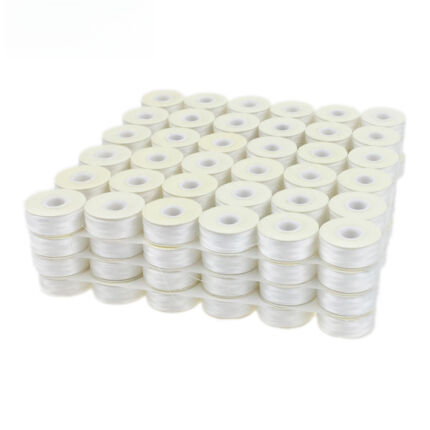 Sanbest Prewound Bobbins 70D/2 75D/2 Size L TH00017 White Black for...$ 47.99View part →
 Husqvarna Viking Bobbins (50 Clear Green) P/N: 4125615-45, 4131825-...$ 35.99View part →eversnice 4125615-45, 4131825-45, 4123078-G, 4125615-45-SP-B, 41256...$ 35.99View part →
 evernice Needle Threader 416190401 P3A0295000 for Singer 2010, 3229...$ 36.99View part →
 Needle Threader Replacement for Singer 5511, 5523, 5532, 5554, 85SC...$ 36.99View part →
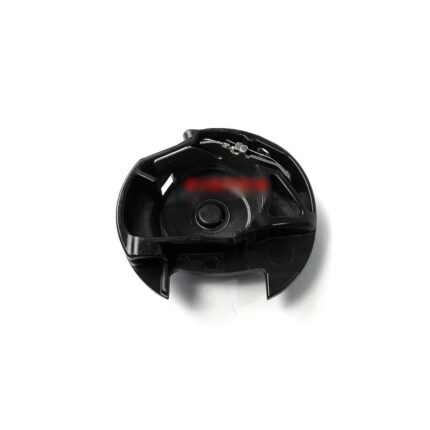 Viking Bobbin Case for Designer 1, 2, Diamond, Royale, Ruby Royale,...$ 78.99View part →
All Husqvarna Viking parts → Hoops & Frames → Threads & Supplies → Thread Path & Tension →
3. Incorrect Thread Tension (Upper or Bobbin) medium likelihood
How to tell
Stitches appear uneven, loops are visible on the top or bottom of the fabric, or the fabric puckers/pulls during stitching, leading to design distortion or shifting.
Fix
- Perform a tension test stitch on a scrap piece of the same fabric and stabilizer.
- Examine the test stitch: the top thread should meet the bobbin thread in the middle of the fabric layers, forming balanced stitches.
- If top thread is visible on the bottom, increase upper thread tension or decrease bobbin tension.
- If bobbin thread is visible on the top, decrease upper thread tension or increase bobbin tension.
- Adjust the upper thread tension dial incrementally. Refer to your Husqvarna Viking machine manual for specific bobbin tension adjustment procedures, as this often requires a small screwdriver on the bobbin case.
Parts involved: Thread path & tension → Rotary hooks & bobbin cases →
4. Design Exceeds Hoop Stitching Area medium likelihood
How to tell
Parts of the design are cut off, or the machine attempts to stitch beyond the hoop's physical limits, causing fabric drag and shifting. Error messages related to design size may appear.
Fix
- Verify the selected hoop size on the machine's display matches the physical hoop attached.
- Check the design dimensions in your embroidery software or on the machine's display.
- Ensure the design's width and height are smaller than the maximum stitching area of the chosen hoop.
- If the design is too large, resize it using embroidery software or select a larger hoop if available and compatible with the design.
Parts involved: Hoops & frames → Control panels & displays →
5. Machine Speed Too High low likelihood
How to tell
Fabric shifts or puckers, especially with intricate designs or delicate fabrics, due to rapid needle penetration and machine movement. Stitch quality may also degrade.
Fix
- Access the speed setting on your Husqvarna Viking machine's control panel.
- Reduce the embroidery speed, especially for complex designs, delicate fabrics, or when first testing a new setup.
- Observe the stitching process; if shifting continues, further reduce the speed.
Parts involved: Control panels & displays →
6. Machine Calibration Issues low likelihood
How to tell
Designs consistently stitch off-center or misaligned across multiple projects, even when hooping and tension are correct. This is less common for home machines but can occur.
Fix
- Consult your Husqvarna Viking user manual for instructions on performing calibration checks or adjustments.
- If user-level calibration is not available or does not resolve the issue, professional service may be required.
Parts involved: Circuit boards & electronics → Motors & drivers → Sensors & switches →
7. Worn or Damaged Machine Components low likelihood
How to tell
Grinding noises, excessive vibration, loose movement in the embroidery arm or hoop attachment points, or inconsistent hoop movement. Misalignment may be accompanied by other stitching problems.
Fix
- Visually inspect the embroidery arm for any looseness or play.
- Check the hoop attachment mechanism for wear or damage.
- Inspect the drive belts and gears for signs of wear, cracks, or slippage.
- If worn or damaged parts are identified, replace them. Refer to your machine's service manual or consult a qualified technician for part identification and replacement procedures.
Specific worn components can vary; careful inspection is required to identify the exact part needing replacement.
Parts involved: Belts, pulleys & gears → Shafts, bearings & bushings → Head & mechanical parts → Hoops & frames → Screws, springs & small parts →
Stop and call a technician if
- If machine calibration issues persist after following manual instructions.
- If you suspect internal mechanical damage (e.g., worn gears, bent shafts) that requires specialized tools or expertise.
- If the issue cannot be resolved after systematically checking all common causes.
Prevent it coming back
- Always hoop fabric and stabilizer securely and tautly, ensuring no wrinkles or slack.
- Select the correct type and weight of stabilizer for your fabric and design density.
- Verify that your embroidery design fits within the selected hoop's stitching area before starting.
- Regularly check and adjust upper and bobbin thread tensions to match your fabric and thread.
- Operate the machine at an appropriate speed, reducing it for intricate designs or delicate fabrics.
- Perform routine machine maintenance, including cleaning the bobbin area and checking for any loose components.
Frequently asked questions
Why does my Husqvarna Viking embroidery design shift even with tight hooping?
Even with tight hooping, a design can shift if the stabilizer is incorrect for the fabric/design, thread tension is off, or the machine speed is too high. Ensure you're using the right stabilizer and check both upper and bobbin thread tensions.
How do I know if my Husqvarna Viking machine needs calibration?
If designs consistently stitch off-center or misaligned across various projects, despite correct hooping, tension, and design placement, your machine might need calibration. Refer to your user manual for calibration procedures or contact a service technician.
Can old or poor-quality thread cause design misalignment?
Yes, old, poor-quality, or improperly wound thread can lead to inconsistent tension, thread breaks, and fabric pulling, which can contribute to design misalignment. Always use good quality embroidery thread.
What is the best way to prevent fabric from shifting in the hoop?
To prevent fabric shifting, always hoop the fabric and stabilizer tautly like a drum, use the appropriate stabilizer for your fabric and design, and consider using temporary adhesive spray between the fabric and stabilizer for extra security on slippery fabrics.
Did this guide fix your machine?
Rate it - it helps other operators find the right fix.
Not sure which part is failing?
Need the logo stitched too?
Get your logo digitized by the people who know this machine
Upload the artwork, see the stitch count and the exact price in 10 seconds, then order with a free sew-out preview. $1 per 1,000 stitches, $10 minimum, 24-hour delivery. Vector conversion from $12.
After the fix
Fixed it? Keep the rest of the shop moving.
OS 360 is the shop software from the team behind this parts store. Every job keeps its status, deadline and owner while a Husqvarna Viking head is down, restock alerts fire for needles, hooks and bobbins before you run dry, and quotes, invoices and payment live in one place.
- Jobs with status, deadline and owner - nothing slips during downtime
- Inventory with restock alerts, this store one click away
- Instant quotes, invoices and one place to collect payment