Blog
Tajima TMAR-KC: Uneven Stitch Quality Troubleshooting

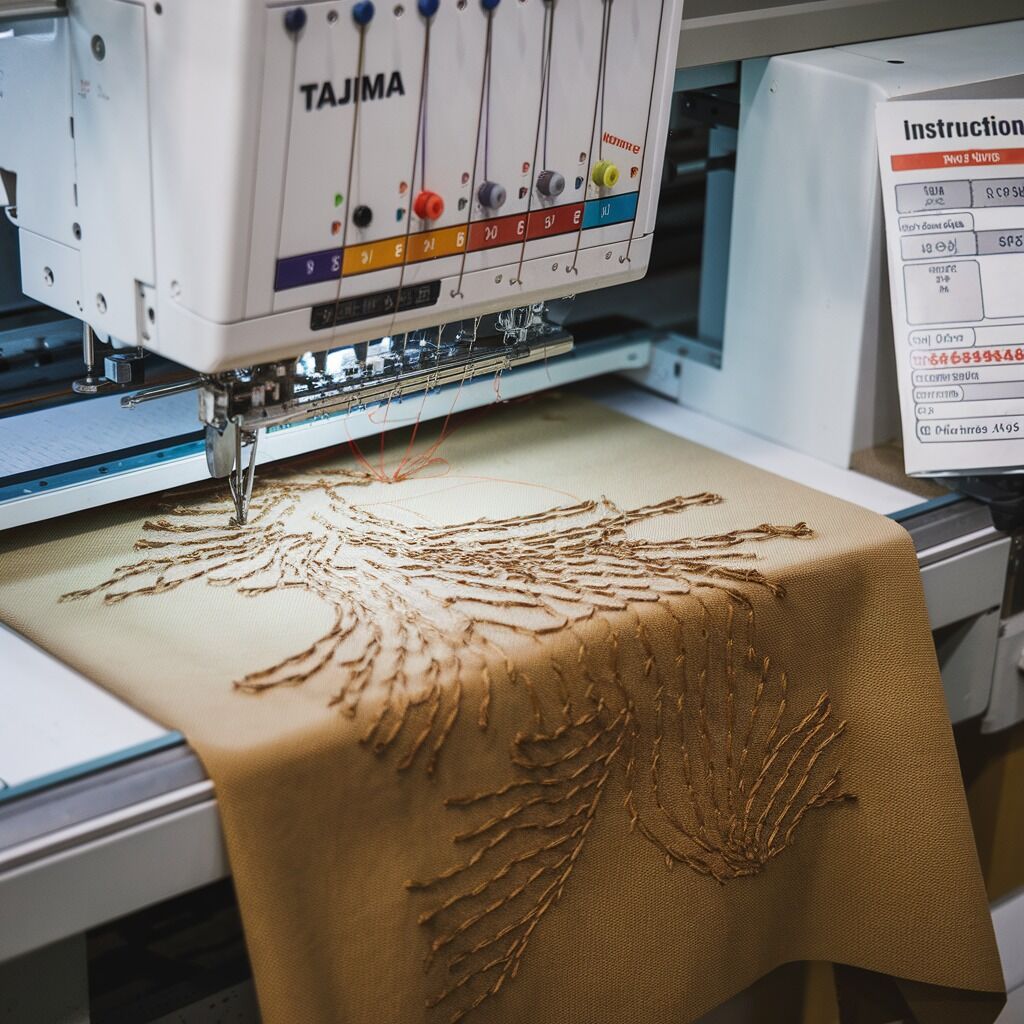
Quick answer: Uneven stitch quality on a Tajima TMAR-KC is most often caused by incorrect thread tension (upper or bobbin), a worn or incorrect needle, or obstructions in the thread path. Systematically check and adjust these components first.
Uneven stitch quality can significantly impact the final appearance of your embroidery projects on a Tajima TMAR-KC machine. This guide provides a structured approach to diagnosing and resolving common issues, empowering you to maintain consistent, high-quality results. Follow these steps to identify the root cause and restore your machine's precision.
Two-minute checks before you open anything
- Check upper thread tension knob for proper setting.
- Inspect the needle for bends, burrs, or damage; replace if necessary.
- Ensure the bobbin is wound evenly and inserted correctly.
- Verify the fabric is taut and securely hooped without overstretching.
- Clear any visible lint or debris from the thread path and bobbin area.
1. Incorrect Thread Tension (Upper or Bobbin) high likelihood
How to tell
Stitches appear loose or too tight, forming loops on the top or bottom of the fabric, or the thread breaks frequently. A balanced stitch should show approximately one-third bobbin thread on the underside.
Fix
- For upper thread: Turn the upper thread tension knob (usually numbered) clockwise to increase tension or counter-clockwise to decrease. Make small adjustments (e.g., half a number) and test.
- For bobbin thread: Remove the bobbin case. Use a bobbin tension gauge (e.g., Towa gauge) to measure the tension. Adjust the small screw on the bobbin case to achieve the manufacturer's recommended tension (consult your TMAR-KC manual for the specific value, typically 18-22 grams for embroidery).
- Ensure the bobbin is inserted correctly into the bobbin case and the thread feeds smoothly.
Parts involved: Thread path & tension → Rotary hooks & bobbin cases →
2. Worn or Incorrect Needle high likelihood
How to tell
Skipped stitches, frequent thread breaks, fabric damage (holes, snags), or visible burrs, bends, or dullness on the needle point. Using the wrong needle type or size for the fabric/thread can also cause issues.
Fix
- Replace the needle. Needles should be replaced regularly, typically after 8-10 hours of stitching or sooner if working with dense or abrasive materials.
- Ensure the correct needle type (e.g., Sharp, Ballpoint, Embroidery) and size (e.g., DBxK5, 75/11, 80/12) are used for your specific fabric and thread combination. Refer to your TMAR-KC manual for recommended needle types.
- Verify the needle is inserted correctly, fully seated, and facing the correct direction (scarf groove towards the hook).
Parts involved: Needles & needle bars →
Parts you may need for Tajima TMAR
In stock, tested before dispatch, Buyer Protection on every order. Part types for this problem: Thread path & tension, Rotary hooks & bobbin cases, Needles & needle bars, Threads & supplies.
 Tajima TC Sensor Card & Thread Contact Set 0J2602300A22 0J2602300A2...$ 18.09View part →
 KHS20-R Jumbo Rotary Hook for TAJIMA TME-DC, TMFX, TMB, TMAR, TMEZ ...$ 21.29View part →
 TAJIMA SWF KN/GN Presser Foot 93MM 97MM 100MM for High-Speed Embroi...$ 3.99View part →
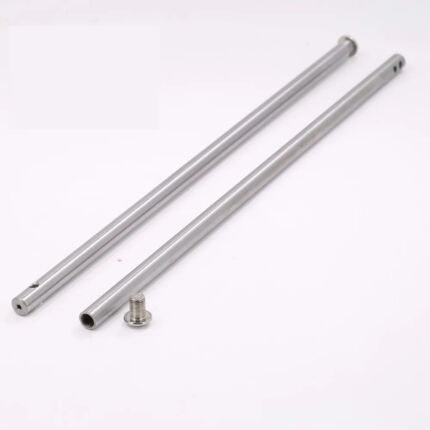 Tajima Embroidery Machine Needle Bar 207MM 212MM Replacement Part$ 3.49View part →
 Tajima PB0025A1PW00 Power Supply 150W 24V for TEHX-C1501, TMEZ, TMA...$ 140.99View part →
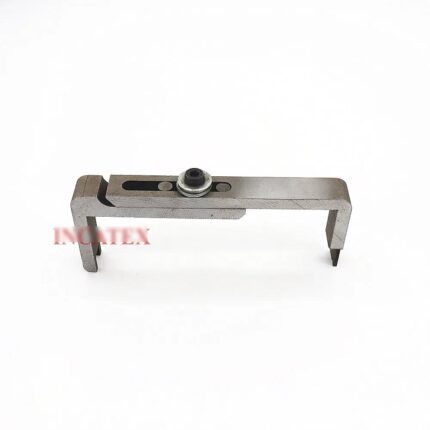 Tajima Embroidery Machine Gauge for TFMX, TMAR, TFGN, TMEZ Series M...$ 40.49View part →
All Tajima TMAR parts → Thread Path & Tension → Rotary Hooks & Bobbin Cases → Needles & Needle Bars →
3. Thread Path Obstructions or Improper Threading high likelihood
How to tell
Thread snags, breaks, or inconsistent tension as the thread travels from the cone to the needle. Visible lint, knots, or debris in the thread guides, tension discs, or take-up lever area.
Fix
- Completely unthread the machine.
- Inspect the entire thread path, from the thread cone stand through all guides, tension discs, the take-up lever, and down to the needle. Look for any lint, debris, knots, or damage to the guides.
- Use a small brush or compressed air to clear any obstructions.
- Re-thread the machine carefully, following the exact threading diagram in your TMAR-KC operator's manual. Ensure the thread is seated correctly in all tension discs and guides.
Parts involved: Thread path & tension →
4. Poor Thread Quality or Mixed Brands medium likelihood
How to tell
Frequent thread breaks, fraying, inconsistent sheen or thickness, or visible variations in the stitched design when using different thread brands or types within the same project.
Fix
- Use high-quality embroidery threads from reputable brands. Consistent quality ensures consistent performance.
- For a single project, use threads of the same brand and type (e.g., all polyester, all rayon) to avoid tension inconsistencies.
- Store threads in a cool, dry environment to prevent degradation.
- Ensure thread cones are free of nicks or damage that could snag the thread.
Parts involved: Threads & supplies →
5. Inconsistent Bobbin Winding medium likelihood
How to tell
Bobbin thread tension fluctuates, leading to uneven stitches, or the bobbin thread appears visibly unevenly wound (lumpy, loose in sections).
Fix
- Ensure the bobbin is wound evenly and smoothly. Use the bobbin winder on your TMAR-KC machine, ensuring the thread is guided correctly onto the bobbin.
- Avoid overfilling or underfilling bobbins, as this can affect tension and feed.
- If the bobbin winder itself is winding unevenly, inspect its tension and guides for issues.
Parts involved: Rotary hooks & bobbin cases →
6. Fabric Movement in the Hoop medium likelihood
How to tell
Stitches appear distorted, gappy, or bunched in areas, often accompanied by puckering or shifting of the fabric within the hoop. The design may not align correctly.
Fix
- Ensure the fabric is hooped tautly and evenly. The fabric should feel like a drumhead, but avoid overstretching, which can distort the design.
- Use appropriate stabilizer for the fabric type and design density. For stretchy or slippery fabrics, use additional temporary adhesive spray or basting.
- Verify the hoop is securely clamped into the machine's drive arms and there is no play.
Parts involved: Hoops & frames → Threads & supplies →
7. Accumulated Dust and Lint medium likelihood
How to tell
Thread breaks, skipped stitches, inconsistent tension, or general sluggishness. Visible lint buildup in the bobbin case, rotary hook area, or thread path components.
Fix
- Regularly clean the machine. Focus on the bobbin case, rotary hook area, tension discs, and thread guides.
- Use a small brush, lint-free cloth, or compressed air (used carefully, away from sensitive electronics) to remove all lint and debris.
- Perform this cleaning after each major project or at least weekly during regular operation.
Parts involved: Lubrication & maintenance → Rotary hooks & bobbin cases → Thread path & tension →
8. Incorrect Presser Foot Pressure low likelihood
How to tell
Fabric puckering, flagging (fabric lifting with the needle), or difficulty feeding the fabric smoothly. Stitches may appear inconsistent or distorted.
Fix
- Adjust the presser foot pressure according to the fabric thickness and design density. Consult your TMAR-KC manual for the location and method of adjustment.
- Increase pressure for thicker fabrics or dense designs to hold the fabric more securely.
- Decrease pressure for delicate or thin fabrics to prevent marking or stretching.
- Test adjustments on a scrap piece of the same fabric before embroidering your main project.
Parts involved: Presser feet & sewing parts →
9. Software or Design Issues low likelihood
How to tell
Uneven stitches consistently appear in specific areas of a design, or only with certain designs. The issue is not resolved by mechanical adjustments.
Fix
- Ensure the embroidery design is properly digitized for the fabric type. Check for appropriate stitch density, pull compensation, and underlay settings.
- If possible, test a different, known-good design to rule out the current design file as the source of the problem.
- Verify the design file format is compatible with your TMAR-KC machine and that there are no corruption issues.
10. Outdated Machine Firmware low likelihood
How to tell
Unexplained inconsistencies, occasional glitches, or performance issues that are not resolved by mechanical adjustments. The machine may not be running optimally.
Fix
- Check the current firmware version on your TMAR-KC machine (refer to your manual for navigation).
- Visit the Tajima website or contact an authorized Tajima dealer to check for the latest firmware updates for your specific TMAR-KC model.
- Follow the manufacturer's instructions precisely for downloading and installing any available firmware updates.
Parts involved: Circuit boards & electronics → Control panels & displays →
11. Worn or Damaged Feed Dogs (if applicable) low likelihood
How to tell
Fabric does not feed smoothly or consistently, leading to uneven stitch length or distortion, especially on machines with active feed dog mechanisms. Visible wear or damage to the feed dog teeth.
Fix
- Inspect the feed dogs for any signs of wear, damage, or accumulation of debris.
- If adjustable, ensure the feed dog height and timing are set correctly according to your TMAR-KC manual for the fabric type.
- Clean any lint or debris from around the feed dog mechanism.
- If feed dogs are significantly worn or damaged, they may need replacement.
Parts involved: Head & mechanical parts → Screws, springs & small parts →
Stop and call a technician if
- If uneven stitching persists after systematically checking and addressing all common causes.
- If you observe unusual noises, grinding, or vibrations coming from the machine.
- If you suspect internal mechanical damage or electronic component failure.
- If you are uncomfortable performing any of the more advanced inspection or adjustment steps.
Prevent it coming back
- Perform weekly cleaning of the bobbin case, rotary hook, and thread path to remove lint and debris.
- Lubricate your machine monthly according to the Tajima TMAR-KC maintenance schedule in your manual.
- Inspect needles, tensioners, and thread guides quarterly for wear or damage.
- Use only high-quality threads and needles appropriate for your fabric and design.
- Ensure proper hooping techniques and use suitable stabilizers for every project.
- Regularly check for and install firmware updates from Tajima to ensure optimal machine performance.
Frequently asked questions
How often should I change the needle on my Tajima TMAR-KC?
It's recommended to change your needle every 8-10 hours of stitching time, or sooner if you notice any signs of wear, bending, or if you're working with very dense or abrasive materials.
What is the correct bobbin tension for a Tajima TMAR-KC?
The ideal bobbin tension can vary slightly, but for most embroidery applications on a Tajima TMAR-KC, a setting of 18-22 grams measured with a bobbin tension gauge (like a Towa gauge) is a good starting point. Always consult your machine's manual for specific recommendations.
Why is my fabric puckering when I embroider?
Fabric puckering is often due to improper hooping (too loose or overstretched), insufficient or incorrect stabilizer for the fabric and design density, or excessive stitch density in the design itself. Check your hooping, stabilizer choice, and consider reducing stitch density in your design software.
Can machine speed affect stitch quality?
Yes, operating the machine at an inappropriate speed can affect stitch quality. Very high speeds with intricate designs or delicate fabrics can lead to skipped stitches or thread breaks. Slower speeds generally provide better control and stitch formation for complex work.
Did this guide fix your machine?
Rate it - it helps other operators find the right fix.
Not sure which part is failing?
Need the logo stitched too?
Get your logo digitized by the people who know this machine
Upload the artwork, see the stitch count and the exact price in 10 seconds, then order with a free sew-out preview. $1 per 1,000 stitches, $10 minimum, 24-hour delivery. Vector conversion from $12.
After the fix
Fixed it? Keep the rest of the shop moving.
OS 360 is the shop software from the team behind this parts store. Every job keeps its status, deadline and owner while a TMAR-KC head is down, restock alerts fire for needles, hooks and bobbins before you run dry, and quotes, invoices and payment live in one place.
- Jobs with status, deadline and owner - nothing slips during downtime
- Inventory with restock alerts, this store one click away
- Instant quotes, invoices and one place to collect payment