Blog
Tajima TMBP-SC: Design Misalignment or Shifting Troubleshooting

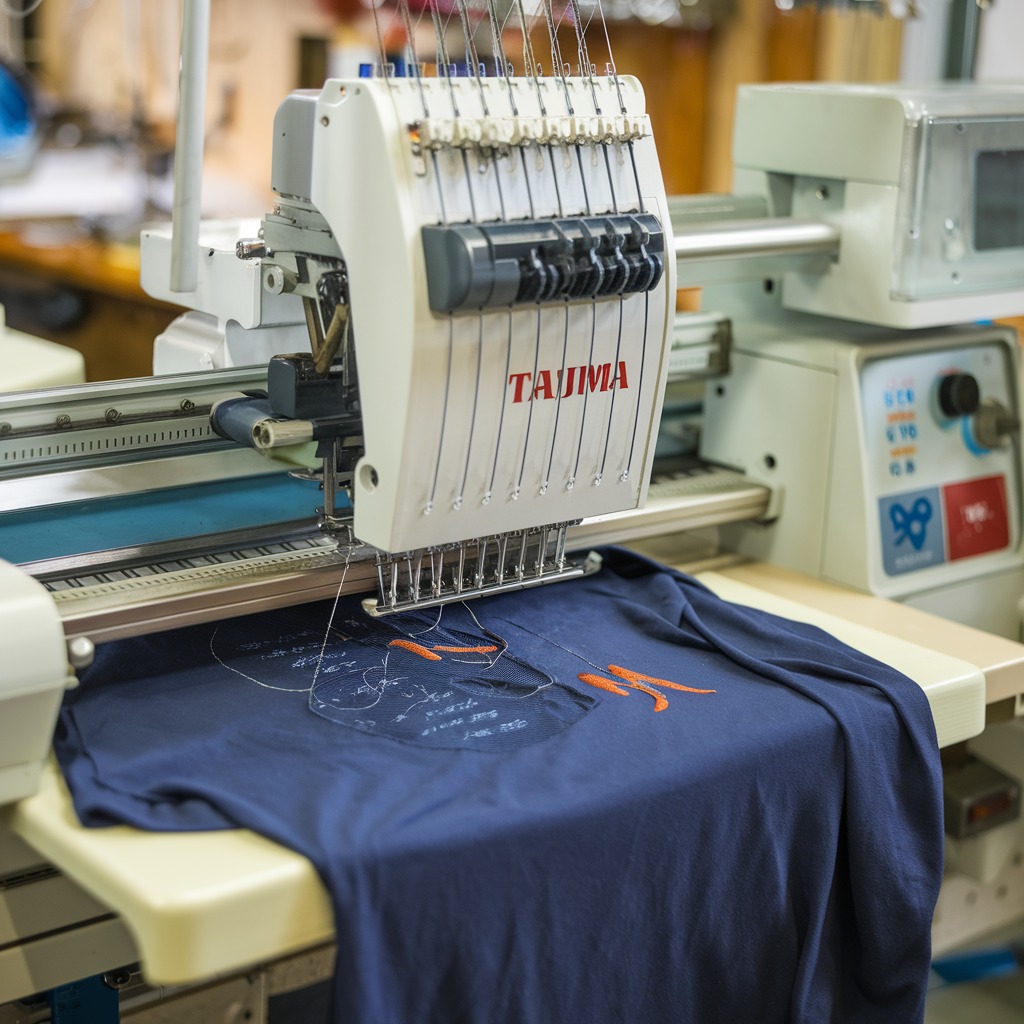
Quick answer: Design misalignment on a Tajima TMBP-SC is most often caused by improper hooping, incorrect fabric tension, or an unsuitable stabilizer. Ensure your fabric is taut and wrinkle-free in a securely mounted hoop, and use the correct stabilizer for your material and design density.
Design misalignment or shifting on your Tajima TMBP-SC embroidery machine results in distorted, uneven, or misplaced patterns, compromising project quality. This guide provides practical, step-by-step solutions to diagnose and fix common causes, ensuring precise stitch placement.
Two-minute checks before you open anything
- Is the fabric hooped tightly and evenly, without wrinkles or excessive stretch?
- Is the hoop securely seated and locked into the machine's frame?
- Is the correct type and amount of stabilizer being used for the fabric and design density?
- Is the needle straight, sharp, and correctly inserted?
- Are the upper and bobbin thread tensions balanced?
- Is the machine stable and free from excessive vibration?
1. Improper Hooping, Fabric Tension, or Stabilizer Use high likelihood
How to tell
The design appears distorted, uneven, or misplaced on the fabric. The fabric may feel loose, wrinkled, or stretched within the hoop. Misalignment is often more pronounced on detailed or multi-layer designs. The fabric may shift visibly during stitching.
Fix
- Ensure the fabric is hooped tautly, without wrinkles or slack, but avoid overstretching, which can distort the design.
- Verify the hoop is securely locked into the machine's frame. Even a slight movement can cause significant misalignment.
- Select the correct stabilizer type: tear-away for woven fabrics, cut-away for knits and stretchy materials. For slippery or lightweight fabrics, use a sticky stabilizer or spray adhesive.
- For dense or large designs, use multiple layers of stabilizer to provide adequate support.
- Avoid hooping fabric too close to its edge; ensure sufficient fabric surrounds the design area for secure hooping. Consider a larger hoop or floating the fabric with adhesive stabilizer for small or awkward items.
- Use embroidery clips or basting stitches to further secure the fabric to the stabilizer and hoop, especially for complex designs or those with many color changes.
Parts involved: Hoops & frames → Threads & supplies →
2. Bent, Damaged, or Incorrect Needle medium likelihood
How to tell
Skipped stitches, uneven stitching, thread breaks, or visible deflection of the needle during penetration. The needle may appear bent, dull, or have a burr when inspected closely.
Fix
- Inspect the needle for any signs of bending, dullness, or damage. Replace immediately if any damage is found.
- Ensure the correct needle size and type are used for the fabric and thread. For example, use a ballpoint needle for knits and a sharp needle for woven fabrics.
- Verify the needle is inserted correctly and securely into the needle bar, with the scarf facing the rotary hook. A loose or improperly placed needle can deflect during stitching.
Parts involved: Needles & needle bars →
Parts you may need for Tajima TMBP
In stock, tested before dispatch, Buyer Protection on every order. Part types for this problem: Hoops & frames, Threads & supplies, Needles & needle bars, Thread path & tension.
 Tajima EF0613220000 EF0613210000 090460040020 090460040031 Presser ...$ 18.09View part →
 Tajima Magnetic Hoops for TEMX 1501, TFMX-C1201, SAI, TMEZ-S1501C E...$ 63.49View part →
 Sewtalent Magnetic Embroidery Hoops for Tajima TFMX-C1501 Machine -...$ 64.29View part →
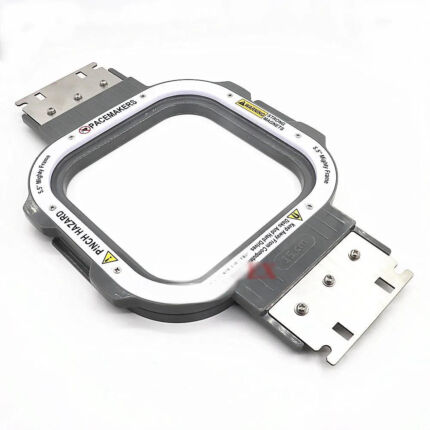 Tajima Magnetic Embroidery Hoop 150x150mm 5.5x5.5 Inches Length 355...$ 72.49View part →
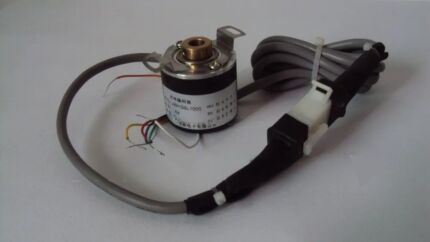 EF6600000000 JHX-G8L1000 1000P/R Rotary Encoder for Chinese Tajima ...$ 92.49View part →
 Tajima W20-16 Timing Belt Pulley CX0170000000 501440030000 S5M 20mm...$ 32.99View part →
All Tajima TMBP parts → Hoops & Frames → Threads & Supplies → Needles & Needle Bars →
3. Incorrect Thread Tension medium likelihood
How to tell
The fabric may pucker, pull, or bunch up, causing the design to shift. Top stitches may show bobbin thread, or bobbin stitches may show top thread. The design may appear distorted or uneven.
Fix
- Ensure both the upper thread and bobbin thread tensions are balanced. Uneven tension can distort the fabric and pull the design out of place.
- Perform a tension test by stitching sample lines on scrap fabric. Adjust tension until stitches appear even on both the top and bottom of the fabric.
- Adjust tension settings when using thicker or specialty threads, referring to the machine manual for recommended starting points.
Parts involved: Thread path & tension → Rotary hooks & bobbin cases →
4. Machine Vibration or Instability medium likelihood
How to tell
The machine visibly shakes or moves during operation, especially during high-speed stitching or with large, dense designs. The hoop may shift within its mounting.
Fix
- Place the Tajima TMBP-SC on a stable, flat, and level surface to minimize vibration.
- Inspect the machine's feet or stand for looseness or instability. Tighten any loose bolts or adjust leveling feet as necessary.
- For intricate or large designs, consider reducing the stitching speed to minimize vibration and improve accuracy.
Parts involved: Screws, springs & small parts →
5. Improper Machine Calibration or Mechanical Wear low likelihood
How to tell
Consistent misalignment across multiple designs and hooping setups. The needle may not align correctly with the design's start point or previous stitches. Grinding noises or excessive play in moving parts may be present.
Fix
- Refer to the Tajima TMBP-SC user manual for instructions on machine calibration, specifically focusing on needle position and hoop alignment. Perform calibration as directed.
- Inspect for worn-out gears, belts, or other mechanical components that might affect movement accuracy. Replace any worn parts according to the service manual.
- Regularly lubricate moving parts as specified in the maintenance schedule to ensure smooth operation and prevent wear.
Parts involved: Belts, pulleys & gears → Shafts, bearings & bushings → Head & mechanical parts → Lubrication & maintenance →
6. Inconsistent Design Digitization or Placement low likelihood
How to tell
Misalignment occurs consistently with a specific design, even when other designs stitch correctly. The design may appear off-center or shifted in the software preview compared to the actual stitch-out.
Fix
- Review the design in your embroidery software. Ensure start/stop points, underlay, and stitch densities are appropriate for the fabric type.
- Verify the design is correctly placed and centered within the virtual hoop in the software before sending it to the machine.
- Use the machine's laser pointer or alignment grid (if available) to verify the design position on the fabric before starting to stitch.
- If necessary, re-digitize the design or make adjustments to stitch density and underlay to prevent misalignment issues.
7. Frequent Thread Breaks or Machine Stoppages low likelihood
How to tell
The machine frequently stops mid-design due to thread breaks, and subsequent restarts result in shifted stitching. This can be a symptom of other issues (tension, needle, threading).
Fix
- Ensure the machine is correctly threaded through all guides and tension discs. Refer to the threading diagram in your manual.
- Verify upper and bobbin thread tensions are correctly set (see 'Incorrect Thread Tension' cause).
- Use high-quality thread and ensure the needle is in good condition (see 'Bent, Damaged, or Incorrect Needle' cause).
- If the machine stops mid-design, carefully align the needle with the last stitch point before restarting to minimize misalignment.
Parts involved: Thread path & tension → Needles & needle bars → Threads & supplies →
Stop and call a technician if
- If, after performing all troubleshooting steps, the design misalignment persists.
- If you suspect internal mechanical issues, such as worn gears or bearings, that require specialized tools or expertise.
- If the machine requires calibration beyond basic user adjustments, as outlined in the manual.
- If you encounter error codes related to motor movement or positioning that are not resolved by simple restarts or checks.
Prevent it coming back
- Always ensure fabric is hooped tautly and securely, without wrinkles or overstretching.
- Use the appropriate stabilizer for your fabric type and design density.
- Regularly inspect and replace needles to ensure they are sharp, straight, and correctly inserted.
- Perform tension tests before starting new projects or when changing thread types to ensure balanced upper and bobbin tension.
- Place your machine on a stable, level surface to minimize vibration during operation.
- Periodically check and perform routine maintenance, including lubrication and inspection of mechanical components, as per the Tajima TMBP-SC manual.
- Review design placement and digitization settings in your software before stitching.
Frequently asked questions
Why does my Tajima TMBP-SC design shift only on certain fabrics?
Certain fabrics, especially stretchy knits or very thin materials, are more prone to shifting or distorting in the hoop. Ensure you are using the correct type and amount of stabilizer (e.g., cut-away for knits) and proper hooping techniques to secure these materials.
How often should I check my machine's calibration?
It's good practice to periodically check calibration, especially if you notice consistent misalignment or after significant maintenance. Refer to your Tajima TMBP-SC manual for recommended calibration intervals and procedures.
Can old embroidery thread cause misalignment?
While old thread itself doesn't directly cause misalignment, degraded or poor-quality thread can lead to frequent thread breaks or inconsistent tension, which can indirectly contribute to shifting if the machine restarts out of alignment.
Did this guide fix your machine?
Rate it - it helps other operators find the right fix.
Not sure which part is failing?
Need the logo stitched too?
Get your logo digitized by the people who know this machine
Upload the artwork, see the stitch count and the exact price in 10 seconds, then order with a free sew-out preview. $1 per 1,000 stitches, $10 minimum, 24-hour delivery. Vector conversion from $12.
After the fix
Fixed it? Keep the rest of the shop moving.
OS 360 is the shop software from the team behind this parts store. Every job keeps its status, deadline and owner while a TMBP-SC head is down, restock alerts fire for needles, hooks and bobbins before you run dry, and quotes, invoices and payment live in one place.
- Jobs with status, deadline and owner - nothing slips during downtime
- Inventory with restock alerts, this store one click away
- Instant quotes, invoices and one place to collect payment