Melco Embroidery Machine: Common Errors and Solutions

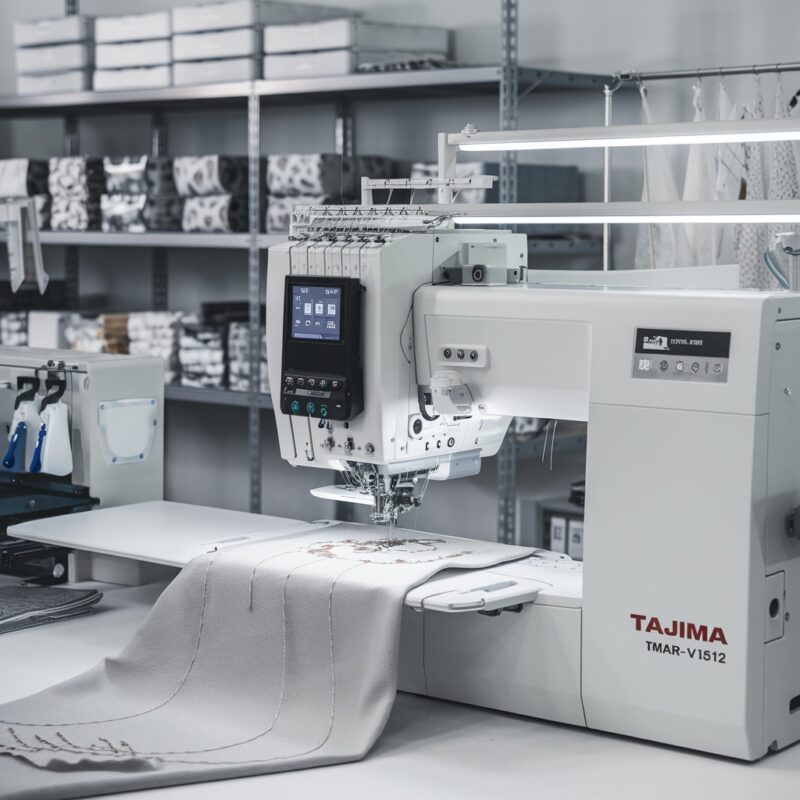
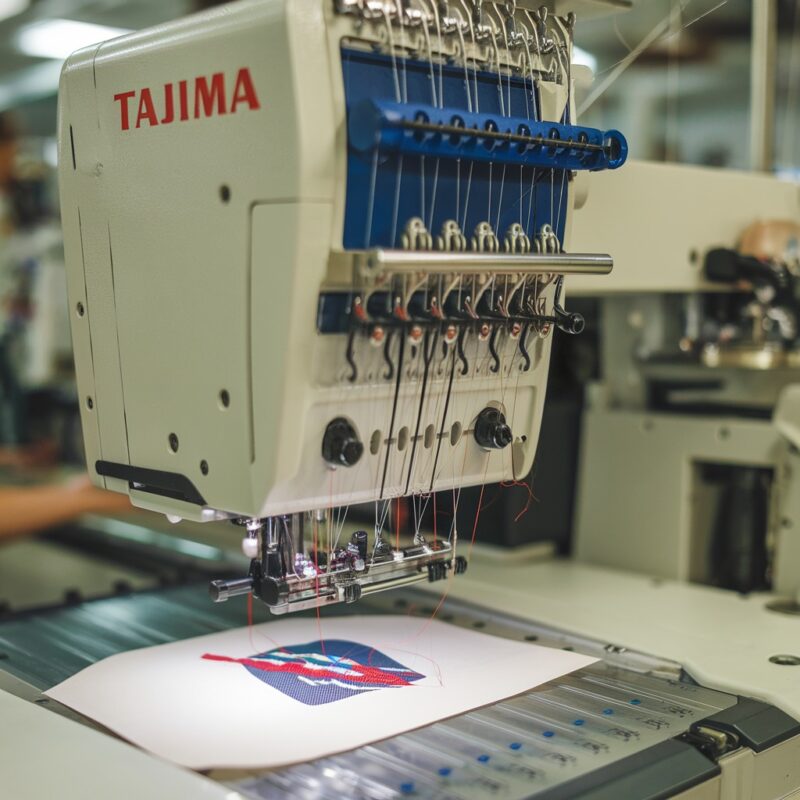
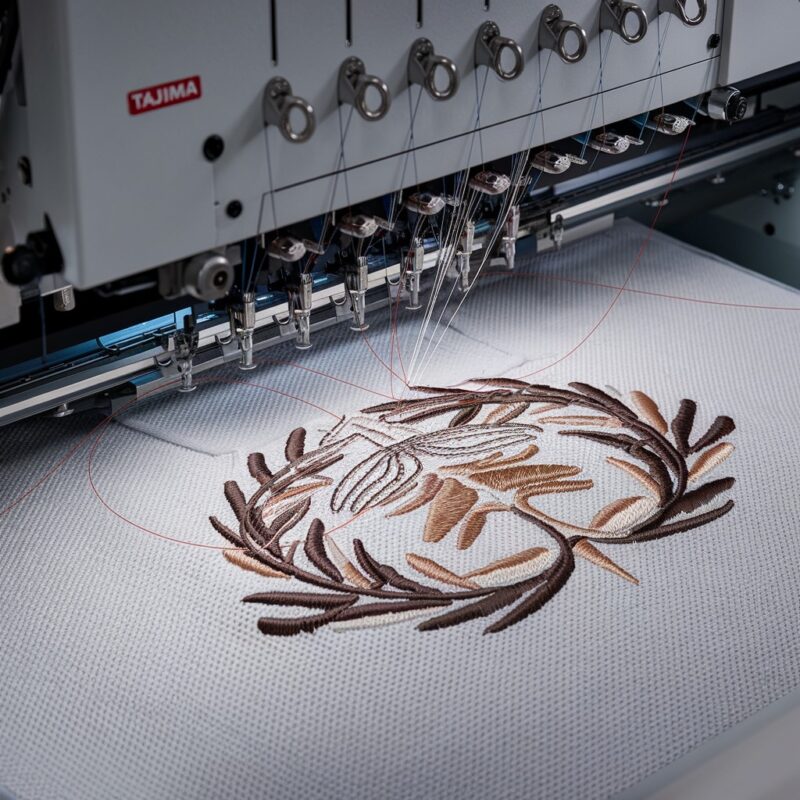
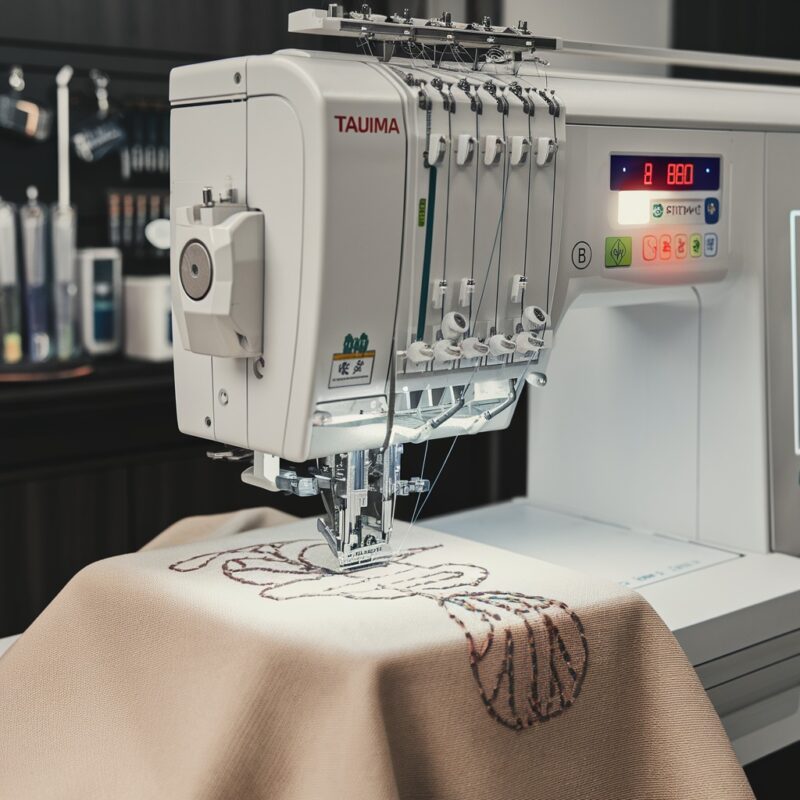
Embroidery machines like those from Melco are a staple in the textile and fashion industry due to their versatility, precision, and ability to handle complex designs. However, as with any advanced machinery, users may occasionally encounter technical errors. This blog aims to help both beginners and seasoned users by providing solutions to some of the most common Melco embroidery machine errors.
Introduction to Melco Embroidery Machines
Melco embroidery machines are renowned for their cutting-edge technology and industry-leading capabilities in mass production and intricate embroidery designs. From home-based businesses to large-scale operations, Melco machines cater to a wide range of embroidery needs. However, the intricate nature of these machines makes them susceptible to occasional errors, which can affect productivity and output quality if not addressed promptly.
Understanding the common errors associated with Melco embroidery machines is the first step in ensuring a smooth embroidery process and extending the machine‘s longevity.
Common Melco Embroidery Machine Errors
Thread Breaks
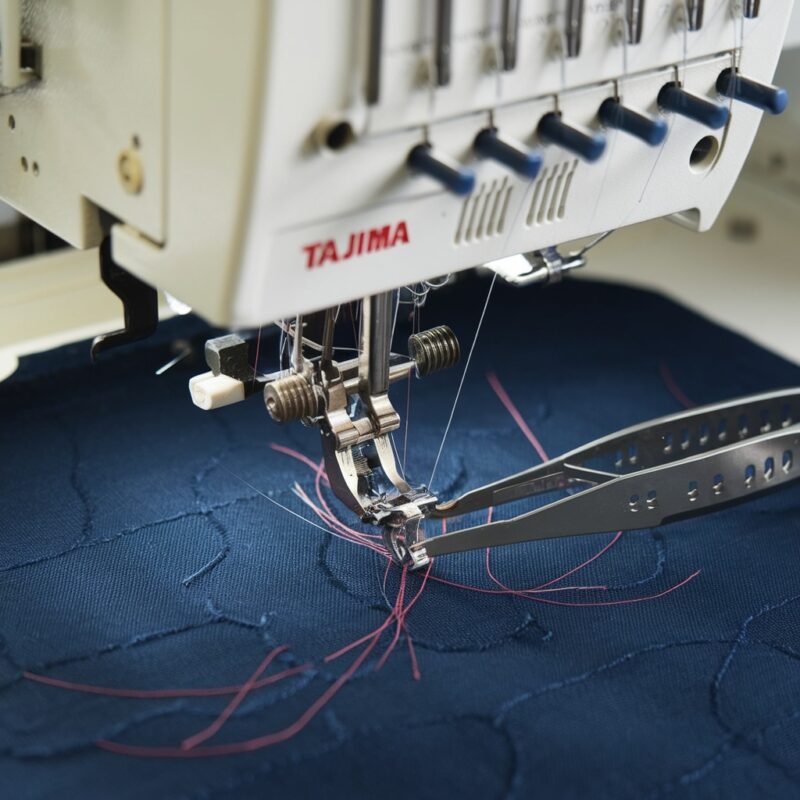
One of the most common issues faced by embroidery machine users is frequent thread breaks. This can occur during the embroidery process, leading to interrupted designs and frustration.
Needle Breakage
Needle breakage is another frequently encountered problem. Broken needles can damage your fabric and interfere with the embroidery design.
Bobbin Thread Issues
Bobbin thread problems can manifest as loose stitches, poor tension, or skipped stitches. It is a subtle yet frustrating issue that can ruin the appearance of the design.
Hooping Misalignment
Incorrect hooping or misalignment can result in shifted designs, causing embroidery to appear off-center or skewed.
PROMOTIONAL SECTION
The All-in-One Solution For All Your Embroidery Business!
Enjoy $0.90 / 1000 Stitches Logo Digitizing
Monthly Cash Back, Free Delivery on Store-wide Products, Dedicated Account Manager, Exclusive Client Dashboard Panel, Bonus Credit & much more.
SIGN UP TODAY & GET FIRST 3 ORDER ABSOLUTELY FREE

Unlock game-changing benefits: expert digitizing services, technical embroidery guidance, seamless management of your business essentials, and free delivery on storewide products—all just for signing up with us. Don’t let these exclusive perks pass you by!

No Credit Card Required
Stay secure with no need to share your credit or debit card details! Experience 100% safe payment methods, including the option to purchase credits for your future orders. Plus, enjoy free credit as a bonus with every credit purchase and more exclusive benefits.

A Game-Changing Advantage
Imagine having a dedicated account manager by your side, ready to handle all your embroidery needs with precision and care. Whether it’s managing your digitizing orders, delivering essential embroidery supplies based on your every embroidery order, or sourcing those hard-to-find spare parts like motors, circuit boards, or sensors, we’ve got you covered. This incredible service ensures your business runs seamlessly, all at no extra cost or monthly fee.
It’s not just support—it’s the ultimate embroidery partnership you didn’t know you were missing for a $0 charge!
Exclusive Client Dashboard Panel
Get Free Account Setup (T&C Applied) and enjoy exclusive benefits: unlimited free estimate requests, streamlined order management, complimentary edit requests, 24/7 access to our ticket system, fast 6-12 hour turnaround times, round-the-clock email and live chat support, and 1-year free design file backup and more.

Recurring Monthly Cashback
Experience out of the box services with Cashback on monthly basis along with discount vouchers on Shop for Registered customers up to 60% on supplies, accessories, spare parts & sensors & Circuit boards and add extra value to your embroidery business.

Free Delivery on all Shop Products
Enjoy free delivery on embroidery supplies, accessories, spare parts, sensors & circuit boards, and store-products, delivered straight to your doorstep! Unlock this exclusive benefits by registering with us for all your digitizing needs. (Embroidery Machine Not Included)
Tension Problems
Tension problems often cause uneven stitching, leading to puckering or loops on the fabric. Both the upper thread and bobbin thread tension need to be balanced for clean embroidery.
Machine Freezing or Locking Up
A machine that freezes or locks up during operation can cause significant downtime, wasting both time and materials.
Design Distortion
Design distortion can occur when the design stretches or shrinks during embroidery, leading to inaccuracies in the final product.
Troubleshooting Solutions
Now that we’ve identified the common errors, let’s dive into the solutions to these issues.
Solving Thread Breaks
Cause: Thread breaks can occur due to several reasons, such as improper threading, damaged thread, incorrect tension settings, or a dull needle.
Solution:
- Check threading: Ensure the machine is threaded correctly by following the manufacturer’s threading guide.
- Use quality thread: Cheap or damaged thread tends to break easily. Opt for high-quality embroidery thread that is suited to your machine.
- Inspect the needle: Replace dull or damaged needles. Using the correct needle size for the fabric type is also crucial.
- Tension adjustment: Ensure the thread tension is set appropriately. Too much tension can cause the thread to snap frequently.
Fixing Needle Breakage
Cause: Needle breakage often results from using the wrong needle size, improper tension, hitting the hoop, or embroidering dense fabrics.
Solution:
- Correct needle size: Ensure you are using the right needle for the fabric. Thicker fabrics may require a larger needle.
- Alignment check: Make sure the needle is properly aligned and not hitting any other parts of the machine, such as the hoop.
- Slow down the speed: Reduce machine speed when working on denser materials or intricate designs to prevent unnecessary strain on the needle.
Addressing Bobbin Thread Issues
Cause: Bobbin thread issues can result from improper winding, incorrect tension, or debris in the bobbin case.
Solution:
- Bobbin tension adjustment: Make sure the bobbin tension is balanced with the top thread tension. Adjustments can be made using the bobbin case screw.
- Winding: Ensure the bobbin is wound evenly without any lumps or gaps.
- Clean the bobbin case: Regularly clean out any dust or lint from the bobbin case that could interfere with the smooth operation.
Correcting Hooping Misalignment
Cause: Misalignment in hooping may occur due to improper fabric placement or incorrect hoop tension.
Solution:
- Re-hoop the fabric: Always ensure that the fabric is hooped tightly and evenly. The fabric should not sag or be pulled too tightly.
- Use appropriate stabilizers: The correct stabilizer can prevent shifting during the embroidery process, ensuring designs remain in place.
Adjusting Machine Tension
Cause: Incorrect tension settings can result in uneven stitching, puckering, or loops.
Solution:
- Balance the tension: Adjust the upper thread and bobbin thread tension to match the fabric type and thread being used. Test the tension on a scrap piece of fabric before starting the final design.
- Manual tension check: For stubborn tension issues, manually adjust the tension settings following the guidelines provided in the machine’s manual.
Preventing Machine Freezing or Locking Up
Cause: Freezing or locking up often occurs due to software glitches, memory overload, or improper maintenance.
Solution:
- Restart the machine: A simple reboot can often resolve software glitches. Turn off the machine, wait a few seconds, and power it back on.
- Clear the memory: Too many designs or large design files can overload the machine‘s memory. Delete unused designs and clear out excess files.
- Update software: Ensure the machine’s firmware is up to date with the latest version from the manufacturer.
Avoiding Design Distortion
Cause: Design distortion usually happens due to incorrect stabilizer use, fabric movement, or poor tension settings.
Solution:
- Use proper stabilizers: Make sure to use the right stabilizer for the fabric. Heavier fabrics may require thicker stabilizers.
- Re-check tension: Adjust the thread tension to ensure the fabric is taut but not overly tight. Test stitching on scrap fabric to ensure proper alignment.
- Slow down: Slowing down the machine‘s embroidery speed can often prevent fabric shifting and design distortion.
Maintenance Tips for Smooth Operation
Regular maintenance is essential to ensure your Melco embroidery machine runs smoothly and error-free. Here are a few maintenance tips:
- Lubricate the machine: Regularly oil your machine as per the manufacturer’s recommendations.
- Clean the bobbin case: Remove any built-up lint or dust that may interfere with the machine‘s operation.
- Inspect the needle: Check the needle regularly for signs of wear or bending, and replace it as needed.
- Check for loose screws: Ensure all screws and parts are tightly secured, particularly after long use or after moving the machine.
Final Thoughts
Embroidery machines like those from Melco are complex but highly reliable when properly maintained and understood. Knowing how to troubleshoot common issues can save you time, money, and frustration. Whether it’s thread breaks, needle issues, or design distortion, having a solid understanding of these problems—and their solutions—will help you keep your machine running at peak performance.
With regular maintenance and attention to detail, your Melco embroidery machine can serve you well for years, allowing you to produce stunning, high-quality embroidery with minimal interruptions.