Blog
Singer Futura XL-400: Troubleshooting Puckering & Distorted Embroidery

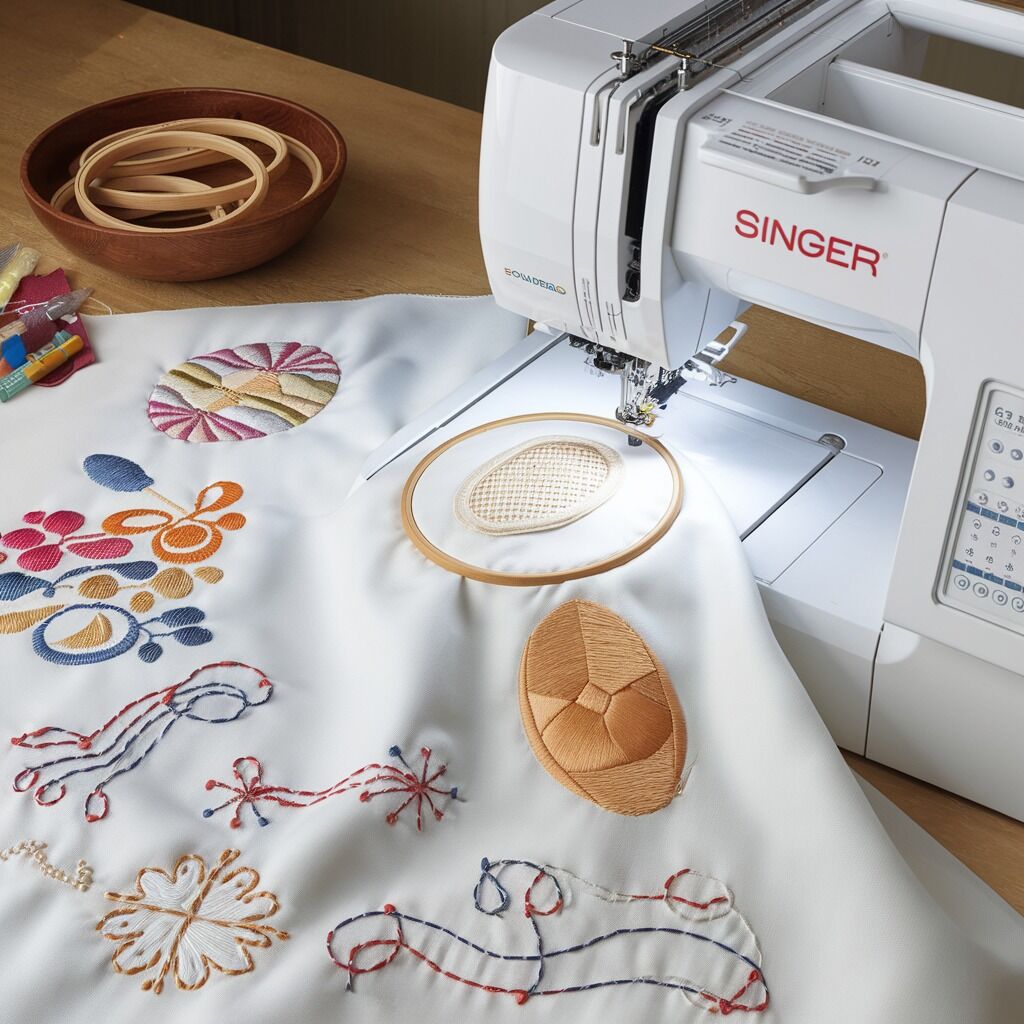
Quick answer: Puckering and distorted embroidery on your Singer Futura XL-400 are typically caused by incorrect stabilizer use, improper hooping, imbalanced thread tension, or using the wrong needle. Address these common issues first.
Puckering and distorted embroidery designs are common frustrations for Singer Futura XL-400 users. These issues often stem from incorrect setup rather than machine malfunction. This guide provides practical, step-by-step solutions to diagnose and fix the most common causes, helping you achieve professional embroidery results.
Two-minute checks before you open anything
- Check stabilizer type and hooping for fabric suitability.
- Verify upper and bobbin thread tension balance.
- Ensure the correct needle type and size are installed for the fabric.
- Inspect hooping for tautness without overstretching.
- Confirm thread quality and type are appropriate.
1. Incorrect Stabilizer Use high likelihood
How to tell
Fabric shifts or moves during embroidery; stitches appear uneven or pull the fabric. Puckering is visible around the design.
Fix
- Identify fabric type (e.g., lightweight, dense, stretchy).
- Select appropriate stabilizer: tear-away or cut-away for lightweight fabrics, firmer for dense fabrics, adhesive or stretchable for stretchy fabrics.
- Ensure stabilizer is securely hooped with the fabric, covering the entire embroidery area. Use enough layers if necessary.
Stabilizer is a consumable supply, not a machine part.
Parts involved: Threads & supplies →
2. Hooping Issues high likelihood
How to tell
Fabric appears loose or unevenly stretched within the hoop. Designs may be distorted or misaligned.
Fix
- Ensure the fabric is taut in the hoop but not overstretched. The fabric should feel like a drum.
- Tighten the hoop evenly around the perimeter to avoid uneven pressure on the fabric.
- Verify the hoop is the correct size for the design and fabric area.
Inspect your embroidery hoop for any damage or warping that might prevent proper fabric tension.
Parts involved: Hoops & frames →
Parts you may need for Singer
In stock, tested before dispatch, Buyer Protection on every order. Part types for this problem: Threads & supplies, Hoops & frames, Thread path & tension, Rotary hooks & bobbin cases.
 Bobbin Case & 2 Metal Bobbins for Brother, Janome, Singer, Babylock...$ 5.59View part →
 11PCS Low Shank Presser Foot Kit Set for Singer Brother Janome Kenm...$ 15.49View part →
 PET-121 40WT 120D/2 Polyester Embroidery Thread 4000M Spool, 80 Mad...$ 17.49View part →
 Flying Tiger DBx1 Industrial Lockstitch Needles, 100 pcs/box, Sizes...$ 10.99View part →
 PET-80 80 Madeira Colors Embroidery Thread Set - Premium 40WT Polye...$ 15.99View part →40 Weight 120D/2 Polyester Embroidery Thread 4000M PET-121 for Brot...$ 17.49View part →
All Singer parts → Threads & Supplies → Hoops & Frames → Thread Path & Tension →
3. Tension Imbalance high likelihood
How to tell
Upper thread loops on the underside, or bobbin thread shows on the top. Fabric gathers or puckers under the stitches.
Fix
- Perform a tension test stitch on scrap fabric. Embroider a simple block or satin stitch design.
- Adjust the upper thread tension dial (located on the front of the machine) incrementally. Turn clockwise to increase tension, counter-clockwise to decrease.
- For bobbin tension, refer to your machine's manual. The bobbin case has a small screw for adjustment. Make very small adjustments (e.g., 1/8th turn) and re-test.
- Aim for a balanced stitch where about 1/3 of the bobbin thread shows on the top, and 1/3 of the upper thread shows on the bottom, with the remaining 1/3 of each meeting in the middle of the fabric.
The tension assembly and bobbin case are critical for proper thread tension. Ensure they are clean and free of lint.
Parts involved: Thread path & tension → Rotary hooks & bobbin cases →
4. Incorrect Needle Type or Size medium likelihood
How to tell
Skipped stitches, thread breakage, fabric damage (holes), or uneven tension leading to puckering.
Fix
- Select the appropriate needle type: a ballpoint needle for knits, a sharp needle for woven fabrics.
- Choose the correct needle size: a larger needle (e.g., 90/14) for dense designs or heavier fabrics, a smaller needle (e.g., 75/11) for lighter fabrics or delicate designs.
- Ensure the needle is inserted correctly, fully seated, and facing the right direction (flat side to the back).
Always use high-quality embroidery needles. A dull or bent needle can cause significant issues.
Parts involved: Needles & needle bars →
5. Low-Quality or Incompatible Thread medium likelihood
How to tell
Frequent thread breaks, inconsistent tension, lint buildup, or stitches that appear uneven and contribute to puckering.
Fix
- Use high-quality embroidery thread (polyester or rayon) appropriate for machine embroidery.
- Ensure the thread weight is suitable for the design and fabric. Thicker threads may require tension adjustments.
- Always use the correct bobbin thread recommended for your embroidery machine, typically a lightweight bobbin thread (e.g., 60wt).
Thread is a consumable supply. Using the wrong type or low quality can mimic machine faults.
Parts involved: Threads & supplies →
6. Excessive Design Density or Layering medium likelihood
How to tell
Fabric puckers significantly under dense areas or where multiple layers of stitches overlap. The design may look stiff or distorted.
Fix
- Review the design's stitch density. For lighter fabrics, use less dense designs.
- If possible, use embroidery software to adjust the design's stitch density or reduce unnecessary layering.
- Avoid designs with excessive layering in one area. Ensure layers are appropriately spaced.
This is a design-related issue, not a machine part failure. However, appropriate thread and stabilizer selection can mitigate its effects.
Parts involved: Threads & supplies →
7. Improper Stabilizer Removal low likelihood
How to tell
Fabric stretches or distorts after the embroidery is complete, particularly around the edges of the design, leading to puckering.
Fix
- For tear-away stabilizers, gently pull it away from the design, working slowly and supporting the fabric to avoid stressing the stitches.
- For wash-away stabilizers, ensure they fully dissolve according to manufacturer instructions before drying the fabric.
- Avoid aggressive pulling or tearing that could stretch the fabric.
Stabilizer is a consumable supply. Proper handling post-embroidery is crucial.
Parts involved: Threads & supplies →
8. Machine Speed Too High low likelihood
How to tell
Fabric shifts or distorts during high-speed stitching, leading to misaligned stitches or puckering, especially with intricate designs or delicate fabrics.
Fix
- Adjust the machine speed setting on your control panel.
- For intricate designs or delicate fabrics, reduce the speed to allow for more precise stitching and less fabric movement.
- Increase speed only for simpler designs on stable fabrics.
The control panel allows adjustment of machine speed. No part replacement is typically needed for this issue.
Parts involved: Control panels & displays →
9. Lack of Lubrication or Maintenance low likelihood
How to tell
Machine runs rough, thread flow is inconsistent, leading to tension issues and puckering. Increased noise or resistance during operation.
Fix
- Refer to your Singer Futura XL-400 manual for the recommended cleaning and lubrication schedule and points.
- Regularly clean lint and debris from the bobbin area, tension discs, and thread path.
- Apply a small amount of high-quality sewing machine oil to specified lubrication points, such as the rotary hook and needle bar mechanism.
Regular maintenance prevents wear and ensures smooth operation of mechanical parts.
Parts involved: Lubrication & maintenance → Rotary hooks & bobbin cases → Thread path & tension → Head & mechanical parts →
Stop and call a technician if
- If tension issues persist after cleaning and adjusting both upper and bobbin tension.
- If the machine exhibits unusual noises or mechanical binding that cannot be resolved with basic cleaning and lubrication.
- If the control panel or sensors are malfunctioning, preventing proper machine operation or adjustments.
Prevent it coming back
- Always use the correct type and amount of stabilizer for your fabric and design.
- Hoop fabric tautly but without overstretching, ensuring even tension within the hoop.
- Regularly check and adjust upper and bobbin thread tension, especially when changing threads or fabrics.
- Use the appropriate needle type and size for your fabric and thread.
- Invest in high-quality embroidery thread and bobbin thread.
- Pre-wash fabrics that are known to shrink before embroidering.
- Maintain your machine with regular cleaning and lubrication as per the manual.
- Avoid manually pulling or stretching the fabric while the machine is embroidering.
- Match design density and complexity to the fabric's stability.
Frequently asked questions
What is puckering in embroidery?
Puckering in embroidery refers to the fabric gathering, wrinkling, or distorting around the stitched design. It can make the embroidery appear uneven, unprofessional, and can sometimes damage the fabric.
How do I choose the right stabilizer for my Singer Futura XL-400?
The right stabilizer depends on your fabric type and design density. For lightweight fabrics, use tear-away or cut-away. For dense fabrics, use a firmer cut-away. For stretchy fabrics, consider an adhesive or stretchable stabilizer. Always ensure it's securely hooped with the fabric.
Can environmental conditions affect embroidery quality?
Yes, high humidity or extreme temperatures can affect fabric tension and stabilizer performance, potentially leading to puckering. Store your machine and materials in a controlled environment with stable temperature and humidity.
Should I pre-wash my fabric before embroidering?
Yes, it's highly recommended to pre-wash fabrics that are prone to shrinking. This prevents the fabric from shrinking after embroidery, which could cause the design to pucker or distort.
Did this guide fix your machine?
Rate it - it helps other operators find the right fix.
Not sure which part is failing?
Need the logo stitched too?
Get your logo digitized by the people who know this machine
Upload the artwork, see the stitch count and the exact price in 10 seconds, then order with a free sew-out preview. $1 per 1,000 stitches, $10 minimum, 24-hour delivery. Vector conversion from $12.
After the fix
Fixed it? Keep the rest of the shop moving.
OS 360 is the shop software from the team behind this parts store. Every job keeps its status, deadline and owner while a Futura XL-400 head is down, restock alerts fire for needles, hooks and bobbins before you run dry, and quotes, invoices and payment live in one place.
- Jobs with status, deadline and owner - nothing slips during downtime
- Inventory with restock alerts, this store one click away
- Instant quotes, invoices and one place to collect payment