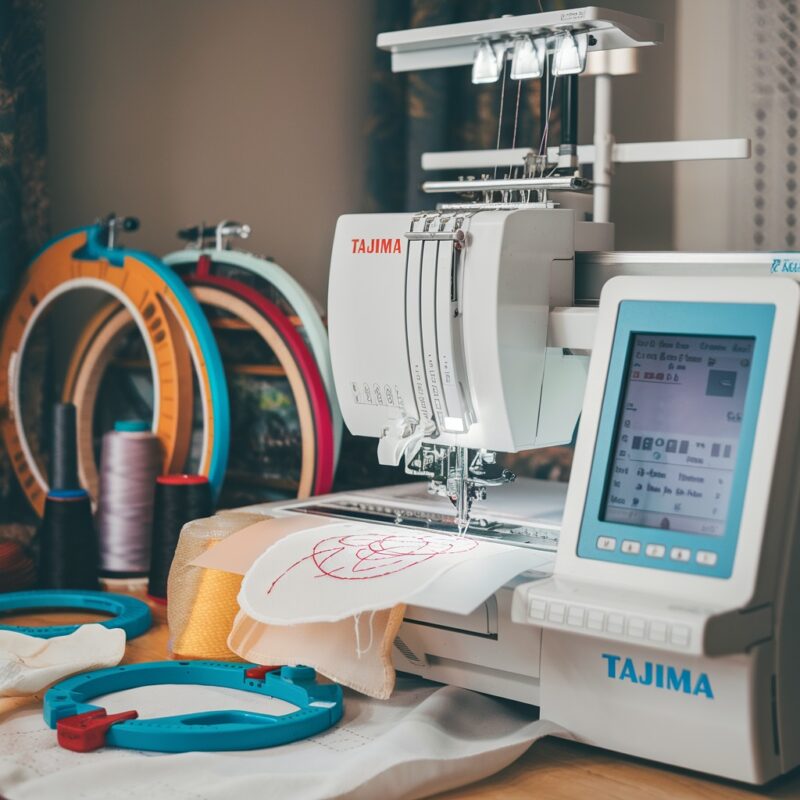
Tajima Embroidery Machine: Common Errors in Design Misalignment or Shifting and Solutions

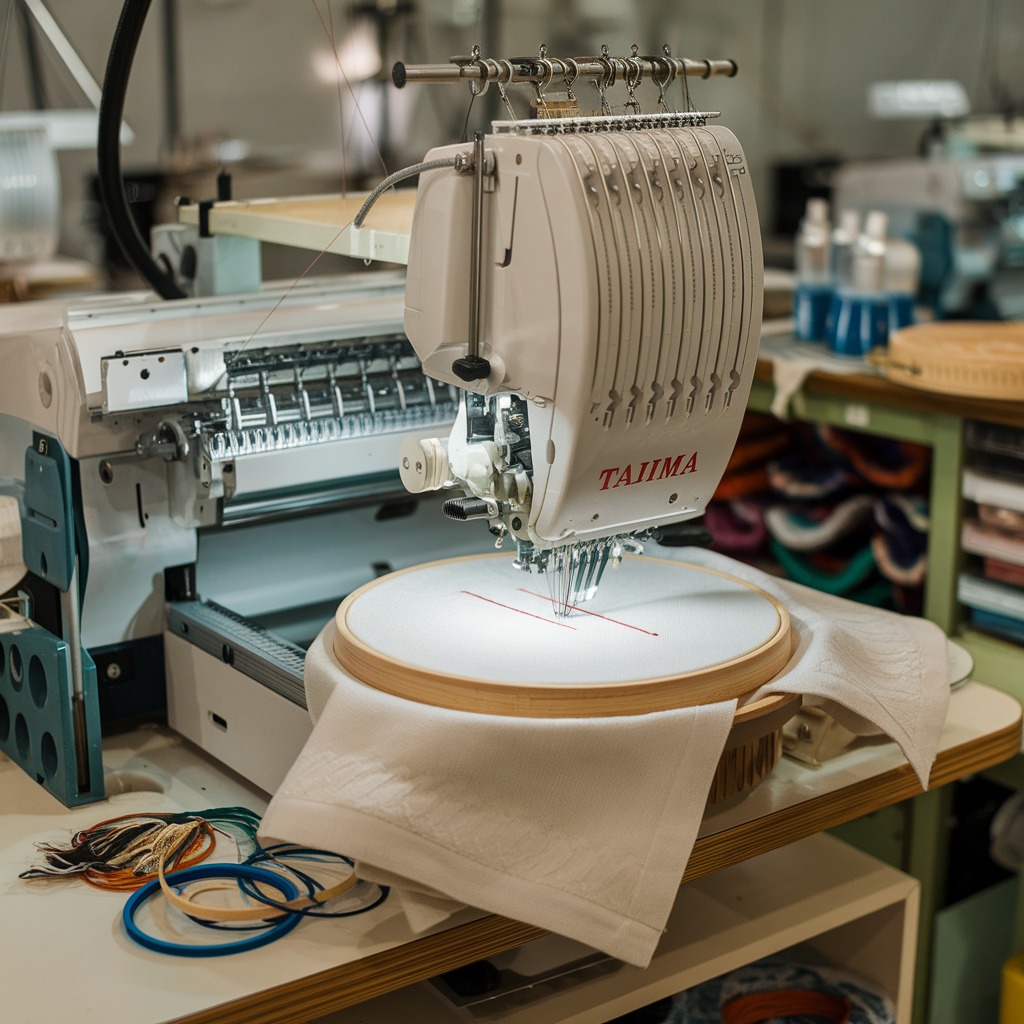
Tajima Embroidery Machine: Common Errors in Design Misalignment or Shifting and Solutions
Design misalignment or shifting during the embroidery process can be a frustrating issue for users of Tajima embroidery machines. This problem not only affects the quality of your finished product but can also lead to wasted materials and time. In this blog, we will discuss the common causes of design misalignment and provide effective solutions to ensure your embroidery designs are perfectly positioned every time.
Common Causes and Solutions for Design Misalignment or Shifting
-
Improper Hooping Technique
Cause: Incorrectly hooped fabric can lead to misalignment and shifting during embroidery.
Solution:
- Ensure that the fabric is hooped tightly and evenly. Use a hoop that is appropriate for the fabric type and ensure there are no wrinkles or slack. For additional stability, consider using a stabilizer that complements your fabric.
-
Incorrect Design Placement
Cause: If the design is not properly placed in the software before stitching, it may not align with the desired area on the fabric.
Solution:- Double-check the design placement in your embroidery software before starting the machine. Use alignment marks or guidelines in the design to help position it accurately.
-
Fabric Movement During Stitching
Cause: Movement of the fabric while the machine is stitching can cause misalignment.
Solution:- Use the right stabilizer to support the fabric during embroidery. Make sure the presser foot is properly adjusted to apply even pressure and consider using clamps or additional hoops to secure the fabric in place.
- Use the right stabilizer to support the fabric during embroidery. Make sure the presser foot is properly adjusted to apply even pressure and consider using clamps or additional hoops to secure the fabric in place.
-
Wear and Tear on Machine Components
Cause: Over time, the feed dogs, presser foot, or needle plate may wear down, affecting how the fabric feeds through the machine.
Solution: -
Inconsistent Thread Tension
Cause: Improper tension settings can lead to uneven pulling of the fabric, causing design misalignment.
Solution: -
Machine Calibration Issues
Cause: If the machine is not properly calibrated, it may not recognize the correct positions for stitching.
Solution: -
Low-Quality or Incompatible Stabilizers
Cause: Using low-quality or the wrong type of stabilizer can lead to fabric shifting and misalignment.
Solution:- Choose high-quality stabilizers that are appropriate for the type of fabric being used. For heavier fabrics, consider using cut-away stabilizers, while lighter fabrics may benefit from tear-away stabilizers.
-
Inaccurate Machine Settings
Cause: Incorrect settings for the design size, stitch length, or other parameters can affect how the design is embroidered.
Solution:- Before starting your embroidery, verify that all machine settings are accurate. Ensure the design file is set to the correct size and that the stitch length matches the design requirements.
Proactive Tips for Preventing Design Misalignment
- Conduct Regular Maintenance: Keep your machine well-maintained to ensure all components function correctly.
- Use Test Swatches: Before starting a project, use scrap fabric to test design placement and machine settings.
- Follow Best Hooping Practices: Ensure that the fabric is hooped correctly and securely to prevent movement.
- Stay Organized: Keep your workspace tidy to avoid distractions and ensure that materials are in order before starting an embroidery job.
Conclusion
Design misalignment or shifting can be a significant obstacle for Tajima embroidery machine users, but understanding the common causes and implementing effective solutions can greatly reduce the risk. By ensuring proper hooping techniques, maintaining machine components, and checking settings regularly, you can achieve precise and beautiful embroidery results.