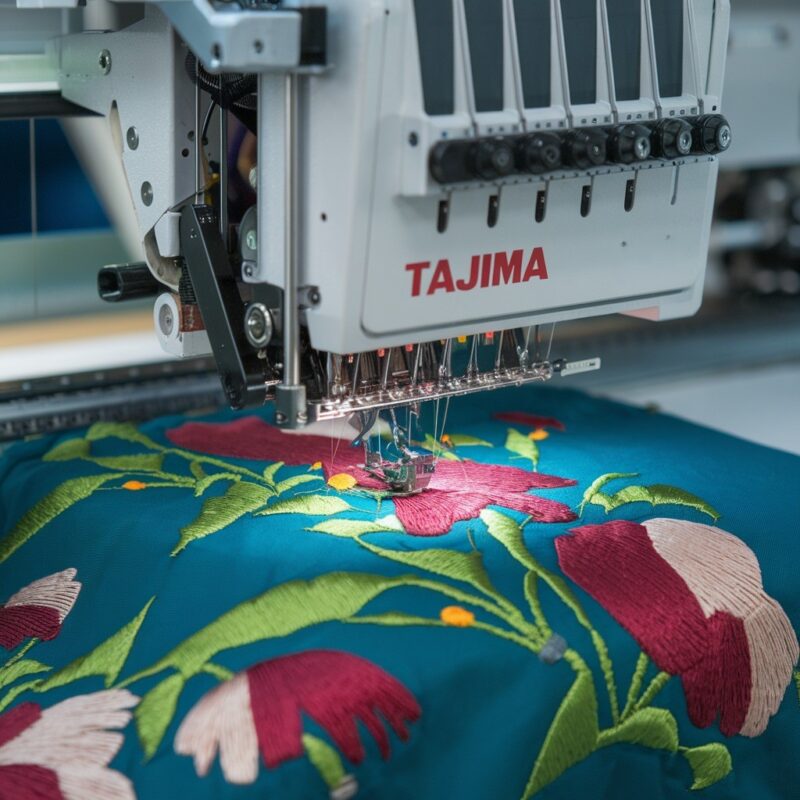
Singer Embroidery Machine: Errors in Machine Freezing or Slowing Down and Solutions


Singer Embroidery Machine: Errors in Machine Freezing or Slowing Down and Solutions
When working with Singer embroidery machines, encountering issues like freezing or the machine slowing down can be frustrating and delay your projects. Understanding the common causes and how to fix them will help you get back to smooth embroidery quickly. This blog explores why your machine might freeze or slow down and offers effective solutions to keep your Singer embroidery machine running at peak performance.
Common Causes of Machine Freezing or Slowing Down
-
Overloaded Design File
Large, intricate design files with a high stitch count can overwhelm the machine’s processing power, causing it to slow down or freeze.
-
Software or Firmware Issues
Outdated machine software or firmware can cause the machine to lag, freeze, or respond poorly to commands.
-
Thread Buildup in the Bobbin Area
Accumulation of lint, thread, or debris in the bobbin case can block the machine’s mechanics, causing it to slow down or freeze.
-
Insufficient Lubrication
If the machine’s internal components are not adequately lubricated, they may create friction, leading to the machine operating slower or freezing during embroidery.
-
Wrong Needle or Thread Type
Using a needle that’s too fine or thread that is too thick can cause unnecessary strain on the machine, leading to slowdowns.
-
Power Supply Issues
If your Singer machine is not getting a stable power supply, it might freeze or slow down intermittently.
-
Overheating
Continuous use without giving the machine time to cool down can cause it to overheat, leading to freezes or sluggish performance.
-
Memory or Storage Limitations
When the machine’s memory is full, it can’t process new designs properly, causing it to freeze or slow down.

Solutions for Machine Freezing or Slowing Down
-
Reduce Design File Size
Ensure that your embroidery design file is optimized and not too large for the machine to handle. Simplify the design if necessary by reducing the stitch count or details.
-
Update Software or Firmware
Regularly check for updates for your machine’s software or firmware. Keeping it up to date ensures that it runs smoothly and can handle complex tasks efficiently.
-
Clean the Machine Regularly
Perform routine maintenance by cleaning the bobbin area and removing any lint, dust, or thread buildup. This simple step can dramatically improve the machine’s speed and responsiveness.
-
Lubricate the Machine
Check your Singer machine’s manual for lubrication instructions and apply oil where necessary. Proper lubrication reduces friction and keeps the machine running smoothly.
-
Use the Correct Needle and Thread
Make sure to use a needle that’s appropriate for your fabric and design, as well as thread that is not too thick. Matching the right materials with your project prevents unnecessary strain on the machine.
-
Check Power Supply
Ensure that the machine is connected to a stable power source. If you experience fluctuations in power, use a surge protector or move the machine to a different outlet.
-
Allow the Machine to Cool Down
After prolonged use, give the machine a break to cool down. This will prevent overheating and avoid performance issues like freezing or slowing down.
-
Free Up Memory
If your machine has limited internal memory, delete older designs or transfer them to external storage. This will give the machine more space to process new embroidery designs.
Preventative Tips to Avoid Freezing or Slowing Down
- Test Your Design: Before starting your main project, test stitch your design on a sample fabric to ensure it runs smoothly.
- Regular Maintenance: Clean and lubricate your machine periodically to prevent any buildup of debris that could cause slowdowns.
- Check for Software Updates: Make a habit of checking for any new firmware updates to ensure your machine is operating with the latest improvements.
Conclusion
By understanding the common causes of freezing or slowing down in Singer embroidery machines, you can take proactive steps to prevent these issues. Whether it’s cleaning the machine, updating software, or choosing the correct materials, these simple solutions will keep your machine running efficiently. Regular maintenance and attention to detail will ensure that your embroidery projects stay on track without frustrating interruptions.