Hikone Embroidery Machine: Common Errors in Design Misalignment or Shifting and Solutions

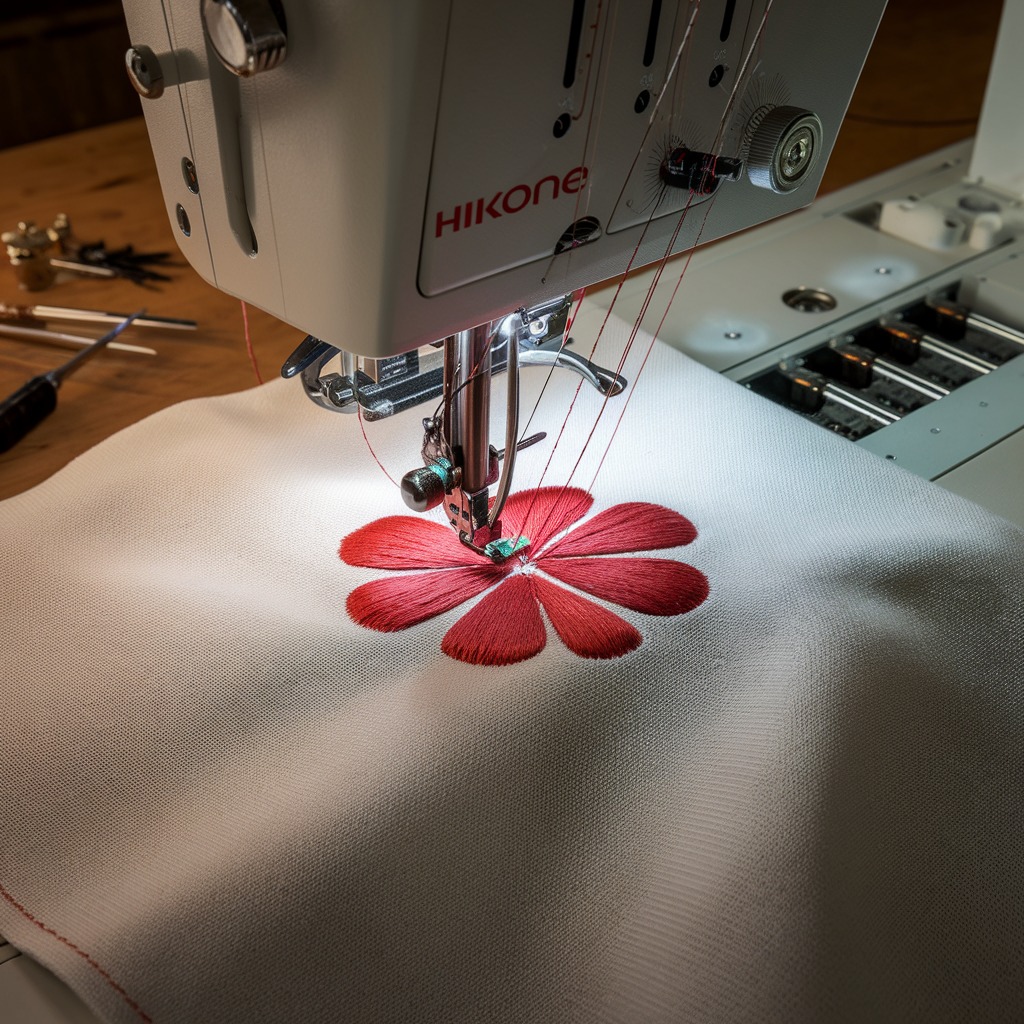
Hikone Embroidery Machine: Common Errors in Design Misalignment or Shifting and Solutions
Design misalignment or shifting during embroidery can significantly affect the quality of your work, leaving you with distorted, incomplete, or offset designs. Hikone embroidery machines, though reliable, may occasionally face these alignment challenges. Understanding the causes and applying the right solutions can help you avoid frustrating misalignments in your embroidery work.
Common Causes of Design Misalignment or Shifting in Hikone Machines
- Hoop Slippage
One of the most common reasons for design shifting is hoop slippage. If the fabric isn’t secured tightly in the embroidery hoop, it can slip during the stitching process, leading to misaligned designs. - Incorrect Hoop Tension
Too much or too little hoop tension can cause the fabric to shift, resulting in design misalignment. If the fabric is too loose, it can move around; if it’s too tight, it may distort during stitching. - Improper Fabric Stabilization
Using the wrong type of stabilizer or insufficient stabilizing material can cause the fabric to shift during embroidery. Without adequate support, the fabric can pucker or move, leading to a misaligned design.
- Thread Tension Imbalance
Incorrect thread tension, particularly in the top thread or bobbin, can cause the fabric to shift as the machine pulls on the material unevenly during stitching. - Machine Calibration Issues
If the embroidery machine‘s calibration is off, it can result in improper movement of the embroidery arm, causing design shifts. This is often seen in complex, multi-colored designs where precision is critical. - Hoop Size Mismatch
Using a hoop that is too large or too small for your design can lead to movement during the embroidery process. The fabric may not be properly supported, leading to shifting. - Unstable Embroidery Table or Workspace
If the embroidery machine is placed on an unstable surface, vibrations or movement during operation can cause the design to shift.
Solutions for Design Misalignment or Shifting in Hikone Machines
- Ensure Secure Hooping
Check that the fabric is firmly secured in the embroidery hoop. Use the correct size hoop for your design, and ensure the fabric is taut but not overly stretched. Tighten the screw on the hoop to prevent slippage. - Adjust Hoop Tension
Ensure that the hoop tension is appropriate for the fabric you are using. Adjust the tension to keep the fabric taut without distorting it. For delicate fabrics, use lighter tension, and for thicker materials, ensure a tighter hold. - Use the Right Stabilizer
Always choose the correct stabilizer for the type of fabric and the complexity of your design. For lighter fabrics, use cut-away stabilizers, while heavier fabrics may require tear-away or wash-away stabilizers. Double up on the stabilizer if needed for extra support. - Check Thread Tension
Ensure the thread tension is balanced. If the top or bobbin thread tension is off, adjust it to prevent pulling the fabric during embroidery. A balanced tension will keep the design in place. - Recalibrate the Machine
If your design keeps shifting, consider recalibrating your embroidery machine. Run a test to check the machine’s alignment and ensure that the embroidery arm is moving correctly. Consult your manual or Hikone support if recalibration is needed. - Match the Hoop to the Design
Make sure you are using the correct hoop size for your design. A too-large hoop may allow excess fabric to move, while a too-small hoop can restrict the machine’s movements and cause shifting. - Stabilize the Workspace
Ensure the machine is placed on a stable surface. Unstable tables or excessive machine vibration can cause misalignment in the design. Use a sturdy surface that does not vibrate when the machine operates. - Use Basting Stitch
Consider using a basting stitch to temporarily secure the fabric and stabilizer to the hoop. This will help reduce any movement of the fabric during stitching and improve design alignment.
Preventive Tips
- Perform Regular Machine Maintenance: Ensure your machine is properly maintained, including regular cleaning, oiling, and checking for parts that may need repair or replacement.
- Test Stitch on Scrap Fabric: Before starting on your final piece, always do a test run on a similar fabric. This will help you check for any potential alignment issues before embroidering your final design.
- Monitor the Embroidery Process: Regularly check on the progress during embroidery to catch any misalignments early.
Conclusion
Design misalignment or shifting on Hikone embroidery machines is a common but manageable issue. By securing the fabric properly, using the correct stabilizers, and ensuring machine calibration, you can avoid this frustrating problem. Following these solutions will help ensure your designs are aligned perfectly and your final product looks professional and high-quality.