
Brother Embroidery Machine Design Misalignment or Shifting: Common Errors and Solutions

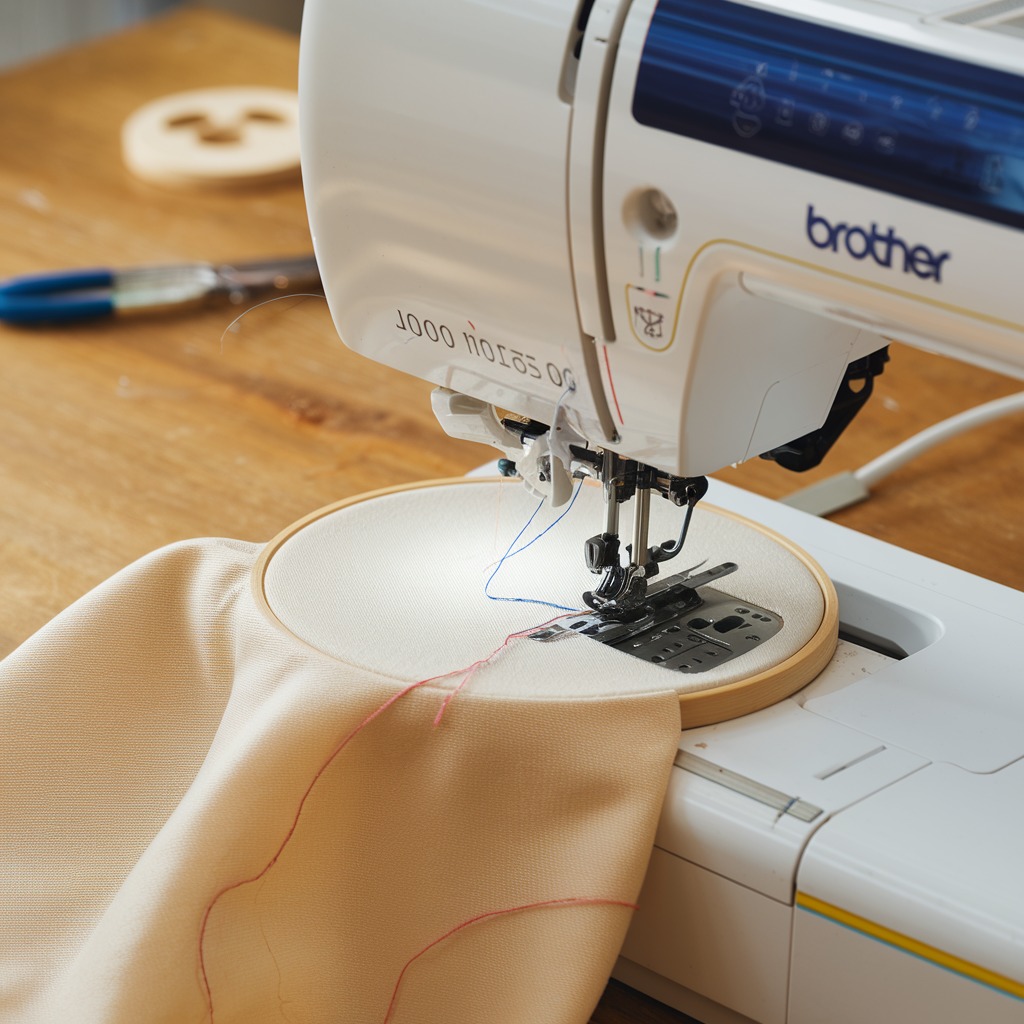
Brother Embroidery Machine Design Misalignment or Shifting: Common Errors and Solutions
Design misalignment or shifting during embroidery can be frustrating, leading to distorted or misplaced designs that affect the final appearance of your project. This issue can occur for various reasons, from improper hooping to machine settings errors. Luckily, there are practical steps to resolve the problem and ensure your embroidery is perfectly aligned.
In this blog, we’ll discuss the common causes of design misalignment or shifting in Brother embroidery machines and the solutions needed to fix these errors.

1. Improper Hooping
Error: The fabric may not be hooped tightly enough, leading to movement during stitching, which causes the design to shift out of alignment.
Solution:
- Ensure the fabric is securely hooped without being overstretched. The fabric should be taut, but not distorted in the hoop.
- Use the correct-sized hoop for your design and fabric to prevent movement during embroidery.
2. Incorrect Stabilizer Choice
Error: Using the wrong stabilizer for the fabric or design can lead to fabric shifting, causing misalignment of the embroidery design.
Solution:
- Match the stabilizer to the fabric type and design density. Lightweight fabrics need a firmer stabilizer, while heavy fabrics might require a tear-away stabilizer.
- Test the stabilizer on a scrap piece of fabric before starting your project to ensure stability throughout the embroidery process.
3. Loose Fabric in the Hoop
Error: If the fabric is too loose or stretched in the hoop, it may shift as the embroidery machine moves, causing the design to shift from its intended position.
Solution:
- Rehoop the fabric if it becomes loose during stitching. The fabric should be evenly hooped without any sagging.
- Consider using a double-sided adhesive stabilizer or temporary spray adhesive to keep the fabric in place during embroidery.
4. Machine Speed Too Fast
Error: Running the embroidery machine at high speeds can cause the fabric to shift, leading to misaligned designs.
Solution:
- Lower the machine speed when working on intricate or large designs. Slowing the speed allows the machine to make precise stitches, reducing the risk of fabric movement.
- For delicate fabrics, always set the machine to a moderate speed to avoid misalignment.
5. Improper Thread Tension
Error: Incorrect thread tension can pull the fabric during stitching, causing the design to shift or distort.
Solution:
- Adjust the upper and bobbin thread tension to ensure smooth stitching without pulling the fabric. Test the tension on a scrap piece of fabric to avoid misalignment issues.
- Make sure the tension is balanced to prevent puckering or pulling of the fabric during embroidery.
6. Design Too Large for Hoop
Error: If the design is too large for the hoop being used, the fabric may shift as the machine stitches, causing design misalignment.
Solution:
- Use the correct-sized hoop for the design. If the design is too large for a single hoop, consider splitting the design into smaller sections or using a larger hoop compatible with your Brother machine.
- Reposition the fabric carefully if you are working with multi-hoop designs to ensure each section aligns perfectly.
7. Skipping Hooping Marks
Error: Not marking the fabric for proper alignment in the hoop can lead to misaligned designs, especially for multi-hoop projects.
Solution:
- Mark the fabric using chalk or fabric markers to ensure the design is hooped correctly and aligns perfectly. These alignment marks will help you position the fabric precisely within the hoop.
- For multi-hoop projects, ensure that the design starts at the same reference point every time you rehoop the fabric.
8. Needle Deflection
Error: A bent or damaged needle can cause deflection, which moves the needle off its intended path and results in a misaligned design.
Solution:
- Replace the needle if it is bent, dull, or damaged. Regularly changing the needle ensures it maintains its straight path during stitching and prevents alignment issues.
- Use the correct needle type and size for the fabric to avoid excessive movement or deflection.
9. Loose Hoop Screws
Error: If the hoop screws are not tightened securely, the fabric may slip during stitching, leading to design misalignment.
Solution:
- Tighten the hoop screws securely after hooping the fabric to ensure it stays in place during the entire embroidery process.
- Check the screws periodically during stitching, especially on larger projects, to ensure they remain tight.
Conclusion
Design misalignment or shifting can be a frustrating issue, but with the right techniques and careful attention to detail, it’s a problem that can be easily fixed. By properly hooping the fabric, selecting the right stabilizer, adjusting the machine speed, and ensuring proper thread tension, you can prevent your designs from shifting and produce professional, high-quality embroidery results.
With these tips in hand, you’ll be able to keep your Brother embroidery machine working smoothly and ensure your designs stay perfectly aligned, no matter how complex the project.







