
Singer Embroidery Machine: Errors in Design Misalignment or Shifting and Solutions

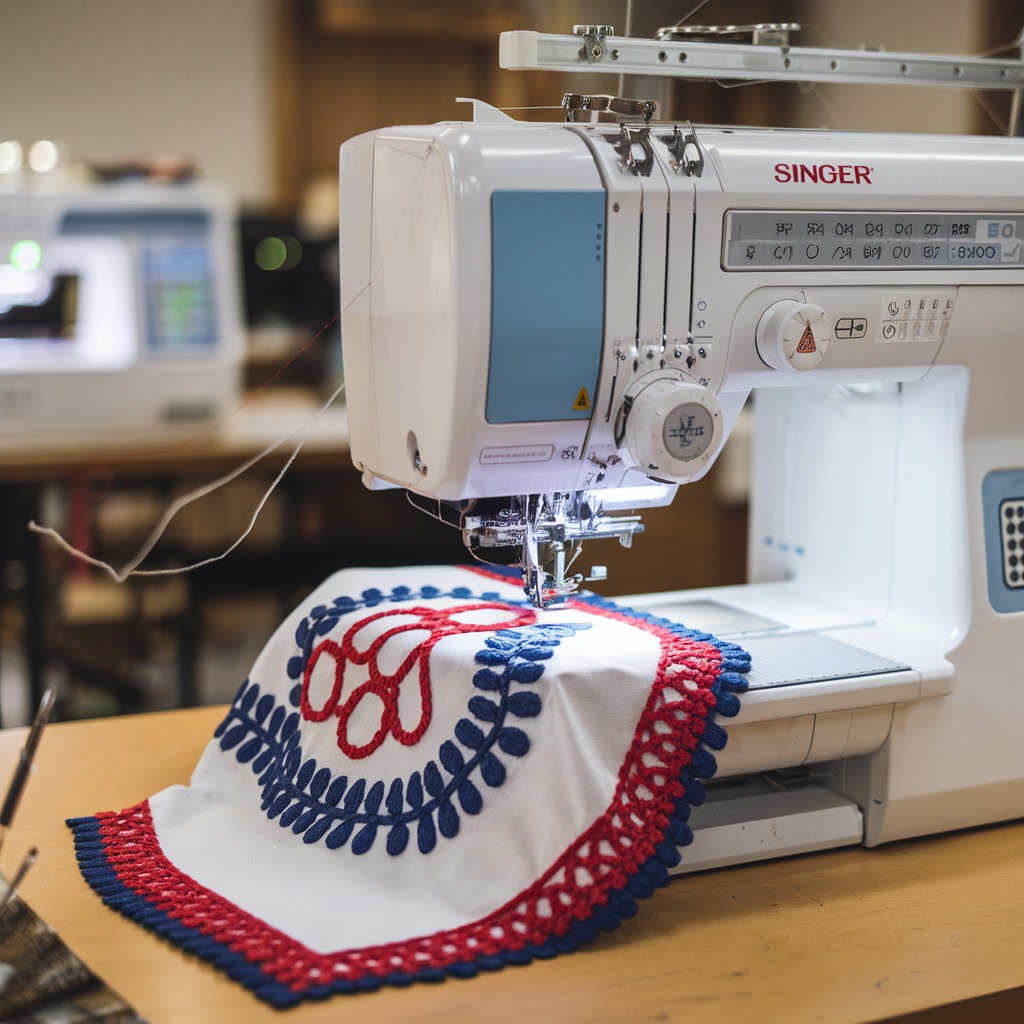
Singer Embroidery Machine: Common Errors in Design Misalignment or Shifting and Solutions
Design misalignment or shifting during embroidery is one of the most frustrating issues faced by users of Singer embroidery machines. When the design doesn’t stay in place or shifts during the stitching process, it can ruin the final look of your project. Understanding the root causes of this issue and how to solve it will help ensure that your designs come out perfectly every time.
Common Causes of Design Misalignment or Shifting
- Improper Hooping
Incorrectly hooping the fabric is one of the main reasons for design shifting. If the fabric isn’t stretched properly or if it is too loose in the hoop, it can move during embroidery. - Unstable Fabric or Insufficient Stabilizer
Using an unstable fabric or the wrong type of stabilizer can cause the fabric to shift, resulting in misaligned designs. Some fabrics, especially stretchy or thin ones, require specific stabilizers to stay in place. - Thread Tension Issues
If the thread tension is too loose or too tight, it can pull the fabric in unexpected directions, causing the design to shift. Properly balanced tension is crucial for keeping the design aligned.
- Machine Calibration
If the machine is not properly calibrated or aligned, the embroidery design may not stitch in the correct position, leading to shifting or misalignment. - Slippery Fabric
Some fabrics, like satin or silk, are naturally slippery and can move in the hoop even if they appear secure. This movement can cause the design to shift during stitching. - Fabric Bunching
If the fabric bunches up during embroidery, it can cause parts of the design to shift and not line up properly. - Incorrect Needle or Thread
Using the wrong type of needle or thread for the fabric can create drag, causing the fabric to move slightly and affect the design’s alignment.

Solutions for Design Misalignment or Shifting
- Proper Hooping Technique
Make sure that the fabric is evenly and tightly hooped. The fabric should be smooth and taut in the hoop, with no wrinkles or slack. Double-check the hoop tension before starting your project. - Use the Right Stabilizer
Choose a stabilizer that matches your fabric type. For lightweight or stretchy fabrics, use a cutaway stabilizer to hold the fabric steady. For dense designs or high-stitch-count patterns, a strong stabilizer is recommended. - Adjust Thread Tension
Check your machine’s thread tension settings. You may need to adjust the upper thread tension to avoid pulling the fabric, ensuring it remains flat and stable throughout the stitching process. - Calibrate Your Machine
Perform regular machine maintenance, including calibration, to ensure the machine is stitching accurately. Refer to your Singer machine’s manual for instructions on calibrating the embroidery unit and needle position. - Use Temporary Adhesive Spray
For slippery fabrics like satin or silk, using a temporary adhesive spray can help keep the fabric in place within the hoop. This added grip will minimize shifting. - Prevent Fabric Bunching
To avoid bunching, iron your fabric before hooping it, and make sure it’s flat and smooth. Using the appropriate stabilizer will also prevent bunching during stitching. - Choose the Right Needle and Thread
Use a needle that’s suitable for your fabric type, such as a ballpoint needle for knits or a sharp needle for woven fabrics. Make sure to match your thread type to the fabric for smoother stitching.
Preventative Tips for Avoiding Design Misalignment
- Test Stitching: Before starting on your final fabric, try a test stitch to ensure the design is aligned properly.
- Regular Machine Maintenance: Keep your Singer machine clean and well-maintained to avoid alignment issues due to mechanical problems.
- Use Basting Stitches: Use a basting stitch around the design area to secure the fabric and stabilizer in place.
Conclusion
Design misalignment or shifting can be a frustrating issue when working on embroidery projects with a Singer machine. However, by using the right stabilizer, ensuring proper hooping, and checking tension settings, you can avoid this problem and keep your designs beautifully aligned. Regular machine calibration and attention to fabric handling will further enhance your embroidery quality.





