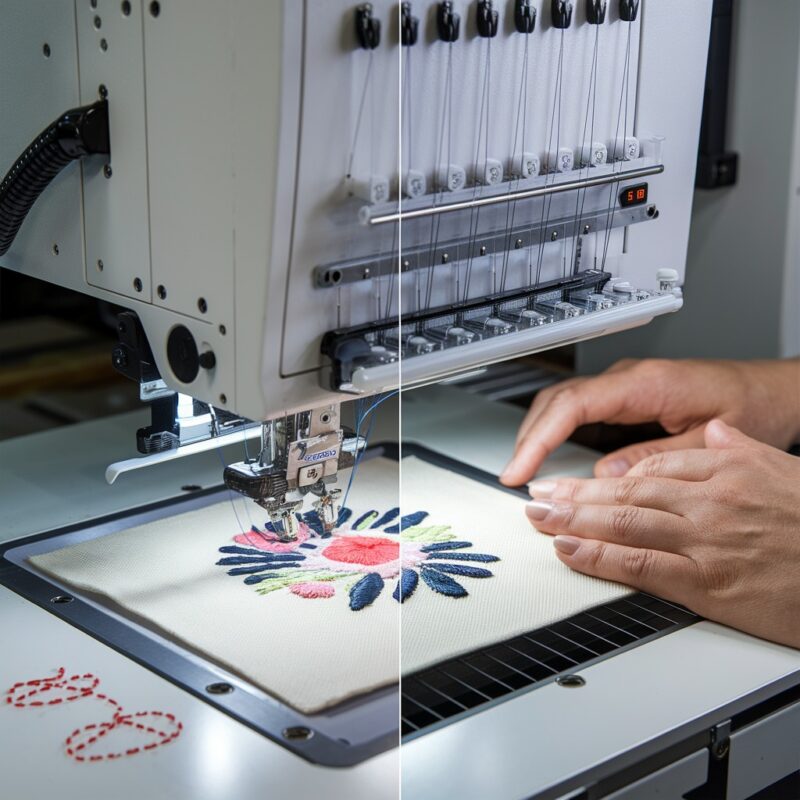
Husqvarna Embroidery Machine: Common Errors in Machine Stops or Won’t Sew and Solutions

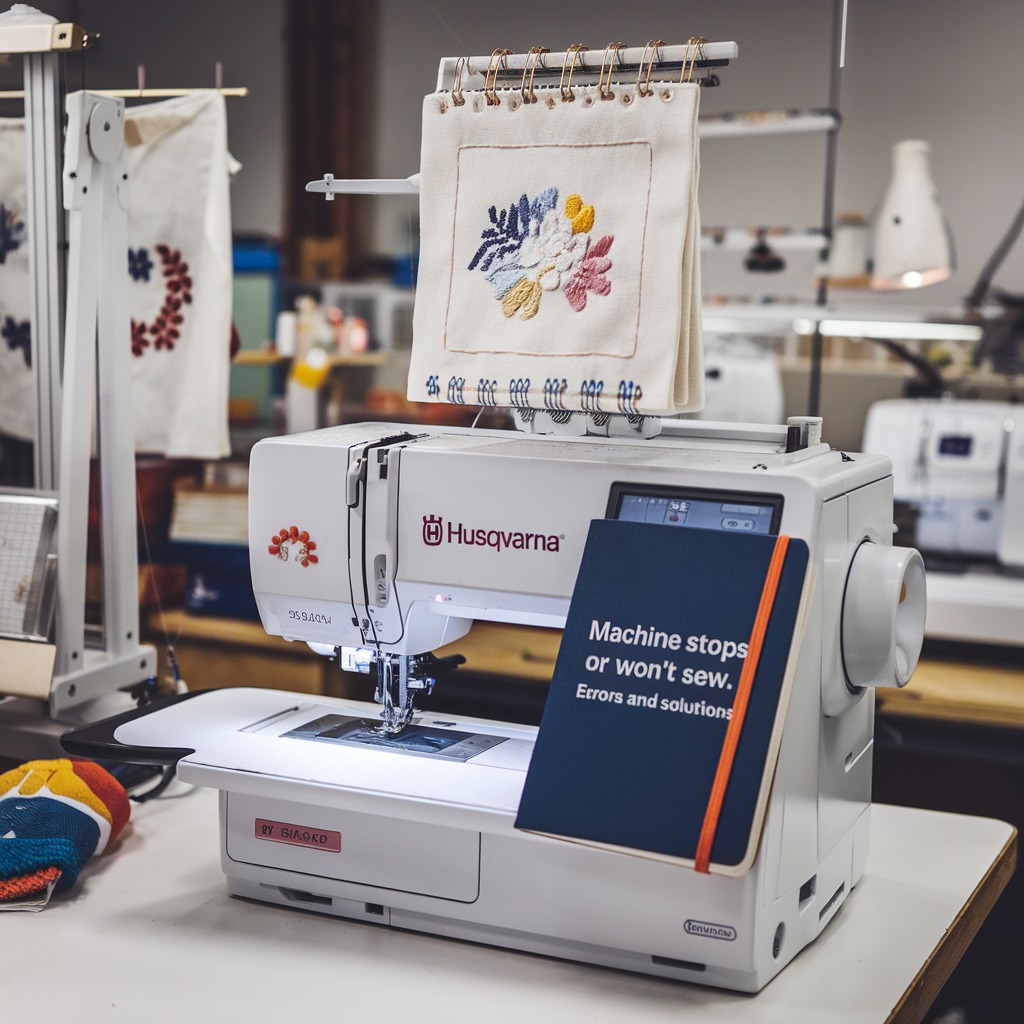
Husqvarna Embroidery Machine: Common Errors in Machine Stops or Won’t Sew and Solutions
Husqvarna embroidery machines are well-known for their precision and performance, but like any machine, they can sometimes experience issues, particularly when they stop sewing or won’t start at all. Understanding the root causes of these issues and applying the right solutions can keep your machine running smoothly, ensuring high-quality embroidery.
Common Causes of Machine Stops or Won’t Sew in Husqvarna Embroidery Machines
- Thread Jam
- Cause: One of the most frequent reasons for a Husqvarna embroidery machine to stop working is a thread jam, either in the bobbin case or the upper thread path.
- Solution: Clear out the bobbin case and check the upper threading path for any tangles. Remove all lint or thread debris, then re-thread the machine properly.
- Incorrect Thread Tension
- Broken Needle
- Foot Pedal or Power Issues
- Cause: Electrical issues, such as a malfunctioning foot pedal, loose power cords, or power surges, can prevent the machine from working.
- Solution: Ensure that the machine is plugged in securely and that the foot pedal is properly connected. If the issue persists, check for any electrical malfunctions or try a different outlet.
- Bobbin Issues
- Cause: An improperly wound or inserted bobbin can cause the machine to stop, especially if the thread tangles in the bobbin case.
- Solution: Rewind the bobbin if necessary and make sure it is inserted correctly in the bobbin case. Use the correct bobbin size for your machine to avoid jamming.
- Clogged Bobbin Area
- Incorrect Settings
- Cause: Incorrect machine settings, such as stitch length or embroidery mode, may cause the machine to malfunction or stop.
- Solution: Double-check the machine’s settings and ensure they’re suitable for the task. Reset the machine to default settings if needed and reconfigure based on your embroidery project.
- Fabric Hooping Issues
- Cause: Improperly hooped fabric can lead to the machine stopping, especially when there’s fabric slippage or movement during stitching.
- Solution: Ensure that the fabric is securely hooped with the appropriate stabilizer, making sure it’s taut without being overstretched.
- Needle Plate Misalignment
- Mechanical Failure
Solutions to Prevent Machine Stops
- Regular Maintenance: Clean the machine regularly, especially the bobbin area and needle plate, to prevent thread jams and lint build-up.
- Correct Threading: Ensure proper threading of both the upper and bobbin threads, as improper threading is a common cause of stoppage.
- Use Quality Supplies: Use high-quality needles, threads, and bobbins to reduce the chance of mechanical issues.
- Check for Updates: Ensure your Husqvarna machine’s software is up-to-date, as outdated software may cause malfunctions.
- Professional Servicing: Schedule routine maintenance with a professional technician to keep your machine in optimal condition.
Conclusion
Husqvarna embroidery machines stopping or refusing to sew can be caused by various factors, ranging from thread jams to mechanical failures. By addressing these issues promptly—whether by re-threading, adjusting settings, or performing routine maintenance—you can prevent frequent stops and keep your embroidery projects running smoothly.