
What is this case study? This page documents a real completed vector art / raster-to-vector conversion order produced by 360 Digitizing Solutions. To protect client privacy, company and brand names have been anonymized. Browse specs, before/after images, and production notes below.
Vector Conversion and Spot-Color Separation for Apparel Print
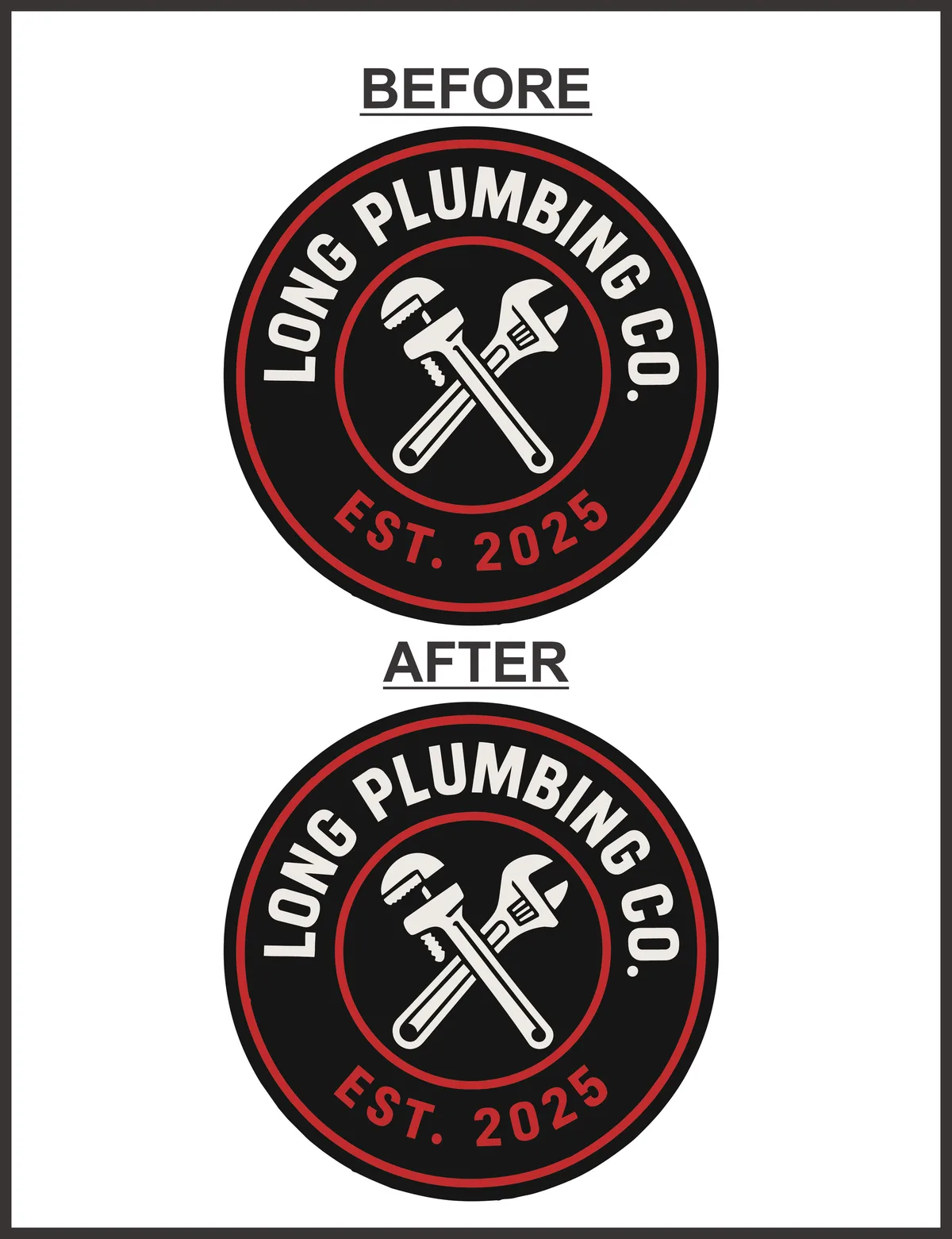
When a local home services business needed their branding assets prepared for high-quality screen printing on apparel, they turned to us for expert vector conversion. We transformed their artwork into clean, scalable vector paths with precise spot-color separation ready for the production line.
Final Vector Artwork
Order Specifications
Project Background
Screen printing requires crisp, clean graphic lines and distinct color layers to create the stencils (screens) used in production. The client’s original design featured overlapping gradients and semi-transparent elements that are difficult to print without proper preparation. They needed a partner who could rebuild the artwork from scratch.
Our task was to convert the design into a fully scalable vector format. This process involves manually tracing the artwork to define precise mathematical paths and nodes. Unlike raster images, vector files can be scaled to any size—from a small pen to a massive billboard—without losing any quality or sharpness.
Beyond simple vectorization, the project demanded professional spot-color separation. Screen printing relies on individual screens for each ink color. We had to analyze the artwork, isolate each unique color, and organize them into clean, separate layers so the printer could easily output the film separations.
Vectorization & Color-Separation Process
Once the primary vector paths were established, we focused on clean node management. Minimizing the number of anchor points is crucial for screen printing and vinyl cutting, as excess nodes can cause jagged edges and slow down production equipment. We optimized every path to ensure smooth, continuous lines that look flawless at any scale.
Next, we executed the spot-color separation. We mapped out the exact color palette requested by the client, ensuring perfect color accuracy. Each color was assigned to its own dedicated layer and labeled clearly. We eliminated unnecessary overlaps and trapping issues, ensuring that the inks would align perfectly on the press without muddy edges or gaps.
- ✓ Manual vector tracing with optimized anchor points and clean paths.
- ✓ Precise spot-color separation mapped to production-ready layers.
- ✓ Delivery of fully scalable, screen-print and cut-ready master files.
Final Outcome
Thanks to the clean vector paths, the client can now use these assets for any future marketing needs. Whether they are printing small promotional items, vinyl-wrapping their service vans, or ordering a new batch of team uniforms, they have a versatile master file that guarantees consistent, professional results.
Need Print-Ready Vector Art?
We convert any logo or artwork into clean, scalable vector files with proper spot-color separation — ready for screen printing, cutting, and large-format output.
Frequently Asked Questions
Why is spot-color separation necessary for screen printing? +
Screen printing requires a separate physical screen for each ink color used in the design. Spot-color separation isolates each color onto its own layer, allowing printers to output the film positives needed to create those screens accurately.
What is the advantage of manual vector tracing over auto-tracing? +
Auto-tracing software often creates thousands of unnecessary nodes, crooked lines, and inaccurate curves. Manual tracing allows our designers to place each anchor point strategically, resulting in perfectly smooth curves, sharp corners, and highly optimized, clean files.
Disclaimer: All logos and designs are the property of their respective copyright/trademark owners. This case study is for the sole purpose of demonstrating 360 Digitizing Solutions’ technique and quality. We do not claim ownership of the original artwork, nor are these designs for sale.
Brand Representative? Request Portfolio Privacy/Removal (Corporate Email Required)



