Common Errors in Tajima Embroidery Machine and Solutions

Common Errors in Tajima Embroidery Machine and Solutions
Tajima embroidery machines are renowned for their precision and durability, but like any high-tech equipment, they are not immune to errors. Understanding common issues and knowing how to fix them can significantly improve your embroidery operations. In this guide, we will discuss some common Tajima embroidery machine errors and provide effective solutions to resolve them.
1. Thread Breakage
Error: Frequent thread breakage during embroidery.

Causes:
- Poor quality thread.
- Incorrect thread tension.
- Worn or damaged needle.
Solutions:
- Use high-quality threads that are compatible with Tajima machines.
- Adjust thread tension to prevent too much or too little strain.
- Replace worn or damaged needles.
2. Needle Breaking
Error: Repeated needle breakage while operating.
Causes:
- Incorrect needle type for the fabric.
- Needle hitting the hoop or frame.
- Bent or improperly installed needle.
Solutions:
- Use the correct needle for the fabric type.
- Ensure the hoop is properly placed to avoid needle contact.
- Regularly check and replace bent or dull needles.
3. Skipped Stitches
Error: Inconsistent or missing stitches in your design.
Causes:
Solutions:
- Adjust the thread tension until it’s even.
- Reinstall the needle correctly.
- Use an appropriate stabilizer for the fabric to prevent shifting.
4. Bird’s Nesting (Thread Jamming Under Fabric)
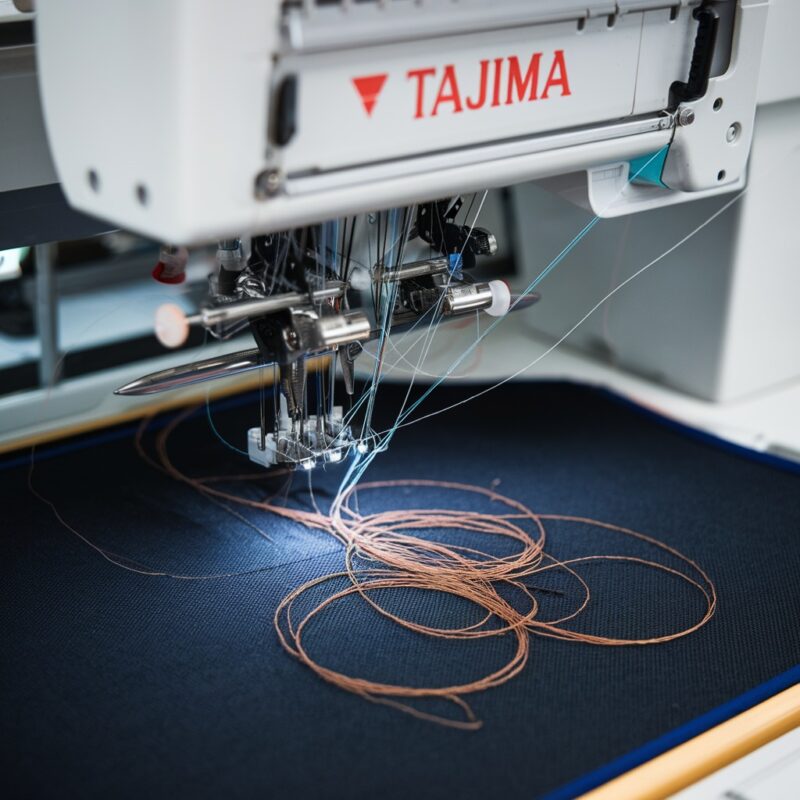
Error: Excess thread buildup underneath the fabric, resembling a “bird’s nest.”
Causes:
- Improper threading of the machine.
- Bobbin thread tension is too loose.
- Dirty or damaged bobbin case.
Solutions:
- Re-thread the machine following the manual instructions.
- Adjust the bobbin tension to ensure it’s neither too tight nor too loose.
- Clean or replace the bobbin case.
5. Machine Stops or Won’t Sew
Error: The machine stops unexpectedly or refuses to start sewing.
Causes:
- Jammed thread or needle.
- Incorrect settings or configuration.
- Mechanical or electrical failure.
Solutions:
- Check for any jams in the needle or bobbin area and remove them.
- Review the machine settings for any misconfigurations.
- If necessary, contact technical support for electrical or mechanical inspections.
6. Puckering or Distorted Embroidery Designs
Error: The fabric or design puckers, leading to distorted embroidery.
Causes:
Solutions:
- Use the right stabilizer to keep the fabric in place.
- Balance the thread tension for even stitches.
- Ensure the fabric is securely hooped with no slack.
7. Uneven Stitch Quality
Error: Inconsistent stitch length or uneven embroidery quality.
Causes:
Solutions:
- Adjust both the upper and bobbin thread tensions.
- Replace dull or bent needles.
- Ensure that the fabric is moving smoothly during embroidery.
8. The Machine Not Recognize the Embroidery Unit
Error: The embroidery unit is not detected or properly connected.
Causes:
- Poor connection between the machine and the unit.
- Outdated software.
- Defective or damaged embroidery unit.
Solutions:
- Secure the connection between the machine and the embroidery unit.
- Update the machine’s software to the latest version.
- Contact technical support to inspect for any hardware issues.
9. Design Misalignment or Shifting
Error: The design shifts during embroidery, leading to misaligned stitching.
Causes:
- Improper hooping of the fabric.
- Inadequate stabilizer use.
- Machine movement.
Solutions:
- Rehoop the fabric, ensuring it’s tight and secure.
- Use an appropriate stabilizer to prevent fabric movement.
- Make sure the machine is placed on a stable surface.
10. Machine Freezing or Slowing Down
Error: The machine freezes or operates slower than normal.
Causes:
- Overheating.
- Software glitches or corrupted designs.
- Mechanical problems in the machine.
Solutions:
- Turn off the machine and allow it to cool down if overheated.
- Reboot the machine and reload the design file to fix any software issues.
- Contact technical support if the machine continues to slow down or freeze.
Conclusion
Tajima embroidery machines are built for high-performance embroidery, but regular maintenance and proper handling are essential to avoid common errors. By addressing issues like thread breakage, needle problems, and misalignments promptly, you can ensure smooth operation and maintain high-quality results in your embroidery work.