Brother Embroidery Machine Common Errors and Solutions: A Comprehensive Guide

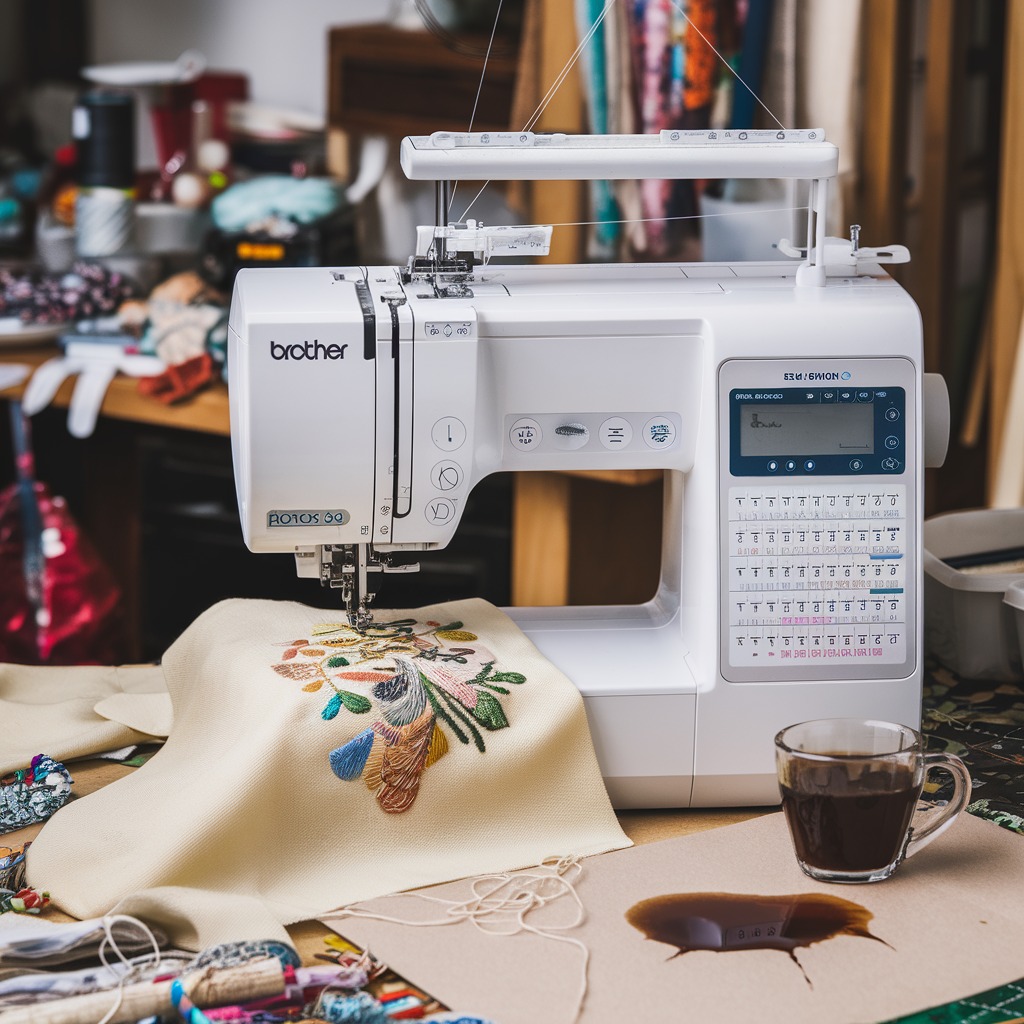
Embroidery machines have revolutionized the way we approach custom designs and intricate patterns. Among the popular brands, Brother embroidery machines are well-regarded for their reliability, innovation, and ease of use. However, like any sophisticated device, they are not without their challenges. Understanding common errors and their solutions can help you maintain your Brother embroidery machine in top condition and ensure that your embroidery projects run smoothly.
In this blog post, we will explore the most common errors encountered with Brother embroidery machines and provide practical solutions to overcome them. Whether you’re a beginner or an experienced embroiderer, this guide will be an essential resource to optimize your embroidery experience.

1. Thread Breakage
Common Causes:
- Incorrect Threading: Misthreading can cause the thread to break frequently.
- Poor Quality Thread: Low-quality threads tend to fray and break more easily.
- Tension Issues: Tight or incorrect tension settings can lead to thread breakage.
Solutions:
- Re-thread the Machine: Follow the threading guide in your Brother machine’s manual carefully to ensure correct threading.
- Use High-Quality Thread: Invest in quality embroidery threads that are less prone to breaking.
- Adjust the Tension: Check the tension settings and adjust them according to the fabric and thread you are using. The tension should be balanced enough to hold the thread securely without causing it to break.
2. Skipped Stitches
Common Causes:
- Dull or Bent Needle: A needle that is not sharp or straight can cause the machine to skip stitches.
- Incorrect Needle Size: Using a needle that is too small or too large for your fabric can lead to skipped stitches.
- Poor-Quality Fabric: Fabrics that are too thick or too slippery may result in skipped stitches.
Solutions:
- Replace the Needle: Ensure you are using a new, sharp needle of the correct size for your fabric.
- Use the Correct Needle Size: Refer to your machine’s manual to select the appropriate needle size based on your fabric type.
- Choose High-Quality Fabric: Opt for a fabric that is suitable for embroidery, avoiding overly thick or slippery materials unless your machine is designed to handle them.
3. Bird Nesting (Thread Tangling Under Fabric)
Common Causes:
- Incorrect Threading: Incorrect top or bobbin threading can cause threads to tangle under the fabric.
- Bobbin Issues: An incorrectly wound or improperly inserted bobbin can lead to bird nesting.
- Improper Tension: Tension that is too loose can cause the thread to bunch up under the fabric.
Solutions:
- Re-thread the Machine: Ensure both the top thread and bobbin thread are correctly threaded through their respective paths.
- Check the Bobbin: Make sure the bobbin is wound evenly and is inserted correctly in the bobbin case.
- Adjust the Tension: Tighten the tension settings if necessary, making sure the top and bottom threads are balanced.
4. Fabric Puckering
Common Causes:
- Tension Too Tight: Excessive tension can cause the fabric to pull, leading to puckering.
- Improper Stabilizer Use: Not using a stabilizer or using an incorrect one can cause the fabric to pucker.
- Hooping Issues: Fabric that is hooped too loosely or too tightly can result in puckering.
Solutions:
- Loosen the Tension: Adjust the tension to a level that holds the thread without pulling on the fabric excessively.
- Use the Correct Stabilizer: Select a stabilizer that matches your fabric type and embroidery design. Ensure it is applied properly before starting the embroidery.
- Hoop Correctly: Make sure the fabric is hooped tautly, without being stretched, to prevent puckering during the embroidery process.
5. Machine Jamming or Stalling
Common Causes:
- Thread Caught in the Machine: Loose threads can get caught in the machine’s moving parts, causing it to jam.
- Needle Hitting the Hoop: If the hoop is not properly positioned, the needle might hit it, causing the machine to stall.
- Overly Dense Design: Embroidery designs with too many stitches in a small area can cause the machine to jam.
Solutions:
- Check for Loose Threads: Remove any visible threads caught in the machine’s moving parts.
- Ensure Proper Hoop Position: Make sure the hoop is correctly attached and positioned to avoid needle interference.
- Choose Appropriate Designs: Use designs that are suitable for your machine‘s capabilities, avoiding overly dense patterns that can cause jamming.
6. Design Misalignment
Common Causes:
- Fabric Shifting: If the fabric shifts during the embroidery process, it can cause the design to misalign.
- Improper Hooping: Loose hooping can lead to fabric movement, resulting in misaligned designs.
- Incorrect Design Placement: Not aligning the design properly before starting can cause misalignment.
Solutions:
- Secure the Fabric: Use a good-quality stabilizer and ensure the fabric is securely hooped to prevent shifting.
- Check Hooping: Double-check the fabric’s tension in the hoop before starting the embroidery to ensure it is held firmly in place.
- Align the Design Properly: Use your machine’s alignment tools to position the design accurately before beginning the embroidery process.
7. Bobbin Thread Showing on Top
Common Causes:
- Incorrect Top Thread Tension: If the top thread tension is too tight, it can pull the bobbin thread up, making it visible on the top side of the fabric.
- Incorrect Bobbin Tension: Bobbin tension that is too loose can cause the bobbin thread to show through on the top.
Solutions:
- Adjust Top Thread Tension: Loosen the top thread tension slightly and test the embroidery to see if the bobbin thread stops showing.
- Check Bobbin Tension: If adjusting the top thread tension doesn’t work, consider checking and adjusting the bobbin tension. Make sure the bobbin is correctly wound and inserted.
8. Uneven or Loose Stitches
Common Causes:
- Incorrect Tension: Tension that is either too tight or too loose can cause uneven or loose stitches.
- Bobbin Issues: A poorly wound bobbin or incorrect bobbin insertion can lead to stitching problems.
- Poor Quality Thread: Using low-quality thread may result in inconsistent stitches.
Solutions:
- Adjust Tension: Test different tension settings to achieve a balance that results in even stitches.
- Check the Bobbin: Ensure the bobbin is wound evenly and correctly placed in the machine.
- Use Quality Thread: Opt for high-quality thread that is designed for embroidery to ensure consistent stitching.
9. Error Messages Displayed
Common Causes:
- Threading Issues: The machine may detect problems with threading and display an error message.
- Needle Position: The needle might be in an incorrect position or not installed properly.
- Mechanical Problems: Internal issues like motor problems or sensor malfunctions can trigger error messages.
Solutions:
- Re-thread the Machine: Carefully re-thread both the top thread and the bobbin to ensure there are no mistakes.
- Check Needle Installation: Ensure the needle is installed correctly and is in the correct position.
- Refer to the Manual: Consult your Brother embroidery machine’s manual to troubleshoot specific error codes and follow the recommended solutions.
10. Needle Breakage
Common Causes:
- Hitting a Hard Object: The needle might break if it hits the embroidery hoop or another hard surface.
- Incorrect Needle Type: Using the wrong type or size of needle for your fabric can cause breakage.
- Poor Quality Fabric: Thick or tough fabrics can put excessive strain on the needle, leading to breakage.
Solutions:
- Use the Correct Needle: Choose the appropriate needle type and size for the fabric and design you are working with.
- Check Hoop Position: Make sure the embroidery hoop is properly positioned and secured to avoid needle collisions.
- Use Suitable Fabric: If the fabric is too thick or tough, consider using a different needle or modifying your design to reduce strain on the needle.
Conclusion
Embroidery can be a fulfilling and creative pursuit, but it’s not without its challenges. Understanding the common errors that can occur with Brother embroidery machines, and knowing how to resolve them, is essential for anyone looking to master the craft. By following the solutions outlined in this guide, you can keep your machine in top condition and ensure that your embroidery projects are successful.
Regular maintenance, using high-quality materials, and following the manufacturer’s guidelines will go a long way in preventing most of these issues. If you encounter persistent problems, don’t hesitate to consult your machine’s manual or reach out to Brother’s customer support for professional assistance.
Happy embroidering!