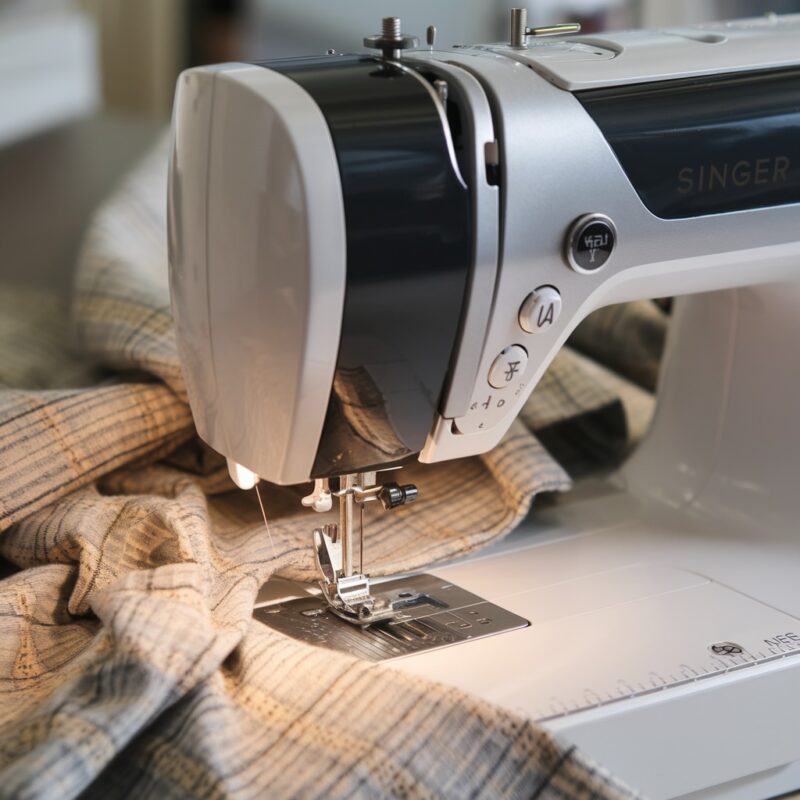
Troubleshooting Machine Stops or Won’t Sew Errors on Singer Futura XL-420

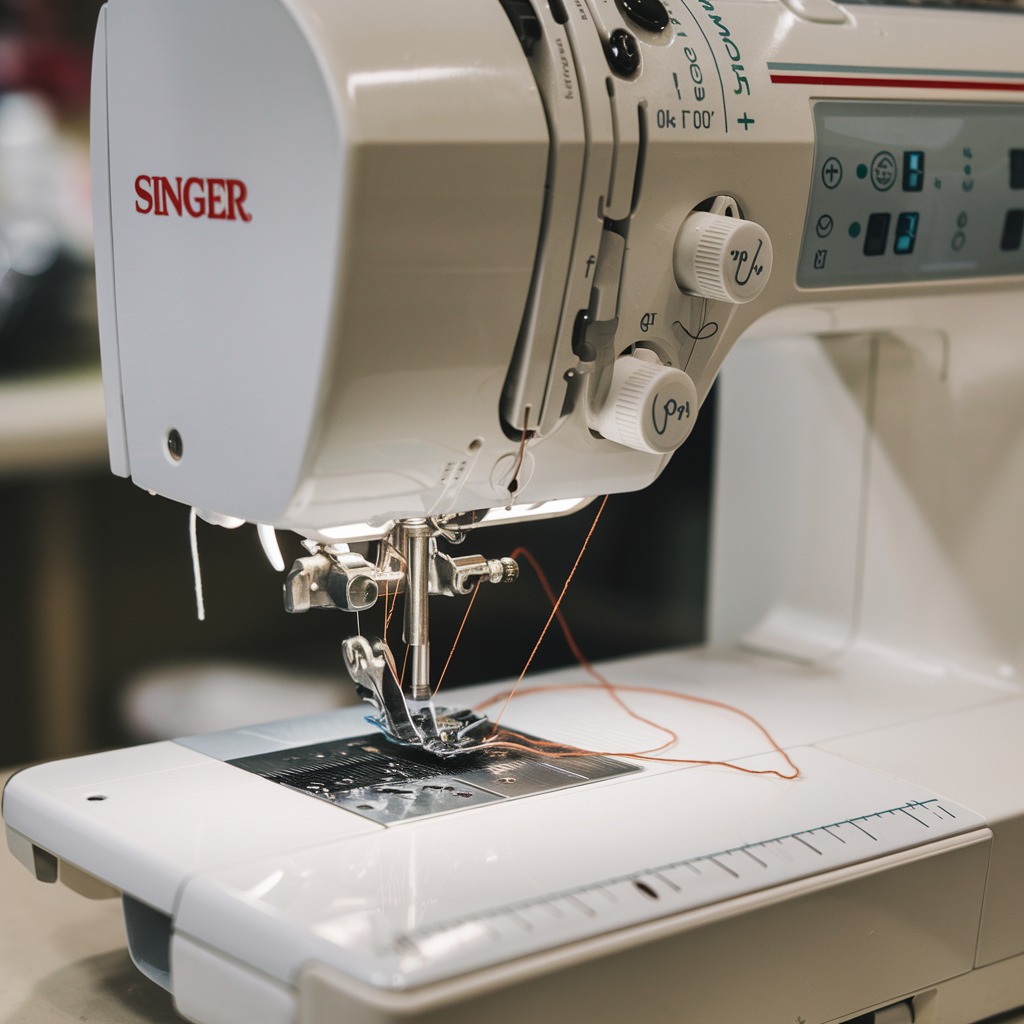
Troubleshooting Machine Stops or Won’t Sew Errors on Singer Futura XL-420
The Singer Futura XL-420 is a reliable embroidery machine, but sometimes users encounter issues where the machine suddenly stops or refuses to sew. These errors can be frustrating, but understanding the root causes and solutions can help you resolve them quickly.
Common Causes and Solutions for Machine Stops or Won’t Sew Errors
1. Thread Tension Too Tight
- Cause: The machine may jam or stop if the thread tension is too high.
- Solution: Loosen the thread tension. This should allow smooth threading without causing thread jams or breakage.
2. Incorrectly Wound Bobbin
- Cause: A bobbin wound too tightly or unevenly can prevent the machine from sewing.
- Solution: Rewind the bobbin ensuring it is evenly wound. Check that the bobbin is inserted correctly into the bobbin case and threaded through the guides properly.
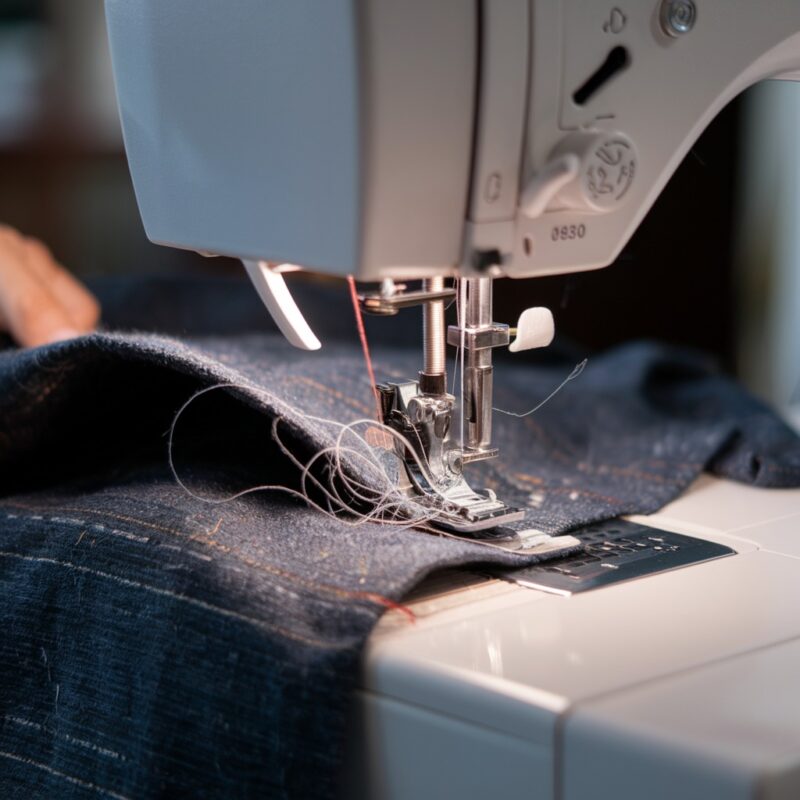
3. Thread Jamming in the Bobbin Area
- Cause: The thread can become tangled in the bobbin case, causing the machine to stop.
- Solution: Open the bobbin area, remove any thread clumps or debris, and clean the area thoroughly. Regular cleaning prevents thread jamming issues.
4. Needle Inserted Incorrectly
- Cause: An improperly inserted needle can cause the machine to stop or not sew.
- Solution: Make sure the needle is inserted all the way up with the flat side facing the correct direction. Replace bent or damaged needles.
PROMOTIONAL SECTION
The All-in-One Solution For All Your Embroidery Business!
Enjoy $0.90 / 1000 Stitches Logo Digitizing
Monthly Cash Back, Free Delivery on Store-wide Products, Dedicated Account Manager, Exclusive Client Dashboard Panel, Bonus Credit & much more.
SIGN UP TODAY & GET FIRST 3 ORDER ABSOLUTELY FREE

Unlock game-changing benefits: expert digitizing services, technical embroidery guidance, seamless management of your business essentials, and free delivery on storewide products—all just for signing up with us. Don’t let these exclusive perks pass you by!

No Credit Card Required
Stay secure with no need to share your credit or debit card details! Experience 100% safe payment methods, including the option to purchase credits for your future orders. Plus, enjoy free credit as a bonus with every credit purchase and more exclusive benefits.

A Game-Changing Advantage
Imagine having a dedicated account manager by your side, ready to handle all your embroidery needs with precision and care. Whether it’s managing your digitizing orders, delivering essential embroidery supplies based on your every embroidery order, or sourcing those hard-to-find spare parts like motors, circuit boards, or sensors, we’ve got you covered. This incredible service ensures your business runs seamlessly, all at no extra cost or monthly fee.
It’s not just support—it’s the ultimate embroidery partnership you didn’t know you were missing for a $0 charge!
Exclusive Client Dashboard Panel
Get Free Account Setup (T&C Applied) and enjoy exclusive benefits: unlimited free estimate requests, streamlined order management, complimentary edit requests, 24/7 access to our ticket system, fast 6-12 hour turnaround times, round-the-clock email and live chat support, and 1-year free design file backup and more.

Recurring Monthly Cashback
Experience out of the box services with Cashback on monthly basis along with discount vouchers on Shop for Registered customers up to 60% on supplies, accessories, spare parts & sensors & Circuit boards and add extra value to your embroidery business.

Free Delivery on all Shop Products
Enjoy free delivery on embroidery supplies, accessories, spare parts, sensors & circuit boards, and store-products, delivered straight to your doorstep! Unlock this exclusive benefits by registering with us for all your digitizing needs. (Embroidery Machine Not Included)
5. Foot Pedal or Power Supply Issues
- Cause: The machine might stop if there’s an issue with the foot pedal or power supply.
- Solution: Ensure the foot pedal is plugged in securely and functioning properly. Also, check that the power cord is correctly connected to the outlet and machine.
6. Fabric Too Thick for the Machine
- Cause: Trying to sew through thick layers of fabric can strain the motor and cause the machine to stop.
- Solution: Use a heavier needle and appropriate thread for thicker fabrics. Reduce sewing speed and use shorter stitch lengths to prevent overstraining the machine.
7. Bobbin Case or Threading Issues
- Cause: Incorrect bobbin case insertion or improper threading can cause the machine to halt.
- Solution: Check that the bobbin case is positioned correctly and that the machine is threaded according to the manual. Ensure the thread path is clear.
8. Thread Breakage During Operation
- Cause: If the thread breaks while sewing, the machine may stop.
- Solution: Inspect the thread path for any tangles or knots. Ensure the thread spool is placed correctly and flowing smoothly without tension or snags.
9. Overloaded Memory (For Embroidery)
- Cause: Loading too many designs or large files may cause the machine to freeze or stop.
- Solution: Reduce the number of designs loaded into the machine‘s memory and try simpler designs. Clear out old designs that are no longer needed.
10. Lack of Regular Maintenance
- Cause: Dust and debris build-up in the machine can cause it to malfunction.
- Solution: Regularly clean your Singer Futura XL-420, including the bobbin area, needle plate, and thread path. Lubricate moving parts as per the machine’s manual to prevent seizing.
11. Overheating of the Machine
- Cause: Continuous sewing over a long period can cause the machine to overheat, triggering an automatic shutdown to protect the motor.
- Solution: Turn off the machine and let it cool down for at least 30 minutes. Avoid prolonged sessions without breaks to prevent overheating. Ensure the machine is in a well-ventilated space to help with cooling.
12. Software or Firmware Glitches
- Cause: If the machine’s software or firmware is outdated or encounters glitches, it may freeze or stop unexpectedly.
- Solution: Check for any firmware updates for your Singer Futura XL-420. Updating to the latest version can help resolve bugs or compatibility issues with newer designs. Follow the manufacturer’s guide to install updates properly.
13. Improper Presser Foot Selection
- Cause: Using the wrong presser foot for the type of stitching or embroidery could cause the machine to stop.
- Solution: Ensure you are using the correct presser foot for the fabric and design. Switch to the proper embroidery or sewing foot based on your project’s requirements.
14. Obstructed Needle or Feed Dogs
- Cause: Accumulated lint, fabric pieces, or thread bits under the needle plate or feed dogs can cause the machine to seize.
- Solution: Regularly remove the needle plate and clean the feed dogs, removing any debris that may obstruct smooth movement.
15. Incorrect Embroidery Hoop Placement
- Cause: If the embroidery hoop is not correctly attached or too tight, it may cause the machine to stop.
- Solution: Ensure the embroidery hoop is properly placed and securely fastened, but not overly tight. The fabric should be taut but not stretched too much, as that can cause misalignment or halt the machine.
Preventive Maintenance Tips:
To keep your Singer Futura XL-420 running smoothly and prevent future “Machine Stops or Won’t Sew” errors:
- Regularly oil your machine according to the manual’s instructions.
- Keep your workspace dust-free to avoid particles entering the machine.
- Replace worn-out needles and bobbins promptly.
- Always use the correct thread and needle size for your fabric.
Maintaining your machine and staying attentive to these common issues can avoid downtime and keep your embroidery projects on track.