Services
Pricing
Embroidery CRM
Free Design Studio for Embroidery & Print Shops
Let customers design embroidery, DTG, DTF, vinyl, patches and vector art on real garment photos, inside the real print area, with thread and ink colors chosen for you. Embed it on your own website with one script tag. Every submission becomes a job.
By the OS 360 team at 360 Digitizing Solutions · Updated November 21, 2026. Every feature on this page was checked in the live Design Studio.
Short answer: The OS 360 Design Studio is a free online garment customizer for embroidery and print shops. Customers choose a service, garment, color and placement, design with library art, their own uploads or text, pick thread or ink colors from an automatic color chart, add sizes and quantities, and submit. Each submission lands in your OS 360 account as a job with the design PNG, mockup and original files. It is free on every account and embeds on WordPress, Shopify, Wix, Squarespace or any HTML site with one script tag.
See the Design Studio in action
From picking a service to a booked job in your dashboard.
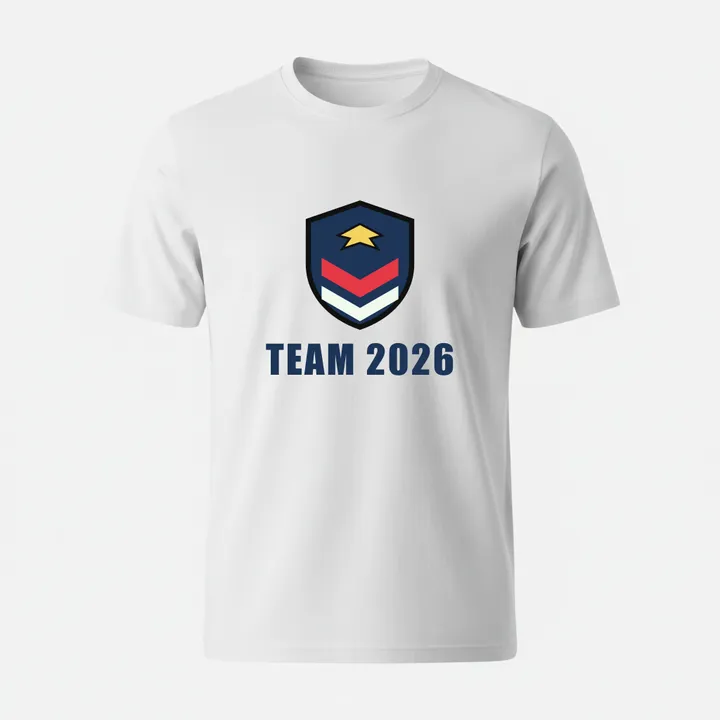
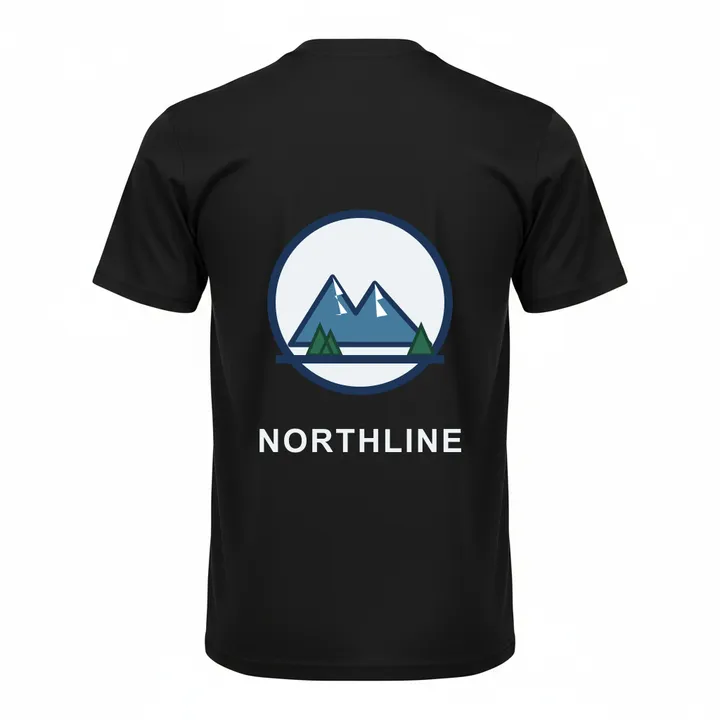
24 pcs · S 6 / M 10 / L 8
Six services in one studio
Turn on the services you offer in settings; customers only see those.
Embroidery
Customers place their logo or text on the garment and pick named thread colors from the color chart. You digitize it, or send it to us for digitizing from the job.
Up to 6 colorsVector Art
For artwork that needs a clean redraw for print, signs or screens. The job carries the original file and the customer’s color choices.
Up to 8 colorsDTG print
Full-color direct-to-garment prints placed inside the real print area of the garment.
Unlimited colorsDTF print
Direct-to-film transfers with the same placement, sizing and mockups as DTG.
Unlimited colorsVinyl / HTV
Heat-transfer vinyl designs, where every extra color is another layer to cut and press.
Up to 3 colorsPatches
Embroidered patches with shape (Circle, Oval, Square, Rectangle, Shield, Custom) and edge (Merrowed, Laser-cut, Satin stitch border).
Up to 6 colorsStart from the design library or upload artwork
Customers browse a ready-made design library by category or keyword search, or upload their own logo. Uploaded originals are kept and attached to the job, so your digitizer or artist always gets the source file, not a screenshot.
Library categories
Uploads: PNG, JPG, WEBP, GIF, SVG, BMP and TIFF, up to 15 MB per file. Browse the design library.
Text and layer tools
Text tool
Add names, numbers and slogans in 8 fonts, with bold, italic and any text color.
Layers
- Move, resize and rotate every artwork and text layer.
- Opacity per layer.
- Bring forward / send backward to combine several artworks into one design.
- Undo and redo every step.
- Eraser to clean up parts of an image.
- Remove background from uploaded logos and photos.
20 garments, 10 colors, real garment photos
Designs are shown on real garment photos, not flat outlines, so customers see what they will get. You choose which garments your shop offers in settings.
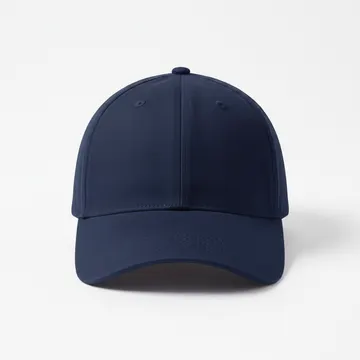
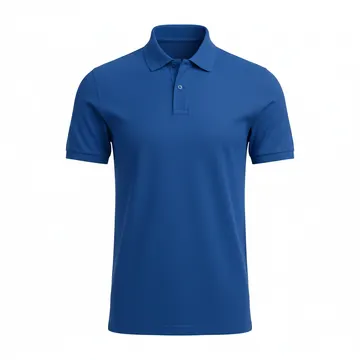
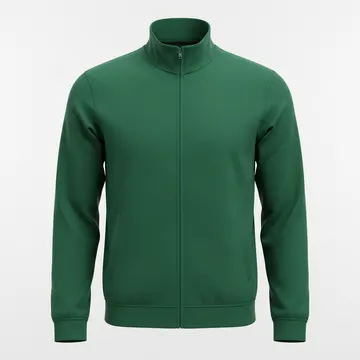
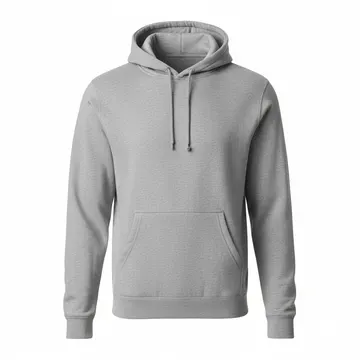
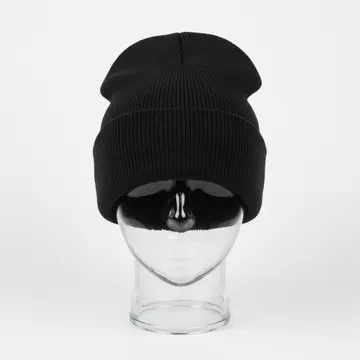
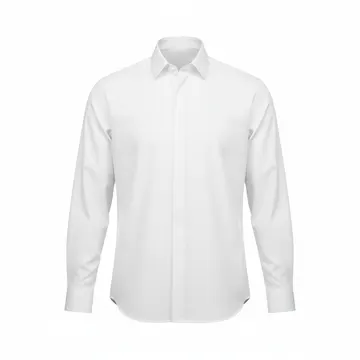
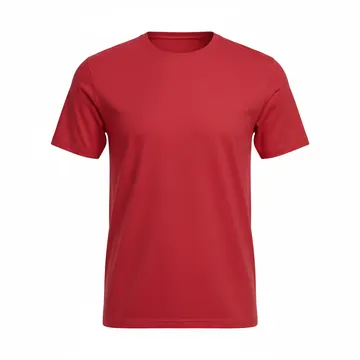
All garments and products
Garment colors
Placements with real print areas in inches
Each placement has a real embroidery or print area box measured in inches. The design is kept inside the area and the customer gets an "outside the area" warning if it goes past the edge. An inch grid, a hide-garment toggle and zoom up to 300% help with exact sizing.
| Placement | Maximum area | Typical use |
|---|---|---|
| Front Chest | Up to 12 × 14 in | Shirts, polos, hoodies, jackets |
| Left Chest | Up to 4 in wide | The classic logo spot |
| Right Chest | Up to 4 in wide | Names, second logos |
| Left Pocket | Up to 3.5 × 3.5 in | Pocket logos |
| Back Full | Up to 14 × 16 in | Big back designs |
| Back Neck | Up to 4 × 2.5 in | Small tag-style marks |
| Left / Right Sleeve | Up to 4 in wide | Flags, numbers, sponsors |
| Cap Front Center | Up to 5 × 2.25 in | Caps |
| Cap Left / Right Side | Up to 3 × 2 in | Caps |
| Cap Back Center | Up to 3 × 1.5 in | Caps |
Areas as set in the Design Studio on November 21, 2026. The available placements depend on the garment.
Mockups: front and back, ready to download
The Mockups tab shows the finished garment from the front and the back, with every placement applied. Customers can download each view as a PNG, and the mockup is saved on the job for your team and your proof.
- Front and back views of the finished garment.
- PNG download of each view.
- The same mockup goes into the job and the customer confirmation email.
Automatic color chart
When a customer uploads artwork, the studio detects its colors automatically. For each detected color the customer chooses the thread or ink color they want: named thread colors for embroidery and patches, any color for print. The artwork itself is never altered; the choices are saved as a color chart on the job.
| Service | Color limit |
|---|---|
| Embroidery | 6 colors |
| Patches | 6 colors |
| Vector Art | 8 colors |
| Vinyl / HTV | 3 colors |
| DTG print | Unlimited |
| DTF print | Unlimited |
The studio warns when a design has too many colors for the service, and when a color has low contrast against the garment color (for example navy thread on a navy cap).
Named thread colors for embroidery and patches
Job details your customers fill in
- Quantities per size, so the job arrives with the size breakdown.
- Design width and height.
- Who supplies the garment: the customer, or your shop (with brand and style).
- Fabric of the garment.
- Patch shape: Circle, Oval, Square, Rectangle, Shield or Custom.
- Patch edge: Merrowed, Laser-cut or Satin stitch border.
- Notes for anything else.
What happens after a customer submits
- A job is booked in "My Job Bookings". Never an order directly. It carries the design PNG, the mockup, the original files, sizes and quantities, placement and the color chart.
- You are notified in the app and by email.
- Your customer gets a branded confirmation email with your logo, shop name, address, phone, email and website and a mockup preview. A small "Powered by OS 360" line sits at the bottom.
- You confirm price and quantity on the job.
- One click from the job: send it to the OS 360 team for embroidery digitizing (from $1 per 1,000 stitches) or vector conversion, or on Pro send it to your own in-house designer.
Put it on your own website with one script tag
Open Design Studio settings in OS 360, add your domain, then copy and paste. Works on WordPress, Shopify, Wix and Squarespace-style HTML blocks, and custom PHP or HTML sites.
Inline studio
<script src="https://pro.360digitizing.solutions/embed/design-studio.js"
  data-key="dsk_your_key"
  data-service="embroidery"
  data-height="820" async></script>
Or a button that opens the studio
<script src="https://pro.360digitizing.solutions/embed/design-studio.js"
  data-key="dsk_your_key"
  data-mode="button"
  data-button-text="Customize your design" async></script>
An iframe version is also in settings. Use data-service to open a specific service: embroidery, vector-art, dtg, dtf, vinyl or patches.
Settings you control
- Shop name and logo shown in the studio and emails.
- Which services and garments to offer.
- Allowed website domains.
- Rotate the key at any time.
Built-in protection
- Publishable key that can only create jobs for your shop.
- Works only on the domains you allow.
- Spam honeypot field.
- Per-visitor rate limits.
Good to know
- The studio collects designs and job details; prices are confirmed by you on the job, not quoted live inside the studio.
- The text tool does not do curved or arched text yet.
- There are no webstores or gang sheets for shops in the studio.
- Free on every OS 360 account. Digitizing, vector and patch orders you send us from a job are paid per order.
Frequently asked questions
What is the OS 360 Design Studio?
A free online garment customizer for embroidery and print shops. Your customers choose a service (embroidery, vector art, DTG, DTF, vinyl/HTV or patches), a garment and color, add library art, their own artwork or text, place it inside the real print area of a placement, pick thread or ink colors and submit. Each submission becomes a job in your OS 360 account.
Is the Design Studio free?
Yes. The Design Studio and its website embed are free on every OS 360 account, free plan and Pro. You pay only if you order digitizing, vector art or patches from us for a job.
How do I add the Design Studio to my website?
In OS 360 open Design Studio settings, add your website domain to the allowed list, copy the script tag and paste it into a page. It works on WordPress, Shopify, Wix and Squarespace-style HTML blocks and custom PHP or HTML sites. You can show it inline, as a button that opens the studio, or in an iframe.
What happens when a customer submits a design?
A job is created in your OS 360 "My Job Bookings" with the design PNG, the mockup, the original files, sizes and quantities, placement and the color chart. It is a job, never an automatic order. You get an in-app notification and an email; your customer gets a branded confirmation email with your logo, shop name, address, phone, email, website and a mockup preview.
Which garments and placements are available?
20 products: T-Shirt, Polo, Long-sleeve Polo, Hoodie, Jacket, Leather Jacket, Cap, Visor, Beanie, Trouser, Jeans, Shorts, Muffler, Blanket, Bedsheet, Napkins, Curtain, Sash, Tactical Vest and Uniform Shirt, in 10 garment colors. Placements include Front Chest, Left Chest, Right Chest, Left Pocket, Back Full, Back Neck and Left/Right Sleeve; caps have Front Center, Left Side, Right Side and Back Center.
Can customers upload their own artwork?
Yes. They can upload PNG, JPG, WEBP, GIF, SVG, BMP or TIFF files up to 15 MB each, or start from the design library. The original files are kept and attached to the job, and the artwork itself is never altered by the color chart.
How does the color chart work?
The studio detects the colors in uploaded artwork. The customer picks a thread color (20 named thread colors) for each one for embroidery and patches, or any color for print. Limits per service: embroidery and patches 6 colors, vinyl 3, vector 8, DTG and DTF unlimited. The studio warns about too many colors and low contrast against the garment color.
Can I get the submitted design digitized?
Yes. From the job you can send it to the OS 360 team for embroidery digitizing or vector conversion in one click (digitizing from $1 per 1,000 stitches), or on Pro send it to your own in-house designer.
Does the studio show prices or create orders automatically?
No. The studio collects the design and job details; you confirm price and quantity on the job before anything is ordered or invoiced.
Does it support curved text?
Not at the moment. The text tool has 8 fonts, bold, italic and color, and text layers can be moved, resized and rotated.
Is it safe to put on my website?
Yes. The embed uses a publishable key that can only create jobs for your shop, works only on the domains you allow, and has a spam honeypot and per-visitor rate limits. You can rotate the key at any time from settings.
Free for every OS 360 account
Create a free account, open Design Studio settings and paste the code on your site today. No card needed to sign up.
More: Embroidery business software · Mockup generator · Job management