Blog
Pfaff Embroidery Machine Not Recognizing Embroidery Unit

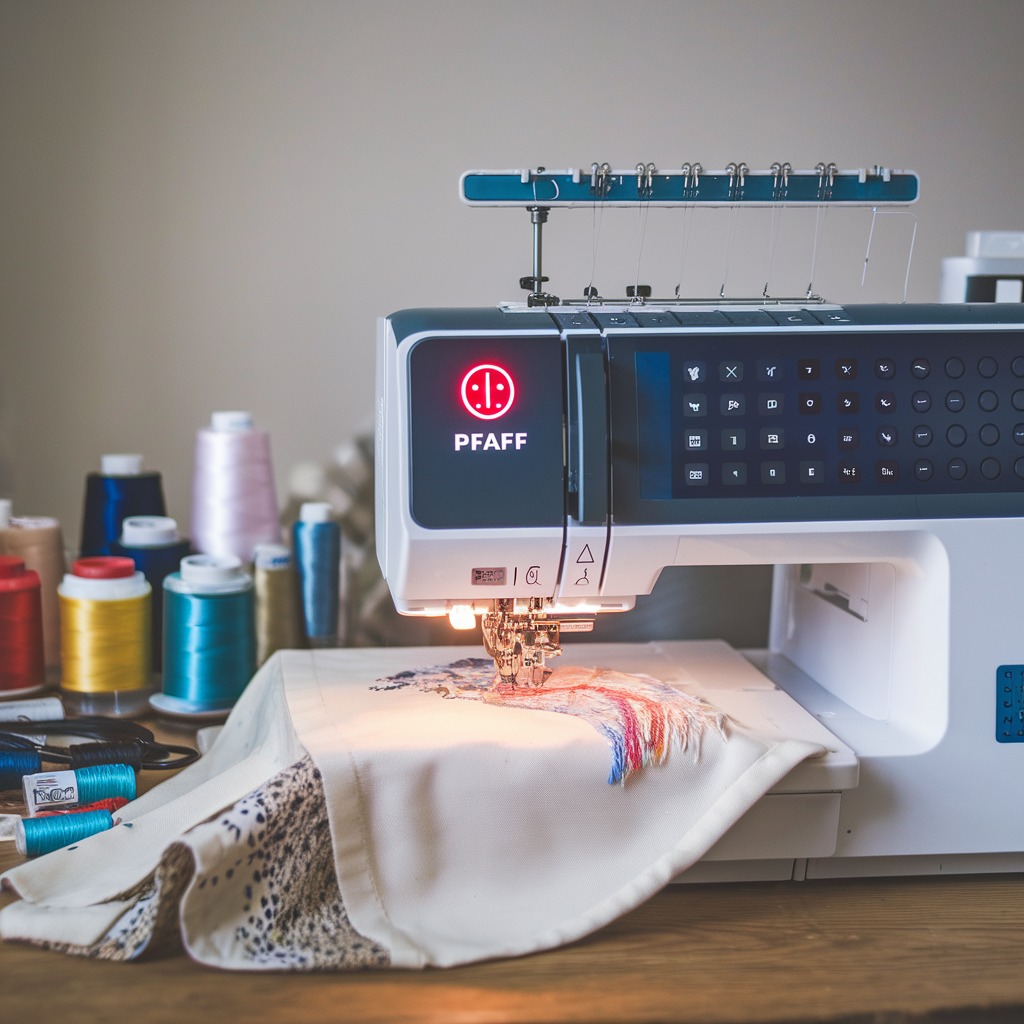
Quick answer: If your Pfaff embroidery machine isn't recognizing the embroidery unit, first check all physical connections. Ensure the unit is securely attached and the cable is undamaged. Verify machine settings and firmware are up to date.
When your Pfaff embroidery machine fails to recognize the embroidery unit, it can halt your projects. This guide provides practical, step-by-step troubleshooting to identify and resolve the most common causes, getting you back to embroidering quickly.
Two-minute checks before you open anything
- Is the embroidery unit fully seated and locked into place on the machine?
- Is the connecting cable securely plugged into both the embroidery unit and the machine?
- Are there any visible signs of damage to the cable or the unit's connector?
- Have you checked the machine's settings to ensure embroidery mode is enabled or recognized?
- Is the machine's firmware up to date according to the Pfaff website?
1. Loose or Improper Connection high likelihood
How to tell
The machine displays an error message indicating the embroidery unit is not detected, or the unit is not recognized when attempting to select embroidery functions.
Fix
- Power off the Pfaff embroidery machine.
- Carefully disconnect the embroidery unit from the machine. Ensure any locking levers or buttons are disengaged.
- Inspect the connection points on both the machine's port and the embroidery unit's plug for any dirt, lint, or debris. Clean gently with a soft, dry cloth or a puff of compressed air.
- Reattach the embroidery unit to the machine. Ensure it slides fully into place and any locking mechanism (e.g., lever, latch) engages securely with an audible click or firm seating.
- Power on the machine and test if the unit is now recognized.
Focus on the integrity of the physical connection between the machine and the embroidery unit.
Parts involved: Cables & wiring → Head & mechanical parts →
2. Incorrect Machine Settings medium likelihood
How to tell
The machine does not automatically switch to embroidery mode or presents an error despite the unit being physically connected. The display may show only sewing functions.
Fix
- Consult your Pfaff machine's user manual for specific instructions on activating embroidery mode or recognizing the embroidery unit.
- Navigate to the machine's settings or preferences menu (often accessible via the touchscreen or dedicated buttons).
- Look for options related to 'Embroidery Unit', 'Embroidery Mode', or 'Accessory Detection'. Ensure these settings are enabled or set to 'Auto' if available.
- Some models may require a specific sequence of actions after attaching the unit; refer to your manual.
- Save any changes, power cycle the machine if necessary, and re-test.
This issue is typically software or user-interface related, not a physical part failure.
Parts involved: Control panels & displays → Circuit boards & electronics →
Parts you may need for Pfaff
In stock, tested before dispatch, Buyer Protection on every order. Part types for this problem: Cables & wiring, Circuit boards & electronics, Control panels & displays, Floppy, USB & memory.
 Evernice 91-141 502-15 Lifting Lever for PFAFF 1245 335 1295 1296 E...$ 25.09View part →
 PFAFF 91-048922-04 91-026745-04 Gauge Set for 145, 335, 545, 1245, ...$ 26.29View part →
 GOLDEN EAGLE 91-048922-04C 91-026746-04C Gauge Set for PFAFF 145, 3...$ 30.29View part →
 10Pcs Heat Erasable Fabric Pens for Tajima, Brother, Janome, Baruda...$ 5.09View part →
 Flying Tiger HAX1 15x1 Sewing Machine Needles 100-Pack for Brother ...$ 13.49View part →
 60WT 75D/2 PET-75 Thin Polyester Embroidery Thread 4000M for Brothe...$ 12.49View part →
All Pfaff parts → Cables & Wiring → Circuit Boards & Electronics → Control Panels & Displays →
3. Damaged Embroidery Unit or Cable medium likelihood
How to tell
The unit is not detected, and there are visible signs of damage to the connecting cable (fraying, cuts, kinks) or to the connector pins on either the unit or the machine port (bent, broken, corroded).
Fix
- Power off the machine and disconnect the embroidery unit.
- Thoroughly inspect the entire length of the connecting cable for any physical damage such as cuts, fraying, kinks, or exposed wires.
- Examine the connector pins on both the machine's port and the embroidery unit's plug. Look for any bent, broken, or corroded pins.
- If the cable is visibly damaged, it must be replaced. Refer to your Pfaff manual or parts diagram for the correct replacement cable.
- If the pins on the machine's port or the embroidery unit's plug are damaged, this indicates a more serious issue requiring professional repair or replacement of the affected component.
The connecting cable is a common point of failure. Damage to the unit's internal connector or the machine's port is less common but more complex to repair.
Parts involved: Cables & wiring → Circuit boards & electronics → Head & mechanical parts →
4. Outdated or Incorrect Machine Firmware low likelihood
How to tell
The issue began after a firmware update, or the machine is older and has never been updated. The unit may have worked previously but stopped after a change.
Fix
- Note your machine's current firmware version (usually found in the machine's 'About' or 'System Information' menu).
- Visit the official Pfaff support website and navigate to the support section for your specific machine model.
- Check for any available firmware updates. Compare the latest version with your machine's current version.
- If an update is available, download it and carefully follow the manufacturer's instructions for installation. This typically involves transferring the update file via USB.
- If the issue started immediately after a firmware update, check the Pfaff website or contact support for information on potential compatibility issues or how to revert to a previous firmware version (if supported).
Firmware is software embedded in the machine's electronics. An incorrect or outdated version can prevent proper communication.
Parts involved: Circuit boards & electronics → Floppy, USB & memory →
5. Faulty Embroidery Unit Port on Machine low likelihood
How to tell
All other troubleshooting steps fail, and the port on the machine itself shows signs of damage (e.g., bent pins, loose connection) or does not provide a secure connection despite the unit being fully inserted.
Fix
- Power off and unplug the machine.
- Carefully inspect the port on the Pfaff machine where the embroidery unit connects. Look for bent or broken pins, debris lodged inside, or any signs of physical damage.
- Gently use compressed air to clear any dust or lint from the port. Do not use sharp objects that could damage the pins.
- If pins are bent, very carefully attempt to straighten them with fine-point tweezers, but be aware this can cause further damage if not done precisely.
- If the port appears physically damaged or if cleaning does not resolve the issue, the machine may require service by a qualified technician to replace the port or associated circuit board.
The port is typically integrated into a circuit board. Damage here often requires board replacement or specialized soldering.
Parts involved: Circuit boards & electronics → Cables & wiring →
Stop and call a technician if
- If the machine's internal port for the embroidery unit is physically damaged (e.g., bent pins, loose connection).
- If the embroidery unit itself is suspected to be faulty and you cannot test it on another machine.
- If all troubleshooting steps have been exhausted and the issue persists, indicating a deeper electronic or mechanical problem.
Prevent it coming back
- Always ensure the embroidery unit is securely attached and detached gently to avoid stressing connectors.
- Keep connection ports and cables clean and free of dust or debris.
- Handle the connecting cable carefully to prevent kinks, cuts, or damage to the connectors.
- Regularly check the Pfaff website for firmware updates to ensure optimal compatibility and performance.
- Store the embroidery unit and machine in a clean, dust-free environment when not in use.
Frequently asked questions
Why is my Pfaff machine not recognizing the embroidery unit?
Common reasons include a loose or dirty connection, incorrect machine settings, a damaged connecting cable, outdated firmware, or a faulty port on the machine. Start by checking all physical connections and machine settings.
How do I update the firmware on my Pfaff embroidery machine?
To update firmware, visit the official Pfaff support website for your specific machine model. Download the latest firmware file and follow the detailed instructions provided by Pfaff, typically involving a USB drive to transfer the update to your machine.
Can a damaged cable prevent the embroidery unit from being recognized?
Yes, a damaged or faulty connecting cable is a common cause. Inspect the cable for any visible signs of wear, cuts, or bent pins. If damaged, replacing the cable is often the solution.
What should I do if the machine's port for the embroidery unit is damaged?
If the port on your Pfaff machine is physically damaged (e.g., bent pins, loose), it's best to contact a qualified service technician. Repairing or replacing internal ports often requires specialized tools and expertise.
Did this guide fix your machine?
Rate it - it helps other operators find the right fix.
Not sure which part is failing?
Need the logo stitched too?
Get your logo digitized by the people who know this machine
Upload the artwork, see the stitch count and the exact price in 10 seconds, then order with a free sew-out preview. $1 per 1,000 stitches, $10 minimum, 24-hour delivery. Vector conversion from $12.
After the fix
Fixed it? Keep the rest of the shop moving.
OS 360 is the shop software from the team behind this parts store. Every job keeps its status, deadline and owner while a Pfaff head is down, restock alerts fire for needles, hooks and bobbins before you run dry, and quotes, invoices and payment live in one place.
- Jobs with status, deadline and owner - nothing slips during downtime
- Inventory with restock alerts, this store one click away
- Instant quotes, invoices and one place to collect payment