Brother Embroidery Machine Stops or Won’t Sew: Common Errors and Solutions


Brother Embroidery Machine Stops or Won’t Sew: Common Errors and Solutions
Experiencing a situation where your Brother embroidery machine suddenly stops or refuses to sew can be frustrating, especially when you’re in the middle of a project. This issue can be caused by a variety of factors, ranging from simple user errors to more complex technical problems.
In this blog, we’ll go over the most common reasons why your Brother embroidery machine may stop working and provide practical solutions to help you troubleshoot and fix the problem.
1. Thread Tangles or Jams
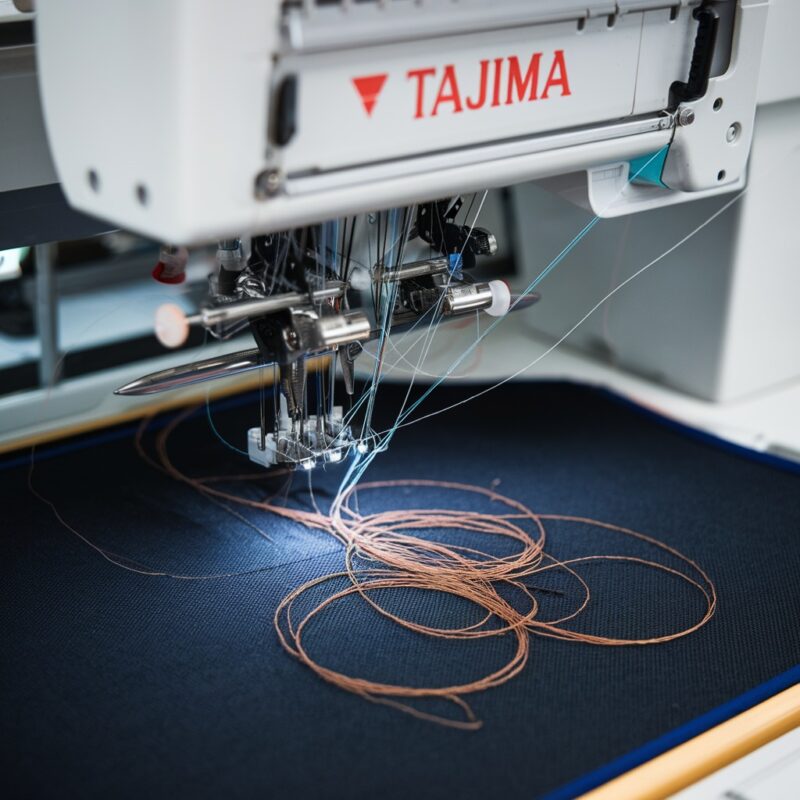
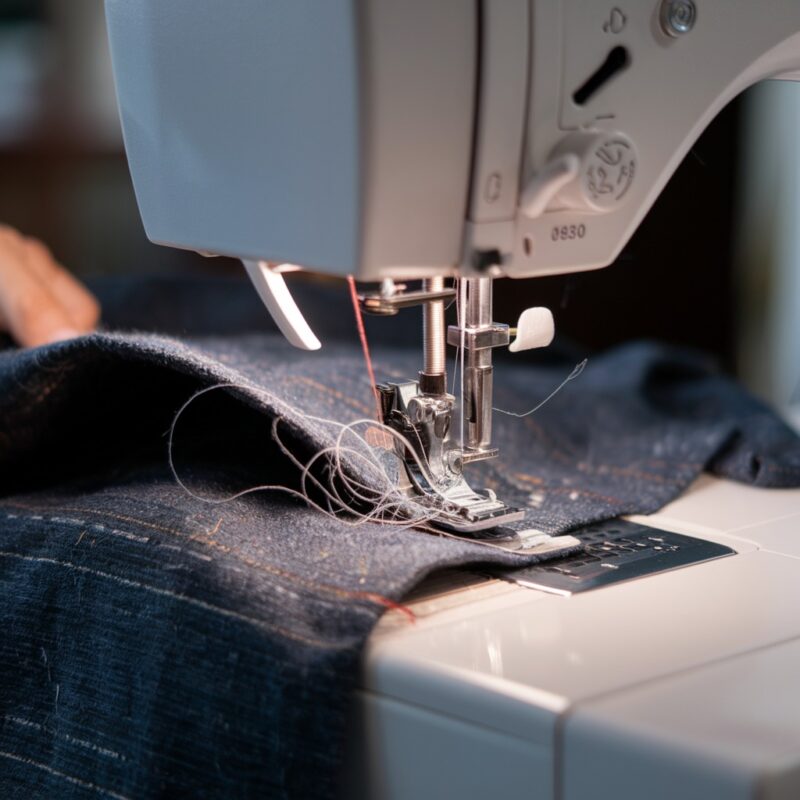
Error: One of the most common causes for a machine stopping is a thread jam or bird’s nesting under the fabric. This happens when the thread becomes tangled or caught in the bobbin area, preventing the needle from moving.
Solution:
- Stop the machine immediately when it jams to prevent damage. Remove the fabric and check for any tangled thread under the needle plate or around the bobbin case.
- Re-thread the machine carefully and check that the bobbin is inserted correctly to prevent future jams.
2. Incorrect Threading
Error: Improper threading can cause the machine to stop because the thread is not passing smoothly through the tension discs or guides, causing tension issues or jams.
Solution:
- Re-thread the machine from scratch, ensuring that the thread is correctly placed through each guide, the tension disc, and the take-up lever.
- Follow your Brother machine’s manual for correct threading instructions, as a missed step can lead to malfunction.
3. Bobbin Issues
Error: If the bobbin is improperly wound or inserted, or if there is an issue with the bobbin case, the machine may stop sewing.
Solution:
- Ensure the bobbin is wound evenly and placed in the bobbin case properly.
- Check the bobbin case for any loose threads or debris that could be causing the machine to jam, and clean it out if necessary.
PROMOTIONAL SECTION
The All-in-One Solution For All Your Embroidery Business!
Enjoy $0.90 / 1000 Stitches Logo Digitizing
Monthly Cash Back, Free Delivery on Store-wide Products, Dedicated Account Manager, Exclusive Client Dashboard Panel, Bonus Credit & much more.
SIGN UP TODAY & GET FIRST 3 ORDER ABSOLUTELY FREE

Unlock game-changing benefits: expert digitizing services, technical embroidery guidance, seamless management of your business essentials, and free delivery on storewide products—all just for signing up with us. Don’t let these exclusive perks pass you by!

No Credit Card Required
Stay secure with no need to share your credit or debit card details! Experience 100% safe payment methods, including the option to purchase credits for your future orders. Plus, enjoy free credit as a bonus with every credit purchase and more exclusive benefits.

A Game-Changing Advantage
Imagine having a dedicated account manager by your side, ready to handle all your embroidery needs with precision and care. Whether it’s managing your digitizing orders, delivering essential embroidery supplies based on your every embroidery order, or sourcing those hard-to-find spare parts like motors, circuit boards, or sensors, we’ve got you covered. This incredible service ensures your business runs seamlessly, all at no extra cost or monthly fee.
It’s not just support—it’s the ultimate embroidery partnership you didn’t know you were missing for a $0 charge!
Exclusive Client Dashboard Panel
Get Free Account Setup (T&C Applied) and enjoy exclusive benefits: unlimited free estimate requests, streamlined order management, complimentary edit requests, 24/7 access to our ticket system, fast 6-12 hour turnaround times, round-the-clock email and live chat support, and 1-year free design file backup and more.

Recurring Monthly Cashback
Experience out of the box services with Cashback on monthly basis along with discount vouchers on Shop for Registered customers up to 60% on supplies, accessories, spare parts & sensors & Circuit boards and add extra value to your embroidery business.

Free Delivery on all Shop Products
Enjoy free delivery on embroidery supplies, accessories, spare parts, sensors & circuit boards, and store-products, delivered straight to your doorstep! Unlock this exclusive benefits by registering with us for all your digitizing needs. (Embroidery Machine Not Included)
4. Needle Problems
Error: A bent, dull, or improperly installed needle can cause the machine to stop sewing or skip stitches.
Solution:
- Replace the needle if it is bent or damaged. Ensure that you are using the correct needle size and type for your fabric and thread.
- Install the needle correctly by inserting it as far as it will go and tightening the screw firmly. A loose or incorrectly installed needle can stop the machine from functioning properly.
5. Fabric Not Properly Hooped
Error: If the fabric is not securely hooped or is too thick for the machine to handle, the machine may stop sewing due to fabric bunching or resistance.
Solution:
- Ensure the fabric is tightly hooped with no slack. Loose fabric can cause the needle to drag, leading to a machine stop.
- Check that the fabric is appropriate for the machine‘s capabilities, and avoid sewing through thick layers that could jam the needle.
6. Tension Settings Too Tight
Error: If the thread tension is set too tightly, the machine may struggle to feed the thread smoothly, causing it to stop.
Solution:
- Adjust the upper thread tension to a more moderate level. If the tension is too tight, the thread won’t flow properly, which can cause the machine to jam or stop sewing.
- Test on scrap fabric and adjust until the tension is balanced and the thread moves smoothly.
7. Dirty Machine or Clogged Bobbin Case
Error: Dust, lint, and thread buildup in the bobbin case or around the needle plate can obstruct the movement of parts, causing the machine to stop.
Solution:
- Regularly clean your machine, particularly the bobbin case and needle plate. Use a small brush to remove lint or debris, and check for any loose threads that may be caught in the bobbin area.
- Keeping the machine clean ensures smooth operation and reduces the risk of jams.
8. Thread Sensor Issues
Error: Many Brother embroidery machines have thread sensors that stop the machine when the thread runs out or breaks. If the sensor malfunctions, it may stop the machine unnecessarily.
Solution:
- Check the thread sensor for dust or obstructions that may cause it to malfunction. Clean it gently with a dry cloth or brush.
- If the sensor continues to cause issues, consult your machine’s manual or contact Brother support for advice on how to recalibrate or repair the sensor.
9. Machine Overheating
Error: Continuous use of the machine for an extended period can cause it to overheat, triggering an automatic shutdown to prevent damage.
Solution:
- Turn off the machine and let it rest for 15–20 minutes to cool down if it becomes too hot.
- Avoid running the machine at high speeds for long periods and allow it to rest between projects to prevent overheating.
Conclusion
When your Brother embroidery machine stops or refuses to sew, it can be frustrating, but most issues are easy to troubleshoot and resolve. By following the solutions outlined above, you can quickly identify the problem—whether it’s improper threading, bobbin issues, tension settings, or sensor problems—and get your machine back to sewing smoothly. Regular maintenance, proper threading, and using the correct settings will help prevent these issues and keep your machine running efficiently.