Blog
Singer Futura XL-420 Not Recognizing Embroidery Unit

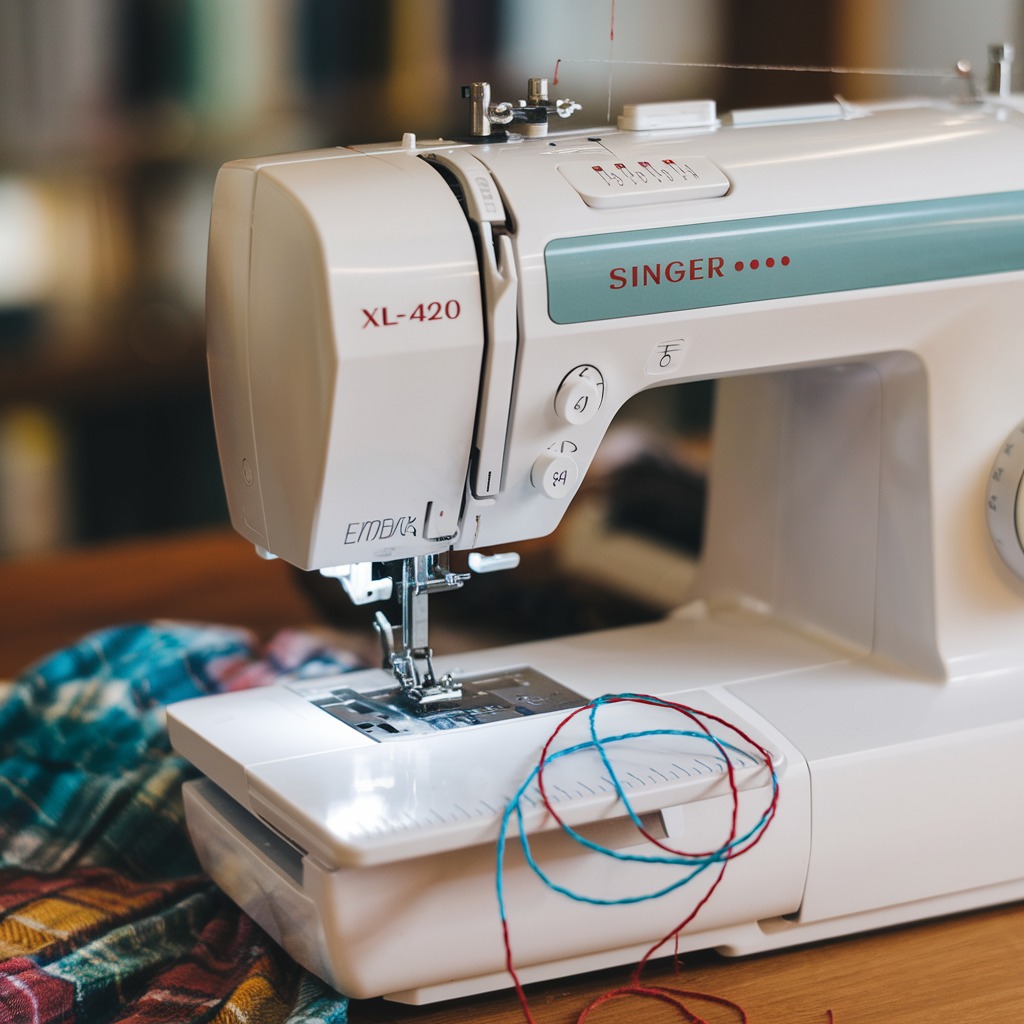
Quick answer: The most common reasons for a Singer Futura XL-420 not recognizing its embroidery unit are a loose connection, a temporary software glitch, or outdated firmware. Start by ensuring the unit is securely attached and performing a power cycle.
When your Singer Futura XL-420 embroidery machine fails to recognize its embroidery unit, it can halt your project. This guide provides practical, step-by-step troubleshooting for common causes, helping you diagnose and resolve the issue efficiently. We focus on concrete actions you can take at the machine to restore functionality.
Two-minute checks before you open anything
- Ensure the embroidery unit is securely attached to the machine.
- Perform a power cycle: turn off, unplug, wait 30 seconds, then restart.
- Check if the machine is in embroidery mode.
- Inspect the USB cable for damage and ensure it's properly connected.
- Clean the contact points between the machine and the embroidery unit.
1. Loose or Improperly Connected Embroidery Unit high likelihood
How to tell
The embroidery unit might not be securely attached or properly connected to the machine, preventing electronic communication.
Fix
- Ensure the embroidery unit is correctly installed.
- Detach the embroidery unit from the machine.
- Reconnect the embroidery unit, pushing firmly until it clicks into place, indicating it is properly secured.
- Refer to your machine's manual for specific instructions on attaching the embroidery unit.
Parts involved: Cables & wiring → Head & mechanical parts →
2. Software Glitches high likelihood
How to tell
The machine's internal software may experience a temporary error preventing recognition, often without any specific error message.
Fix
- Power off the machine completely.
- Unplug the machine from the power outlet.
- Wait for at least 30 seconds to allow all internal capacitors to discharge.
- Reconnect the machine to the power outlet and turn it on again.
Parts involved: Circuit boards & electronics →
Parts you may need for Singer
In stock, tested before dispatch, Buyer Protection on every order. Part types for this problem: Cables & wiring, Head & mechanical parts, Circuit boards & electronics, Control panels & displays.
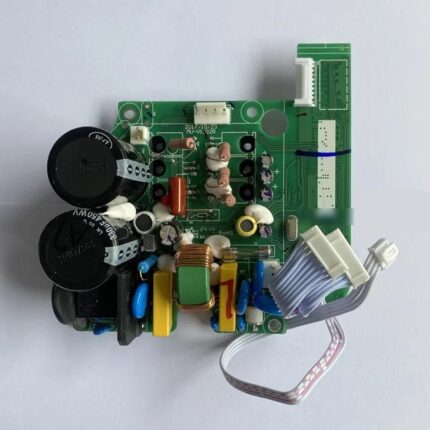 QIXING QD622 Control Box Main Board PCB for Brother, Juki, Singer, ...$ 60.99View part →
 Race Cover JO1306, Z5A-04 for Babylock, Janome, Kenmore, Singer ZZ ...$ 20.99View part →
 Qixing Control Box PCB Board for Juki, Brother, Singer, Jack Indust...$ 72.99View part →
 Evernice 130944-051 (130944-001, 177087) 20 7/8" (530mm) Sewing Mac...$ 27.49View part →
 Singer S14-78 Lower Looper for Overlock Sewing Machine - Industrial...$ 34.29View part →
 Brother Singer Punch Card Set (20-Piece) for KH820, KH830, KH840, K...$ 34.49View part →
All Singer parts → Cables & Wiring → Head & Mechanical Parts → Circuit Boards & Electronics →
3. Machine Not in Embroidery Mode medium likelihood
How to tell
The machine's display or interface indicates it is in sewing mode or a general utility mode, not the dedicated embroidery mode.
Fix
- Ensure the machine is in the correct mode for embroidery.
- Press the appropriate buttons or navigate through the on-screen settings to activate the embroidery mode.
- Consult your machine's manual for specific steps to switch to embroidery mode.
Parts involved: Control panels & displays → Circuit boards & electronics →
4. Incorrect or Faulty USB Cable Connection medium likelihood
How to tell
The USB cable connecting the embroidery unit to the machine may be loose, damaged, or not the correct type. The machine will not detect the unit.
Fix
- Inspect the USB cable for any visible damage, such as kinks, cuts, or bent connectors.
- Ensure the USB cable is securely plugged into both the embroidery unit and the machine's USB port.
- If possible, try using a different, known-good USB cable.
- If the machine has multiple USB ports, try connecting to a different port.
Always use the recommended USB cable that came with the machine or a direct replacement.
Parts involved: Cables & wiring →
5. Dirty or Damaged Electrical Contacts medium likelihood
How to tell
Dust, debris, or corrosion on the electrical contact points between the machine and the embroidery unit can prevent proper communication. Visually inspect the contacts for obstructions or damage.
Fix
- Power off and unplug the machine.
- Carefully clean the electrical contact points on both the machine and the embroidery unit using a soft, lint-free cloth.
- Avoid using any liquids, abrasive materials, or sharp objects that could damage the connectors.
- If contacts appear bent, corroded, or severely damaged, professional repair may be required.
Parts involved: Sensors & switches → Circuit boards & electronics →
6. Outdated Machine Firmware low likelihood
How to tell
The machine's firmware version may be older than the embroidery unit's requirements or contain known bugs affecting recognition. This is less common but can occur after unit replacement or if updates have been missed.
Fix
- Check for available firmware updates on the official Singer website for the Futura XL-420.
- If an update is available, download and install it according to the manufacturer's instructions.
- Ensure the machine remains powered throughout the update process.
Parts involved: Circuit boards & electronics →
7. Bent or Broken Connection Pins low likelihood
How to tell
Small metal pins within the connection points on either the embroidery unit or the machine itself may be bent or broken, preventing a complete electrical connection. A visual inspection will reveal this.
Fix
- Power off and unplug the machine.
- Carefully inspect the pins in both the embroidery unit's connector and the machine's mating port.
- If any pins are bent, do NOT attempt to straighten them yourself, as this can cause further damage.
- If pins are broken or severely bent, the affected component will require professional repair or replacement.
Parts involved: Circuit boards & electronics → Head & mechanical parts →
8. Embroidery Unit Malfunction low likelihood
How to tell
The embroidery unit itself may have an internal hardware issue preventing it from communicating with the machine. If all other troubleshooting fails, the unit itself may be faulty.
Fix
- If available, test the embroidery unit on another Singer Futura XL-420 machine to confirm if the unit is the source of the problem.
- If the unit fails on another machine, it indicates an internal fault requiring professional repair or replacement.
Parts involved: Circuit boards & electronics → Motors & drivers → Sensors & switches → Cables & wiring → Head & mechanical parts →
9. Faulty Power Supply to Embroidery Unit low likelihood
How to tell
The embroidery unit may not be receiving adequate or consistent power, leading to recognition issues. This can manifest as intermittent recognition or no recognition at all.
Fix
- Ensure the machine's power supply cord is properly plugged into both the machine and a working wall outlet.
- Try plugging the machine into a different power outlet.
- If using a power strip or surge protector, try plugging the machine directly into a wall outlet.
- If power fluctuations are suspected, consider using a surge protector with voltage regulation.
Parts involved: Cables & wiring → Circuit boards & electronics →
10. Embroidery Unit Calibration Issue low likelihood
How to tell
The embroidery unit's internal calibration may be off, causing communication failures or incorrect positioning that prevents recognition. This might be indicated by sporadic recognition or issues during operation.
Fix
- Refer to your Singer Futura XL-420 user manual for instructions on calibrating the embroidery unit.
- Follow the manual's steps precisely to ensure the unit is properly aligned and communicating with the machine.
Parts involved: Circuit boards & electronics → Sensors & switches → Motors & drivers →
Stop and call a technician if
- If, after performing all troubleshooting steps, the embroidery unit is still not recognized.
- If you discover bent, broken, or severely corroded electrical pins on either the machine or the embroidery unit.
- If you suspect an internal hardware malfunction within the embroidery unit or the machine's mainboard.
- If the machine requires calibration that cannot be performed using the user manual.
Prevent it coming back
- Regularly clean the machine and its components, especially the connection points, to prevent dust and debris buildup.
- Always use the original USB cables and accessories provided with your Singer Futura XL-420, or verified compatible replacements.
- Keep your machine's firmware updated to avoid potential glitches and ensure optimal compatibility.
- Store the embroidery unit in a clean, dry place when not in use to prevent damage or degradation of contacts.
- Ensure the machine is in a well-ventilated area to prevent overheating, which can lead to software and recognition problems.
Frequently asked questions
Why is my Singer Futura XL-420 not recognizing the embroidery unit?
Common reasons include a loose connection, a temporary software glitch, outdated firmware, a faulty USB cable, or dirty electrical contacts. Start by checking the physical connection and performing a power cycle.
How do I perform a power cycle on my Singer Futura XL-420?
Turn off the machine, unplug it from the power outlet, wait for 30 seconds, then plug it back in and turn it on. This can resolve temporary software glitches.
What should I do if the USB cable is damaged?
If the USB cable is visibly damaged, replace it with a new, compatible cable. Using a damaged cable can prevent recognition and potentially harm your machine.
Can outdated firmware cause recognition issues?
Yes, outdated firmware can lead to communication problems between the machine and the embroidery unit. Check the Singer website for the latest firmware updates for your Futura XL-420.
When should I call a technician for this issue?
If you have tried all troubleshooting steps, including checking connections, power cycling, cleaning contacts, updating firmware, and the unit still isn't recognized, or if you find bent/broken pins or suspect an internal hardware fault, it's time to contact a professional technician.
Did this guide fix your machine?
Rate it - it helps other operators find the right fix.
Not sure which part is failing?
Need the logo stitched too?
Get your logo digitized by the people who know this machine
Upload the artwork, see the stitch count and the exact price in 10 seconds, then order with a free sew-out preview. $1 per 1,000 stitches, $10 minimum, 24-hour delivery. Vector conversion from $12.
After the fix
Fixed it? Keep the rest of the shop moving.
OS 360 is the shop software from the team behind this parts store. Every job keeps its status, deadline and owner while a Futura XL-420 head is down, restock alerts fire for needles, hooks and bobbins before you run dry, and quotes, invoices and payment live in one place.
- Jobs with status, deadline and owner - nothing slips during downtime
- Inventory with restock alerts, this store one click away
- Instant quotes, invoices and one place to collect payment