Blog
Singer Futura XL-550: Troubleshooting Skipped Stitches

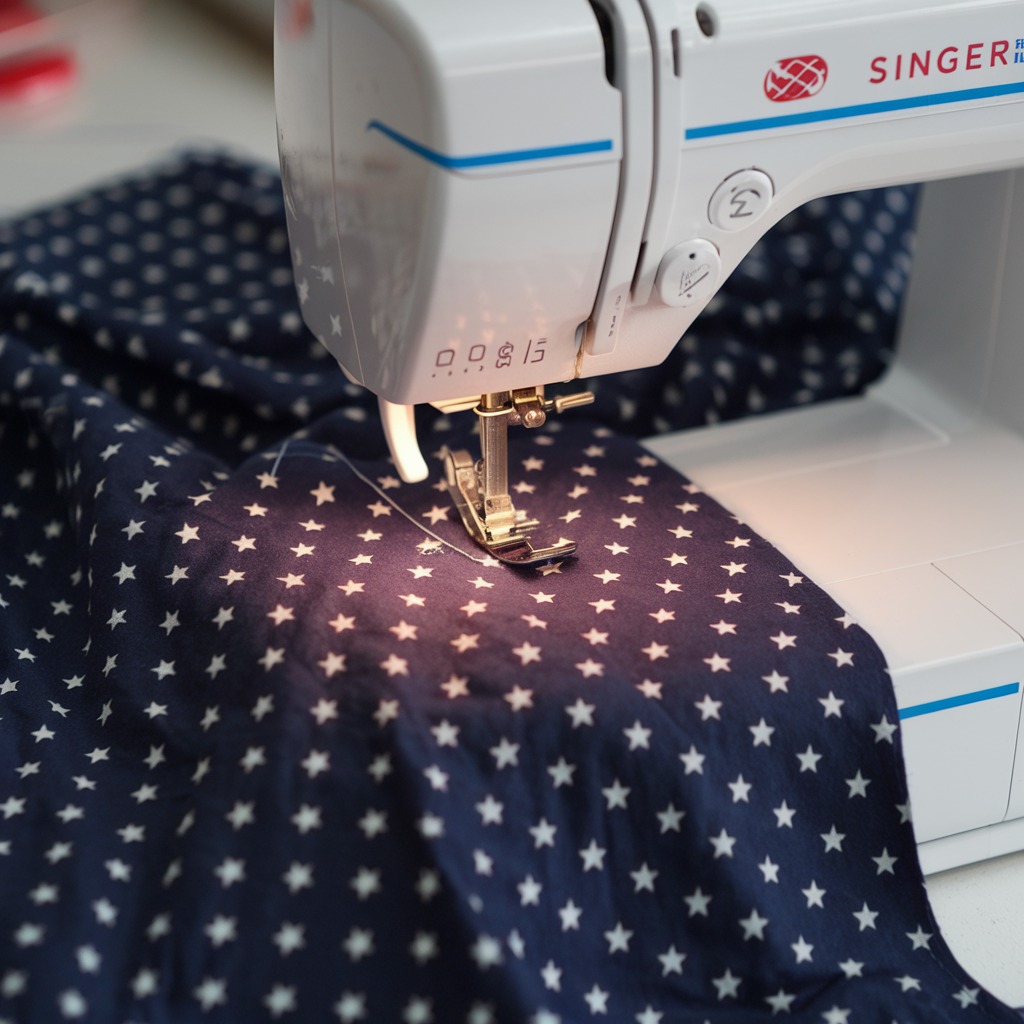
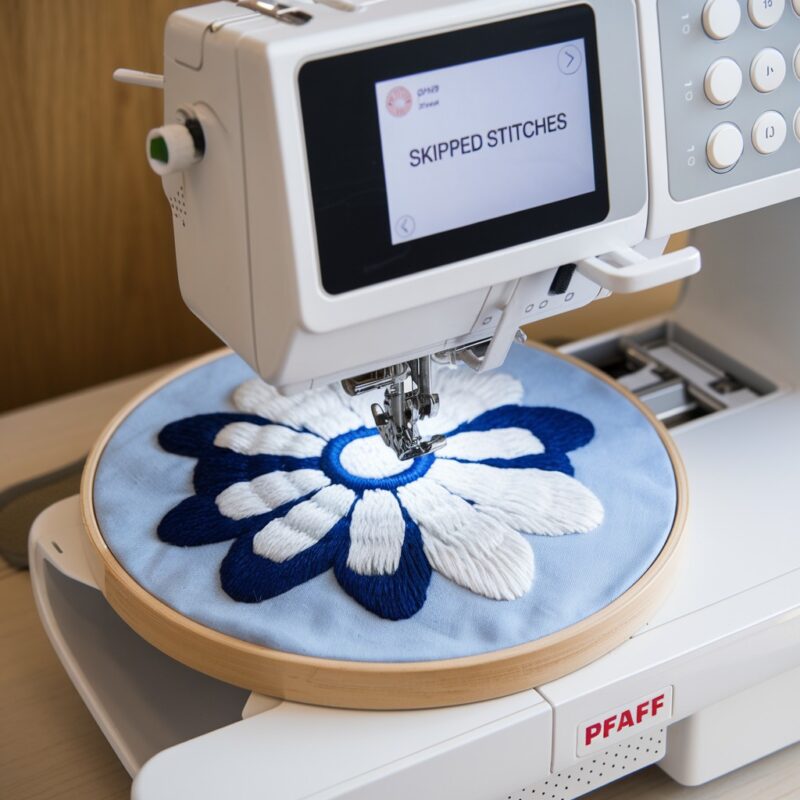
Quick answer: Skipped stitches on the Singer Futura XL-550 are most often caused by incorrect needle selection, a dull or bent needle, improper threading, or imbalanced thread tension. Systematically check these common issues first.
Skipped stitches on your Singer Futura XL-550 can disrupt your embroidery projects. This guide provides a systematic approach to diagnose and resolve the most common causes, from simple user adjustments to identifying potential part replacements. Follow these steps to restore consistent stitch quality.
Two-minute checks before you open anything
- Is the needle new, sharp, and correctly sized for your fabric and thread?
- Is the machine threaded correctly, both upper and bobbin?
- Are the upper and bobbin thread tensions balanced?
- Is the bobbin wound evenly and inserted correctly?
- Is the bobbin case clean and free of lint or damage?
1. Incorrect Needle Type, Size, or Condition high likelihood
How to tell
Stitches skip inconsistently, especially at fabric transitions or with specific materials. A dull needle might make a 'thud' sound when penetrating fabric. A bent needle is visibly deformed.
Fix
- Ensure you are using a new, sharp embroidery needle.
- Select the correct needle size: use a smaller size (e.g., 70/10 or 75/11) for lightweight fabrics and a larger size (e.g., 90/14 or 100/16) for heavier fabrics or dense designs.
- Verify the needle is inserted correctly with the flat side facing the back of the machine and pushed all the way up into the needle clamp.
Always use high-quality embroidery needles appropriate for your project.
Parts involved: Needles & needle bars →
2. Improper Machine Threading high likelihood
How to tell
Stitches skip randomly, thread breaks frequently, or loops appear on the fabric surface. The upper thread may feel too loose or too tight when pulled through the tension discs.
Fix
- Completely unthread the upper thread.
- Raise the presser foot to open the tension discs.
- Re-thread the machine carefully, ensuring the thread passes through all guides, the take-up lever, and securely between the tension discs.
- Ensure the bobbin is correctly seated in the bobbin case and the thread is routed through the tension spring on the bobbin case.
Parts involved: Thread path & tension →
Parts you may need for Singer
In stock, tested before dispatch, Buyer Protection on every order. Part types for this problem: Needles & needle bars, Thread path & tension, Rotary hooks & bobbin cases, Threads & supplies.
 Bobbin Case & 2 Metal Bobbins for Brother, Janome, Singer, Babylock...$ 5.59View part →
 11PCS Low Shank Presser Foot Kit Set for Singer Brother Janome Kenm...$ 23.49View part →
 PET-121 40WT 120D/2 Polyester Embroidery Thread 4000M Spool, 80 Mad...$ 17.49View part →
 Flying Tiger DBx1 Industrial Lockstitch Needles, 100 pcs/box, Sizes...$ 10.99View part →
 PET-80 80 Madeira Colors Embroidery Thread Set - Premium 40WT Polye...$ 15.99View part →40 Weight 120D/2 Polyester Embroidery Thread 4000M PET-121 for Brot...$ 17.49View part →
All Singer parts → Needles & Needle Bars → Thread Path & Tension → Rotary Hooks & Bobbin Cases →
3. Incorrect Thread Tension (Upper or Bobbin) high likelihood
How to tell
Skipped stitches, loose loops on top or bottom of fabric, or puckering. Test stitches on scrap fabric: a balanced stitch shows the top and bobbin threads meeting evenly within the fabric layers.
Fix
- Adjust the upper thread tension dial incrementally (usually starting at 4-5 for embroidery). Turn clockwise to increase tension, counter-clockwise to decrease.
- For bobbin tension, remove the bobbin case. Hold the bobbin case by the thread; it should unwind slightly with a gentle tug. If it unwinds freely or not at all, adjust the small screw on the bobbin case (turn clockwise for tighter, counter-clockwise for looser) in very small increments.
- Test on scrap fabric after each adjustment until stitches are balanced.
Parts involved: Thread path & tension → Rotary hooks & bobbin cases →
4. Poor Thread Quality or Compatibility high likelihood
How to tell
Inconsistent stitch formation, frequent thread breaks, or fraying. Skipped stitches may occur more often with certain thread types or brands.
Fix
- Use high-quality embroidery thread specifically designed for machine embroidery.
- Ensure the thread weight and type are compatible with your needle size and fabric.
- Avoid using old, brittle, or poorly wound thread spools.
Parts involved: Threads & supplies →
5. Dirty or Damaged Bobbin Case/Hook Area medium likelihood
How to tell
Skipped stitches, thread jams, or uneven bobbin thread delivery. Visible lint, thread bits, or nicks/burrs on the bobbin case or rotary hook.
Fix
- Remove the needle plate, bobbin, and bobbin case.
- Using a small brush and tweezers, carefully remove all lint, dust, and thread fragments from the bobbin case area, rotary hook, and feed dog area.
- Inspect the bobbin case for any nicks, burrs, or damage. If damaged, replace it.
- Ensure the bobbin case is reinserted correctly and securely.
Parts involved: Rotary hooks & bobbin cases → Lubrication & maintenance →
6. Fabric/Stabilizer Mismatch or Improper Hooping medium likelihood
How to tell
Skipped stitches, fabric puckering, or fabric shifting within the hoop. This is more common with stretchy, thin, or very thick fabrics.
Fix
- Select the appropriate stabilizer for your fabric type and design density. Use cut-away for unstable fabrics, tear-away for stable fabrics, and water-soluble for delicate or topping needs.
- Ensure the fabric and stabilizer are hooped tautly and evenly, without distortion or wrinkles.
- For very thick fabrics, consider a larger needle size (e.g., 100/16) and reduce machine speed.
Parts involved: Hoops & frames → Threads & supplies →
7. Machine Speed Too High medium likelihood
How to tell
Skipped stitches occur more frequently on intricate designs, dense areas, or when embroidering on challenging fabrics.
Fix
- Reduce the machine's embroidery speed, especially for complex designs, dense stitch areas, or when working with delicate or difficult fabrics.
- Allow the machine to operate at a speed where it can consistently form stitches without strain.
8. Damaged Needle Plate medium likelihood
How to tell
Skipped stitches, thread fraying, or needle deflection. Inspect the needle plate for burrs, scratches, or a widened needle hole.
Fix
- Carefully remove the needle plate.
- Inspect the needle hole and surrounding surface for any nicks, burrs, or rough edges that could snag thread or deflect the needle.
- If damage is present, replace the needle plate.
Parts involved: Presser feet & sewing parts →
9. Worn or Damaged Feed Dogs medium likelihood
How to tell
Fabric does not advance smoothly or consistently, leading to uneven stitch length or skipped stitches. Feed dogs may appear flattened, chipped, or clogged with debris.
Fix
- Inspect the feed dogs for wear, damage, or accumulation of lint and thread.
- Clean any debris from between the feed dog teeth using a brush or tweezers.
- Ensure the feed dogs are properly engaged for embroidery mode (usually lowered or disengaged for free-motion, but for hooped embroidery, they typically don't actively move the fabric). If they are meant to be engaged and are not, check the feed dog lever/switch.
- If visibly worn or damaged, feed dogs may need replacement.
Parts involved: Head & mechanical parts →
10. Incorrect Presser Foot Pressure medium likelihood
How to tell
Fabric may not feed smoothly, causing skipped stitches or uneven embroidery. Too little pressure can allow fabric to lift, too much can cause drag.
Fix
- Adjust the presser foot pressure according to your fabric thickness. For thicker fabrics, you may need less pressure; for very thin or slippery fabrics, more pressure might be needed to hold it securely.
- Refer to your Singer Futura XL-550 manual for specific presser foot pressure adjustment guidelines.
Parts involved: Presser feet & sewing parts →
11. Software or Design File Issues low likelihood
How to tell
Skipped stitches occur only with specific designs or after a software update. Machine may display error messages related to design processing.
Fix
- Ensure your Singer Futura XL-550 software is up to date.
- Verify that the embroidery design file is not corrupted and is in a compatible format (.XXX or .DST are common).
- Simplify overly complex or dense designs if they consistently cause issues.
Parts involved: Floppy, USB & memory → Circuit boards & electronics →
12. Hook Timing Out of Adjustment low likelihood
How to tell
Consistent skipped stitches despite all other checks. The needle and rotary hook are not meeting at the correct point to form a stitch loop. This often requires precise mechanical adjustment.
Fix
- This is a technical adjustment. If all other troubleshooting fails, consult a qualified technician to inspect and adjust the hook timing. Incorrect adjustment can cause further damage.
Requires specialized tools and knowledge for adjustment.
Parts involved: Rotary hooks & bobbin cases → Head & mechanical parts →
Stop and call a technician if
- If skipped stitches persist after trying all common troubleshooting steps.
- If you suspect the hook timing is off, as this requires precise mechanical adjustment.
- If you observe unusual noises or mechanical binding within the machine.
Prevent it coming back
- Always use new, sharp embroidery needles of the correct type and size for your fabric and thread.
- Thread your machine carefully and correctly, ensuring the thread is seated properly in all guides and tension discs.
- Maintain balanced upper and bobbin thread tension, adjusting as needed for different projects.
- Use high-quality embroidery threads and bobbins.
- Regularly clean the bobbin case, rotary hook area, and feed dogs to remove lint and debris.
- Hoop your fabric and stabilizer tautly and evenly, without distortion.
- Avoid running the machine at excessively high speeds, especially for intricate designs.
Frequently asked questions
Why does my Singer Futura XL-550 skip stitches only on certain fabrics?
Skipped stitches on specific fabrics often indicate an issue with needle compatibility (size or type), stabilizer choice, or thread tension not being adjusted for that material. Ensure your needle, thread, and stabilizer are appropriate for the fabric's weight and weave.
How often should I change the needle on my Singer Futura XL-550?
Change your needle after every 8-10 hours of embroidery time, or sooner if you notice any signs of dullness, bending, or if you encounter frequent skipped stitches or thread breaks. A fresh needle is crucial for optimal performance.
Can dirty components cause skipped stitches?
Yes, lint, dust, and thread fragments can accumulate in the bobbin case, rotary hook area, and tension discs, disrupting thread flow and stitch formation. Regular cleaning is essential to prevent skipped stitches and other issues.
What is the correct bobbin tension for embroidery?
Bobbin tension should be balanced with the upper thread tension. A common test is to hold the bobbin case by its thread; it should unwind slightly with a gentle tug. If it unwinds too freely or not at all, adjust the small screw on the bobbin case in very small increments. Always test on scrap fabric.
Did this guide fix your machine?
Rate it - it helps other operators find the right fix.
Not sure which part is failing?
Need the logo stitched too?
Get your logo digitized by the people who know this machine
Upload the artwork, see the stitch count and the exact price in 10 seconds, then order with a free sew-out preview. $1 per 1,000 stitches, $10 minimum, 24-hour delivery. Vector conversion from $12.
After the fix
Fixed it? Keep the rest of the shop moving.
OS 360 is the shop software from the team behind this parts store. Every job keeps its status, deadline and owner while a Futura XL-550 head is down, restock alerts fire for needles, hooks and bobbins before you run dry, and quotes, invoices and payment live in one place.
- Jobs with status, deadline and owner - nothing slips during downtime
- Inventory with restock alerts, this store one click away
- Instant quotes, invoices and one place to collect payment