Blog
Hikone Embroidery Machine: Skipped Stitches Troubleshooting Guide

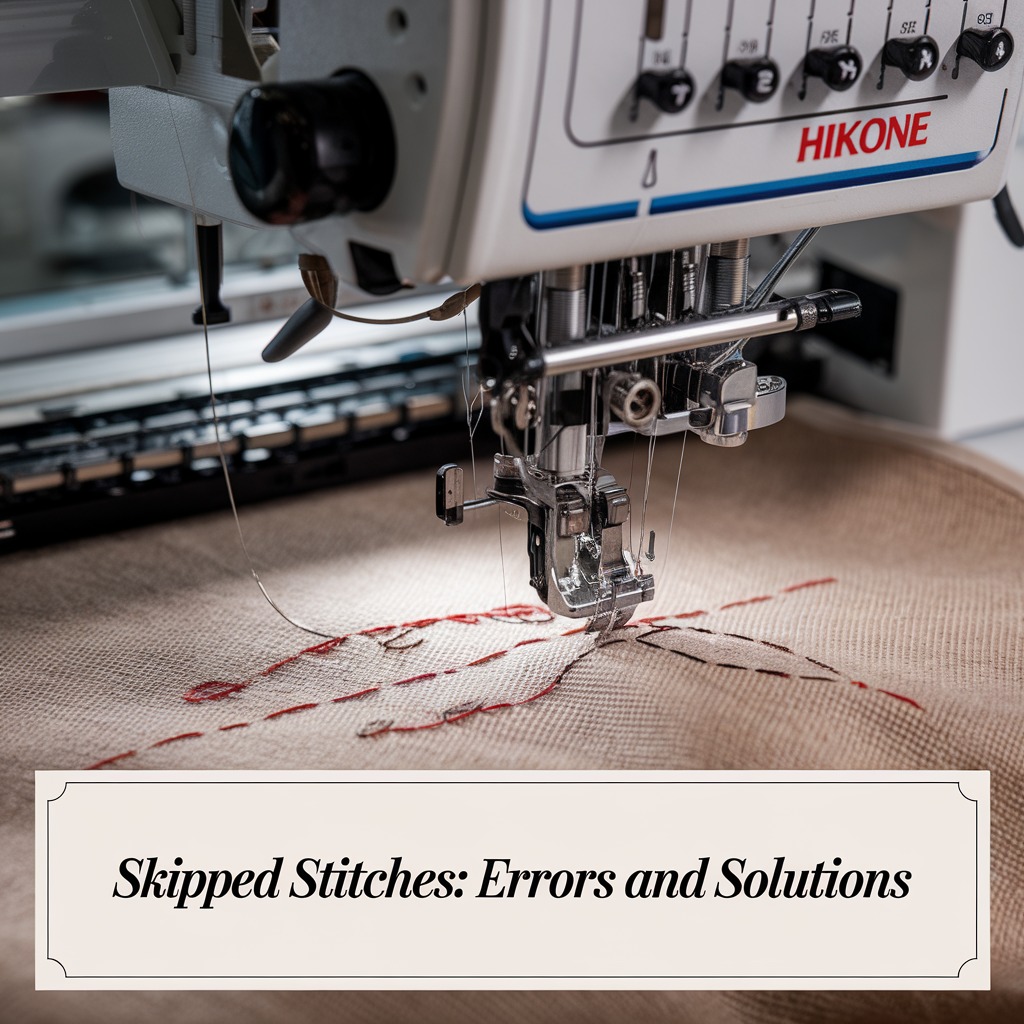
Quick answer: Skipped stitches on a Hikone embroidery machine are most commonly caused by incorrect needle selection, a dull or bent needle, improper threading, or imbalanced thread tension. Begin by checking and replacing your needle, then re-thread the machine carefully, and finally, adjust tension settings.
Skipped stitches are a common and frustrating issue on embroidery machines, including Hikone models, where the needle fails to properly pick up the bobbin thread, leaving gaps in your design. This guide provides practical, step-by-step solutions to diagnose and fix the most frequent causes, ensuring consistent stitch quality and professional results.
Two-minute checks before you open anything
- Check the needle: Is it bent, dull, or the wrong type/size for your fabric?
- Inspect the threading path: Is the upper thread correctly seated in all guides and tension disks?
- Examine the bobbin area: Is the bobbin correctly inserted and the bobbin case tension appropriate?
- Look at the throat plate: Are there any burrs or damage around the needle hole?
1. Dull or Bent Needle high likelihood
How to tell
Visually inspect the needle. A bent needle will be visibly curved or angled. A dull needle may have a blunted tip or burrs, which can be felt by gently running a finger over the tip (away from the point). Skipped stitches will occur as the needle struggles to penetrate the fabric or pick up the bobbin thread.
Fix
- Turn off the machine power.
- Loosen the needle clamp screw using a screwdriver.
- Carefully remove the old needle.
- Insert a new, sharp needle of the correct type and size (refer to your machine manual for recommended needles for your fabric and thread type), ensuring the flat side of the needle shank faces the back of the machine.
- Push the needle up as far as it will go into the needle bar.
- Tighten the needle clamp screw securely.
Parts involved: Needles & needle bars →
2. Improper Threading high likelihood
How to tell
Skipped stitches, often accompanied by inconsistent tension or thread breaks. Visually follow the thread path from the spool to the needle. Look for thread loops, thread not seated in guides, or thread bypassing tension disks. Ensure the bobbin is correctly inserted and the thread is coming off in the correct direction.
Fix
- Turn off the machine power.
- Remove the upper thread completely from the machine.
- Remove the bobbin and bobbin case.
- Re-thread the upper thread carefully, ensuring it passes through every guide, tension disk, and the take-up lever as specified in your Hikone machine manual. Listen for the 'click' as the thread seats into the tension disks.
- Re-insert the bobbin correctly into the bobbin case, ensuring the thread unwinds in the direction indicated in your manual (usually counter-clockwise for drop-in bobbins).
- Insert the bobbin case back into the machine, ensuring it clicks into place securely.
- Pull the bobbin thread up through the needle plate opening.
Parts involved: Thread path & tension → Rotary hooks & bobbin cases →
Parts you may need for your machine
In stock, tested before dispatch, Buyer Protection on every order. Part types for this problem: Needles & needle bars, Thread path & tension, Rotary hooks & bobbin cases, Presser feet & sewing parts.
 TC-805 Stainless Steel Yarn Shears – Precision Thread Clippers for ...$ 3.59View part →
 Bobbin Case & 2 Metal Bobbins for Brother, Janome, Singer, Babylock...$ 5.59View part →
 3200M Metallic Silk Thread Computer Cross-stitch Thread for Machine...$ 0.00View part →
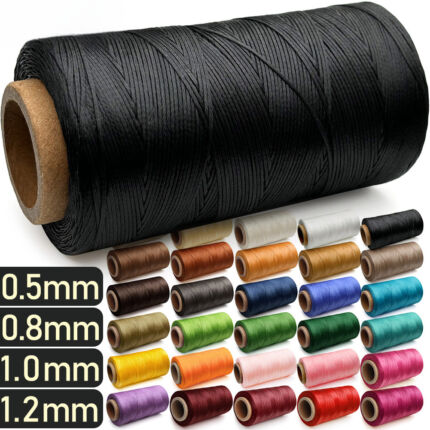 PG220 Flat Waxed Thread for Leather Sewing & Crafting - 0.5mm, 0.8m...$ 19.49View part →
 WUTA 1052020/1052023/1052021 Leather Waxed Round Polyester Hand Sti...$ 6.09View part →
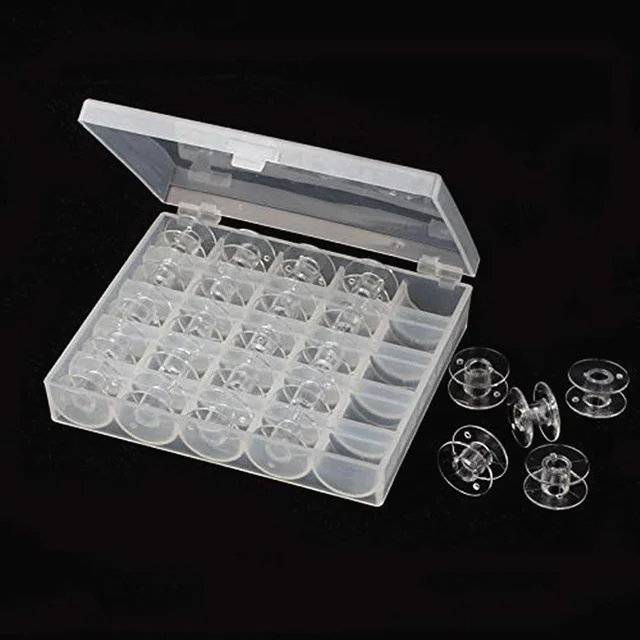 OZXHIXU AA7650 25Pcs Clear Plastic Sewing Machine Bobbins Spools & ...$ 6.29View part →
All your machine parts → Needles & Needle Bars → Thread Path & Tension → Rotary Hooks & Bobbin Cases →
3. Incorrect Needle Size or Type medium likelihood
How to tell
Skipped stitches occur consistently, especially when working with specific fabric types (e.g., very thick, very delicate, or stretchy materials). The needle may struggle to penetrate the fabric cleanly or create a proper loop for the bobbin thread.
Fix
- Identify the fabric type and thickness you are embroidering.
- Consult your Hikone machine manual or a reliable needle chart to determine the appropriate needle type (e.g., sharp, ballpoint, embroidery) and size (e.g., 75/11, 90/14) for your fabric and thread combination.
- Replace the current needle with the correct type and size as described in the 'Dull or Bent Needle' fix steps.
Parts involved: Needles & needle bars → Threads & supplies →
4. Tension Imbalance medium likelihood
How to tell
Skipped stitches, often accompanied by loops on the top or bottom of the fabric, or puckering. If the upper tension is too loose, the bobbin thread may not be picked up. If the bobbin tension is too loose, the upper thread may not form a proper loop. Test by embroidering a small design and observing the stitch formation.
Fix
- Ensure the machine is threaded correctly and the needle is new and appropriate for the fabric.
- Start by adjusting the upper thread tension dial. Make small, incremental adjustments (e.g., half a number at a time). Turn the dial to a higher number to increase tension, or a lower number to decrease tension.
- Test stitch after each adjustment. The goal is for the top and bobbin threads to meet evenly within the fabric layers.
- If significant adjustment to the upper tension does not resolve the issue, check the bobbin case tension. For most Hikone machines, the bobbin case has a small screw for adjustment. Turn this screw in very small increments (e.g., 1/8th of a turn) clockwise to increase tension or counter-clockwise to decrease it. Note its original position before adjusting.
- Refer to your Hikone machine manual for specific tension adjustment guidelines and recommended settings for different materials.
Parts involved: Thread path & tension → Rotary hooks & bobbin cases →
5. Damaged Throat Plate low likelihood
How to tell
Skipped stitches, especially if the needle snags or deflects as it passes through the needle hole. Visually inspect the throat plate (also known as the needle plate) for burrs, scratches, dents, or a widened needle hole. These imperfections can interfere with the needle's movement or the formation of the thread loop.
Fix
- Turn off the machine power.
- Remove the needle and presser foot.
- Unscrew and remove the throat plate (refer to your Hikone manual for specific removal instructions).
- Thoroughly inspect the needle hole and the surrounding surface for any damage. Use a magnifying glass if necessary.
- If minor burrs are present, they can sometimes be carefully smoothed with very fine-grit sandpaper or an emery board, but be extremely cautious not to alter the hole size or shape.
- If the throat plate is significantly damaged (deep scratches, dents, or a widened hole), it must be replaced with a new, compatible throat plate for your Hikone model.
- Install the new or repaired throat plate, ensuring it is seated correctly and screws are tightened securely.
Parts involved: Presser feet & sewing parts → Screws, springs & small parts →
6. Fabric Type or Thickness low likelihood
How to tell
Skipped stitches occur primarily with specific fabrics (e.g., very thick, very thin, stretchy, or slippery materials) even when other settings seem correct. The machine may struggle to form stitches due to the fabric's properties.
Fix
- Ensure you are using the correct needle type and size for the challenging fabric (e.g., a sharp needle for dense fabrics, a ballpoint for knits, a smaller size for delicate fabrics).
- Use appropriate stabilizer for the fabric. For stretchy fabrics, use a cut-away or tear-away stabilizer. For delicate fabrics, use a light tear-away or water-soluble stabilizer. Ensure the stabilizer is hooped taut with the fabric.
- Reduce the machine's embroidery speed, especially for complex designs or difficult fabrics. This gives the machine more time to form each stitch correctly.
- Consider using a different thread type that is more compatible with the fabric (e.g., a finer thread for delicate fabrics).
- If possible, test on a scrap of the same fabric before embroidering your main project.
Parts involved: Threads & supplies → Hoops & frames → Needles & needle bars →
Stop and call a technician if
- If you have systematically tried all troubleshooting steps and the machine continues to skip stitches.
- If you suspect internal mechanical damage that requires specialized tools or expertise.
- If the machine displays an error code related to stitching that you cannot resolve with the manual.
- If you are uncomfortable performing any of the more involved repair steps, such as disassembling parts beyond basic maintenance.
Prevent it coming back
- Always use a new, sharp needle appropriate for your fabric and thread type at the start of each major project or after 8-10 hours of embroidery.
- Thread your Hikone machine carefully and completely, ensuring the thread is seated in all guides and tension disks.
- Regularly clean the bobbin area, tension disks, and under the needle plate to remove lint and debris.
- Use high-quality embroidery thread that is compatible with your machine.
- Employ appropriate stabilizers for your fabric to prevent movement and provide a stable stitching surface.
- Perform routine lubrication as recommended in your Hikone machine manual to keep moving parts operating smoothly.
Frequently asked questions
Why does my Hikone machine skip stitches only on certain fabrics?
Skipped stitches on specific fabrics often indicate that your needle type or size is not suitable for that material. Different fabrics (e.g., denim, silk, knits) require different needles (e.g., sharp, ballpoint, embroidery) and sometimes different sizes to penetrate correctly and form a proper stitch. Also, ensure you are using appropriate stabilization for the fabric type.
How often should I change the needle on my Hikone embroidery machine?
It's recommended to change your needle after every 8-10 hours of embroidery time, or at the start of a new major project. You should also change it immediately if you notice any signs of bending, dullness, or hear unusual noises during stitching, as a damaged needle can cause skipped stitches and other problems.
Can low-quality thread cause skipped stitches?
Yes, low-quality thread can contribute to skipped stitches. Inconsistent thread thickness, excessive lint, or weak spots in the thread can lead to uneven tension, thread breaks, and difficulty for the machine to form proper stitches. Always use high-quality, machine-compatible embroidery thread.
What is the correct bobbin tension for my Hikone machine?
The correct bobbin tension is crucial for balanced stitches. While specific settings vary by machine model and project, a common test is the 'drop test': hold the bobbin case by its thread, and it should slowly drop a few inches before stopping. Refer to your Hikone machine manual for precise bobbin tension adjustment instructions and recommended settings.
Did this guide fix your machine?
Rate it - it helps other operators find the right fix.
Not sure which part is failing?
Need the logo stitched too?
Get your logo digitized by the people who know this machine
Upload the artwork, see the stitch count and the exact price in 10 seconds, then order with a free sew-out preview. $1 per 1,000 stitches, $10 minimum, 24-hour delivery. Vector conversion from $12.
After the fix
Fixed it? Keep the rest of the shop moving.
OS 360 is the shop software from the team behind this parts store. Every job keeps its status, deadline and owner while a embroidery head is down, restock alerts fire for needles, hooks and bobbins before you run dry, and quotes, invoices and payment live in one place.
- Jobs with status, deadline and owner - nothing slips during downtime
- Inventory with restock alerts, this store one click away
- Instant quotes, invoices and one place to collect payment