Pfaff Embroidery Machine Stops or Won’t Sew: Common Errors & How to Fix Them

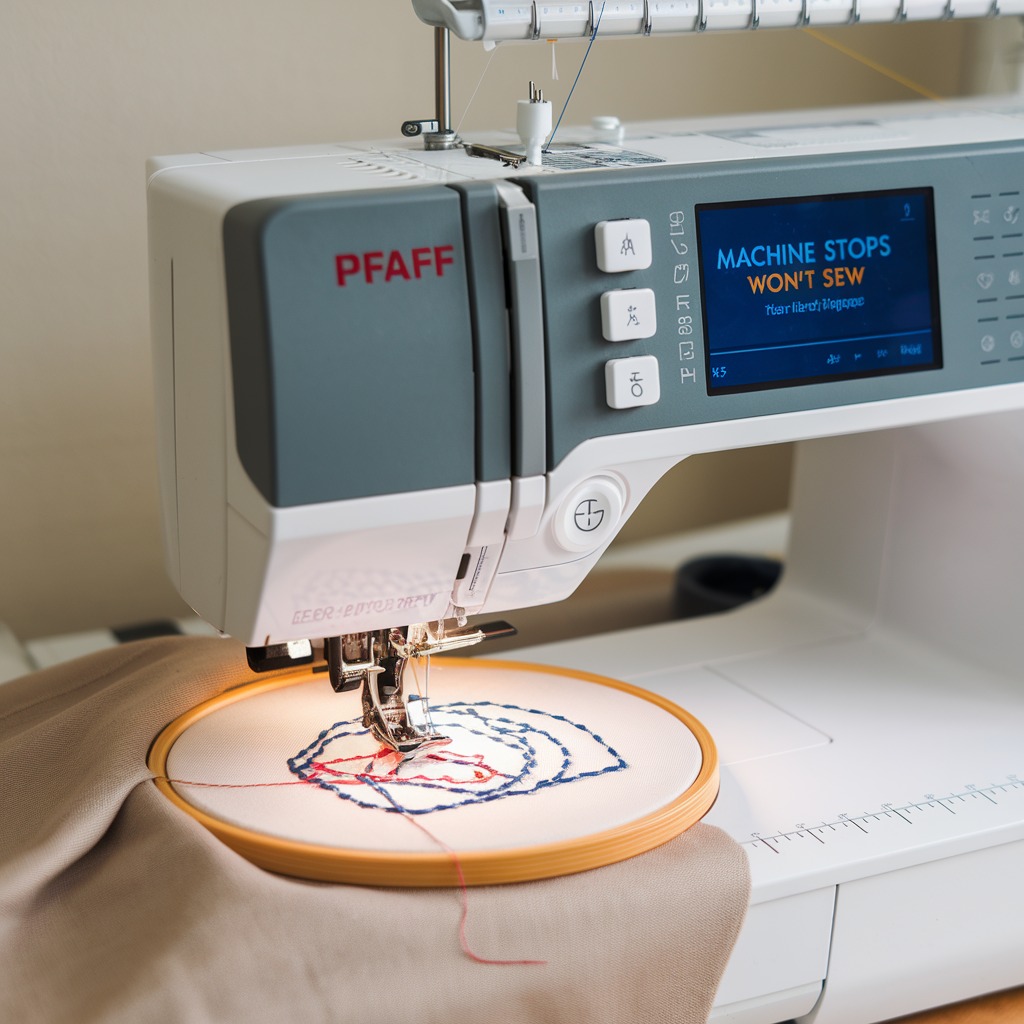
Pfaff Embroidery Machine Stops or Won’t Sew: Common Errors & How to Fix Them
Few things are more frustrating than when your embroidery machine suddenly stops or refuses to sew. Whether it halts mid-project or won’t start at all, this issue can disrupt your workflow and waste time. Understanding the common causes behind this problem can help you quickly troubleshoot and resolve the issue. In this blog, we’ll explore why your machine may stop or fail to sew, along with practical solutions to get your projects back on track.
1. Thread Jamming or Bird’s Nesting
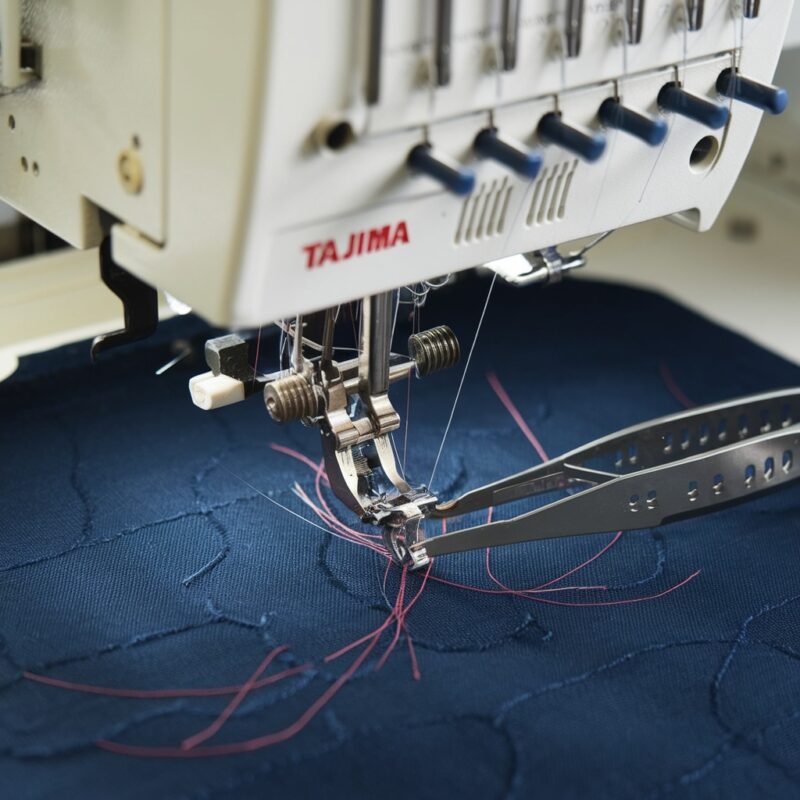
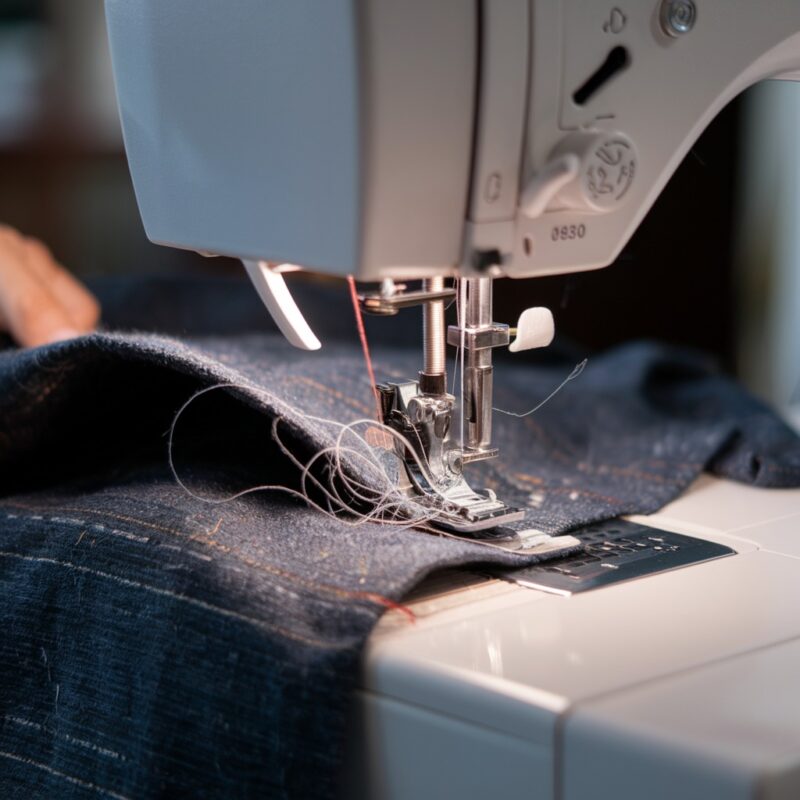
Error: One of the most common reasons for an embroidery machine to stop is thread jamming, also known as bird’s nesting. This happens when the thread tangles and bunches under the fabric, causing the machine to halt.

Solution:
- Turn off the machine and gently remove the fabric and thread jam. Ensure the fabric is securely hooped and re-thread both the upper thread and the bobbin carefully.
- Clean out any lint or debris from the bobbin case and re-check the tension settings before starting the project again.
2. Incorrect Threading
Error: If the machine is not threaded correctly, it may refuse to sew. Misthreading can cause tension issues or tangles, leading to the machine stopping abruptly.
Solution:
- Re-thread the machine, ensuring that the thread follows the correct path through all the thread guides and tension discs. Refer to the manual to make sure you’re threading it properly.
- Test the thread flow by pulling the upper thread slightly to check for smooth movement before starting to sew.
3. Needle Problems
Error: A bent, dull, or incorrectly inserted needle can prevent the machine from functioning properly. The needle may not engage correctly with the fabric, causing the machine to halt.
Solution:
- Check the needle for any signs of wear or damage. If it’s bent or dull, replace it with a new needle.
- Make sure the needle is inserted correctly, with the flat side facing the right direction (typically toward the back of the machine).
4. Bobbin Issues
Error: If the bobbin is not properly placed or if the thread is wound unevenly, the machine may stop or fail to sew.
Solution:
- Remove the bobbin and re-insert it, ensuring that the thread is wound smoothly and the bobbin is placed correctly in the case.
- Make sure the bobbin case is clean and free from lint or debris that could obstruct smooth thread feeding.
5. Tension Too Tight
Error: If the upper thread or bobbin tension is too tight, the machine may stop due to excess strain on the motor.
Solution:
- Adjust the thread tension on the upper thread using the tension dial, ensuring that it’s not too tight for the fabric and thread you’re using.
- Test your tension settings on a scrap piece of fabric to ensure smooth stitching before starting your project again.
6. Power or Foot Pedal Issues
Error: If your machine isn’t turning on or stops while sewing, it could be due to power supply issues or a faulty foot pedal connection.
Solution:
- Ensure the machine is plugged in securely and the power switch is turned on. Check the power cord for any signs of damage or fraying.
- If the foot pedal isn’t responding, try reconnecting it or testing it on another machine if possible. If the problem persists, you may need a replacement foot pedal.
7. Overheating
Error: After extended use, some machines may overheat, triggering an automatic shutdown to prevent damage. This could cause your machine to stop unexpectedly.
Solution:
- Turn off the machine and allow it to cool down for 15–20 minutes before using it again. To prevent overheating, take regular breaks during long projects and avoid running the machine at high speeds for prolonged periods.
- Ensure proper ventilation around the machine and avoid placing it in enclosed or hot environments.
8. Stuck Fabric or Hooping Issues
Error: If the fabric is stuck, bunched, or poorly hooped, the machine may struggle to feed it through, leading to an abrupt stop.
Solution:
- Re-hoop the fabric tightly to ensure it stays flat and taut during embroidery. Make sure the fabric isn’t too thick or improperly placed under the needle.
- Use the appropriate stabilizer to keep the fabric stable, especially with delicate or stretchy materials.
9. Maintenance and Cleaning Neglect
Error: A lack of regular cleaning and maintenance can cause lint buildup in key machine areas like the feed dogs, needle plate, and bobbin case, leading to functional issues.
Solution:
- Perform routine maintenance, including cleaning the machine, oiling any moving parts (as recommended by the manufacturer), and removing any accumulated lint or debris.
- Check for signs of wear or damage in the machine’s internal components, and consider professional servicing if you encounter recurring issues.
10. Software or Firmware Glitches
Pfaff embroidery machines rely on software to operate. Errors in firmware or connection issues with embroidery design software can cause the machine to stop functioning.
Solution:
- Ensure the machine‘s firmware is updated to the latest version.
- Check the connection between the machine and your computer or USB drive, ensuring the design file is compatible with your Pfaff machine.
11. Power Supply Issues
A loose connection or a faulty power supply can cause your Pfaff embroidery machine to stop or fail to sew.
Solution:
- Ensure the power cord is securely plugged into both the machine and the outlet.
- Test the outlet by plugging in another device to ensure it’s functional.
- If the issue persists, consider replacing the power cord or adapter with a genuine Pfaff accessory.
12. Fabric-Specific Challenges
Some fabrics, like stretchy or slippery materials, may cause the machine to stop as it struggles to handle the material.
Solution:
- Use a stabilizer to provide extra support to tricky fabrics.
- Adjust the presser foot pressure to suit the fabric type.
- Opt for needles and threads specifically designed for challenging materials.
13. Design File Errors
When working on embroidery designs, corrupt or incompatible files can confuse the machine, leading to stoppages.
Solution:
- Verify that the embroidery design file is in a format supported by your Pfaff machine (e.g., VP3, VIP, or HUS).
- Re-download or regenerate the file if it appears corrupted.
- Use Pfaff’s proprietary software to preview and edit designs before loading them onto the machine.
14. Sensor Malfunction
Modern Pfaff embroidery machines rely on sensors to detect thread breaks, presser foot positioning, and embroidery unit attachment. Faulty sensors can halt the machine’s operation.
Solution:
- Turn off the machine and clean any debris near the sensors with a soft cloth.
- Run a diagnostic test using the machine’s interface to identify sensor-related issues.
- Contact a certified Pfaff technician for sensor recalibration or replacement if needed.
15. Presser Foot Height Adjustment
If the presser foot is too high or low for the fabric being used, the machine may stop sewing or produce inconsistent stitches.
Solution:
- Adjust the presser foot height according to the fabric thickness.
- Consult the user manual for the correct settings for various embroidery projects.
Conclusion: Keep Your Embroidery Machine Running Smoothly
When your embroidery machine stops or refuses to sew, it can be a frustrating experience. However, by understanding common errors and following these practical solutions, you can quickly troubleshoot problems and get back to your projects. Whether it’s adjusting the tension, re-threading the machine, or maintaining regular cleaning, small adjustments can make a big difference in keeping your machine running smoothly.