Singer Embroidery Machine: Errors in Machine Not Recognizing the Embroidery Unit and Solutions

Singer Embroidery Machine: Errors in Machine Not Recognizing the Embroidery Unit and Solutions
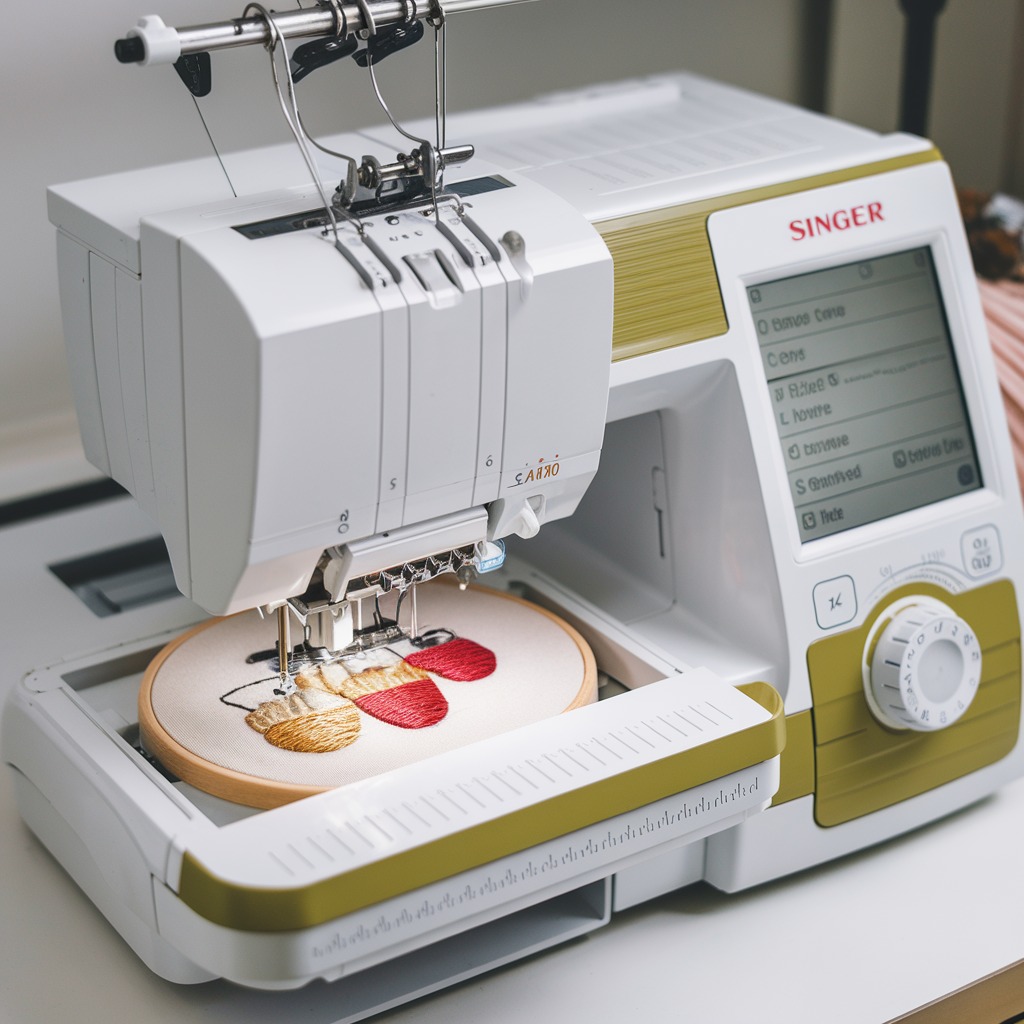
One of the common issues faced by Singer embroidery machine users is when the machine fails to recognize the embroidery unit. This problem can disrupt your embroidery workflow, leading to frustration and delays. Understanding why this issue occurs and how to fix it will save you time and get you back to creating beautiful designs.
Common Causes of Machines Not Recognizing the Embroidery Unit
- Loose or Incorrect Connection
A loose or improperly connected embroidery unit can result in the machine not recognizing it. This could happen during setup or while moving the machine. - Faulty or Damaged Embroidery Unit
Over time, wear and tear can affect the functionality of the embroidery unit. A damaged unit may not connect properly to the machine or may stop working entirely. - Firmware Issues
Sometimes, the machine’s firmware is outdated, which can prevent it from detecting the embroidery unit. Regular updates are necessary to maintain compatibility between the machine and its accessories.
- Machine Memory Full or Malfunctioning
If the machine’s memory is full or malfunctioning, it may not recognize or load the embroidery unit properly. - Obstructed Sensors
The embroidery unit and the machine often rely on sensors to communicate. If the sensors are dirty or blocked, the machine will have trouble detecting the unit. - Incompatible Embroidery Unit
Not all embroidery units are compatible with every Singer machine. Using the wrong type of embroidery unit or one that isn’t designed for your specific model could cause recognition problems.

Solutions for Machines Not Recognizing the Embroidery Unit
- Check Connections
Ensure that the embroidery unit is securely connected to the machine. Unplug and reattach the unit, making sure it clicks into place properly. Verify that the connection port is free of dust and debris. - Inspect the Embroidery Unit
Examine the embroidery unit for any visible damage or wear. If the unit appears damaged or isn’t functioning properly, contact Singer support for repair or replacement. - Update Machine Firmware
Regularly check for firmware updates for your Singer embroidery machine. An updated firmware can fix compatibility issues and ensure the machine recognizes the embroidery unit. Follow the manufacturer’s instructions to update the firmware correctly. - Clear Machine Memory
If your machine’s memory is full, delete any unnecessary files or designs to free up space. You can also perform a reset of the machine’s settings to clear any memory-related issues. - Clean the Sensors
Carefully clean the sensors on both the embroidery unit and the machine with a soft, dry cloth. Make sure there are no obstructions preventing the sensors from making proper contact. - Check Compatibility
Ensure the embroidery unit you’re using is designed for your Singer model. Refer to the user manual or Singer’s website for compatibility information. If the unit is incompatible, replace it with the correct one. - Power Cycle the Machine
Try turning off the machine, unplugging it, and waiting for a few minutes before turning it back on. This resets the system and can help the machine recognize the embroidery unit again.
Preventative Tips for Avoiding Machine Recognition Issues
- Regularly Update Firmware: Stay up-to-date with the latest machine software to avoid compatibility issues with the embroidery unit.
- Handle Embroidery Unit with Care: Avoid dropping or mishandling the unit to prevent damage.
- Keep Connection Ports Clean: Regularly clean the ports and sensors on the machine and unit to avoid debris interference.
- Use Compatible Units: Always double-check the compatibility of any accessories you plan to use with your Singer machine.
Conclusion
When your Singer embroidery machine fails to recognize the embroidery unit, it can be a frustrating experience. However, most issues can be easily fixed with proper maintenance, firmware updates, and ensuring the correct connection. Following these solutions will help you troubleshoot and resolve the problem, allowing you to return to your embroidery projects without further delays.