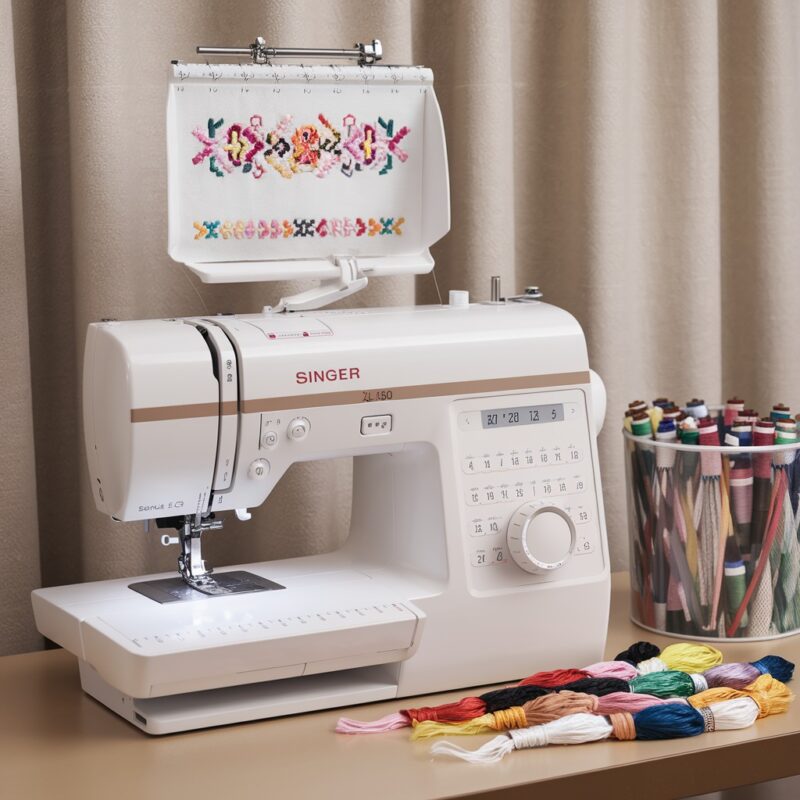
Hikone Embroidery Machine: Common Errors in Machine Not Recognizing the Embroidery Unit and Solutions

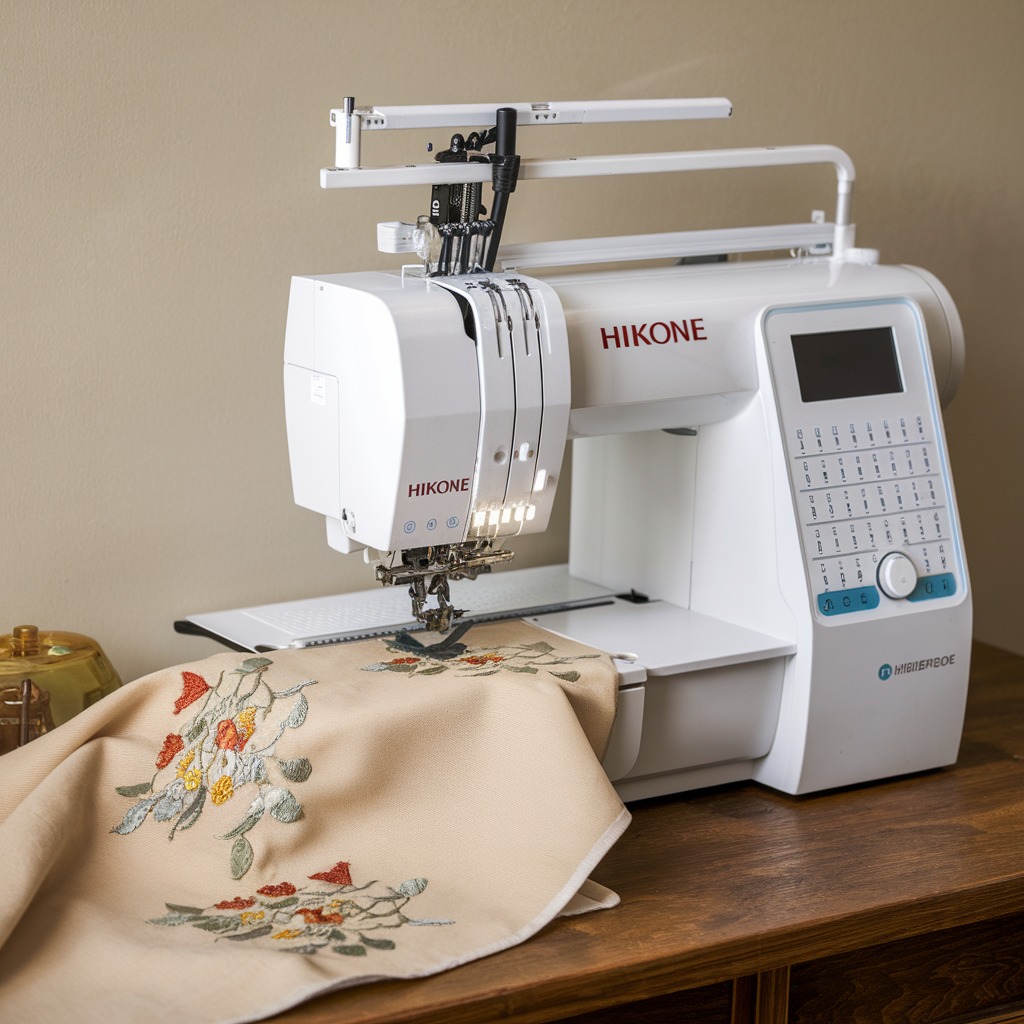
Hikone Embroidery Machine: Common Errors in Machine Not Recognizing the Embroidery Unit and Solutions
When your Hikone embroidery machine fails to recognize the embroidery unit, it can halt productivity and cause frustration. This issue could stem from various factors, including connection problems, faulty parts, or software glitches. Fortunately, these problems are often easy to diagnose and resolve.
Common Causes of Machines Not Recognizing the Embroidery Unit in Hikone Machines
- Loose or Improper Connection
The most common reason the machine does not recognize the embroidery unit is a poor connection between the machine and the unit. If the unit isn’t firmly plugged in, or if the connectors are dirty, the machine may not detect the unit. - Faulty Embroidery Unit
A malfunctioning or damaged embroidery unit could prevent the machine from recognizing it. This could be due to wear and tear or a hardware defect in the unit itself. - Outdated or Corrupted Software
If the machine’s software is outdated or has become corrupted, it may struggle to detect the embroidery unit. Software glitches can interfere with the communication between the machine and the unit. - Damaged Cables or Ports
Worn or damaged cables and ports can prevent proper communication between the embroidery machine and the unit, leading to recognition issues.
- Firmware or Driver Issues
Embroidery machines rely on up-to-date firmware and drivers to function correctly. Outdated or incompatible drivers may prevent the machine from recognizing the unit. - Incorrect Unit Settings
Incorrect settings in the machine’s control panel may prevent the embroidery unit from being detected. Sometimes, the machine might be in the wrong mode, which disables the embroidery feature.

Solutions for Machine Not Recognizing the Embroidery Unit in Hikone Machines
- Check the Connection
Ensure the embroidery unit is correctly and securely connected to the machine. Unplug the unit, clean both the connectors and ports, and plug it back in firmly. If dirt or lint is visible in the ports, use compressed air to clean them out. - Restart the Machine
A simple restart of the machine can resolve minor glitches. Turn off the machine, unplug the unit, and wait for a few minutes. Reconnect the unit and power on the machine to check if the problem is resolved. - Inspect the Embroidery Unit for Damage
Examine the embroidery unit for any signs of damage or wear. If there are visible defects, the unit may need repair or replacement. Contact Hikone customer support for professional assistance if needed. - Update the Machine Software and Firmware
Ensure the machine’s software is up to date. Visit the Hikone website to download the latest firmware or software updates. Updating the machine can often resolve recognition problems caused by outdated systems. - Check and Replace Cables or Ports
Replacing the cables or ports may solve the problem if they appear damaged. Ensure that all cables connecting the machine and unit are in good condition, and consider trying a new set of cables if necessary. - Reset Machine Settings
If none of the hardware-related solutions work, try resetting the machine to its default settings. Refer to the machine’s manual for steps on how to reset the control panel and ensure the correct mode is selected for embroidery work. - Contact Hikone Support
If the issue persists after trying these solutions, reach out to Hikone’s technical support team. They may offer advanced troubleshooting steps or recommend professional repairs.
Preventive Measures
- Regularly Clean Connections: Keep the connectors clean and free from lint, dust, or debris to ensure proper communication between the embroidery unit and the machine.
- Update Software Regularly: Always update the machine‘s firmware and software to the latest versions to prevent compatibility issues.
- Handle with Care: Avoid rough handling of the machine and the embroidery unit to prevent wear and tear on the connectors and internal parts.
Conclusion
Hikone embroidery machines not recognizing the embroidery unit is a common but solvable issue. By checking the connections, updating software, and ensuring the unit and cables are in good condition, you can quickly resolve this issue and get back to creating high-quality embroidery. Regular maintenance and software updates are essential to keep the machine running smoothly and to prevent future problems.