
Blog
Dahao C18 Series Embroidery Machine: Common Problems & Fixes

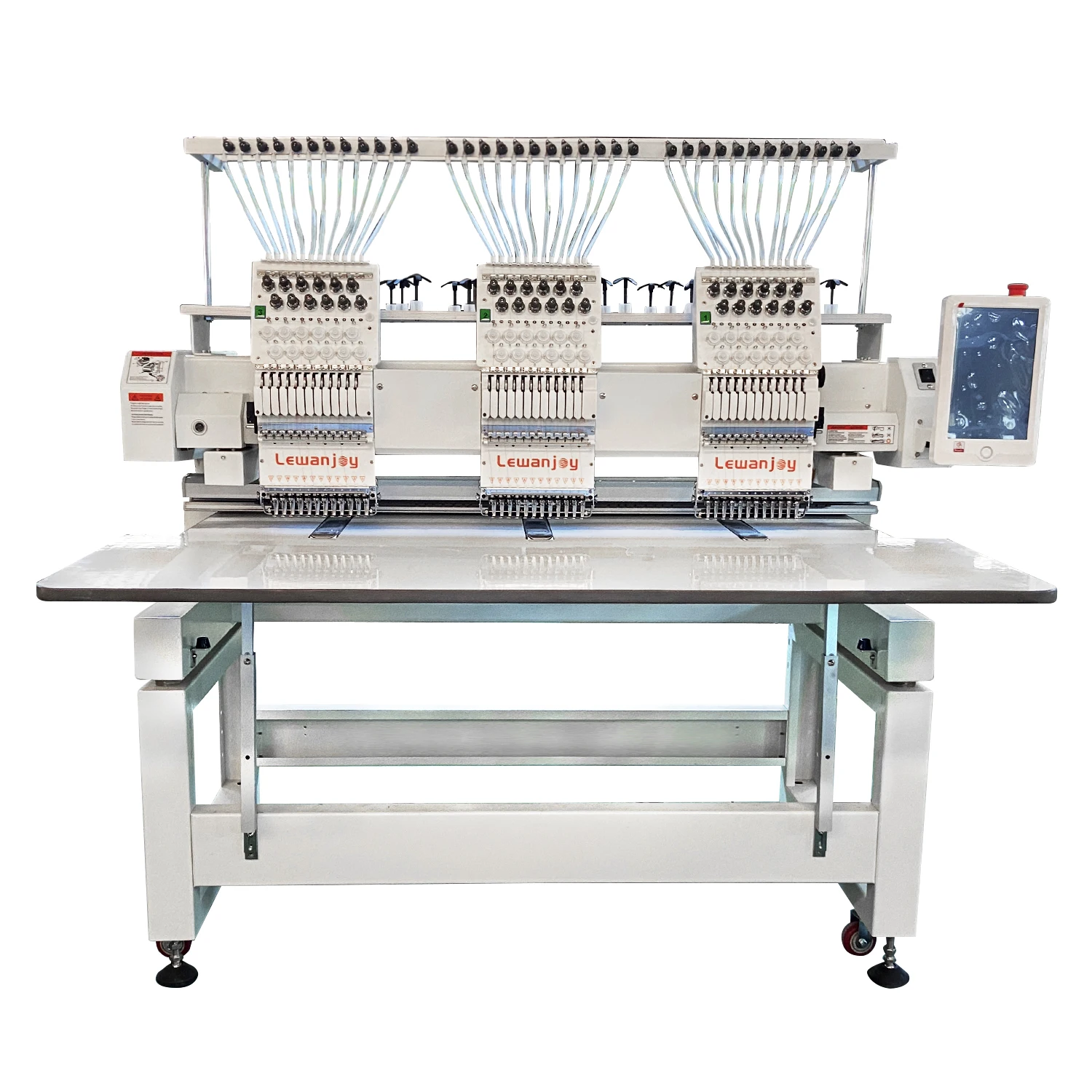
Quick answer: Common Dahao C18 embroidery machine problems often stem from threading issues, worn needles, tension imbalances, or electronic component failures like alarm boards or motor drivers. Regular maintenance and correct part replacement are key to resolving these issues.
The Dahao C18 series embroidery machines are workhorses in many shops, known for their reliability. However, like any complex machinery, they can encounter issues. This guide from 360 Digitizing Shop provides practical, step-by-step troubleshooting for the most common problems C18 operators face, helping you get back to embroidering quickly. We focus on identifying symptoms, performing effective fixes, and pinpointing the parts that most frequently need attention or replacement.
Two-minute checks before you open anything
- Is the machine properly threaded from spool to needle?
- Is the needle new, sharp, and inserted correctly?
- Are the upper and bobbin tensions balanced?
- Is the bobbin wound correctly and inserted properly?
- Are all hoops securely fastened and the fabric taut?
- Are there any visible obstructions in the needle area or thread path?
- Are all power and data cables securely connected?
1. Frequent Thread Breaks or Poor Stitch Quality high likelihood
How to tell
The machine stops frequently due to thread snapping, stitches appear loose, uneven, or skipped, or 'birdnesting' occurs on the underside of the fabric.
Fix
- Completely re-thread the machine, ensuring the thread passes through all guides and tension discs correctly.
- Check and adjust upper thread tension. Start with a neutral setting and adjust incrementally.
- Inspect the needle for dullness, bends, or burrs. Replace if necessary.
- Clean the thread path, including tension discs, thread guides, and the rotary hook area, removing any lint or debris.
- Check the bobbin for correct winding, proper insertion, and consistent tension. Replace if faulty.
- Ensure the correct needle size and type are used for the thread and fabric combination.
Needles are consumables. Rotary hooks and bobbin cases can wear over time, affecting stitch quality.
Parts involved: Needles & needle bars → Thread path & tension → Rotary hooks & bobbin cases → Threads & supplies →
2. Needle Breaks Repeatedly high likelihood
How to tell
Needles snap frequently during embroidery, sometimes with a loud 'clunk' sound.
Fix
- Inspect the current needle for bends or damage; replace with a new, correct needle size and type.
- Verify the hoop is securely clamped and the fabric is taut, without wrinkles or excessive movement.
- Check the presser foot height and ensure it's not too low or too high, interfering with the needle.
- Confirm the needle bar depth and rotary hook timing are correctly set (consult your machine manual for specifications).
- Ensure the design is digitized correctly and not causing excessive stress on the needle (e.g., too many stitches in a small area).
Bent needle bars or worn presser feet can contribute to needle breaks.
Parts involved: Needles & needle bars → Hoops & frames → Presser feet & sewing parts → Head & mechanical parts →
Parts you may need for Dahao
In stock, tested before dispatch, Buyer Protection on every order. Part types for this problem: Rotary hooks & bobbin cases, Needles & needle bars, Thread path & tension, Presser feet & sewing parts.
 Dahao EF122 EF122F EF176 EF176B 12-Pin Alarm Board Thread Break Det...$ 23.29View part →
 Chinese Embroidery Machine Spare Parts - Dahao Thread Break Detecti...$ 29.49View part →
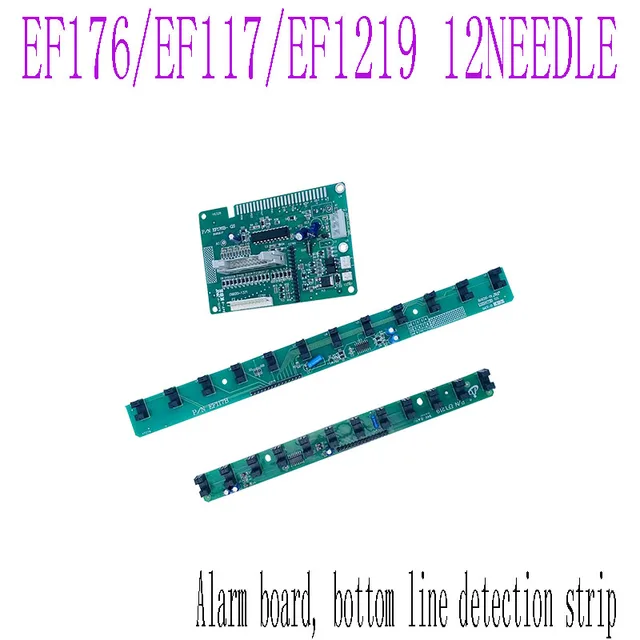 DAHAO EF176 EF117 EF1219 Alarm Plate & Bottom Line Detection Board ...$ 19.49View part →
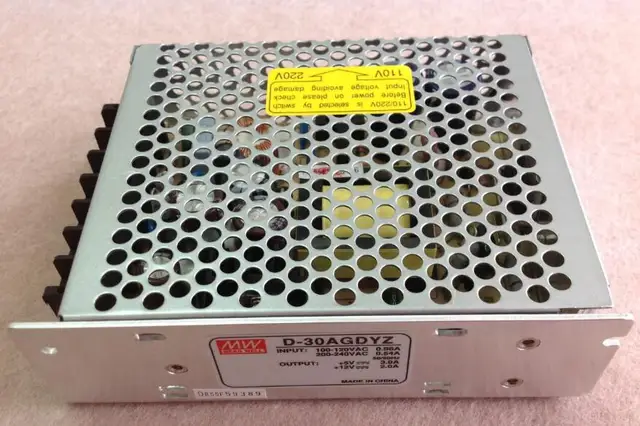 Dahao D-30AGDYZ Switch Power Supply for Computerized Embroidery Mac...$ 50.49View part →
 D-30AGD Switching Power Supply 5V-4A / 12V-1A for China Dahao Embro...$ 28.49View part →
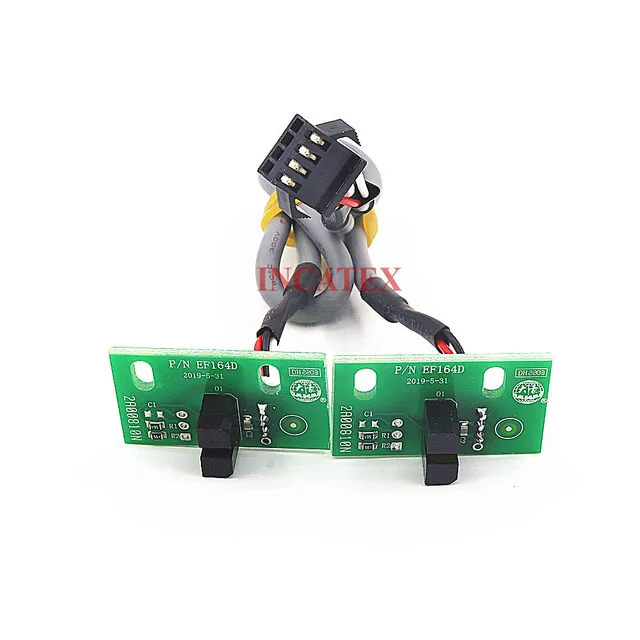 Dahao EF164D Frame Limit Sensor with Cable (2 Pcs) for Feiya, ZGM, ...$ 34.99View part →
All Dahao parts → Rotary Hooks & Bobbin Cases → Needles & Needle Bars → Thread Path & Tension →
3. Machine Not Moving / Pantograph Issues (X/Y Axis) medium likelihood
How to tell
The machine powers on, but the pantograph (embroidery frame) does not move, moves erratically, or displays X/Y axis error codes on the control panel.
Fix
- Check all cable connections to the X and Y axis motors and their respective driver boards. Ensure they are secure and free from damage.
- Inspect the Dahao MD202G XY Pantograph Driver Board for any visible signs of damage or burnt components.
- Verify the X and Y axis motors are receiving power and signals. (This may require a multimeter and technical knowledge).
- Check for any physical obstructions preventing pantograph movement, such as tangled thread or debris.
- If an error code persists, consider replacing the Dahao MD202G XY Pantograph Driver Board.
The Dahao MD202G XY Pantograph Driver Board is a common point of failure for pantograph movement issues. Also check Dahao E8860B Cable for connection integrity.
Parts involved: Motors & drivers → Cables & wiring → Circuit boards & electronics → Sensors & switches →
4. General Error Codes / Machine Malfunction medium likelihood
How to tell
The machine displays various error codes (e.g., 'Alarm' messages, specific numerical codes) and stops operating, or exhibits unexpected behavior without clear mechanical issues.
Fix
- Note the exact error code displayed and consult your Dahao C18 machine manual for its meaning and recommended troubleshooting steps.
- Perform a machine restart by powering off, waiting 30 seconds, and powering back on.
- Check all major cable connections, especially those leading to control boards and sensors, for looseness or damage. (e.g., Dahao E8860B Cable)
- Inspect the Dahao EF170 Alarm Board or Dahao Hm1c15a Alarm Board for any visible damage or signs of overheating.
- If the error relates to needle decoding or selection, inspect the Dahao EF119 12-Needle Decoding Plate and its connections.
- If the error points to a motor issue, check the Dahao SD-P-F20 AC Servo Motor Controller Driver.
The Dahao EF170 Alarm Board, Dahao Hm1c15a Alarm Board, Dahao EF119 12-Needle Decoding Plate, and Dahao SD-P-F20 AC Servo Motor Controller Driver are critical electronic components that can cause various error codes if faulty. The Dahao E8860B Cable is also important for communication.
Parts involved: Circuit boards & electronics → Cables & wiring → Sensors & switches → Control panels & displays → Motors & drivers →
Maintenance schedule
| When | What to do | Why |
|---|---|---|
| Daily | Clean the rotary hook area, needle plate, and thread path. | Prevents lint buildup that causes thread breaks and poor stitch quality. |
| Weekly / Every 40-60 hours | Perform thorough cleaning and lubrication of specified points (refer to manual). | Ensures smooth operation, reduces wear on moving parts, and extends machine lifespan. |
| Monthly / Every 160-240 hours | Inspect belts for tension and wear, check for loose screws, and clean internal areas. | Maintains mechanical integrity and prevents unexpected breakdowns. |
| Annually / Every 2000 hours | Professional service for timing checks, motor calibration, and component inspection. | Identifies potential issues before they become critical and ensures peak performance. |
Stop and call a technician if
- If you encounter persistent error codes that do not clear after basic troubleshooting and restarts.
- If the machine exhibits severe mechanical grinding, knocking, or unusual noises.
- If you suspect a major electrical component failure (e.g., main control board, power supply) and are not comfortable working with high voltage.
- For complex timing adjustments or motor calibrations that require specialized tools or knowledge.
- If you've followed all troubleshooting steps and the problem remains unresolved.
Prevent it coming back
- Always use high-quality needles and threads appropriate for your fabric and design.
- Perform daily cleaning of the rotary hook area, needle plate, and thread path.
- Regularly check and tighten all accessible screws and fasteners.
- Ensure proper machine lubrication according to the manufacturer's manual, using recommended lubricants.
- Keep your work environment clean and free of excessive dust and lint.
- Avoid forcing the machine or operating it beyond its recommended speed limits.
- Regularly inspect cables for wear or damage and ensure all connections are secure.
Frequently asked questions
Why does my Dahao C18 machine keep breaking thread?
Frequent thread breaks on a Dahao C18 are usually due to incorrect threading, improper tension settings, a dull or bent needle, lint accumulation in the thread path, or a poorly wound bobbin. Start by re-threading and replacing the needle.
What does an X/Y axis error mean on my Dahao C18?
An X/Y axis error indicates a problem with the pantograph's movement. This could be due to loose cable connections, a faulty X/Y motor, or a defective Dahao MD202G XY Pantograph Driver Board. Check connections first, then consider the driver board.
How often should I clean my Dahao C18 embroidery machine?
For optimal performance, clean your Dahao C18 daily, especially the rotary hook area and thread path. A more thorough cleaning and lubrication should be performed weekly or after every 40-60 hours of operation, referring to your machine's manual for specific points and lubricants.
Can I replace parts on my Dahao C18 myself?
Many common parts like needles, bobbin cases, and even some circuit boards (with careful attention to safety and instructions) can be replaced by an experienced operator. However, for complex electrical components, motor replacements, or timing adjustments, it's often best to consult a qualified technician.
Did this guide fix your machine?
Rate it - it helps other operators find the right fix.
Not sure which part is failing?
Need the logo stitched too?
Get your logo digitized by the people who know this machine
Upload the artwork, see the stitch count and the exact price in 10 seconds, then order with a free sew-out preview. $1 per 1,000 stitches, $10 minimum, 24-hour delivery. Vector conversion from $12.
After the fix
Fixed it? Keep the rest of the shop moving.
OS 360 is the shop software from the team behind this parts store. Every job keeps its status, deadline and owner while a Dahao head is down, restock alerts fire for needles, hooks and bobbins before you run dry, and quotes, invoices and payment live in one place.
- Jobs with status, deadline and owner - nothing slips during downtime
- Inventory with restock alerts, this store one click away
- Instant quotes, invoices and one place to collect payment