
Blog
Dahao BECS Series Embroidery Machine: Common Problems & Fixes

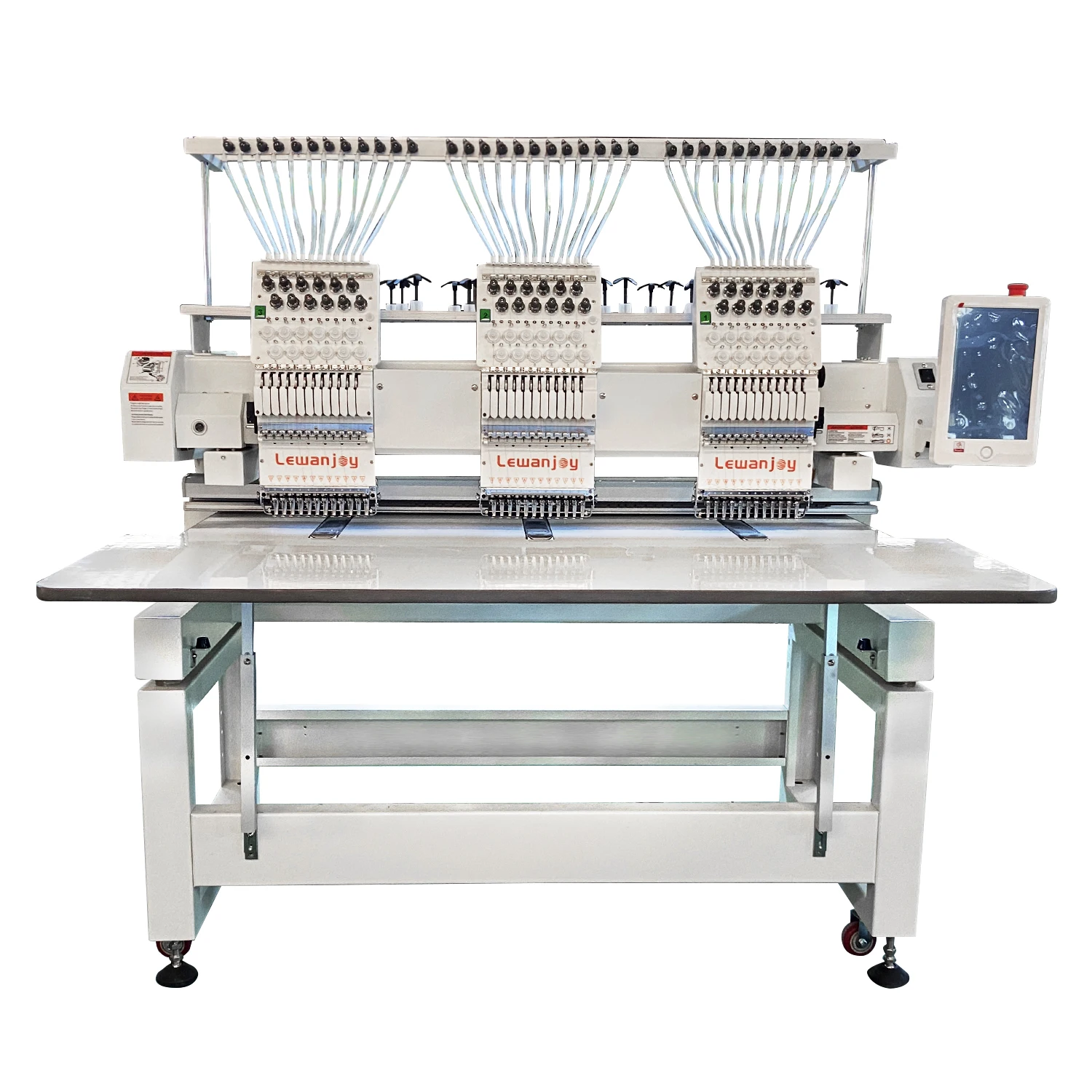
Quick answer: Common problems with Dahao BECS series embroidery machines often involve the control panel, motor drivers, or main CPU board. Troubleshooting typically includes checking connections, recalibrating components, and replacing faulty parts like touch screens, keypads, or driver boards.
The Dahao BECS series control systems are widely used in many Chinese embroidery machines, known for their reliability and user-friendly interfaces. However, like any complex electronic system, they can encounter issues. This guide focuses on the most common problems reported by operators, helping you diagnose and fix them efficiently. We'll cover issues related to control panels, motor movements, and general electronic malfunctions, providing practical steps to get your machine back in operation.
Two-minute checks before you open anything
- Is the machine plugged in and powered on?
- Are all emergency stop buttons disengaged?
- Are all cables (power, motor, sensor) securely connected?
- Is there any obvious physical damage or obstruction?
- Have you tried turning the machine off and on again (power cycle)?
1. Control Panel or Keypad Unresponsive/Blank high likelihood
How to tell
The touch screen does not respond to input, the display is blank or shows garbled characters, or physical buttons on the keypad do not work. The machine may not start or you cannot navigate menus.
Fix
- Power off the machine completely, wait 30 seconds, then power it back on to see if it resets.
- Check all cable connections to the control panel and main board. Ensure they are seated firmly and not damaged.
- If the touch screen is unresponsive, try recalibrating it (refer to your machine's manual for the specific procedure).
- If specific buttons on a membrane keypad are not working, the membrane itself may be faulty.
- If the display is blank, check for power supply issues to the panel or a faulty LCD/touch screen unit.
- Replace the faulty control panel, touch screen, or keypad membrane as needed.
Commonly replaced parts include: Dahao BECS-285 285A-080L QM Touch Screen Control Panel, Dahao BECS-A15 Touch Screen LCD Panel, Dahao BECS-185 Operation Box Panel Touch Screen LCD Display, Dahao 805445-1 BECS-18 Controller Keypad Membrane, Dahao BECS 328 Control Panel Keyboard Membrane, Dahao 805913-805914 BECS 322/328 Embroidery Machine Keyboard with Cable, Dahao KD010A Keypad Board, Dahao P/N KD011A Keypad Board.
Parts involved: Control panels & displays → Circuit boards & electronics → Cables & wiring →
2. Machine Not Moving or Erratic Movement (X/Y Axis or Main Motor) medium likelihood
How to tell
The embroidery head does not move, the hoop does not move, or movements are jerky, inconsistent, or make grinding noises. Error messages related to motor drivers or axis movement may appear on the control panel.
Fix
- Check for any physical obstructions preventing movement of the embroidery head or hoop frame.
- Inspect the belts and pulleys for proper tension and wear. Ensure they are not slipping or broken.
- Verify all motor cable connections are secure at both the motor and the driver board.
- Listen for unusual noises from the motors or driver boards. A burning smell indicates a serious electrical issue.
- If an axis is not moving, swap the motor driver board with a known good one from another axis (if applicable and safe to do so) to diagnose if the driver or motor is at fault.
- Replace the faulty stepper motor driver board or the stepper motor itself if diagnosed as defective.
The DAHAO Stepper Motor Driver Board is a common replacement for movement issues.
Parts involved: Motors & drivers → Belts, pulleys & gears → Cables & wiring → Circuit boards & electronics →
Parts you may need for Dahao BECS
In stock, tested before dispatch, Buyer Protection on every order. Part types for this problem: Control panels & displays, Motors & drivers, Circuit boards & electronics, Cables & wiring.
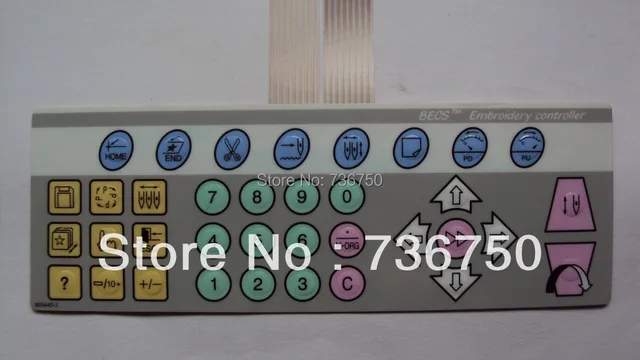 Dahao 805445-1 BECS-18 Controller Keypad Membrane for Feiya, ZGM, P...$ 27.49View part →
 Dahao BECS-285 285A-080L QM Touch Screen Control Panel for Single-H...$ 113.49View part →
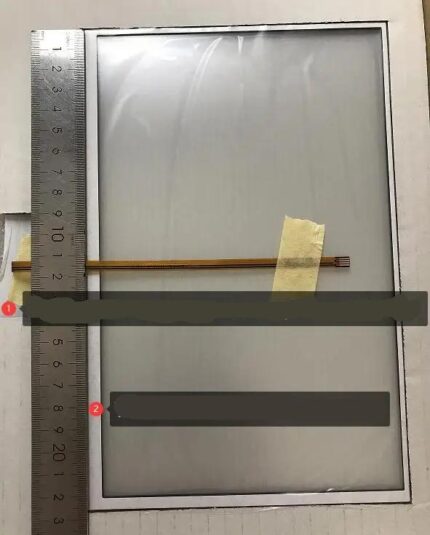 Dahao BECS-A15 Touch Screen LCD Panel for Dahao A15, Tajima, Baruda...$ 127.49View part →
 Dahao Operation Box Control Panel Model 02 for BECS-258 BECS-18 BEC...$ 507.09View part →
 Dahao BECS 328 Control Panel Keyboard Membrane for China Embroidery...$ 26.99View part →
 Dahao E870/E870E CPU Main Board for Feiya, ZGM, Haina, Damei, Ricom...$ 385.29View part →
All Dahao BECS parts → Control Panels & Displays → Motors & Drivers → Circuit Boards & Electronics →
3. Machine Fails to Power On or Boots with Errors medium likelihood
How to tell
The machine does not power on at all, or it powers on but immediately displays critical error messages, freezes during startup, or behaves erratically without clear cause.
Fix
- Ensure the machine is properly plugged into a working power outlet and the main power switch is on.
- Check the main power fuse (if accessible) for continuity. Replace if blown.
- Inspect all internal power cables and connectors on the main CPU board and power supply unit for looseness or damage.
- If the machine powers on but is unstable or shows random errors, it could indicate a problem with the main CPU board or its associated memory.
- If possible, try to isolate the issue by disconnecting non-essential peripherals (if the machine allows) to see if the problem persists.
- Replace the main CPU board if other troubleshooting steps do not resolve the issue.
The Dahao E870/E870E CPU Main Board is a critical component for machine operation.
Parts involved: Circuit boards & electronics → Cables & wiring →
4. Thread Breakage or Poor Stitch Quality (Electronic/Sensor Related) low likelihood
How to tell
Frequent thread breaks occur without obvious mechanical cause (e.g., burrs, tension issues), or stitch quality is inconsistent despite proper mechanical adjustments. This can sometimes be linked to faulty thread break sensors or issues with the main board processing sensor signals.
Fix
- First, rule out common mechanical causes: check thread path for obstructions, ensure proper tension, inspect needles, and verify the rotary hook timing and condition.
- Clean the thread break sensors. Dust and lint can interfere with their operation.
- Check the wiring to the thread break sensors for any damage or loose connections.
- If thread breaks are reported incorrectly (e.g., machine stops but thread is not broken), the sensor itself might be faulty or misaligned.
- If the machine consistently misinterprets sensor signals or has intermittent issues, the main board or a related interface board might be at fault.
- Replace faulty thread break sensors or associated interface boards if diagnosed as the cause.
While not always a direct BECS part, issues can sometimes trace back to the main board (Dahao E870/E870E CPU Main Board) or interface boards like Dahao IF185 IF185A Board Card if sensor signals are not processed correctly.
Parts involved: Sensors & switches → Circuit boards & electronics → Cables & wiring → Thread path & tension →
Maintenance schedule
| When | What to do | Why |
|---|---|---|
| Daily | Clean lint and dust from around the needle bar area, rotary hook, and under the needle plate. | Prevents buildup that can cause thread breaks, poor stitching, and sensor malfunctions. |
| Weekly/Bi-Weekly | Oil specified lubrication points according to your machine's manual. | Ensures smooth operation of moving parts and reduces wear. |
| Monthly | Inspect belts for tension and wear, clean control panel and display surfaces. | Maintains optimal machine performance and extends component lifespan. |
| Quarterly/Semi-Annually | Thoroughly clean the entire machine, including inside the head and under covers (if comfortable). Check all electrical connections. | Prevents long-term issues from hidden dust and ensures electrical integrity. |
Stop and call a technician if
- If you are uncomfortable working with electrical components or opening the machine's control box.
- If troubleshooting steps do not resolve the issue and you suspect a complex electronic failure.
- If the machine emits smoke, burning smells, or makes unusual loud noises.
- If you lack the specific tools or expertise to safely perform a repair.
Prevent it coming back
- Keep your machine and its control panel clean, free from dust and lint, which can interfere with electronics and sensors.
- Ensure stable power supply. Use a surge protector or UPS if your power is prone to fluctuations.
- Perform regular scheduled maintenance, including cleaning and lubrication, as outlined in your machine's manual.
- Regularly check all cables and connectors for secure fit and signs of wear or damage.
- Avoid forcing machine parts or making sudden, jerky movements that could strain motors or mechanical components.
Frequently asked questions
How do I know if my Dahao BECS control panel needs replacing?
If your control panel is completely unresponsive, the screen is blank or garbled, or multiple buttons on the keypad no longer work after checking all connections and attempting a power cycle, it likely needs replacement. Sometimes, only the touch screen or keypad membrane needs to be replaced, not the entire panel.
Can I replace a Dahao BECS stepper motor driver board myself?
Yes, replacing a stepper motor driver board is often a straightforward process involving disconnecting and reconnecting cables and mounting screws. However, ensure the machine is powered off and unplugged before starting. Note the orientation of connectors and settings (if any) before removal. If unsure, consult a qualified technician.
My Dahao BECS machine is showing a specific error code. What should I do?
Always refer to your machine's operator manual first for specific error code definitions and troubleshooting steps. Error codes are designed to point you towards the specific system or component that is experiencing a fault. If you don't have the manual, search online for the error code specific to your Dahao BECS model.
How often should I perform maintenance on my Dahao BECS machine?
Regular maintenance is crucial. Daily tasks include cleaning lint and dust. Weekly or bi-weekly tasks involve oiling specific points (refer to your manual for locations and frequency). Monthly or quarterly, perform more thorough cleaning and inspection of belts, tensions, and electrical connections. Always consult your machine's manual for the manufacturer's recommended maintenance schedule.
Did this guide fix your machine?
Rate it - it helps other operators find the right fix.
Not sure which part is failing?
Need the logo stitched too?
Get your logo digitized by the people who know this machine
Upload the artwork, see the stitch count and the exact price in 10 seconds, then order with a free sew-out preview. $1 per 1,000 stitches, $10 minimum, 24-hour delivery. Vector conversion from $12.
After the fix
Fixed it? Keep the rest of the shop moving.
OS 360 is the shop software from the team behind this parts store. Every job keeps its status, deadline and owner while a BECS head is down, restock alerts fire for needles, hooks and bobbins before you run dry, and quotes, invoices and payment live in one place.
- Jobs with status, deadline and owner - nothing slips during downtime
- Inventory with restock alerts, this store one click away
- Instant quotes, invoices and one place to collect payment