
Blog
Dahao A68 Series Embroidery Machine: Common Problems & Fixes

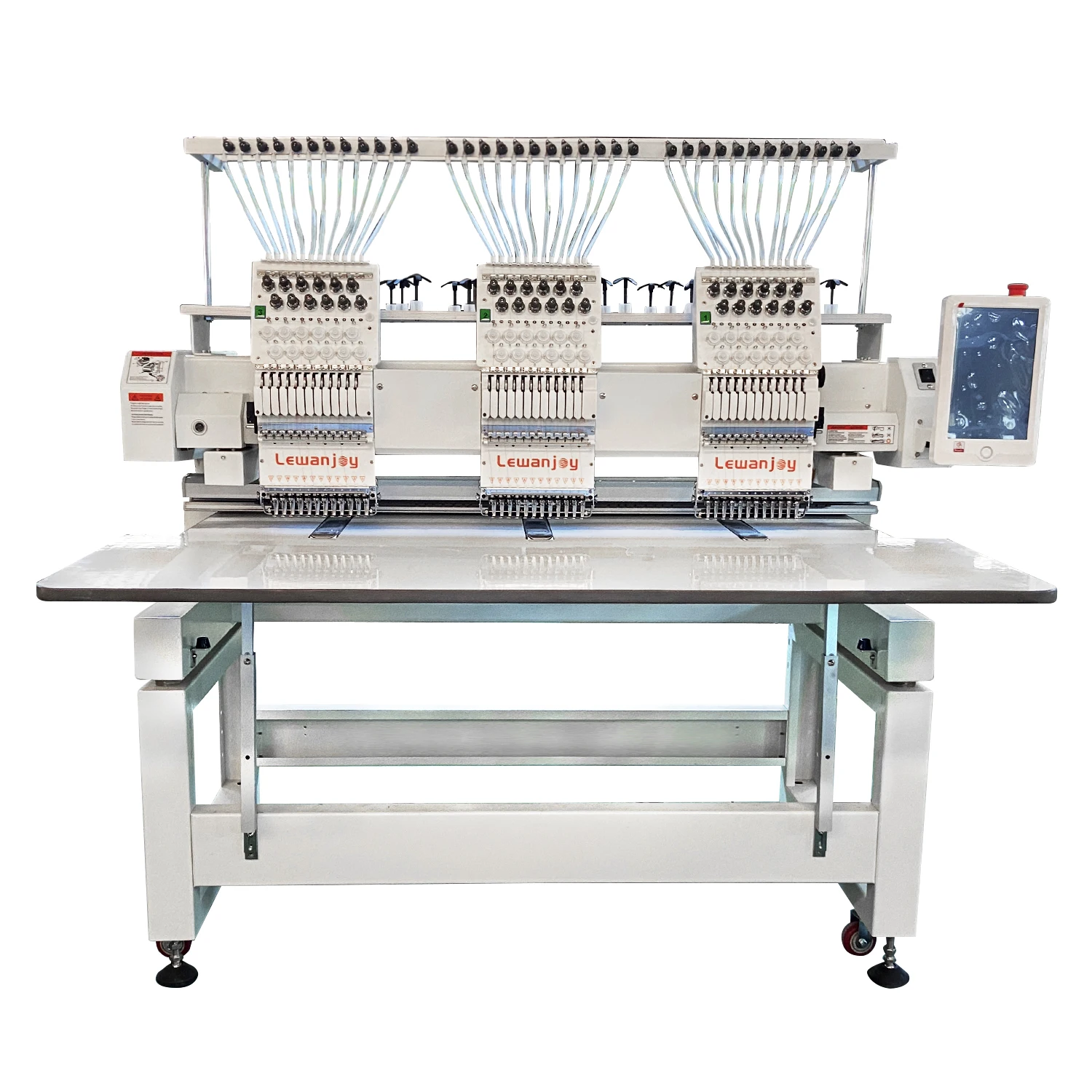
Quick answer: Common Dahao A68 problems include display malfunctions, pantograph movement issues, and thread trimming failures. Most often, these can be resolved by checking connections, cleaning sensors, or replacing specific circuit boards like the LCD inverter, driver boards, or decoder boards.
The Dahao A68 series embroidery machines are workhorses in many shops, known for their reliability. However, like any complex machinery, they can encounter issues. This guide provides practical, step-by-step solutions for the most common problems reported by operators, helping you diagnose and fix issues quickly to minimize downtime. We focus on common electronic and mechanical faults and the specific parts from our inventory that can get you back up and running.
Two-minute checks before you open anything
- Is the machine properly plugged into a working power outlet?
- Are all emergency stop buttons disengaged?
- Are all covers and safety interlocks properly closed?
- Are there any obvious thread jams or debris in the needle area or rotary hook?
- Have you checked the machine's manual for specific error code meanings if one is displayed?
1. Blank or Garbled LCD Display high likelihood
How to tell
The machine's main screen is completely blank, shows distorted characters, or flickers erratically, even though the machine powers on.
Fix
- Turn off the machine and unplug it from the power source.
- Carefully check all cable connections to the LCD display panel and the inverter card for looseness or damage. Reseat them if necessary.
- If the issue persists, the Dahao IF101 LCD Display Inverter Card may be faulty. Replace it.
- If replacing the inverter card doesn't resolve the issue, the Dahao 328-7V LCD Display Panel itself might be defective and require replacement.
Ensure the machine is powered off and unplugged before handling any internal components.
Parts involved: Control panels & displays → Circuit boards & electronics → Cables & wiring →
2. Pantograph Not Moving or Moving Incorrectly (X/Y Axis) medium likelihood
How to tell
The embroidery head (pantograph) does not move in one or both directions (X or Y axis), moves erratically, or makes grinding noises during operation. This often results in incomplete or misaligned designs.
Fix
- Turn off the machine and unplug it.
- Inspect the X and Y axis belts for any signs of wear, looseness, or breakage. Tighten or replace as needed.
- Check the motor connections for the X and Y axis motors. Ensure they are secure.
- If the motors are receiving power but not moving correctly, the Dahao MD202G XY Pantograph Driver Board may be faulty. Replace the driver board.
- Verify that there are no physical obstructions preventing the pantograph from moving freely.
A faulty driver board can affect one or both axes. Always ensure proper grounding when working with electronics.
Parts involved: Motors & drivers → Belts, pulleys & gears → Circuit boards & electronics → Cables & wiring →
Parts you may need for Dahao
In stock, tested before dispatch, Buyer Protection on every order. Part types for this problem: Control panels & displays, Circuit boards & electronics, Cables & wiring, Motors & drivers.
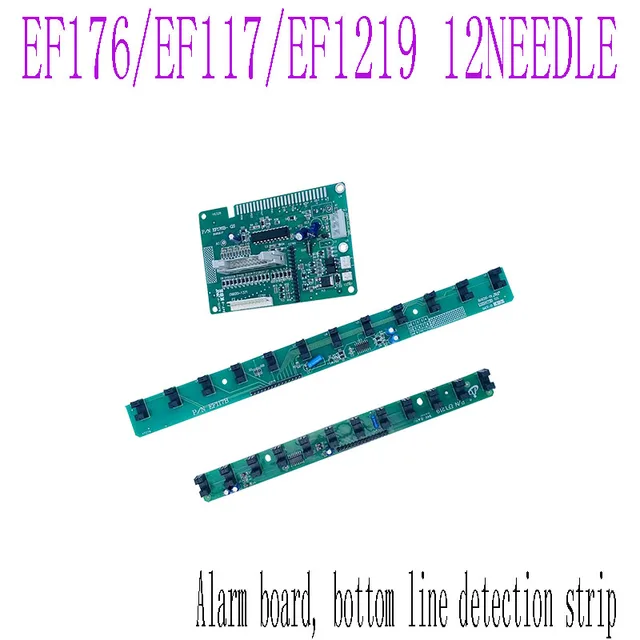 DAHAO EF176 EF117 EF1219 Alarm Plate & Bottom Line Detection Board ...$ 19.49View part →
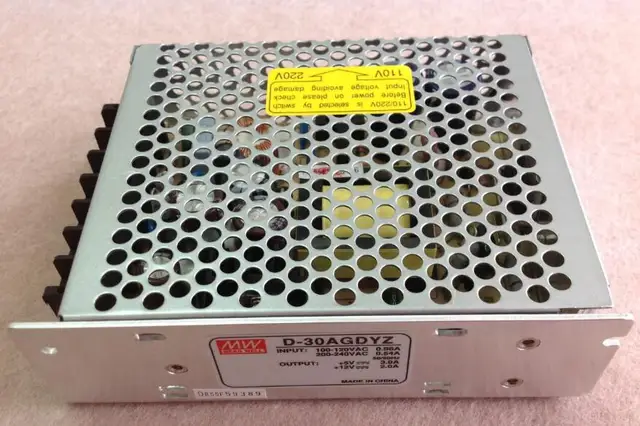 Dahao D-30AGDYZ Switch Power Supply for Computerized Embroidery Mac...$ 50.49View part →
 D-30AGD Switching Power Supply 5V-4A / 12V-1A for China Dahao Embro...$ 28.49View part →
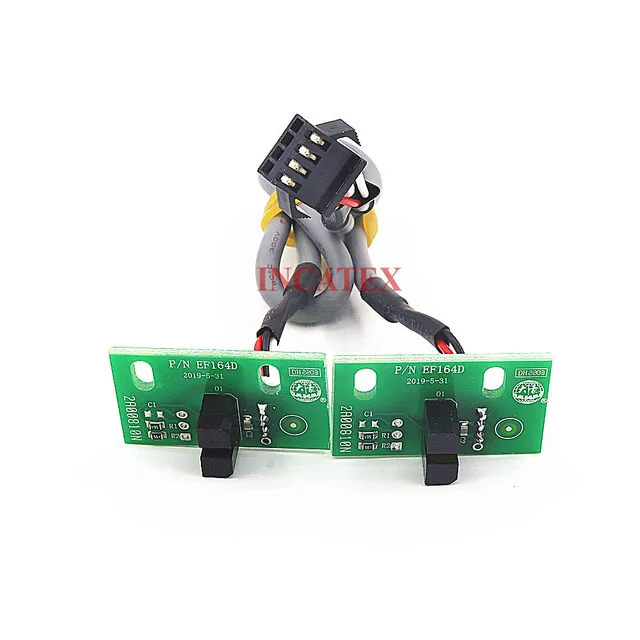 Dahao EF164D Frame Limit Sensor with Cable (2 Pcs) for Feiya, ZGM, ...$ 34.99View part →
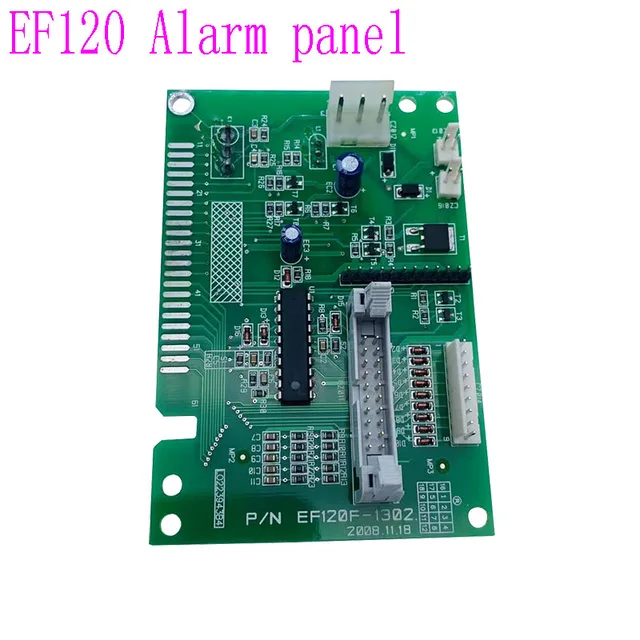 Dahao EF120 Alarm Circuit Board for Chinese Embroidery Machines$ 42.49View part →
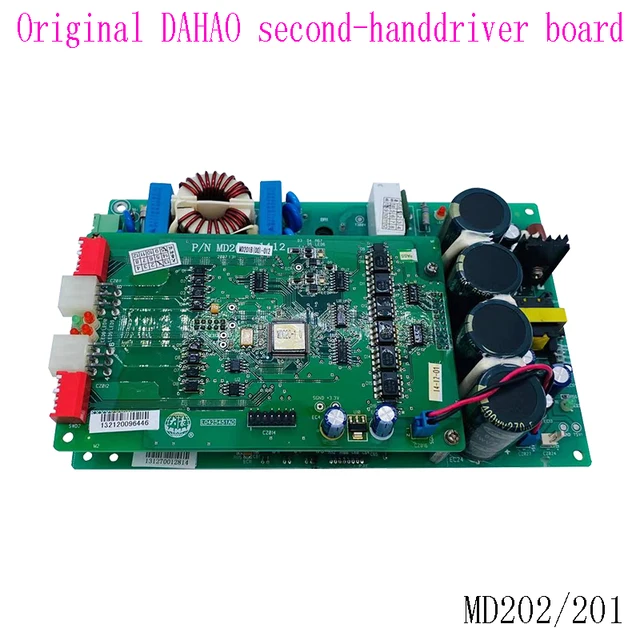 DAHAO MD02 Frame Driver Board for MD202 MD201 Chinese Embroidery Ma...$ 220.49View part →
All Dahao parts → Control Panels & Displays → Circuit Boards & Electronics → Cables & Wiring →
3. Thread Trimming Malfunctions (Cutter Not Activating/Stuck) medium likelihood
How to tell
The machine fails to trim threads automatically at the end of a color change or design segment, or the trimmer mechanism gets stuck open or closed.
Fix
- Turn off the machine and unplug it.
- Inspect the thread trimmer blades for any thread jams, debris, or damage. Clean thoroughly with tweezers and a brush.
- Check the trimmer solenoid for proper function. Listen for a click when manually activated (if possible) or check its wiring.
- Verify the connections to the relevant decoder board. A faulty DAHAO EF104 Decoder Board or Dahao EF139 12-Needle Decoder Board can cause trimming issues if the signal is not sent correctly.
- If the issue persists after cleaning and checking connections, the decoder board responsible for cutter control might need replacement.
Ensure blades are sharp and free of burrs. Always exercise caution when working near sharp parts.
Parts involved: Cutters & trimmers → Solenoids & magnets → Circuit boards & electronics → Cables & wiring →
4. Machine Not Responding / Random Errors / Intermittent Freezing medium likelihood
How to tell
The machine freezes during operation, displays various unspecific error codes, or fails to respond to control panel inputs intermittently. This can indicate a general electronic communication issue.
Fix
- Turn off the machine and unplug it.
- Carefully inspect all major circuit boards for any visible signs of damage, burnt components, or loose connections.
- Reseat all ribbon cables and connectors on the DAHAO E831 Circuit Board Adapter Plate, main control board, and any other connected boards.
- If the problem is intermittent or seems related to general system instability, the DAHAO E831 Circuit Board Adapter Plate or another primary control board might be failing. Consider replacing the adapter plate first as it's a common point of failure for communication issues.
- Ensure the machine's environment is stable (no extreme temperature fluctuations or power surges).
Intermittent issues can be challenging to diagnose. Start with the most accessible and common failure points.
Parts involved: Circuit boards & electronics → Cables & wiring →
5. Alarm Card Errors / Machine Stops with Alarm low likelihood
How to tell
The machine stops unexpectedly and displays an alarm related to needle position, thread break, or other sensor-related issues, even when the physical condition seems fine.
Fix
- Note the specific alarm code displayed on the screen.
- Turn off the machine and unplug it.
- Check the relevant sensors (e.g., thread break sensors, rotary hook sensor, needle position sensor) for cleanliness and proper alignment. Clean any dust or lint.
- Inspect the wiring connecting these sensors to the DAHAO EF122F Twelve Pin Alarm Card Circuit Board.
- If sensors are clean and correctly aligned, and wiring is intact, the DAHAO EF122F Twelve Pin Alarm Card Circuit Board itself might be faulty and require replacement.
Refer to your machine's manual for specific alarm code meanings to pinpoint the exact sensor or system involved.
Parts involved: Sensors & switches → Circuit boards & electronics → Cables & wiring →
6. Sequin Device Malfunction (If Equipped) low likelihood
How to tell
The sequin device is not dropping sequins, dropping them incorrectly, or not responding to commands. This only applies to machines equipped with sequin attachments.
Fix
- Turn off the machine and unplug it.
- Inspect the sequin device for any physical obstructions, jammed sequins, or debris. Clean thoroughly.
- Check all connections to the sequin device and its control boards.
- If the sequin device is not receiving signals or operating erratically, the Dahao EF165C Gold Leaf Signal Board Sequins Switchboard 168 or the Dahao PC269C(100)-000 Sequin Electronic Board Card may be at fault. Replace the relevant board after careful diagnosis.
Sequin devices are complex; ensure all mechanical parts are moving freely before troubleshooting electronics.
Parts involved: Circuit boards & electronics → Sensors & switches → Cables & wiring →
Maintenance schedule
| When | What to do | Why |
|---|---|---|
| Daily | Clean the needle area, rotary hook, and thread path. | Prevents lint buildup that can cause thread breaks and poor stitch quality. |
| Weekly | Inspect and clean thread trimmer blades and mechanism. | Ensures clean cuts and prevents trimmer jams. |
| Monthly | Check and tighten all accessible screws and connections. | Prevents parts from loosening due to vibration, which can cause erratic operation. |
| Quarterly | Lubricate moving parts according to the manufacturer's manual. | Reduces wear and tear, ensuring smooth operation and extending machine life. |
| Annually | Inspect all belts for wear and tension; check for frayed cables. | Proactive replacement prevents unexpected breakdowns and ensures consistent performance. |
Stop and call a technician if
- If you are uncomfortable working with internal electronics or high-voltage components.
- If the problem persists after trying all suggested troubleshooting steps.
- If you suspect a major mechanical failure that requires specialized tools or expertise.
- If the machine is exhibiting multiple complex issues simultaneously.
Prevent it coming back
- Regularly clean the machine, especially around sensors, thread paths, and trimmer mechanisms, to prevent debris buildup.
- Ensure stable power supply to the machine, using surge protectors if necessary, to protect sensitive electronics.
- Perform routine lubrication as per the manufacturer's recommendations to keep mechanical parts moving smoothly.
- Inspect belts and cables periodically for signs of wear or damage, replacing them before they fail.
- Keep the machine's environment clean and free of excessive dust and lint.
Frequently asked questions
Why is my Dahao A68 display blank?
A blank display on your Dahao A68 is commonly caused by a faulty Dahao IF101 LCD Display Inverter Card or a defective Dahao 328-7V LCD Display Panel. Check all cable connections first, then consider replacing these components.
My Dahao A68 pantograph isn't moving. What should I check?
First, check for any physical obstructions and inspect the X/Y axis belts for damage or looseness. If these are fine, the issue is often with the Dahao MD202G XY Pantograph Driver Board, which controls the movement of the embroidery head.
How do I fix thread trimming problems on my Dahao A68?
Start by cleaning the trimmer blades and checking for thread jams. Ensure the trimmer solenoid is functioning. If the problem persists, a faulty DAHAO EF104 Decoder Board or Dahao EF139 12-Needle Decoder Board, which sends the trimming signal, might need replacement.
What causes random errors or freezing on my Dahao A68?
Random errors or freezing can indicate general electronic instability. Check all internal cable connections and reseat them. A common culprit for such issues is the DAHAO E831 Circuit Board Adapter Plate, which can affect communication between various machine components.
Did this guide fix your machine?
Rate it - it helps other operators find the right fix.
Not sure which part is failing?
Need the logo stitched too?
Get your logo digitized by the people who know this machine
Upload the artwork, see the stitch count and the exact price in 10 seconds, then order with a free sew-out preview. $1 per 1,000 stitches, $10 minimum, 24-hour delivery. Vector conversion from $12.
After the fix
Fixed it? Keep the rest of the shop moving.
OS 360 is the shop software from the team behind this parts store. Every job keeps its status, deadline and owner while a Dahao head is down, restock alerts fire for needles, hooks and bobbins before you run dry, and quotes, invoices and payment live in one place.
- Jobs with status, deadline and owner - nothing slips during downtime
- Inventory with restock alerts, this store one click away
- Instant quotes, invoices and one place to collect payment