
Blog
Brother PR series Embroidery Machine Maintenance Guide

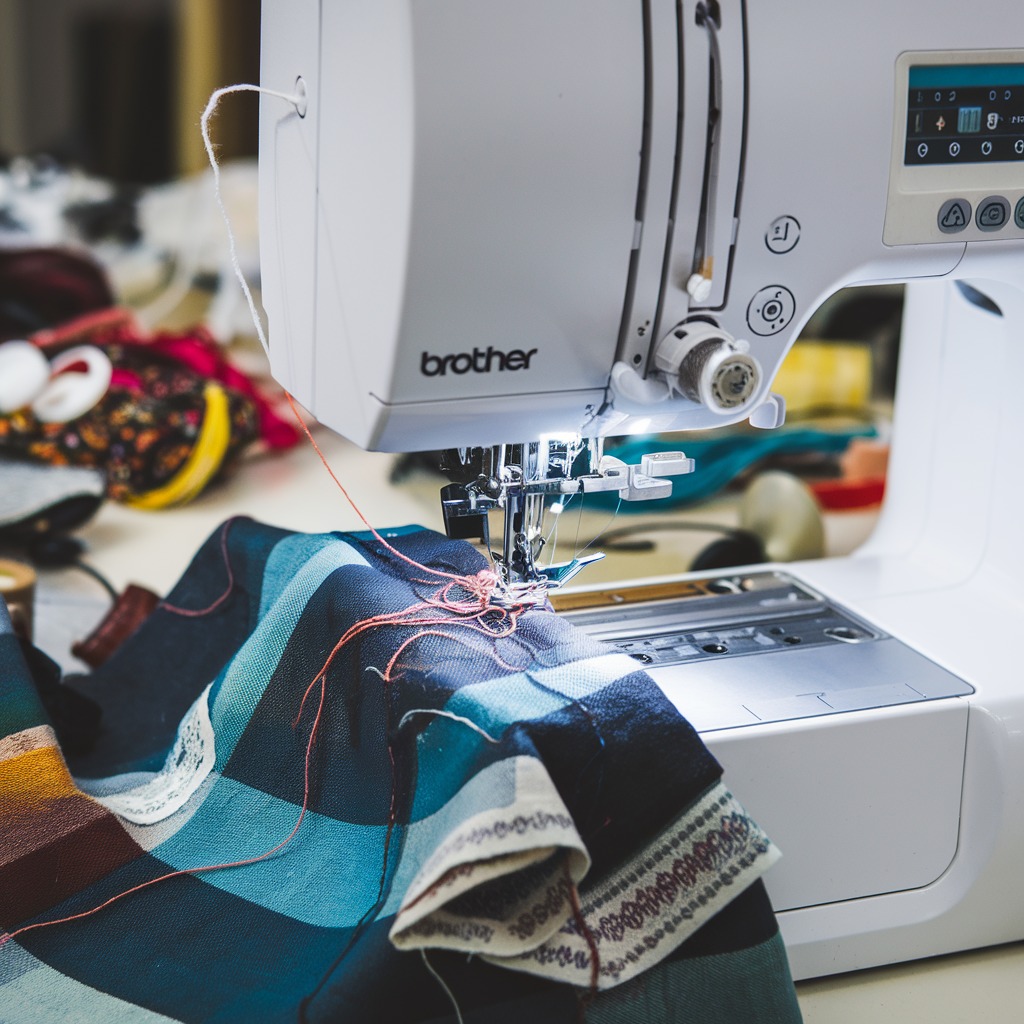
Quick answer: Regular maintenance, including daily cleaning, weekly lubrication, and periodic inspection of wear parts like needles, bobbin cases, and thread path components, is crucial for optimal performance and longevity of your Brother PR series embroidery machine. Follow the manufacturer's manual for specific lubrication points and intervals.
Your Brother PR series embroidery machine is a precision tool designed for intricate work. Like any high-performance equipment, it requires regular and diligent maintenance to ensure consistent stitch quality, prevent costly breakdowns, and extend its lifespan. This guide provides a comprehensive maintenance schedule and identifies common wear parts, helping you keep your machine in top condition.
Two-minute checks before you open anything
- Check needles for sharpness and straightness.
- Inspect bobbin case for lint and nicks.
- Verify thread path is clear and free of lint.
- Listen for any unusual noises during operation.
- Ensure hoops are clean and undamaged.
1. Needles high likelihood
How to tell
Skipped stitches, thread breakage, dull or bent needle points, burrs on the needle eye. A needle that has hit a hoop or bobbin case will often be bent or have a damaged tip.
Fix
- Inspect needles daily for sharpness, straightness, and burrs. Replace immediately if any damage is found.
- Change needles regularly, typically every 8-10 hours of sewing time or after completing a large project, even if they appear fine.
- Ensure the correct needle type and size are used for the fabric and thread.
Parts involved: Needles & needle bars →
2. Bobbin Cases high likelihood
How to tell
Frequent thread breaks, poor bobbin tension, bird's nesting, loose stitches on the underside of the fabric, or visible nicks and burrs on the bobbin case itself. The spring tension may also weaken over time.
Fix
- Inspect the bobbin case daily for lint buildup, nicks, or scratches, especially around the tension spring and thread exit points.
- Clean the bobbin case thoroughly with a small brush or compressed air.
- If nicks or burrs are present, or if tension cannot be consistently maintained, replace the bobbin case.
- Ensure the bobbin is wound correctly and inserted properly.
Consider using 'XC7206001 Bobbin Case (2-Pack) for Brother PR1000, PR600, PR650 & Babylock BMP6, BNAL, BND9 Embroidery Machines' or 'XC7206001 Bobbin Case for Brother PR600, PR650, PR670E, PR680W, PR1000, PR1050X, PR1055X, PRS100 & Babylock Multi-Needle Machines'.
Parts involved: Rotary hooks & bobbin cases →
Parts you may need for Brother
In stock, tested before dispatch, Buyer Protection on every order. Part types for this problem: Needles & needle bars, Rotary hooks & bobbin cases, Thread path & tension, Cutters & trimmers.
 Bobbin Case & 2 Metal Bobbins for Brother, Janome, Singer, Babylock...$ 5.59View part →
 Flying Tiger DBx1 Industrial Lockstitch Needles, 100 pcs/box, Sizes...$ 12.09View part →
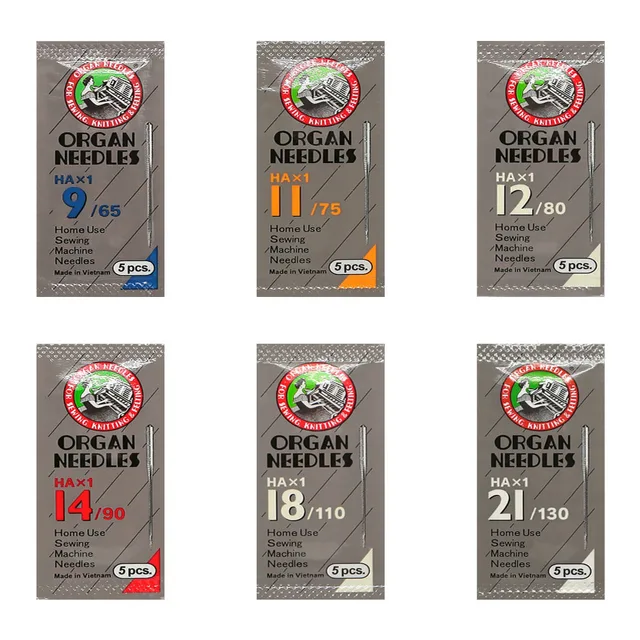 ORGAN HAX1 Household Sewing Machine Needles for SINGER & BROTHER, S...$ 6.49View part →
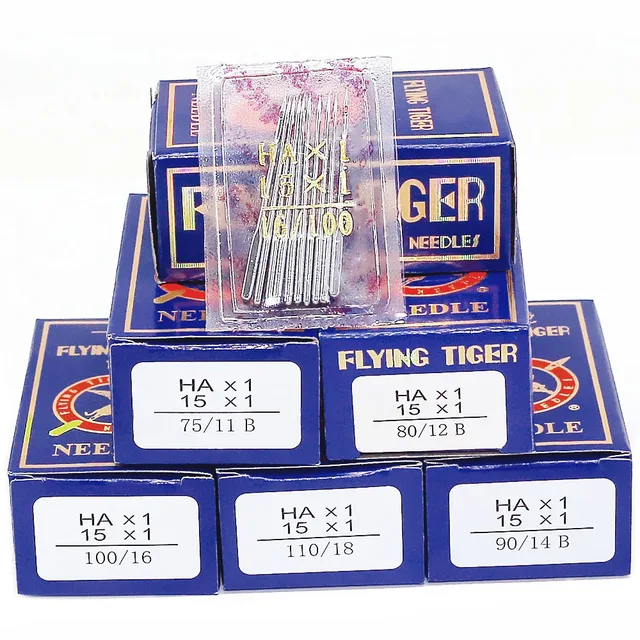 Flying Tiger HAX1 15x1 Sewing Machine Needles 100-Pack for Brother ...$ 13.99View part →
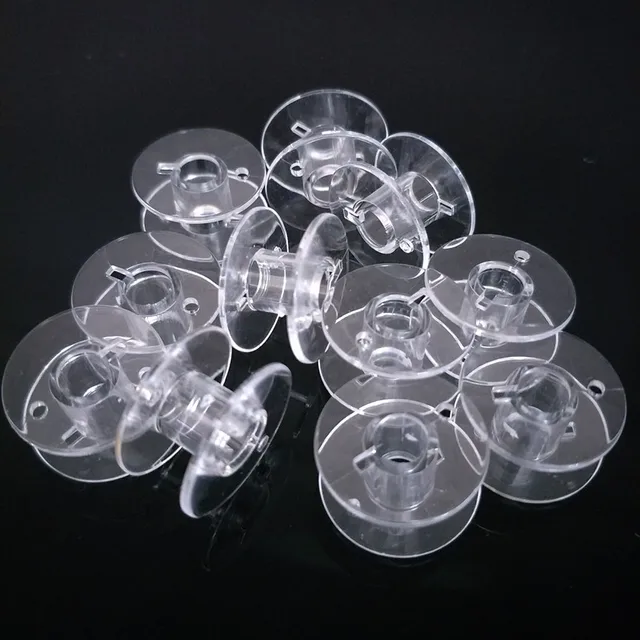 10pcs Clear Plastic Bobbins for Brother & Singer Sewing Machines | ...$ 6.49View part →
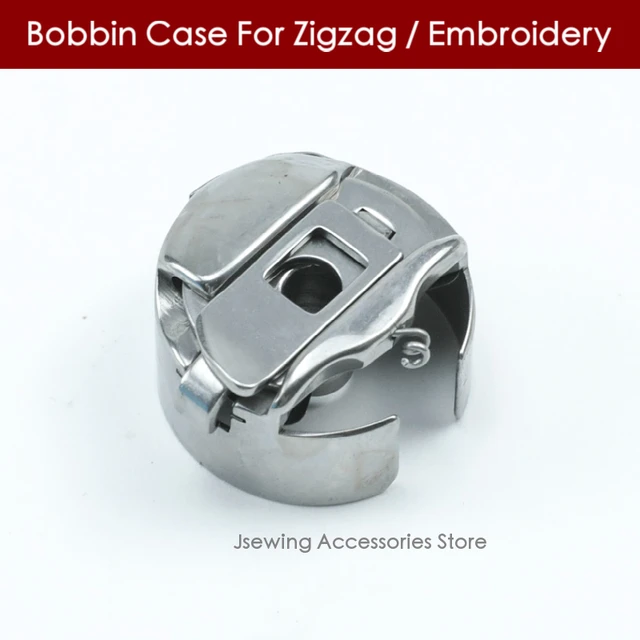 Industrial BC-DBZ(1)-NBL6 Bobbin Case for Barudan TZ1 LE2, Brother ...$ 8.49View part →
All Brother parts → Needles & Needle Bars → Rotary Hooks & Bobbin Cases → Thread Path & Tension →
3. Rotary Hook Assembly medium likelihood
How to tell
Loud knocking noises, skipped stitches, thread shredding, or inconsistent stitching. Visible wear, nicks, or burrs on the hook point or race. The hook may feel rough when rotating manually.
Fix
- Clean the rotary hook area daily, removing all lint and thread bits.
- Inspect the hook point and race for damage. Use a magnifying glass if necessary.
- Apply a drop of sewing machine oil to the rotary hook race daily or as recommended by your machine's manual.
- If significant damage or wear is present, the rotary hook assembly may need to be replaced. This often requires a technician.
Parts involved: Rotary hooks & bobbin cases →
4. Thread Path Components (Tension Discs, Thread Guides, Pre-tensioners) medium likelihood
How to tell
Inconsistent thread tension, thread shredding, frequent thread breaks, or visible grooves worn into plastic or metal guides. Thread may not sit properly between tension discs.
Fix
- Inspect all thread guides, tension discs, and pre-tensioners for lint, debris, and wear.
- Clean tension discs by flossing with a piece of scrap fabric or dental floss.
- Check for burrs or sharp edges on any metal or ceramic guides that could snag thread. Smooth with fine-grit sandpaper if minor, otherwise replace.
- Ensure tension discs open and close freely when the presser foot is raised and lowered.
Parts involved: Thread path & tension →
5. Thread Cutters/Trimmers medium likelihood
How to tell
Threads not cutting cleanly, leaving long tails, or jamming during the trim cycle. Audible grinding or struggling during trimming. This can lead to thread jams and bird's nesting.
Fix
- Clean the area around the thread cutter blades regularly, removing lint and thread scraps.
- Inspect the blades for dullness or damage. Some machines allow for minor adjustment or cleaning of the cutter mechanism.
- If cleaning and minor adjustments don't resolve the issue, the cutter blades or assembly may need replacement. This can be a complex repair.
Parts involved: Cutters & trimmers →
6. Hoops and Frames medium likelihood
How to tell
Fabric slipping in the hoop, uneven tension, distorted designs, or difficulty hooping. Visible cracks, warping, or damage to the hoop or its clips/screws. Magnetic hoops may lose magnetic strength over time.
Fix
- Inspect hoops and frames before each use for cracks, warping, or loose components.
- Ensure hoop screws tighten securely and hold fabric firmly without overtightening.
- For magnetic hoops, check that the magnets are still strong and that the frame is not bent.
- Replace damaged hoops to prevent design distortion and machine damage.
We stock 'Brother Magnetic Hoop for PR680W, PRS100, PR1X, PR1055X, PR1000E Embroidery Machines', 'Sewtalent Magnetic Mighty Hoop Frame Kit for Brother PR1X, PRS100, VR, PR600-PR680W, PR1000-PR1055X', 'CKPSMS KP-19405 Embroidery Hoop Babylock BMP8, BMP9, Brother PR600, PR1000', and 'Brother Flat Metal Hat Cap Hoop for PRS100 VR PR680W PR1050X PR1X PR600 PR620 PR650 PR655 PR670 PR1000 PR1055X'.
Parts involved: Hoops & frames →
7. Belts (X/Y Axis, Needle Bar Drive) low likelihood
How to tell
Loud squealing or grinding noises, jerky movement of the embroidery arm or needle bar, inaccurate design placement, or skipped stitches. Visible fraying, cracking, or stretching of the belts.
Fix
- Periodically inspect visible belts for wear, tension, and alignment.
- Ensure belts are free of lint and debris.
- If a belt is worn, stretched, or broken, it will need to be replaced. This can be a complex repair, often requiring a technician to ensure proper tension and alignment.
Parts involved: Belts, pulleys & gears →
8. Stepper Motors (X/Y Axis, Needle Bar Drive, Color Change) low likelihood
How to tell
Machine freezing, erratic movement, grinding noises, or complete failure of a specific function (e.g., X-axis not moving, color change not engaging). Error codes related to motor failure.
Fix
- If a motor is suspected of failing, first check all cable connections to ensure they are secure.
- Listen for unusual noises during operation. Motors should run smoothly.
- Motor replacement is an advanced repair and typically requires a qualified technician to diagnose and replace the correct motor, and potentially recalibrate the machine.
We stock various stepper motors such as '14HS20-1504S Nema 14 Stepper Motor for Tajima, Barudan, Brother PR Series, Melco EMT Amaya, SWF, Ricoma, CNC, 3D Printers', 'Nema17 17HM8401C 0.9° Stepper Motor for Tajima, Barudan, Ricoma, Brother PR, Ender 3/5, Prusa i3 MK3', 'Nema 17 Stepper Motor 17HS08-1004S 4-Lead 1A 13Ncm for Brother PR Series, Tajima, Barudan, Janome MB-4 MB-7, CNC, 3D Printers (2 Pcs)', '57HS11242A4D8EP-11 Nema23 Stepper Motor for Tajima, Barudan, SWF, Happy, Ricoma, Brother PR, CNC Embroidery', and 'NEMA17 Stepper Motor 30mm 1.8° for DyzeXtruder, Tajima, Barudan, Brother PR600 PR1000 PR1050X, Ricoma EM MT, Happy HCS2 HCD3, ZSK, SWF'.
Parts involved: Motors & drivers →
Maintenance schedule
| When | What to do | Why |
|---|---|---|
| Daily (or every 8-10 hours of use) | Clean the bobbin case and rotary hook area. | Removes lint and thread debris that can cause tension issues, thread breaks, and machine jams. |
| Daily (or every 8-10 hours of use) | Oil the rotary hook. | Ensures smooth operation of the hook, reducing friction and wear. Refer to your machine's manual for specific oiling points. |
| Daily (or every 8-10 hours of use) | Inspect and replace needles. | Dull or bent needles cause skipped stitches, thread breaks, and fabric damage. Frequent replacement ensures optimal stitch quality. |
| Weekly (or every 40-50 hours of use) | Thoroughly clean under the needle plate and around the feed dogs. | Removes accumulated lint and debris that can affect fabric feeding and stitch formation. |
| Weekly (or every 40-50 hours of use) | Clean thread tension discs and thread guides. | Ensures consistent thread tension and prevents thread shredding caused by lint buildup or burrs. |
| Monthly (or every 150-200 hours of use) | Inspect all visible belts for wear and tension. | Identifies potential issues before they lead to machine malfunction or inaccurate embroidery. |
| Monthly (or every 150-200 hours of use) | Check thread cutter blades for sharpness and cleanliness. | Prevents thread jams and ensures clean thread cuts, which are vital for smooth operation. |
| Every 6 months (or every 500 hours of use) | Inspect hoops and frames for damage or warping. | Damaged hoops can lead to design distortion and machine errors. |
| Annually (or every 1000 hours of use) | Professional servicing by a qualified technician. | Allows for deep cleaning, lubrication of internal components, and inspection of parts not accessible to the user, ensuring long-term machine health and performance. |
Stop and call a technician if
- If you encounter persistent error codes that cannot be resolved with basic troubleshooting.
- If the machine is making loud grinding, knocking, or squealing noises that don't resolve with cleaning and lubrication.
- If the machine's movement (X/Y axis, needle bar) is erratic or completely non-functional.
- For replacement of internal belts, motors, or complex electronic components.
- If you suspect damage to the main circuit board or control panel.
- For any issue that requires disassembly beyond basic user-serviceable parts, or if you are uncomfortable performing a repair yourself.
Prevent it coming back
- Always use high-quality embroidery thread and bobbins to minimize lint and thread breaks.
- Use the correct needle type and size for your fabric and thread to prevent damage and skipped stitches.
- Avoid forcing the machine to sew through overly thick or unsuitable materials.
- Keep your work area clean and free of dust and debris.
- Never pull fabric while the needle is in motion, as this can bend needles or damage the machine's mechanisms.
- Ensure hoops are properly tensioned and fabric is taut to prevent bird's nesting and needle strikes.
Frequently asked questions
How often should I clean my Brother PR series machine?
You should perform a quick cleaning of the bobbin area, needle plate, and thread path daily or after every 8-10 hours of use. A more thorough cleaning, including under the needle plate and around the rotary hook, should be done weekly.
What type of oil should I use for my embroidery machine?
Always use high-quality, clear sewing machine oil (often labeled 'white oil' or 'machine oil'). Avoid household oils or lubricants not specifically designed for sewing machines, as they can gum up mechanisms. Refer to your Brother PR series manual for specific oiling points and frequency.
Why is my machine making a strange noise?
Unusual noises can indicate several issues, including lint buildup, lack of lubrication, a bent needle, a damaged bobbin case, or a worn mechanical part like a belt or motor. Stop the machine immediately, clean and oil it, inspect the needle and bobbin case, and if the noise persists, consult your manual or a technician.
When should I replace my embroidery machine needles?
Needles should be replaced frequently, typically after every 8-10 hours of sewing time, or at the start of a new major project. Replace them immediately if you notice any signs of damage like bending, dullness, or burrs, or if you experience skipped stitches or thread breakage.
Can I use compressed air to clean my machine?
Yes, compressed air can be useful for blowing out lint from hard-to-reach areas. However, use it cautiously and ensure it's oil-free. Avoid blowing lint deeper into the machine's mechanisms. Always use it in conjunction with brushes and manual cleaning.
Did this guide fix your machine?
Rate it - it helps other operators find the right fix.
Not sure which part is failing?
Need the logo stitched too?
Get your logo digitized by the people who know this machine
Upload the artwork, see the stitch count and the exact price in 10 seconds, then order with a free sew-out preview. $1 per 1,000 stitches, $10 minimum, 24-hour delivery. Vector conversion from $12.
After the fix
Fixed it? Keep the rest of the shop moving.
OS 360 is the shop software from the team behind this parts store. Every job keeps its status, deadline and owner while a Brother head is down, restock alerts fire for needles, hooks and bobbins before you run dry, and quotes, invoices and payment live in one place.
- Jobs with status, deadline and owner - nothing slips during downtime
- Inventory with restock alerts, this store one click away
- Instant quotes, invoices and one place to collect payment