
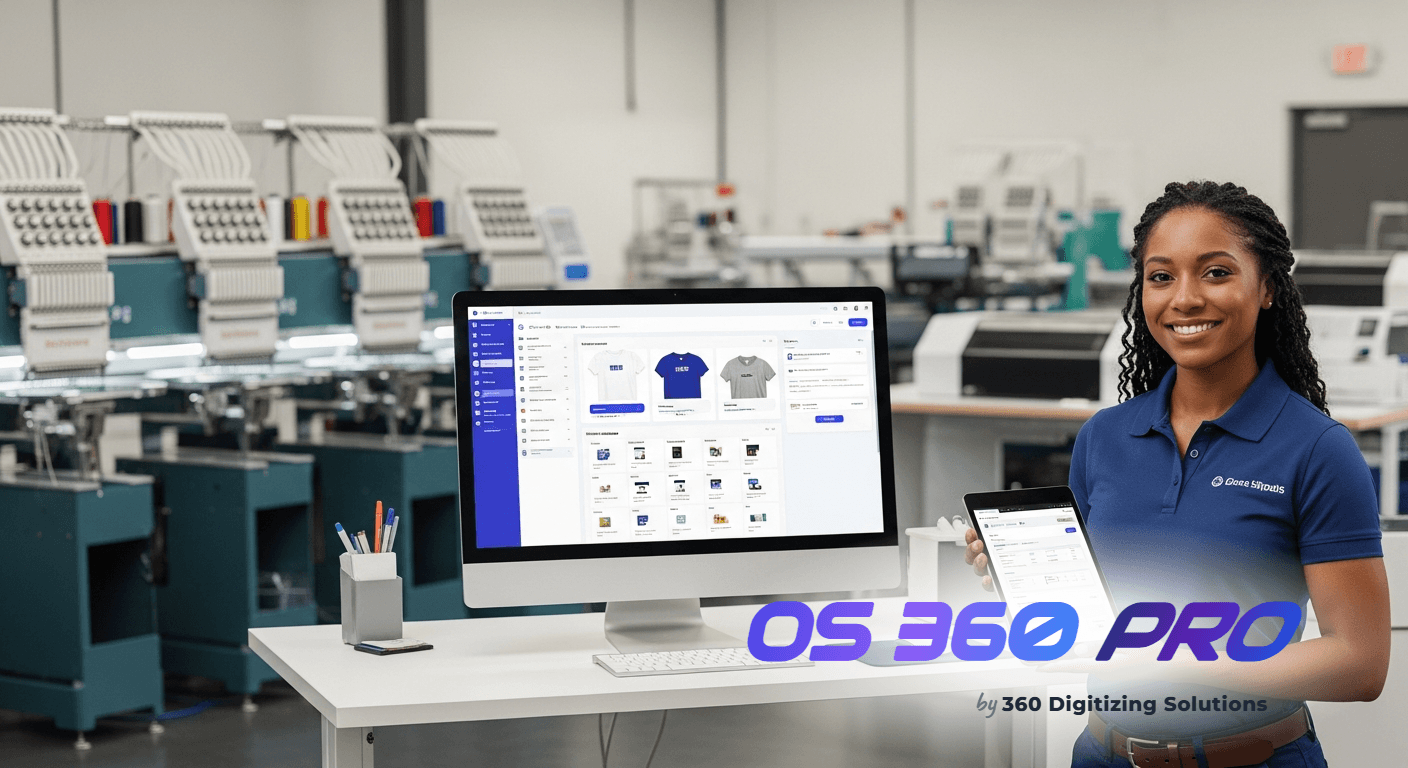
Every apparel decoration shop owner knows the struggle: repeat clients expect identical results, yet linking artwork files invoices to their exact digitizing setup often becomes a chaotic scramble. This manual process can lead to significant production delays and costly errors, especially when a client reorders an existing design. Keeping track of every DST file, vector art, and client approval across multiple invoices is a monumental task without a structured system.
The operational headaches multiply with each new order, creating a tangled web of files, emails, and notes. Shop owners frequently lose valuable time searching for the correct art files, confirming past specifications, or even re-digitizing designs due to poor organization. This inefficiency directly impacts your bottom line and client satisfaction.
Imagine the frustration: a loyal customer returns, expecting their order to be executed flawlessly, only for your team to produce an inconsistent product because the wrong file was used. Such mistakes erode trust and can damage your reputation in a competitive market. It’s time to streamline how you manage critical artwork and billing.
1. The Chaos of Unlinked Artwork & Inconsistent Production
One of the most profound operational headaches for apparel decoration shops is the disarray surrounding unlinked artwork files. When a repeat client places an order, the expectation is that their previous design specifications will be accurately replicated without fail. However, manually matching digitizing files (like DSTs) or vector art to specific invoices is often a time-consuming and error-prone process.
Elite Sports Club
05/20/2024
Approved
- 📎 ELITE_SPORTS_LOGO_FINAL.DST (Linked)
- 📎 ELITE_SPORTS_LOGO_PROOF.PDF
- 📎 ORDER_SHEET_INV-123.PDF
Without a robust system, shops frequently face production errors, delays, and the need for costly reworks. This directly impacts material costs, labor hours, and delivery schedules, causing a ripple effect throughout the entire operation. Ultimately, inconsistent production diminishes your brand’s reputation and client satisfaction.
- Manual Folder System: Create a standardized folder system on a shared drive, naming artwork files precisely as `[INVOICE_NUMBER]-[CLIENT_NAME].DST` to ensure some level of traceability.
- Spreadsheet Logging: Maintain a separate spreadsheet that cross-references invoice numbers with the exact file path and version of the artwork used for each job, requiring diligent manual updates.
- Physical Job Folders: Print out proofs and attach physical notes to a job folder, hoping it stays with the correct physical invoice copy for future reference.
- Email Archiving: Rely on meticulously organized email inboxes to find historical artwork approvals and attachments, often involving extensive search queries.
The OS 360 Pro Solution
- Cloud-based Invoice Tracking: OS 360 Pro allows you to directly attach all relevant artwork files, including DSTs and vector art, to their corresponding invoices and jobs in the cloud. This means every file is accessible from anywhere.
- Error Reduction & Consistency: By centralizing artwork with invoices, you eliminate guesswork and ensure the correct, approved file is always used for repeat orders, drastically reducing production errors and ensuring brand consistency.
- Time Savings & Efficiency: Shop owners and production teams save hours previously spent searching for files, allowing them to focus on production and client service instead of administrative tasks.
Local Charity Run
Awaiting Client Approval
5/21/2024 10:30 AM
- 5/21 10:30 AM: Proof sent via WhatsApp.
- 5/20 03:15 PM: Quote INV-2024-00124 generated.
2. Slow Approvals & Fragmented Communication
Another major headache stems from the cumbersome process of obtaining client approvals and managing fragmented communication. Before production can even begin, clients need to review and approve quotes, artwork proofs, and production schedules. This critical step often involves a back-and-forth across multiple channels, leading to significant delays and potential misunderstandings.
When communication is scattered across emails, text messages, phone calls, and in-person meetings, vital information gets lost or overlooked. This disjointed approach directly impacts job turnaround times and client satisfaction, creating bottlenecks that prevent your shop from processing orders efficiently. Delays in approval mean delays in production and payment.
- Email Chains & Phone Tag: Rely heavily on lengthy email threads or repeated phone calls to send proofs, gather feedback, and secure final approvals, which is slow and prone to oversight.
- Manual Quote Generation: Create quotes manually in spreadsheets or word processors, then convert them to PDFs to email to clients, making revisions cumbersome and time-consuming.
- Disparate Communication Logs: Keep notes from client interactions in various places – a CRM, a notebook, or just memory – making it difficult for the entire team to stay updated on a job’s status.
The OS 360 Pro Solution
- Streamlined Order Approvals: OS 360 Pro centralizes the entire approval process, allowing clients to review and approve quotes and artwork directly within the system. This drastically speeds up the pre-production phase.
- Integrated Communication (WhatsApp): Utilize the WhatsApp integration to communicate directly with clients, sending proofs, updates, and receiving approvals in a single, tracked thread. All communications are linked to the job.
- Efficient Quote Generation: Generate professional, detailed quotes quickly and accurately within OS 360 Pro. These quotes are then seamlessly connected to the job and approval workflow, reducing manual effort and errors.
3. Manual Payment Tracking & Revenue Blind Spots
Managing finances manually presents a significant operational burden, especially when tracking payments for completed jobs. Apparel decoration shops often struggle with knowing which invoices are paid, which are outstanding, and what their true cash flow looks like at any given moment. This lack of real-time financial visibility can severely impede decision-making.
$15,250
$12,500
$2,750
- INV-2024-00120: $500 (Stripe)
- INV-2024-00119: $1200 (PayPal)
The manual reconciliation of payments, often involving cross-referencing bank statements with paper invoices or spreadsheets, is incredibly time-consuming. This process is ripe for errors and can delay the accurate understanding of your shop’s financial health. Without clear revenue tracking, it’s impossible to make informed business decisions about growth or investments.
- Spreadsheet Payment Logs: Manually enter every payment into a spreadsheet, cross-referencing it with invoices, which requires constant vigilance and is prone to data entry errors.
- Bank Statement Reconciliation: Spend hours comparing bank and payment processor statements against your internal records to ensure all payments are accounted for and correctly attributed to invoices.
- Delayed Revenue Insights: Only gain a clear picture of your shop’s financial performance at the end of the month or quarter, after all manual reconciliation is complete, hindering agile management.
The OS 360 Pro Solution
- Automated Payment Capture (Stripe & PayPal): OS 360 Pro integrates directly with Stripe and PayPal, automatically capturing payments and updating invoice statuses in real-time. This eliminates manual payment tracking.
- Real-time Invoice Tracking: Instantly see the status of every invoice – paid, partially paid, or outstanding – directly within your cloud-based dashboard. This provides immediate visibility into your cash flow.
- Core Analytics & Revenue Tracking: Gain access to basic revenue tracking and core analytics that show you money in and money out. Understand your shop’s performance without complex manual calculations.
Five more ways OS 360 Pro keeps your shop ahead
Need help calculating your ink waste in the digitizing prep department?
Managing ink waste challenges in your digitizing prep line is critical. Learn the standard spreadsheet metrics to identify and eliminate operator errors.
Need help managing your garment spoilage in the vector art prep department?
Managing garment spoilage challenges in your vector art prep line is critical. Learn the standard spreadsheet metrics to identify and eliminate shipping delays.
Need help speeding up your mesh tension in the supplier blanks intake department?
Managing mesh tension challenges in your supplier blanks intake line is critical. Learn the standard spreadsheet metrics to identify and eliminate excessive costs.
Need help calculating your supplier lead times in the client approvals crm department?
Managing supplier lead times challenges in your client approvals crm line is critical. Learn the standard spreadsheet metrics to identify and eliminate unapproved designs.
The True Cost of Manual Management
See exactly how a modern shop management system compares against traditional workflows.
| Comparison Aspect | Manual Sheets & Gut Feeling | OS 360 Pro Analytics |
|---|---|---|
| Artwork File Management | Lost Files & Reworks Time-consuming searches for correct DSTs and vector art, leading to production errors and repeat digitizing costs. | Centralized Cloud Storage Artwork files are directly attached to invoices and jobs, ensuring instant access and eliminating production inconsistencies. |
| Client Approval Workflow | Fragmented Communication Slow, disjointed client approvals across emails and calls, causing significant delays and miscommunications. | Integrated Approvals & Comms Streamlined client approval portal with integrated WhatsApp communication for faster, clearer feedback and sign-offs. |
| Payment & Invoice Tracking | Manual Reconciliation Hours spent manually tracking payments, updating invoice statuses, and reconciling bank statements, leading to revenue blind spots. | Automated Payment & Status Direct Stripe & PayPal integrations automatically update invoice statuses and provide real-time cash flow visibility. |
| Job Scheduling & Oversight | Scheduling Chaos Reliance on whiteboards and individual notes for job scheduling, causing missed deadlines and difficulty allocating resources efficiently. | Centralized Job Scheduling Visualize and manage all jobs in one place, ensuring proper resource allocation and timely completion of every order. |
| Overall Efficiency & Growth | Stagnant Growth Potential Operational bottlenecks and administrative burdens consume time, preventing focus on scaling the business and acquiring new clients. | Empowered Growth Automation frees up valuable time, allowing shop owners to focus on strategic growth, client relationships, and expanding services. |




