
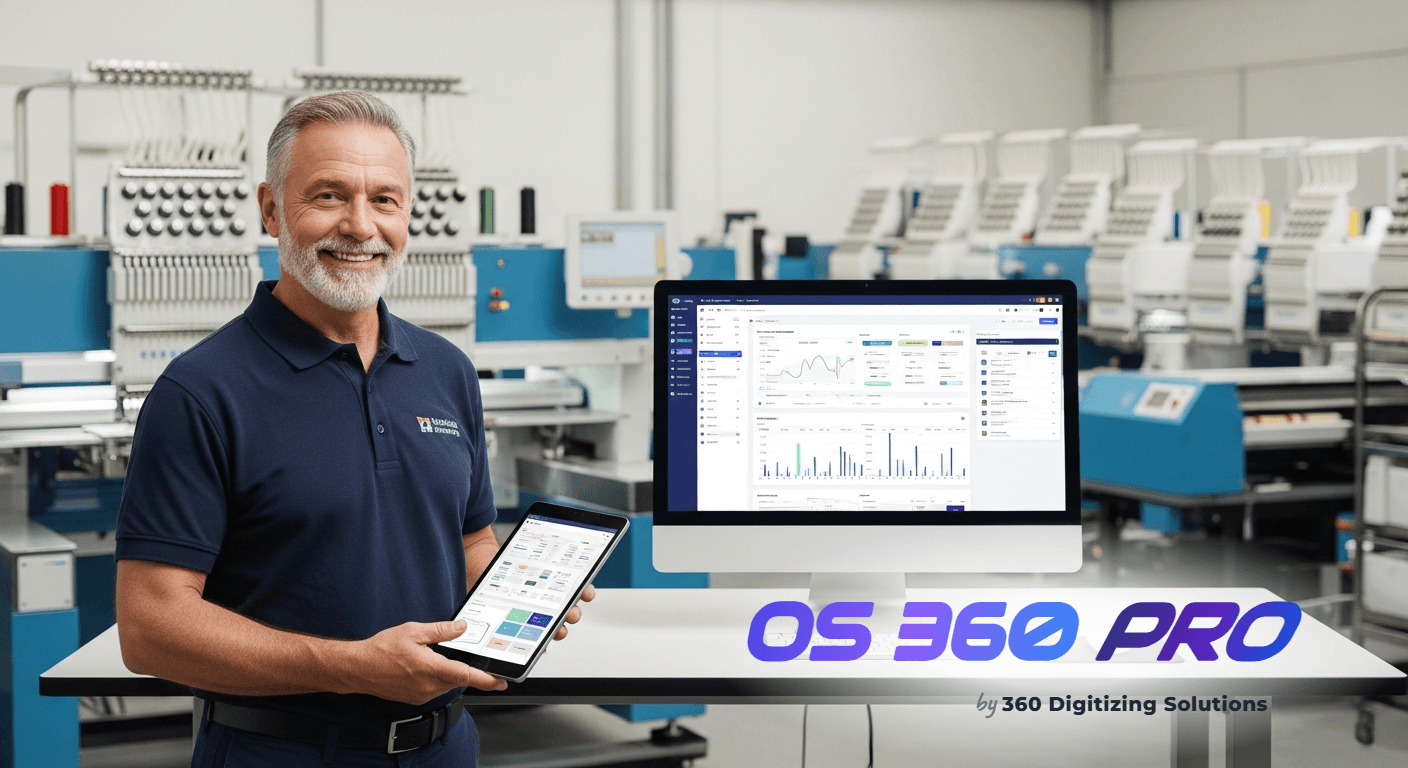
Are you running your shop on guesswork instead of real data? Many apparel decorators struggle to measure their true weekly profit, relying on gut feeling rather than specialized embroidery shop analytics software to track their financial health.
Without accurate metrics, you cannot see which jobs actually make money. You might spend hours on a complex 50-piece jacket back design, only to realize the machine setup time and thread breaks ate your entire margin.
To build a sustainable business, you need clear, real-time insights. In this guide, we will break down the exact operational metrics you must monitor to stop bleeding cash and scale your production efficiently.
1. Flying Blind on Daily Revenue and Order Volume
Many shop owners only know if they had a good month when they check their bank balance at the end of the 30-day cycle. This delay makes it impossible to adjust pricing or production speeds when orders start dropping.
Tracking active orders manually leads to missed deadlines and forgotten jobs. If you do not have a live view of your active job count, your production floor will alternate between chaotic rushes and silent machines.
| Job # | Customer | Garment | Status |
|---|---|---|---|
| #9821 | John S. | Polo Shirt | Stitching |
| #9822 | Sarah M. | Hoodie | Queue |
When you cannot see your daily revenue numbers instantly, you cannot react to seasonal slumps. You end up making staffing and inventory purchasing decisions based on stress rather than clear, mathematical realities.
- Export raw order logs from your retail platform at the end of every week.
- Paste the raw data into a master Excel spreadsheet manually.
- Write custom VLOOKUP formulas to piece together historical performance and calculate daily trends.
The OS 360 Pro Solution
- Core Analytics Dashboard: View your real-time revenue, active jobs, pending invoices, and open orders on a single screen without manual data entry.
- Stripe & PayPal Live Integration: Capture payments instantly and watch your revenue metrics update automatically as transactions clear.
How to use this right now: Log into your account and click on Dashboard in the left-hand main navigation menu. Immediately, you will see the 4 KPI cards displaying your live financial status. No setup or manual math is required.
2. Losing Money on Underpriced Quotes and Unapproved Estimates
Guessing stitch counts and garment markups is a fast path to losing your profits. If you quote a job based on an estimated 5,000 stitches but the final digitized file requires 12,000 stitches, you lose money on every garment.
Furthermore, sending quotes via basic email or text messages makes tracking approvals a nightmare. Customers forget to reply, quotes get lost in spam folders, and your production queue grinds to a halt while you wait for confirmation.
Without an integrated calculator, your team will spend hours quoting simple jobs. This slow response time allows faster competitors to win the contract before you even send your estimate.
- Open a blank spreadsheet and manually type in your estimated stitch counts.
- Calculate the garment cost, thread cost, and setup fees using hand calculations.
- Draft a manual email to the client, attach a PDF estimate, and set a calendar reminder to follow up in three days.
The OS 360 Pro Solution
- Stitch-Count Price Calculator: Input your exact garment quantity, stitch count, and thread colors to generate a highly accurate cost breakdown.
- One-Click Quote Conversion: Convert your calculated estimates into professional client quotes instantly to secure job approvals faster.
How to use this right now: Navigate to Estimates in the left sidebar menu. On the left side of the screen, select your Garment Type, enter the Quantity, type in the Stitch Count, and select your Thread Colors. Review the live price breakdown on the right side of the screen, then click the blue Convert to Quote button to send it to your client.
3. Chasing Late Payments with Zero Invoice Tracking
Writing down unpaid jobs on sticky notes or whiteboards leads directly to lost revenue. When your invoices are not connected to your production schedule, completed jobs sit on shelves while customers delay payment.
Without instant payment collection, you end up acting as a bank for your clients. You purchase expensive blanks and thread upfront, while waiting weeks or months to receive your final payment.
| Invoice # | Customer | Amount | Status |
|---|---|---|---|
| INV-1002 | John S. | $45 OS 360 Pro Suite First Month for $0 $49.99 will be charged from month 2. Card required Enjoy All Amazing Pro Features for Free!
     © 2026 360 Digitizing Solutions. Services
Logo DigitizingFrom $1/1000 stitches
Vector ConversionFrom $12
Custom PatchesFrom $0.44/patch
Cap Logo DigitizingLeft chest & caps
Embroidery FormatsDST, PES, EXP, JEF
Patch Cost CalculatorInstant estimate
Business Card PrintingFull-color, fast turnaround
Custom Printed Team ShirtsScreen print, any size run
Custom Embroidery StickersIron-on & adhesive
Custom Embroidered HatsCaps & headwear
PricingOS 360 ProStart a Quick OrderNo signup needed — upload your artwork and order in 2 minutes. Digital proof approved by you before any payment. Digitizing OrderQuick order with $10 deposit Vector OrderQuick order with $12 deposit Patches OrderQuick order with $100 deposit |