
Blog
Happy HCS Series Embroidery Machine Maintenance Guide

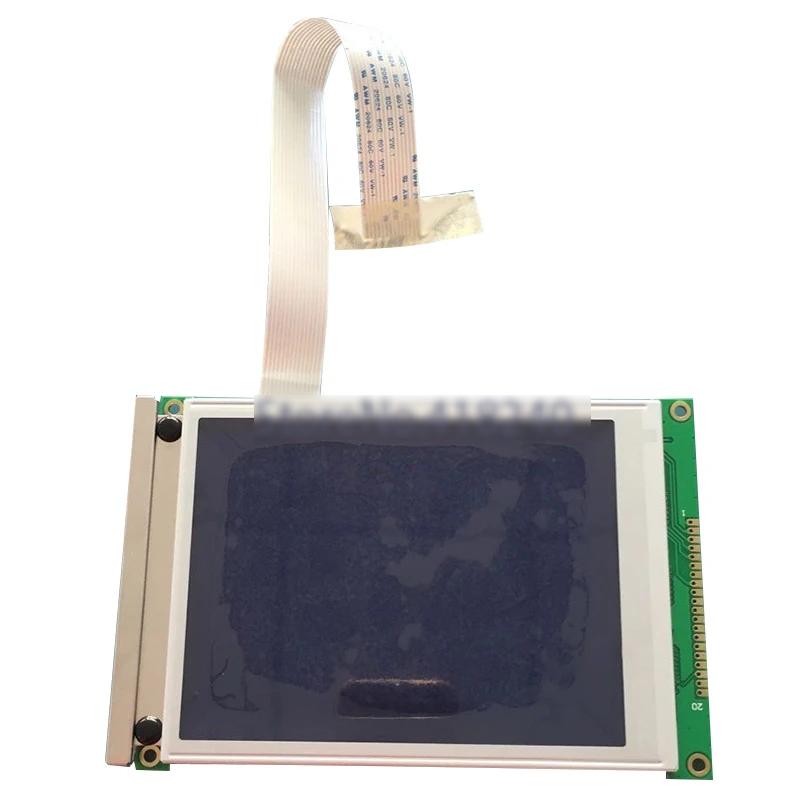
Quick answer: Regular maintenance is crucial for the longevity and performance of your Happy HCS series embroidery machine. Focus on daily cleaning of the thread path and hook area, weekly lubrication, and periodic inspection of wear parts like needles, rotary hooks, and tension components to prevent skipped stitches, thread breaks, and costly repairs.
Maintaining your Happy HCS series embroidery machine is essential for consistent stitch quality, preventing costly breakdowns, and extending the lifespan of your equipment. This guide provides a comprehensive overview of routine maintenance tasks, common wear parts, and troubleshooting tips to keep your machine operating at peak performance. Regular care will minimize downtime and ensure your embroidery projects are completed flawlessly.
Two-minute checks before you open anything
- Check for any loose threads or lint around the needle bar and hook area.
- Listen for unusual noises during operation.
- Visually inspect the needle for straightness and sharpness.
- Ensure the bobbin is wound evenly and inserted correctly.
- Verify that all thread paths are clear and free of obstructions.
1. Needles high likelihood
How to tell
Skipped stitches, frequent thread breaks, dull or bent needle, burrs on the needle point, fabric damage.
Fix
- Inspect the needle for straightness, burrs, and dullness. A magnifying glass can help.
- Replace the needle with the correct type and size for your fabric and thread. Ensure the scarf is facing the correct direction (usually towards the back).
- Always use high-quality needles and replace them regularly, typically every 8-10 hours of sewing or at the first sign of issues.
Parts involved: Needles & needle bars →
2. Rotary Hook and Bobbin Case high likelihood
How to tell
Poor bottom tension, looping on the top or bottom, frequent bobbin thread breaks, noise from the hook area, burrs or nicks on the hook point or bobbin case.
Fix
- Remove the bobbin case and inspect for lint buildup, burrs, or damage. Clean thoroughly with a brush and compressed air.
- Inspect the rotary hook for nicks, burrs, or excessive wear on the point. Gently polish minor burrs with very fine sandpaper (e.g., 600 grit) or replace if significantly damaged.
- Ensure the bobbin case tension spring is clean and functioning correctly. Adjust bobbin tension if necessary.
- Lubricate the rotary hook area as per your machine's manual.
Parts involved: Rotary hooks & bobbin cases →
Parts you may need for Happy HCS
In stock, tested before dispatch, Buyer Protection on every order. Part types for this problem: Rotary hooks & bobbin cases, Needles & needle bars, Thread path & tension, Presser feet & sewing parts.
 Sewtalent Embroidery Hoops for Happy HCH-701, HCS3-1201, HCD3e-1501...$ 39.09View part →
 Sewtalent Magnetic Mighty Hoop Master for Happy Japan HCS HCH HCD H...$ 78.49View part →
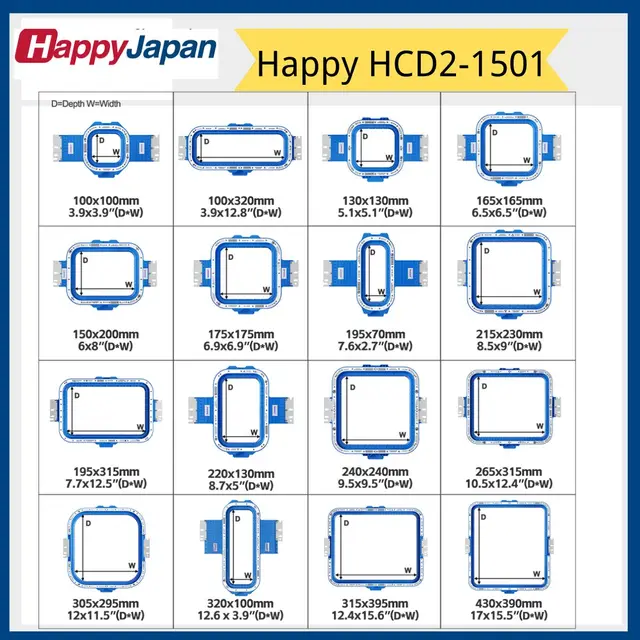 Sewtalent Magnetic Embroidery Hoop Frame for Happy Japan HCD2-1501-...$ 76.99View part →
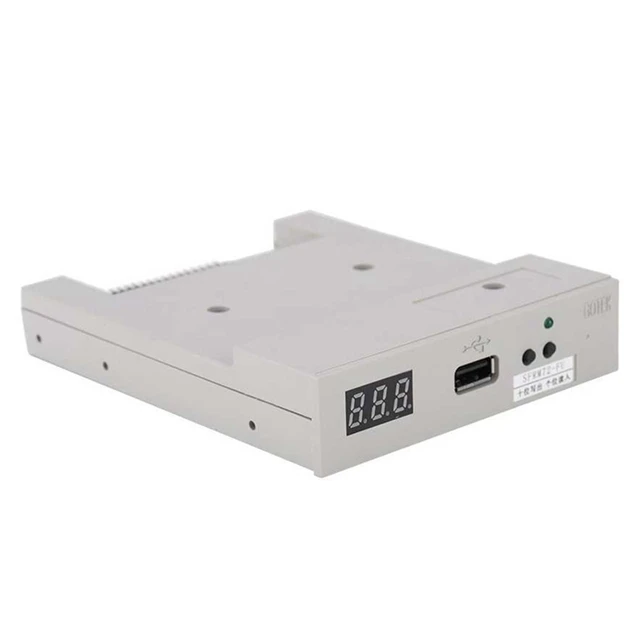 SFRM72-FU USB Floppy Emulator for Tajima, Barudan, Happy, ZSK, Brot...$ 65.09View part →
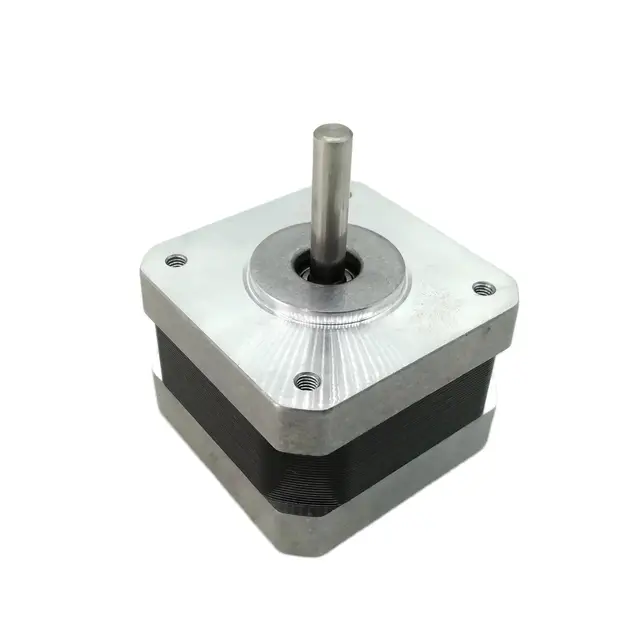 NEMA17 Stepper Motor 30mm 1.8° for DyzeXtruder, Tajima, Barudan, Br...$ 26.49View part →
 Gotek SFRM72-FU Floppy Drive Emulator USB Reader for Tajima, Baruda...$ 59.29View part →
All Happy HCS parts → Rotary Hooks & Bobbin Cases → Needles & Needle Bars → Thread Path & Tension →
3. Thread Path Components (Tension Discs, Thread Guides, Take-up Lever) medium likelihood
How to tell
Inconsistent thread tension, frequent thread breaks, shredding thread, lint buildup on guides, grooves worn into metal or ceramic components.
Fix
- Inspect all thread guides, tension discs, and the take-up lever for lint, burrs, or grooves.
- Clean all components thoroughly with a brush and compressed air. Use a thin piece of fabric or dental floss to clean between tension discs.
- If grooves are present, especially on ceramic or metal guides, consider replacement as they can damage thread.
Parts involved: Thread path & tension →
4. Thread Cutting Knives (Moving and Fixed) medium likelihood
How to tell
Incomplete thread cuts, frayed thread ends after cutting, thread jams in the cutting mechanism, loud noise during cutting.
Fix
- Inspect both the moving and fixed knives for dullness, nicks, or burrs. They should be sharp and clean.
- Clean any lint or thread debris from around the cutting mechanism.
- If knives are dull or damaged, they will need to be replaced. Refer to your machine's manual for specific replacement procedures.
- Ensure proper alignment and timing of the cutting mechanism.
Parts involved: Cutters & trimmers →
5. Presser Foot and Needle Plate low likelihood
How to tell
Fabric damage, skipped stitches, needle deflection, burrs or nicks on the needle plate hole, bent or damaged presser foot.
Fix
- Inspect the presser foot for any bends, burrs, or damage that could snag fabric or interfere with the needle.
- Examine the needle plate hole for burrs or enlargement caused by needle strikes. Minor burrs can sometimes be carefully filed smooth, but significant damage requires replacement.
- Ensure the presser foot height is correctly adjusted according to your manual.
Parts involved: Presser feet & sewing parts →
6. Belts (X/Y Carriage, Head Drive) low likelihood
How to tell
Inaccurate stitching, misaligned designs, grinding or squealing noises, visible cracks, fraying, or stretching on the belts, machine skipping stitches or stopping unexpectedly.
Fix
- Visually inspect all drive belts (X-axis, Y-axis, and head drive) for signs of wear, cracking, fraying, or looseness.
- Check belt tension. Belts should be taut but not overly tight. Refer to your machine's manual for specific tensioning instructions.
- Clean any lint or debris from the belt teeth and pulleys.
- If a belt shows significant wear or damage, it should be replaced. Ensure correct belt type and length are used.
Parts involved: Belts, pulleys & gears →
7. Stepper Motors low likelihood
How to tell
Machine not moving on X or Y axis, jerky movements, loud grinding noises from a specific motor, error codes related to motor failure.
Fix
- Check motor connections for looseness or corrosion.
- Listen for unusual noises coming from specific motors during operation.
- If a motor is suspected of failing, it may require professional diagnosis. Replacement involves disconnecting wiring and mounting bolts.
- Ensure the motor is correctly sized and rated for the application. (e.g., NEMA17 Stepper Motor 30mm 1.8° for DyzeXtruder, Tajima, Barudan, Brother PR600 PR1000 PR1050X, Ricoma EM MT, Happy HCS2 HCD3, ZSK, SWF)
NEMA17 Stepper Motor 30mm 1.8° for DyzeXtruder, Tajima, Barudan, Brother PR600 PR1000 PR1050X, Ricoma EM MT, Happy HCS2 HCD3, ZSK, SWF
Parts involved: Motors & drivers →
8. USB Floppy Emulator low likelihood
How to tell
Machine unable to read design files from USB, 'disk error' messages, slow file loading, intermittent data transfer issues.
Fix
- Ensure the USB drive is properly formatted and contains compatible design files.
- Try a different USB drive to rule out drive issues.
- Check the emulator's connections to the machine's control board.
- If the emulator consistently fails to read files or shows errors, it may need replacement. (e.g., SFRM72-FU USB Floppy Emulator for Tajima, Barudan, Happy, ZSK, Brother, Melco, Feiya, Ricoma Embroidery or Gotek SFRM72-FU USB Floppy Emulator for Tajima TMFX TMEF TFMX TCMX, Barudan BEAT BED BEKY, Happy HCS HCD HCR)
SFRM72-FU USB Floppy Emulator for Tajima, Barudan, Happy, ZSK, Brother, Melco, Feiya, Ricoma Embroidery | Gotek SFRM72-FU USB Floppy Emulator for Tajima TMFX TMEF TFMX TCMX, Barudan BEAT BED BEKY, Happy HCS HCD HCR
Parts involved: Floppy, USB & memory →
Maintenance schedule
| When | What to do | Why |
|---|---|---|
| Daily (or every 4-6 hours of operation) | Clean the rotary hook area and bobbin case. | Prevents lint buildup that can cause skipped stitches, thread breaks, and damage to the hook. |
| Daily (or every 4-6 hours of operation) | Oil the rotary hook race. | Reduces friction and wear, ensuring smooth operation and preventing overheating. |
| Daily | Clean the thread path (tension discs, thread guides, take-up lever). | Removes lint and debris that can cause inconsistent tension and thread breaks. |
| Daily | Replace the needle. | Ensures optimal stitch quality, prevents skipped stitches, and reduces thread breaks and fabric damage. |
| Weekly | Clean under the needle plate and around the feed dogs (if applicable). | Removes lint and small fabric particles that can affect fabric movement and stitch quality. |
| Weekly | Inspect and clean thread cutting knives. | Ensures clean thread cuts and prevents thread jams. |
| Weekly | Check and clean the presser foot. | Ensures proper fabric hold and prevents damage to the fabric. |
| Monthly (or every 100-150 hours of operation) | Lubricate all specified oiling points as per your manual. | Maintains smooth operation of moving parts, reduces wear, and extends machine life. |
| Monthly | Inspect all drive belts (X, Y, and head) for wear and tension. | Prevents misaligned designs, inaccurate stitching, and unexpected breakdowns. |
| Monthly | Clean the machine's exterior and control panel. | Maintains visibility, prevents dust ingress, and ensures proper function of controls. |
| Every 3-6 Months | Check and clean the main circuit board and control box for dust buildup (power off and unplug first). | Prevents overheating and potential electronic failures. |
| Annually (or every 500-1000 hours of operation) | Consider professional servicing for thorough cleaning, lubrication, timing checks, and part replacement. | Ensures optimal performance, identifies potential issues early, and extends the machine's lifespan. |
Stop and call a technician if
- If you encounter persistent error codes that cannot be resolved with basic troubleshooting.
- If there are unusual grinding noises or mechanical binding that you cannot identify or fix.
- For complex electrical issues or control board failures.
- If you suspect timing issues with the needle bar, hook, or cutting mechanism.
- For any repair that requires specialized tools or extensive disassembly beyond your comfort level.
Prevent it coming back
- Always use high-quality needles, threads, and backings appropriate for your project.
- Avoid running the machine with a dull or bent needle; replace it immediately.
- Keep your work area clean and free of dust and debris.
- Ensure proper thread tension settings for both top and bobbin threads.
- Do not force the machine if it jams; investigate the cause gently.
- Power down the machine correctly at the end of each day.
- Use a dust cover when the machine is not in use.
Frequently asked questions
How often should I oil my Happy HCS machine?
The frequency of oiling depends on your machine's usage. As a general guideline, oil the rotary hook area daily or every 4-6 hours of operation. Other lubrication points may require weekly or monthly attention. Always consult your Happy HCS operator's manual for specific lubrication points and intervals, as over-oiling can be as detrimental as under-oiling.
Why is my Happy HCS machine skipping stitches?
Skipped stitches are often caused by a dull or bent needle, incorrect needle size for the fabric, improper threading, incorrect tension, or issues with the rotary hook (e.g., lint buildup, nicks, or incorrect timing). Start by replacing the needle and rethreading the machine. Then, clean and inspect the rotary hook area.
What kind of oil should I use for my Happy HCS embroidery machine?
Always use high-quality, clear, non-staining sewing machine oil specifically designed for industrial embroidery machines. Do not use household oils or general-purpose lubricants, as they can gum up mechanisms and stain fabric. Refer to your Happy HCS manual for any specific oil recommendations.
From the Happy HCS3 parts book
The assemblies involved in this problem, as the manufacturer lists them. Open a section to see every part number, which ones we stock, and get a price on the rest.
Did this guide fix your machine?
Rate it - it helps other operators find the right fix.
Not sure which part is failing?
Need the logo stitched too?
Get your logo digitized by the people who know this machine
Upload the artwork, see the stitch count and the exact price in 10 seconds, then order with a free sew-out preview. $1 per 1,000 stitches, $10 minimum, 24-hour delivery. Vector conversion from $12.
After the fix
Fixed it? Keep the rest of the shop moving.
OS 360 is the shop software from the team behind this parts store. Every job keeps its status, deadline and owner while a HCS head is down, restock alerts fire for needles, hooks and bobbins before you run dry, and quotes, invoices and payment live in one place.
- Jobs with status, deadline and owner - nothing slips during downtime
- Inventory with restock alerts, this store one click away
- Instant quotes, invoices and one place to collect payment