
Blog
Happy HCS Series Embroidery Machine Troubleshooting: Common Problems & Fixes

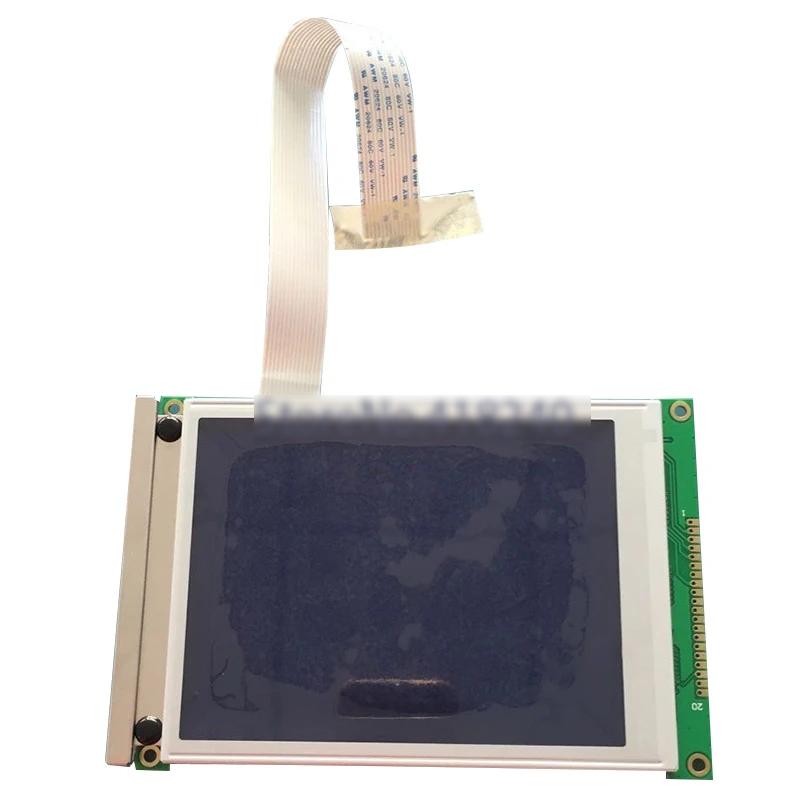
Quick answer: Many Happy HCS series embroidery machine issues, such as thread breaks or poor stitch quality, can be resolved by checking threading, tension, needles, and cleaning the bobbin area. For design loading problems, ensure your USB is formatted correctly or consider a USB floppy emulator upgrade.
The Happy HCS series embroidery machines are known for their reliability, but like any precision equipment, they can encounter issues. This guide provides practical troubleshooting steps and solutions for common problems faced by operators. We focus on issues you can often resolve yourself, helping you get back to embroidering quickly. Remember to always consult your Happy HCS operator's manual for specific instructions and safety warnings.
Two-minute checks before you open anything
- Is the machine plugged in and powered on?
- Is the thread correctly loaded through all guides and tension discs?
- Is the bobbin correctly inserted and wound?
- Is the needle new, correctly inserted, and the right type/size?
- Is the fabric securely hooped?
- Are there any obvious obstructions (tangled thread, fabric scraps) in the sewing area?
1. Frequent Thread Breaks or Poor Stitch Quality high likelihood
How to tell
Thread snaps repeatedly during embroidery, stitches appear loose, looped, skipped, or uneven. Fabric may pucker or designs look messy.
Fix
- Re-thread the machine completely, ensuring the thread passes through all guides and tension discs correctly. Check the thread path for any burrs or sharp edges.
- Adjust the upper thread tension. Start with the manufacturer's recommended setting and make small adjustments. Too tight can break thread, too loose can cause looping.
- Clean the bobbin case and rotary hook area. Remove any lint, dust, or thread bits. Ensure the bobbin is wound correctly and inserted with the thread coming off in the right direction.
- Replace the needle. A bent, dull, or incorrect size/type needle can cause thread breaks and poor stitches. Ensure the needle is inserted correctly and fully seated.
- Check the presser foot height. If it's too high or too low, it can affect stitch formation. Refer to your machine's manual for proper adjustment.
- Inspect the thread itself. Old, dry, or poor-quality thread can break easily. Try a fresh spool of high-quality embroidery thread.
While specific tension discs or thread guides can wear, often the issue is adjustment or cleaning. Needles and bobbins are consumables.
Parts involved: Thread path & tension → Needles & needle bars → Rotary hooks & bobbin cases → Presser feet & sewing parts → Head & mechanical parts → Screws, springs & small parts →
2. Needle Breaks medium likelihood
How to tell
The needle snaps during embroidery, often with a loud 'pop' sound. This can damage the fabric or the machine.
Fix
- Replace the needle immediately. Ensure it's the correct type and size for your fabric and thread, and that it's inserted correctly and fully seated.
- Check your hooping. If the fabric is not taut or the hoop is loose, the needle can hit the hoop or bunched fabric. Re-hoop the item securely.
- Inspect the needle plate and rotary hook for damage. A previous needle break might have left burrs or nicks that can catch new needles.
- Verify the presser foot is set at the correct height. If it's too low, it can interfere with the needle's movement.
- Ensure the design is digitized correctly and not causing the needle to hit parts of the machine or hoop. Avoid embroidering over thick seams or zippers without proper preparation.
A bent or dull needle is the most common cause. Hoops like Sewtalent Embroidery Hoops for Happy HCS3-1201 or Sewtalent Magnetic Mighty Hoop Master can help with secure hooping.
Parts involved: Needles & needle bars → Hoops & frames → Presser feet & sewing parts → Rotary hooks & bobbin cases → Head & mechanical parts →
Parts you may need for Happy HCS
In stock, tested before dispatch, Buyer Protection on every order. Part types for this problem: Thread path & tension, Needles & needle bars, Rotary hooks & bobbin cases, Presser feet & sewing parts.
 Sewtalent Embroidery Hoops for Happy HCH-701, HCS3-1201, HCD3e-1501...$ 39.09View part →
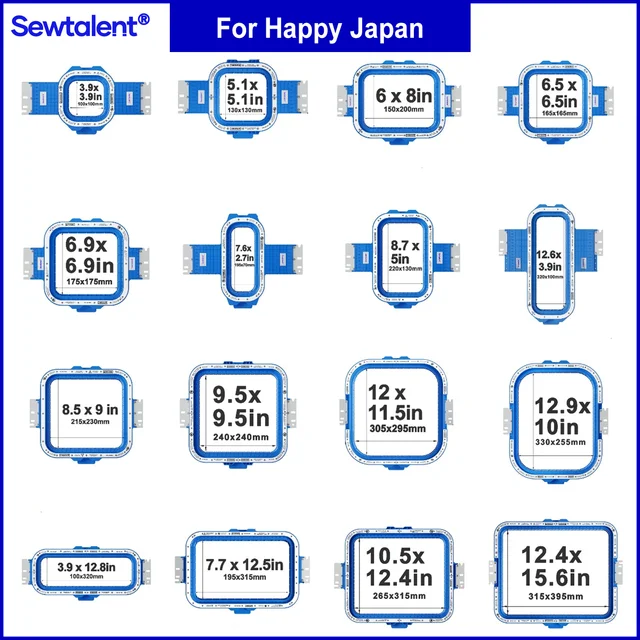 Sewtalent Magnetic Mighty Hoop Master for Happy Japan HCS HCH HCD H...$ 78.49View part →
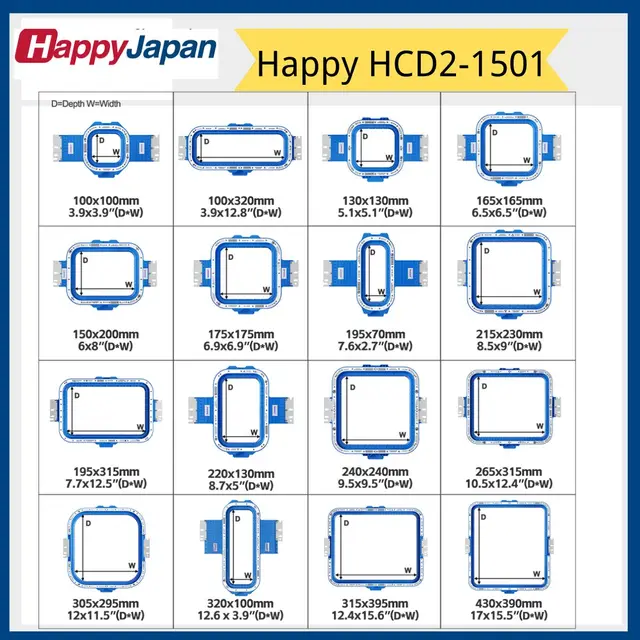 Sewtalent Magnetic Embroidery Hoop Frame for Happy Japan HCD2-1501-...$ 76.99View part →
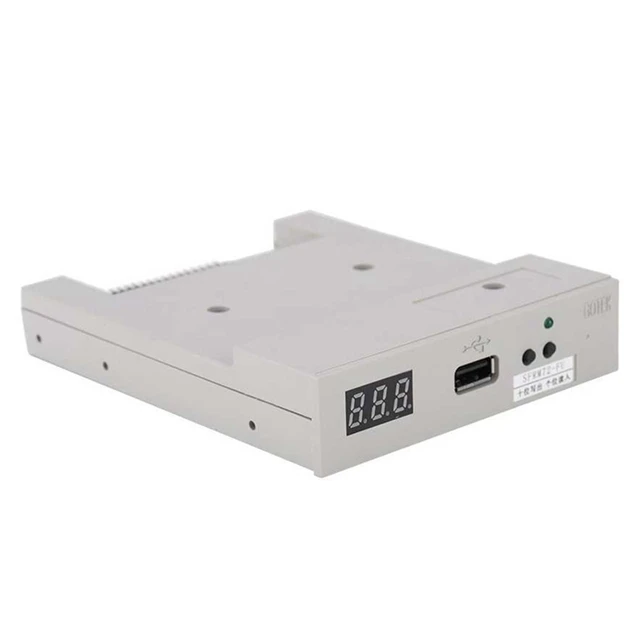 SFRM72-FU USB Floppy Emulator for Tajima, Barudan, Happy, ZSK, Brot...$ 65.09View part →
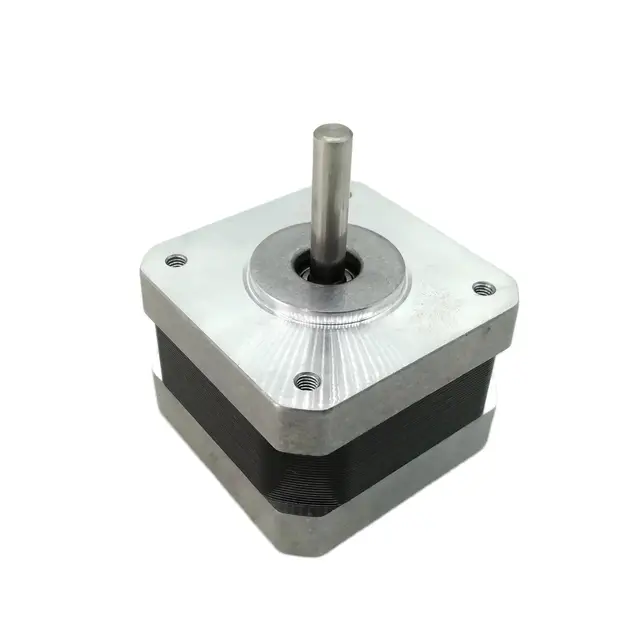 NEMA17 Stepper Motor 30mm 1.8° for DyzeXtruder, Tajima, Barudan, Br...$ 26.49View part →
 Gotek SFRM72-FU Floppy Drive Emulator USB Reader for Tajima, Baruda...$ 59.29View part →
All Happy HCS parts → Thread Path & Tension → Needles & Needle Bars → Rotary Hooks & Bobbin Cases →
3. Machine Not Reading Designs / Floppy Drive Issues medium likelihood
How to tell
The machine displays an error message when trying to load a design, or the floppy drive does not respond or read disks. Designs fail to load or transfer.
Fix
- Ensure your design file is in the correct format (.DST is common for Happy machines) and is not corrupted. Try loading a different, known-good design.
- If using a USB floppy emulator, ensure the USB stick is formatted correctly (FAT32 is typical) and that the design files are placed in the root directory or correctly numbered folders as per the emulator's instructions.
- Try a different USB stick or floppy disk. Sometimes the storage media itself can be faulty.
- Check the connection of the floppy emulator or drive. Ensure cables are securely seated.
- Consider upgrading to a USB floppy emulator if you are still using physical floppy disks, as they are prone to failure and difficult to find. The SFRM72-FU USB Floppy Emulator is a common replacement.
The SFRM72-FU USB Floppy Emulator for Tajima, Barudan, Happy, ZSK, Brother, Melco, Feiya, Ricoma Embroidery or Gotek SFRM72-FU USB Floppy Emulator for Happy HCS HCD HCR are direct replacements for the original floppy drive.
Parts involved: Floppy, USB & memory → Circuit boards & electronics → Cables & wiring →
4. Skipped Stitches or Looping medium likelihood
How to tell
Stitches are missing from the design, or the top thread forms loops on the underside of the fabric (or vice-versa).
Fix
- Check your needle. A dull, bent, or incorrect needle is a primary cause. Replace it with a new, sharp needle of the correct type and size.
- Re-thread the machine completely, paying close attention to the tension discs and thread guides. Ensure the thread is seated properly in the tension discs.
- Adjust thread tension. Looping on top usually means the bobbin tension is too tight or top tension is too loose. Looping on the bottom means the top tension is too tight or bobbin tension is too loose.
- Clean the bobbin case and rotary hook area thoroughly. Lint and debris can interfere with bobbin thread release.
- Ensure the bobbin is wound evenly and inserted correctly. An unevenly wound bobbin can cause inconsistent tension.
- Check for burrs on the needle plate or rotary hook that might be snagging the thread.
Often a combination of needle, threading, and tension issues. Regular cleaning helps prevent these problems.
Parts involved: Needles & needle bars → Thread path & tension → Rotary hooks & bobbin cases → Head & mechanical parts →
5. Machine Not Starting / Error Codes low likelihood
How to tell
Machine does not power on, or powers on but displays an error code and will not operate. Machine may make unusual noises or fail to move.
Fix
- Check all power connections. Ensure the machine is plugged into a working outlet and the power cord is securely connected to the machine.
- Consult your Happy HCS operator's manual for the specific error code displayed. The manual will provide the most accurate troubleshooting steps for that code.
- Perform a hard reset if safe to do so (unplug, wait 30 seconds, plug back in).
- Check for any obvious obstructions in the sewing area, such as tangled thread or fabric, that might be preventing movement.
- If the machine uses a NEMA17 Stepper Motor, and you suspect motor failure (e.g., specific axis not moving), this could be a component to investigate, but typically requires technician diagnosis.
Many error codes point to specific sensors or mechanical issues. A NEMA17 Stepper Motor 30mm 1.8° for Happy HCS2 HCD3 is a key component for axis movement.
Parts involved: Circuit boards & electronics → Cables & wiring → Motors & drivers → Sensors & switches →
Maintenance schedule
| When | What to do | Why |
|---|---|---|
| Daily/Every 4-8 hours of operation | Clean bobbin case and rotary hook area. | Removes lint and thread debris that can cause skipped stitches, thread breaks, and poor stitch quality. |
| Weekly/Bi-weekly | Thoroughly clean thread path, tension discs, and under the needle plate. Check for burrs. | Ensures smooth thread flow and prevents damage to thread or needles. |
| Monthly | Lubricate moving parts as per your Happy HCS manual. | Reduces friction and wear, prolonging machine life and ensuring smooth operation. |
| Every 3-6 months | Inspect belts, pulleys, and gears for wear or damage. Check for loose screws. | Prevents major mechanical failures and maintains stitch precision. |
Stop and call a technician if
- If the machine displays a persistent error code that cannot be resolved with basic troubleshooting from the manual.
- If you suspect a major mechanical issue, such as a timing problem, unusual grinding noises, or a seized part.
- If electrical components (control board, power supply) appear to be faulty or damaged.
- If you are uncomfortable performing a repair or if the issue requires specialized tools or knowledge.
- If the machine is not powering on at all after checking basic power connections.
Prevent it coming back
- Use high-quality embroidery thread and needles appropriate for your fabric and design.
- Regularly clean the bobbin area, thread path, and tension discs to prevent lint buildup.
- Ensure proper hooping – fabric should be taut but not stretched, and the hoop should be securely fastened.
- Perform routine lubrication as recommended in your Happy HCS manual.
- Keep your machine in a clean, dust-free environment and cover it when not in use.
- Regularly check for and replace worn-out needles, bobbins, and other consumables.
- Back up your design files and ensure your USB sticks are properly formatted and free of errors.
Frequently asked questions
How often should I clean my Happy HCS machine?
You should clean the bobbin case and rotary hook area daily or after every 4-8 hours of operation. A more thorough cleaning, including thread path and tension assemblies, should be done weekly or bi-weekly depending on usage. Refer to your manual for specific recommendations.
What type of needles should I use for my Happy HCS?
Happy HCS machines typically use DBxK5 (or 130/705H) industrial embroidery needles. Always match the needle size to your thread weight and fabric type. For example, a 75/11 for general embroidery, 80/12 for slightly heavier fabrics, and 90/14 for very dense designs or thicker materials.
My machine's display is blank or flickering. What should I do?
First, check all power connections and ensure the machine is plugged into a stable power source. Try turning the machine off and on again. If the issue persists, it could indicate a problem with the control panel, display cable, or power supply, which may require a technician.
Can I use any USB stick with the SFRM72-FU USB Floppy Emulator?
While many USB sticks work, it's best to use smaller capacity (e.g., 2GB, 4GB, 8GB) USB 2.0 drives formatted to FAT32. Some larger or newer USB 3.0 drives may not be compatible. Ensure your design files are placed in the correct directory structure as required by the emulator.
From the Happy HCS3 parts book
The assemblies involved in this problem, as the manufacturer lists them. Open a section to see every part number, which ones we stock, and get a price on the rest.
Did this guide fix your machine?
Rate it - it helps other operators find the right fix.
Not sure which part is failing?
Need the logo stitched too?
Get your logo digitized by the people who know this machine
Upload the artwork, see the stitch count and the exact price in 10 seconds, then order with a free sew-out preview. $1 per 1,000 stitches, $10 minimum, 24-hour delivery. Vector conversion from $12.
After the fix
Fixed it? Keep the rest of the shop moving.
OS 360 is the shop software from the team behind this parts store. Every job keeps its status, deadline and owner while a HCS head is down, restock alerts fire for needles, hooks and bobbins before you run dry, and quotes, invoices and payment live in one place.
- Jobs with status, deadline and owner - nothing slips during downtime
- Inventory with restock alerts, this store one click away
- Instant quotes, invoices and one place to collect payment