
Blog
Brother DB2 series Industrial Sewing Machine Troubleshooting: Common Problems and Fixes

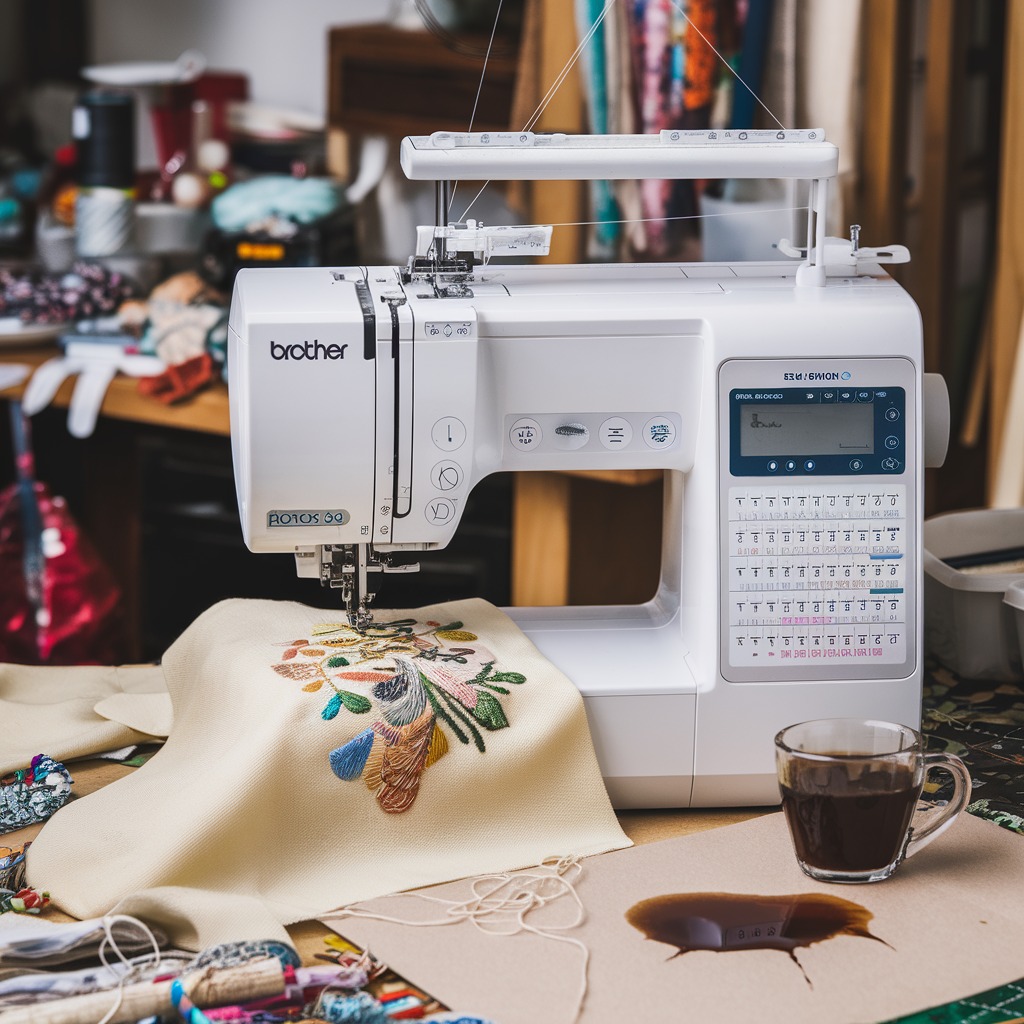
Quick answer: Common Brother DB2 series issues include skipped stitches, thread breakage, and needle breakage, often resolved by replacing the needle, rethreading, cleaning the bobbin area, or adjusting tension. For persistent problems, inspect the rotary hook or consult your machine's manual.
The Brother DB2 series industrial sewing machines are workhorses in many production environments, known for their reliability. However, like any precision machinery, they can encounter issues. This guide provides practical troubleshooting steps for the most common problems operators face, helping you get your machine back up and running with minimal downtime. We focus on issues you can often resolve yourself, identifying the parts that commonly need attention.
Two-minute checks before you open anything
- Is the machine properly threaded (upper and bobbin)?
- Is the needle new, correctly inserted, and the right type/size for your fabric?
- Is the bobbin wound correctly and inserted properly?
- Are there any visible thread jams or lint buildup in the bobbin area or thread path?
- Are the tension settings appropriate for your thread and fabric?
1. Skipped Stitches high likelihood
How to tell
Stitches are missing from the seam, appearing as gaps in the stitch line. This can be intermittent or consistent.
Fix
- Replace the needle with a new, correct size and type for your fabric. Ensure it's inserted correctly, flat side facing the back.
- Rethread the machine completely, ensuring the thread is seated properly in all guides and tension discs.
- Check the bobbin and bobbin case for correct winding, insertion, and any lint buildup. Clean the bobbin area thoroughly.
- Adjust the upper thread tension slightly. If too loose or too tight, it can cause skipped stitches.
- Inspect the rotary hook for damage or burrs. A damaged hook can interfere with loop formation.
Consider using Groz-Beckert DPX5 135X5 134R 761505 Industrial Sewing Machine Needles or Groz-Beckert 134 DPX5 135X5 Industrial Sewing Needles. For rotary hook issues, check Desheng DSH2-A1(6-7) DSH2-B1H(6-5) Rotating Hook or Hirose HSH-7.94BTR Rotary Hook.
Parts involved: Needles & needle bars → Rotary hooks & bobbin cases → Thread path & tension →
2. Thread Breakage high likelihood
How to tell
The upper or bobbin thread repeatedly breaks during sewing, causing the machine to stop.
Fix
- Replace the needle. A bent, dull, or incorrect needle is a common cause of thread breaks.
- Check the thread path for any snags, burrs, or sharp edges on thread guides, tension discs, or the needle plate.
- Ensure the thread tension is not too high. Loosen the upper tension slightly.
- Inspect the bobbin case and bobbin for burrs, incorrect winding, or lint accumulation.
- Clean the entire thread path and bobbin area of any lint or debris.
- Verify the thread quality and ensure it's appropriate for the fabric and needle size.
Fresh Groz-Beckert DBX1 16×257 DB*1 Industrial Sewing Needles can often resolve this. Inspect the rotary hook for any nicks or burrs that could fray thread.
Parts involved: Needles & needle bars → Thread path & tension → Rotary hooks & bobbin cases → Screws, springs & small parts →
Parts you may need for Brother
In stock, tested before dispatch, Buyer Protection on every order. Part types for this problem: Needles & needle bars, Rotary hooks & bobbin cases, Thread path & tension, Presser feet & sewing parts.
 Bobbin Case & 2 Metal Bobbins for Brother, Janome, Singer, Babylock...$ 5.59View part →
 11PCS Low Shank Presser Foot Kit Set for Singer Brother Janome Kenm...$ 25.09View part →
 Flying Tiger DBx1 Industrial Lockstitch Needles, 100 pcs/box, Sizes...$ 12.09View part →
 AA7032 Open Toe Quilting & Embroidery Presser Foot for Brother, Jan...$ 5.49View part →
 32-Piece Universal Presser Foot Kit for Brother CS6000i, Singer 442...$ 34.99View part →
 ORGAN HAX1 Household Sewing Machine Needles for SINGER & BROTHER, S...$ 6.49View part →
All Brother parts → Needles & Needle Bars → Rotary Hooks & Bobbin Cases → Thread Path & Tension →
3. Needle Breakage medium likelihood
How to tell
The sewing machine needle snaps during operation, often with a loud crack.
Fix
- Ensure the correct needle size and type are being used for the fabric thickness and type. A needle too fine for heavy fabric will break.
- Check that the needle is inserted correctly and fully into the needle bar, with the flat side facing the correct direction (usually away from the operator).
- Verify the presser foot is appropriate for the task and securely attached. An incorrect or loose presser foot can cause the needle to strike it.
- Inspect the needle plate hole for damage or burrs that might deflect the needle.
- Check for timing issues. If the needle is hitting the rotary hook, the timing may be off, requiring professional adjustment.
- Avoid pulling or pushing fabric forcefully while sewing, as this can bend and break the needle.
Always use high-quality needles like Groz-Beckert DPX5 135X5 134R 761505. Ensure your Industrial Curved Hemming Foot is correctly installed.
Parts involved: Needles & needle bars → Presser feet & sewing parts → Rotary hooks & bobbin cases → Head & mechanical parts →
4. Poor Stitch Quality (Uneven or Loose Stitches) medium likelihood
How to tell
Stitches appear uneven, loopy on one side of the fabric, or generally inconsistent.
Fix
- Check and adjust both upper and bobbin thread tension. Start with a balanced tension and adjust incrementally.
- Ensure the machine is threaded correctly, with the thread properly seated in all tension discs and guides.
- Verify the bobbin is wound evenly and inserted correctly into the bobbin case. Check for lint or debris in the bobbin case.
- Replace the needle. A dull or bent needle can cause poor stitch formation.
- Clean the feed dogs and needle plate area. Lint buildup can affect fabric feeding and stitch consistency.
- Ensure the presser foot pressure is appropriate for the fabric. Too little or too much pressure can affect stitch quality.
Properly functioning rotary hooks like the Hirose HSH-7.94BTR are crucial for consistent stitch quality. A new Brother #180018-0-01 Slide Plate can help with fabric feeding.
Parts involved: Thread path & tension → Rotary hooks & bobbin cases → Needles & needle bars → Presser feet & sewing parts →
5. Machine Not Sewing or Stopping Mid-Operation low likelihood
How to tell
The machine fails to start sewing, or stops unexpectedly during a sewing cycle, often with no visible error code on basic models.
Fix
- Check the power supply. Ensure the machine is plugged in securely and the power switch is on.
- Verify the foot pedal connection and functionality. Test with another pedal if available.
- Check for any thread jams in the bobbin area or around the needle bar. Clear any obstructions.
- Inspect the handwheel. If it's disengaged (clutch is loose), the needle won't move.
- For electronic models, check for any error codes displayed. Consult your machine's manual for code meanings.
- If the motor hums but nothing moves, there might be a belt issue or a mechanical jam within the machine's head.
If the issue points to electronics, the Jack A4B 220V Mainboard Stepper Motor Controller might be a factor. However, this is a complex diagnosis best left to a technician.
Parts involved: Cables & wiring → Motors & drivers → Belts, pulleys & gears → Circuit boards & electronics → Head & mechanical parts →
Maintenance schedule
| When | What to do | Why |
|---|---|---|
| Daily/Every 8 hours | Clean bobbin case, rotary hook area, and feed dogs. | Prevents lint buildup that can cause skipped stitches, thread jams, and poor stitch quality. |
| Weekly/Every 40 hours | Thorough cleaning of entire thread path, needle bar area, and lubrication. | Ensures smooth operation, reduces wear on parts, and maintains stitch consistency. Refer to your machine's manual for specific lubrication points. |
| Monthly/Every 160 hours | Inspect belts, check for loose screws, and general wear on moving parts. | Proactive maintenance helps identify potential issues before they cause significant downtime. |
Stop and call a technician if
- If the machine timing appears to be off (e.g., needle hitting the hook).
- If there are persistent electronic issues or error codes that cannot be resolved with basic troubleshooting.
- If you suspect internal mechanical damage or motor problems.
- If you've followed all troubleshooting steps and the problem persists.
Prevent it coming back
- Always use high-quality needles appropriate for your fabric and thread.
- Regularly clean lint and debris from the bobbin area, feed dogs, and thread path.
- Ensure proper upper and bobbin thread tension settings for each project.
- Lubricate your machine according to the manufacturer's recommendations (check your manual for specific points and intervals).
- Avoid pulling or pushing fabric excessively, allowing the feed dogs to do their job.
- Replace needles frequently, especially when working with dense or abrasive materials.
Frequently asked questions
Why does my Brother DB2 series machine keep skipping stitches?
Skipped stitches are most commonly caused by a dull or incorrectly inserted needle, improper threading, or issues with the bobbin and bobbin case. Always start by replacing the needle and rethreading your machine completely.
What kind of needles should I use for my Brother DB2 series?
For general sewing on your Brother DB2 series, you'll typically use industrial sewing machine needles like Groz-Beckert DPX5 135X5 134R 761505 or DBX1 16×257. Always match the needle size and point type to your fabric and thread for best results.
How often should I clean my Brother DB2 series industrial sewing machine?
For optimal performance, clean the bobbin area, feed dogs, and thread path daily or after every 8 hours of use. A more thorough cleaning and lubrication should be performed weekly or bi-weekly depending on usage.
My machine's thread keeps breaking. What should I check?
Frequent thread breakage often indicates a problem with the needle (dull, bent, wrong size), incorrect tension, burrs on the thread path components (guides, needle plate, bobbin case), or poor thread quality. Systematically check each of these areas.
Did this guide fix your machine?
Rate it - it helps other operators find the right fix.
Not sure which part is failing?
Need the logo stitched too?
Get your logo digitized by the people who know this machine
Upload the artwork, see the stitch count and the exact price in 10 seconds, then order with a free sew-out preview. $1 per 1,000 stitches, $10 minimum, 24-hour delivery. Vector conversion from $12.
After the fix
Fixed it? Keep the rest of the shop moving.
OS 360 is the shop software from the team behind this parts store. Every job keeps its status, deadline and owner while a Brother head is down, restock alerts fire for needles, hooks and bobbins before you run dry, and quotes, invoices and payment live in one place.
- Jobs with status, deadline and owner - nothing slips during downtime
- Inventory with restock alerts, this store one click away
- Instant quotes, invoices and one place to collect payment





