
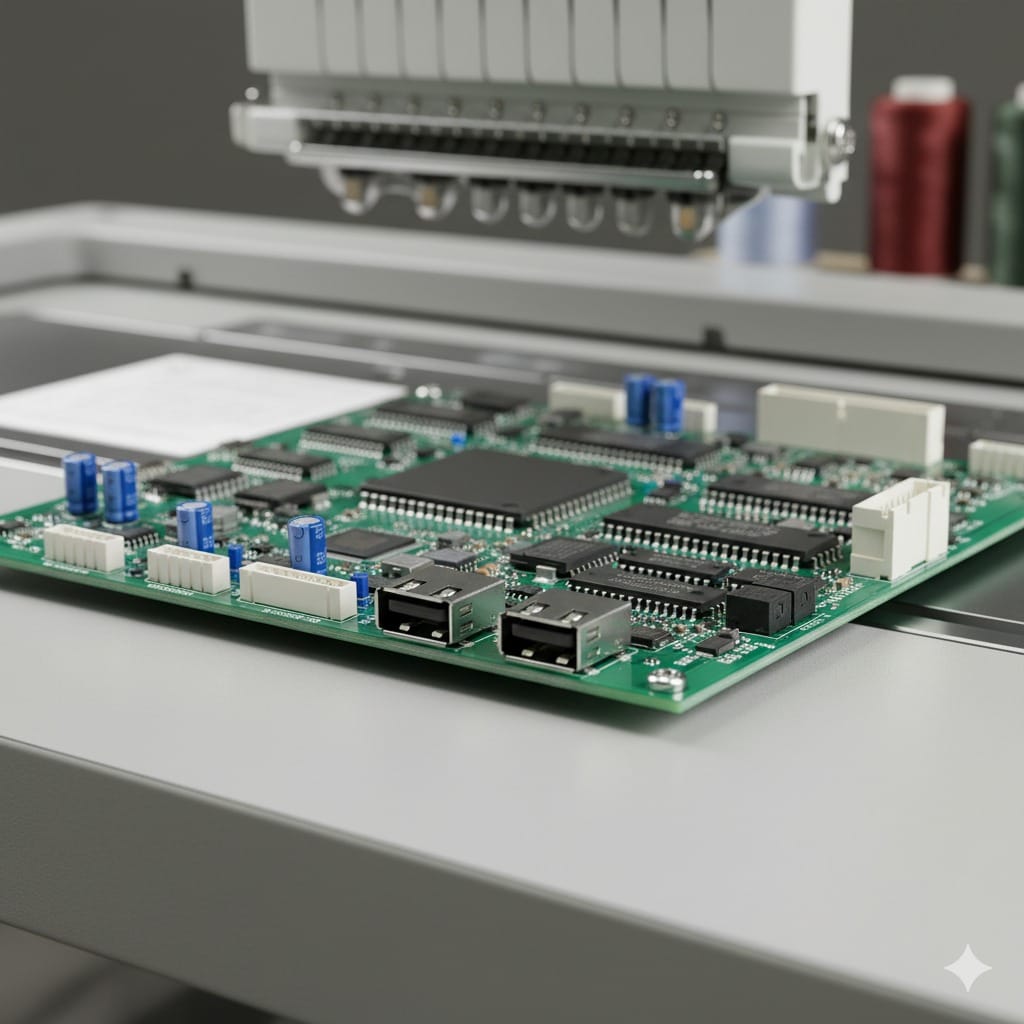
The memory expansion board and USB interface board are essential upgrades for modern embroidery machines, enhancing data management, storage capacity, and connectivity. These boards enable seamless transfer of design files, increased memory for complex patterns, and improved communication between the machine and external devices.
At 360 Digitizing Solutions, we provide high-quality memory expansion and USB interface boards compatible with major embroidery brands like Tajima, Barudan, SWF, Brother, Toyota, and Mitsubishi. This guide details their functions, benefits, types, technical specifications, maintenance, and selection criteria.
What is a Memory Expansion & USB Interface Board?
A memory expansion board increases the storage capacity of an embroidery machine, allowing larger and more complex designs to be stored and executed without interruptions. The USB interface board enables the transfer of design files from external devices, like computers or USB drives, directly to the machine.
Key Functions
- Expanded Memory: Supports storage of multiple embroidery designs simultaneously.
- Data Transfer: USB interface facilitates fast, reliable transfer of design files.
- Compatibility: Works with a variety of file formats and machine models.
- Enhanced Workflow: Reduces delays in design execution and minimizes dependency on external storage devices.
- Integration: Connects seamlessly with the machine’s control system for synchronized operation.
Types of Boards
- Memory Expansion Boards: Increase onboard memory to store larger designs or more patterns.
- USB Interface Boards: Enable direct connection of USB drives or computers for design import/export.
- Combined Boards: Offer both memory expansion and USB connectivity in a single unit for convenience and efficiency.
These boards are suitable for small, single-head machines as well as large, multi-head industrial embroidery systems.
Benefits of High-Quality Memory & USB Boards
- Faster Design Transfers: Minimize downtime between pattern changes.
- Larger Design Capacity: Handle intricate designs without memory limitations.
- Multi-Machine Compatibility: Works with Tajima, Barudan, SWF, Brother, Toyota, and Mitsubishi machines.
- Reduced Errors: Reliable data transfer reduces the risk of corrupted files.
- Future-Proofing: Supports new design formats and updates, extending machine usability.
Technical Specifications to Consider
- Memory Capacity: Check for sufficient storage to handle your design workload.
- USB Port Type & Speed: USB 2.0 vs 3.0 affects transfer rate.
- Compatibility: Ensure the board matches your machine’s brand and model.
- Supported File Formats: Verify that the board supports common embroidery design formats.
- Firmware & Software Updates: Ability to update for new machine features.
- Build Quality: Durable and resistant to industrial operating conditions.
Compatible Brands
Our boards are compatible with:
- Tajima: Efficient design handling for complex industrial patterns.
- Barudan: Multi-head coordination with large memory support.
- SWF: Fast design transfer and memory expansion for synchronized heads.
- Brother & Toyota: Reliable performance for small to medium-sized machines.
- Mitsubishi & JUKI: High-speed memory access and USB data transfers.
At 360 Digitizing Solutions, each board is tested for quality and machine compatibility.
Maintenance Tips
- Keep Ports Clean: Avoid dust accumulation in USB ports.
- Avoid Moisture: Protect boards from spills and condensation.
- Regular Firmware Updates: Ensure compatibility with new software and file formats.
- Secure Installation: Prevent vibration damage by mounting boards properly.
- Check Connections: Inspect cables and connectors for wear or damage.
How to Choose the Right Board
- Identify Your Machine Model: Know the brand, head count, and existing board specifications.
- Determine Memory Needs: Consider the size and complexity of your designs.
- Check USB Compatibility: Ensure your machine supports the board’s interface and data transfer protocols.
- Firmware & Software Support: Choose boards that can be updated for future designs.
- OEM vs Compatible Options: Select genuine or high-quality aftermarket boards for reliability.
Why Choose 360 Digitizing Solutions
- High-Quality Memory Expansion & USB Interface Boards
- Expert Advice on Selection & Installation
- Competitive Pricing & Global Shipping
- Warranty & Dedicated Support
We help your embroidery machine achieve faster design handling, increased memory capacity, and seamless data transfer for optimal performance.
Conclusion
Memory expansion and USB interface boards are essential upgrades for efficient embroidery machine operation. They enhance storage, enable fast data transfer, and support complex designs, ensuring high-quality output and reduced downtime. Visit 360 Digitizing Solutions to explore our range of high-performance boards and upgrade your embroidery setup today.




