
Blog
Melco EMT16 Series Troubleshooting: Common Problems and Fixes

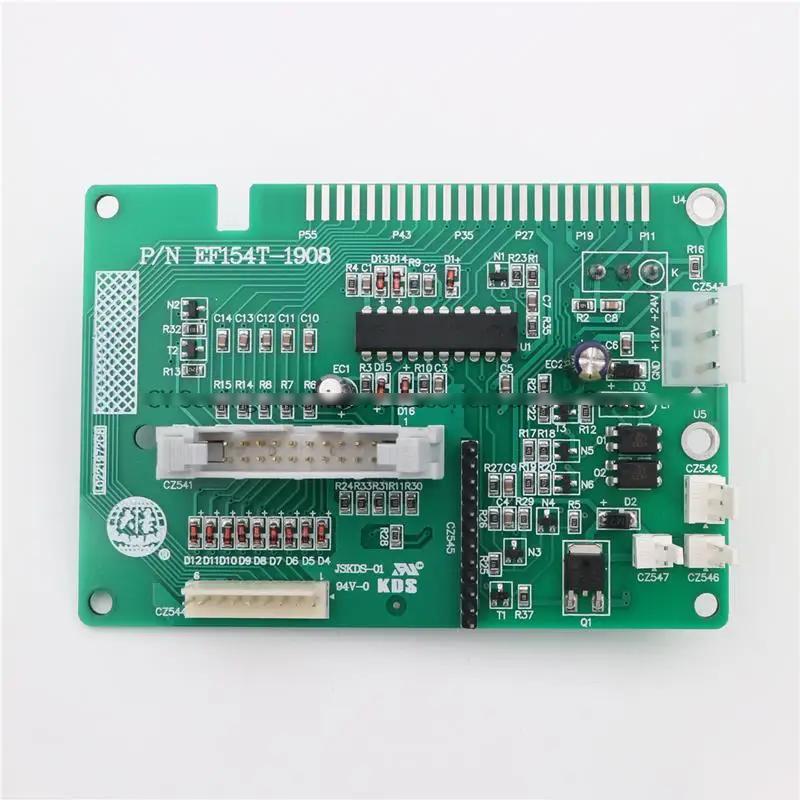
Quick answer: Common Melco EMT16 issues include thread breaks, poor stitch quality, machine not moving, and trimmer malfunctions. Most can be resolved by re-threading, cleaning, adjusting tension, or checking for obstructions. For motor or display issues, specific part replacements like stepper motors or LCD screens may be needed.
The Melco EMT16 series is a robust and popular embroidery machine, known for its precision and speed. However, like all complex machinery, operators may encounter common issues. This guide provides practical troubleshooting steps for the most frequently reported problems, helping you diagnose and resolve them quickly to minimize downtime. Always refer to your official Melco EMT16 operator's manual for detailed specifications and safety procedures.
Two-minute checks before you open anything
- Is the machine powered on and plugged in securely?
- Are all cables (power, USB, network) securely connected?
- Is the correct design loaded and selected?
- Is the bobbin correctly inserted and wound?
- Is the machine threaded correctly from spool to needle?
- Are there any visible obstructions in the needle area, rotary hook, or pantograph path?
- Is the hoop securely attached and free from damage?
1. Frequent Thread Breaks or Poor Stitch Quality high likelihood
How to tell
You experience frequent thread breaks, skipped stitches, loose loops on the top or bottom of the fabric, or birdnesting (tangled thread under the hoop).
Fix
- Re-thread the machine completely, ensuring the thread is seated correctly in all guides and tension discs.
- Check and adjust upper thread tension. Start with factory recommended settings and adjust in small increments.
- Clean the entire thread path, including tension discs, thread guides, and the needle eye, using compressed air or a soft brush.
- Replace the needle. Ensure it's the correct type and size for your thread and fabric, and inserted correctly with the scarf facing the rotary hook.
- Check the bobbin and bobbin case. Ensure the bobbin is wound evenly, inserted correctly, and the bobbin tension is appropriate. Clean any lint from the bobbin case area.
- Inspect the rotary hook for burrs or damage. Clean any lint or thread fragments from around the hook.
While specific parts aren't usually replaced for these symptoms unless damaged, ensuring you use quality needles and threads is crucial.
Parts involved: Thread path & tension → Needles & needle bars → Rotary hooks & bobbin cases → Threads & supplies → Lubrication & maintenance →
2. Machine Not Moving or Head/Pantograph Sticking medium likelihood
How to tell
The machine powers on, but the embroidery head doesn't move, the pantograph doesn't move, or movement is jerky/intermittent. You might hear grinding noises or the machine might give a 'motor error' type message.
Fix
- Power cycle the machine. Turn it off, wait 30 seconds, then turn it back on.
- Check for any physical obstructions preventing movement of the head or pantograph. Clear any fabric, thread, or tools.
- Inspect all visible belts for wear, looseness, or damage. Gently check their tension.
- Check the connections to the stepper motors. Ensure they are secure and free from damage.
- If the pantograph is stuck, try moving it manually (with power off) to feel for resistance. Lubricate guide rails if stiff (refer to your machine manual for approved lubricants and points).
- If a specific motor is suspected, a technician may need to diagnose further or test the motor and its driver.
Issues with pantograph movement or main drive could involve the 57BYG250B 1.2N.m Nema 23 Stepper Motor with Brake. Smaller movements within the head might involve the 14HS20-1504S Nema 14 Stepper Motor.
Parts involved: Motors & drivers → Belts, pulleys & gears → Shafts, bearings & bushings → Cables & wiring → Lubrication & maintenance →
Parts you may need for Melco
In stock, tested before dispatch, Buyer Protection on every order. Part types for this problem: Rotary hooks & bobbin cases, Needles & needle bars, Thread path & tension, Presser feet & sewing parts.
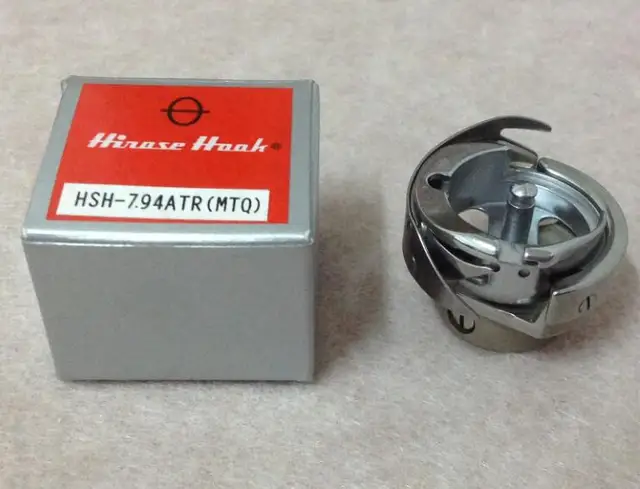 Hirose HSH-7.94ATR(MTQ) KHS12-RYP Rotary Hook for Tajima, Barudan, ...$ 18.09View part →
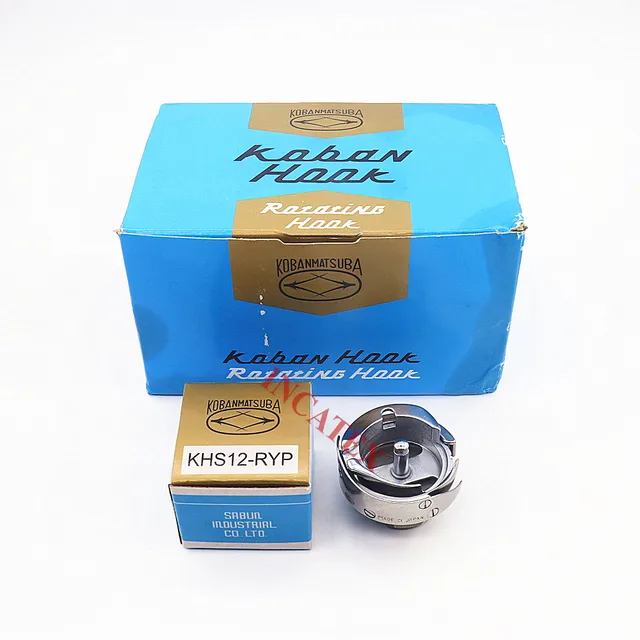 Koban KHS12-RYP Rotary Hook with Trimmer for Tajima, Barudan, SWF, ...$ 37.29View part →
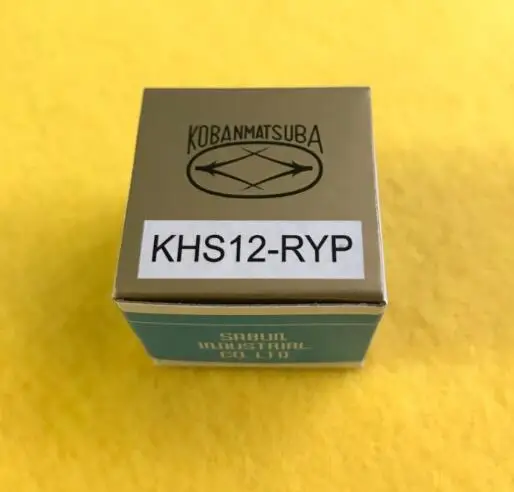 KHS12-RYP Standard Rotary Hook L Size for Tajima, Barudan, SWF, Fei...$ 20.99View part →
 Groz-Beckert DBxK5 RG Embroidery Needles (500 Pcs) for Tajima Barud...$ 85.99View part →
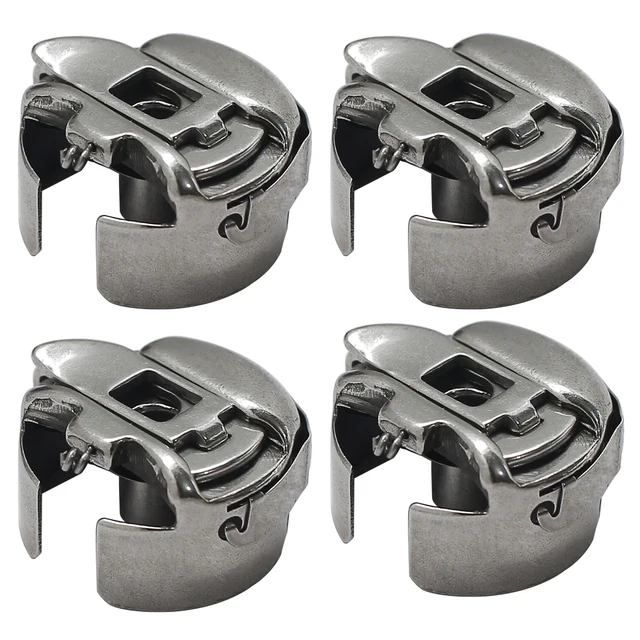 BC-DBZ(3)-NBL Small L Pigtail Embroidery Bobbin Case for Barudan, M...$ 16.09View part →
 GATYZTORY 60x75cm Colorful Cat Paint by Numbers Kit with Frame for ...$ 15.99View part →
All Melco parts → Rotary Hooks & Bobbin Cases → Needles & Needle Bars → Thread Path & Tension →
3. Thread Trimmer Malfunction (Not Cutting or Jamming) medium likelihood
How to tell
Threads are left long after a trim command, the machine stops with a 'trim error', or you hear unusual noises during trimming.
Fix
- Clean the trimmer area thoroughly. Remove any lint, thread scraps, or debris that might be obstructing the blades or mechanism.
- Inspect the trimmer blades for dullness, nicks, or damage. Worn blades may need replacement.
- Check for any loose screws or components in the trimmer assembly.
- Ensure the thread is properly tensioned before the trim. Incorrect tension can sometimes cause poor trims.
- If the trimmer is consistently failing, it may require adjustment or replacement of specific components by a qualified technician.
Trimmer blades and associated small parts are common wear items.
Parts involved: Cutters & trimmers → Screws, springs & small parts → Lubrication & maintenance →
4. Display or Control Panel Issues low likelihood
How to tell
The machine's LCD screen is blank, displays garbled text/graphics, or the touch screen is unresponsive.
Fix
- Power cycle the machine. Turn it off, wait 30 seconds, then turn it back on.
- Check all visible cable connections to the display panel from the main board. Ensure they are seated firmly.
- If the screen is completely blank, check if the backlight is on. If not, it could indicate a power issue or screen failure.
- If the display is garbled or unresponsive, the LCD screen itself may be faulty and require replacement.
A faulty display can often be resolved by replacing the M014JP1A Industrial LCD Screen Replacement for AGM240128B.
Parts involved: Control panels & displays → Cables & wiring → Circuit boards & electronics →
Maintenance schedule
| When | What to do | Why |
|---|---|---|
| Daily/Every 8 hours of operation | Clean thread path, bobbin area, and under the needle plate. | Prevents lint buildup that can cause thread breaks and poor stitch quality. |
| Daily/Every 8 hours of operation | Lubricate specified points (refer to manual). | Ensures smooth operation of moving parts and reduces wear. |
| Weekly/Every 40 hours of operation | Inspect trimmer blades and clean trimmer mechanism. | Maintains efficient thread cutting and prevents jams. |
| Monthly/Every 160 hours of operation | Check belts for tension and wear. | Ensures proper machine movement and prevents slippage or breakage. |
| Quarterly/Every 500 hours of operation | Thorough cleaning of entire machine, including hard-to-reach areas. | Removes accumulated debris and allows for detailed inspection of components. |
Stop and call a technician if
- If you suspect a major electrical fault or circuit board issue.
- If the machine timing is off and you are unsure how to adjust it.
- If you've performed all troubleshooting steps and the problem persists.
- For complex mechanical repairs involving internal components you are not comfortable accessing.
Prevent it coming back
- Regularly clean your machine, especially the thread path, bobbin area, and trimmer assembly, to prevent lint buildup.
- Use high-quality needles and threads appropriate for your fabric and design.
- Perform routine lubrication as recommended in your machine's manual.
- Inspect hoops for damage and ensure garments are hooped correctly and securely.
- Keep your workspace clean and free of debris that could fall into the machine.
- Follow proper shutdown procedures to prevent potential software or hardware glitches.
Frequently asked questions
Why does my Melco EMT16 keep breaking needles?
Needle breaks are often caused by incorrect needle size for the fabric/thread, a bent needle, incorrect needle insertion, hoop movement, or timing issues. Check your needle, re-hoop your garment, and ensure your machine's timing is correct. Also, check for burrs on the needle plate or rotary hook.
How often should I lubricate my Melco EMT16?
Lubrication intervals vary based on machine usage. As a general guideline, daily users should perform light oiling daily or every few hours of operation, while less frequent users might do it weekly. Always refer to your Melco EMT16 operator's manual for specific lubrication points and recommended intervals and oil types.
My Melco EMT16 is making a strange noise. What should I do?
Unusual noises can indicate several issues. First, stop the machine immediately. Check for loose parts, obstructions, or thread tangled in moving components. If the noise persists after clearing obvious issues, it could indicate a worn bearing, gear, or motor problem, and may require professional diagnosis.
Can I use any brand of hoop on my Melco EMT16?
While some generic hoops may fit, it's best to use hoops specifically designed for Melco EMT16 machines to ensure proper fit, tension, and machine compatibility. Using incompatible hoops can lead to registration issues, hoop strikes, and potential machine damage. We stock Melco Magnetic Hoop Frame for Amaya Bravo, XT, XTS, EMT16X, EMT16 Plus, Bernina E16.
Did this guide fix your machine?
Rate it - it helps other operators find the right fix.
Not sure which part is failing?
Need the logo stitched too?
Get your logo digitized by the people who know this machine
Upload the artwork, see the stitch count and the exact price in 10 seconds, then order with a free sew-out preview. $1 per 1,000 stitches, $10 minimum, 24-hour delivery. Vector conversion from $12.
After the fix
Fixed it? Keep the rest of the shop moving.
OS 360 is the shop software from the team behind this parts store. Every job keeps its status, deadline and owner while a Melco head is down, restock alerts fire for needles, hooks and bobbins before you run dry, and quotes, invoices and payment live in one place.
- Jobs with status, deadline and owner - nothing slips during downtime
- Inventory with restock alerts, this store one click away
- Instant quotes, invoices and one place to collect payment